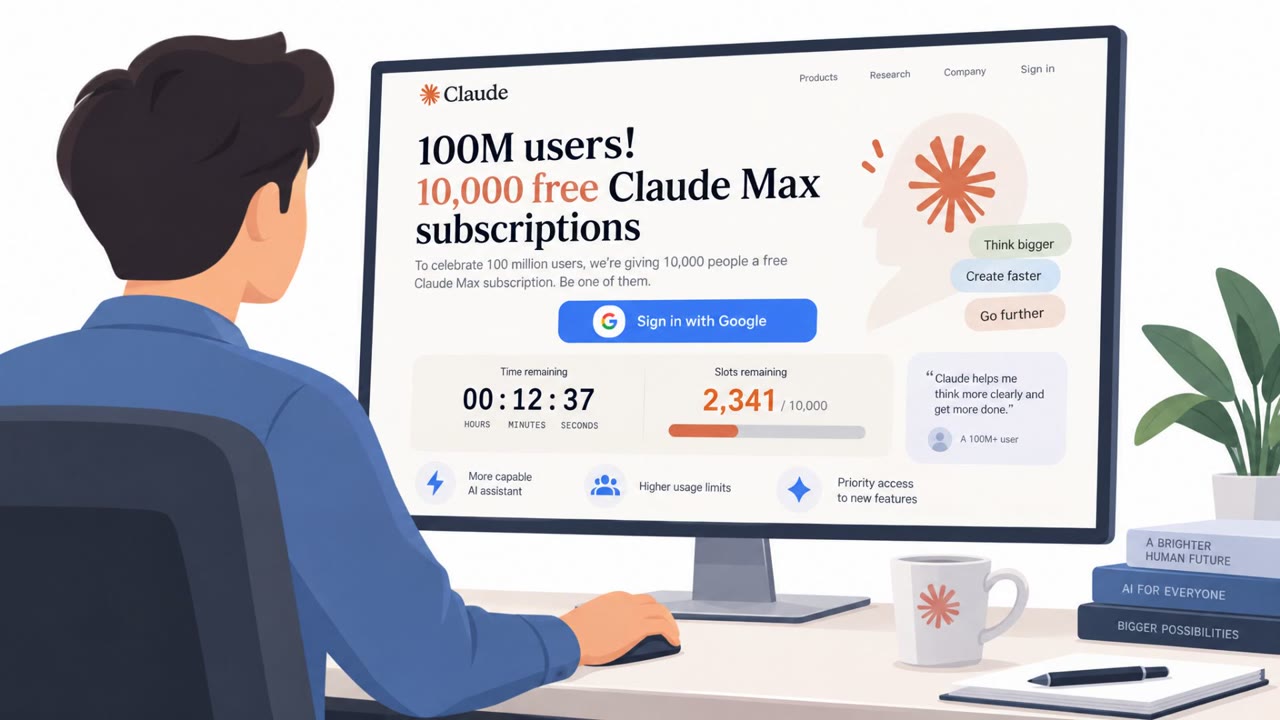
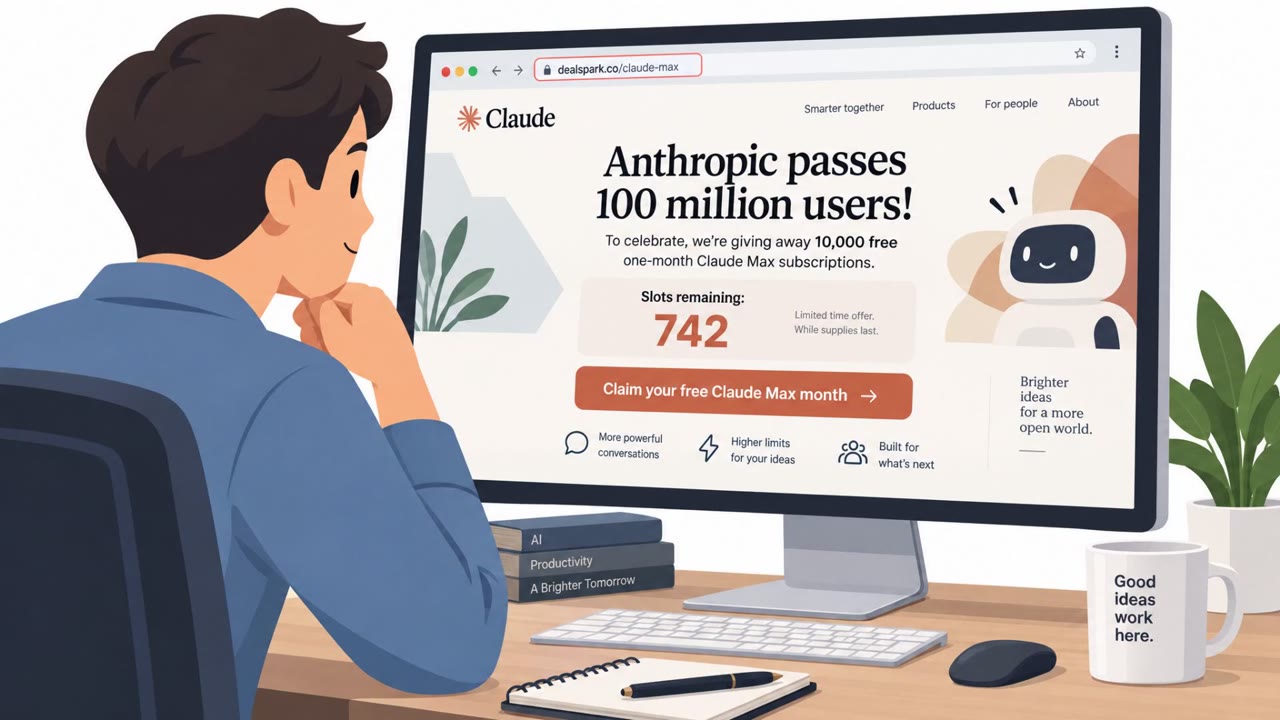
Microsoft Threat Intelligence reports real campaigns where attackers impersonate popular AI tools (like ChatGPT, Copilot, DeepSeek, and Claude) to trick people into clicking links, installing fake software, or entering payment and login details. One campaign sent up to 100,000 emails in a day to steal ChatGPT Plus payment data, while another used a document-sharing lure to push a legitimate Microsoft “device code” login flow for business email compromise.
Key findings
- Attackers impersonated AI brands (ChatGPT, Copilot, DeepSeek, Claude) to make phishing and malware lures more believable.
- A ChatGPT-themed phishing campaign sent “up to 100,000 emails in a single day” to trick users into “updating their ChatGPT Plus payment information” and steal “personal and credit card data.”
- Microsoft observed multiple AI-themed campaigns, including credential/access token theft (AiTM), fake installers, and malvertising delivering the Vidar stealer.
- An initial access broker tracked as Storm-3075 used AI-themed malvertising to distribute payloads for multiple downstream actors.
- A real BEC case used a document-sharing lure to trigger a legitimate Microsoft device code sign-in flow; Defender “disrupted the attack within four minutes” before inbox rules/persistence/payroll fraud.
Who’s being targeted
- Commonly targeted roles: All employees, Finance, Payroll, HR, Executives, IT.
- Affected industries: Cross-industry (any organization using email and cloud logins), Finance and payroll functions (BEC risk).
- Attack channels: email, website.
- Impersonated: ChatGPT billing/support, A colleague or external partner sharing a document, An AI tool/plugin publisher (fake AI Windows plugin).
Awareness takeaways
- Treat AI-branded messages (policy updates, model releases, plugins) as potential scams and verify using official sources instead of links in messages.
- Be skeptical of payment-update emails and never enter card details from an unsolicited email link; navigate to the service directly.
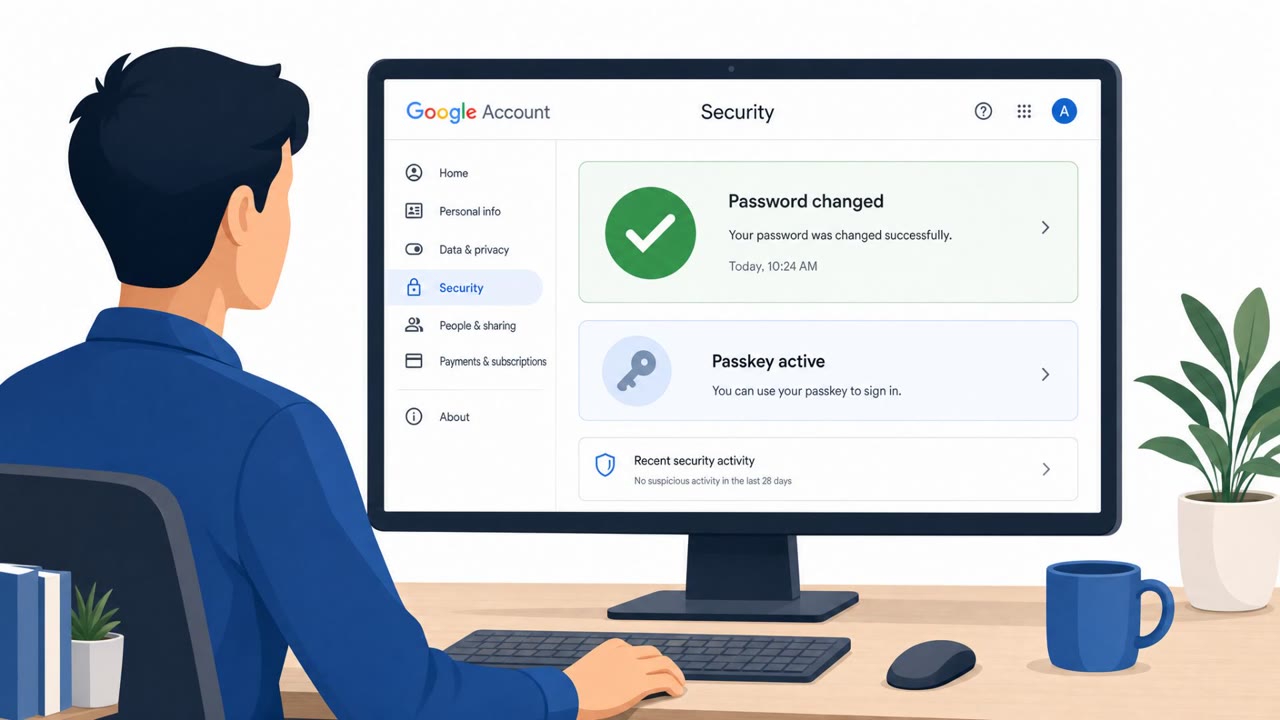
- Watch for sign-in tricks that use real login flows (like device code) as part of BEC, unexpected authentication steps are a major warning sign.
- Avoid downloading ‘AI plugins’ or installers from ads or untrusted sites; use approved software channels and involve IT for new tools.
Red flags to watch for
- Unexpected billing/payment update request
- Link goes to a lookalike domain or unusual payment page
- Pressure/urgency to act quickly to avoid service interruption
- Unexpected document share that immediately leads to an authentication prompt
- Unusual sign-in flow that asks for a device code (not your normal login path)
- Sign-in prompts that don’t match the document context or expected sender
- Software promoted via ads leading to unfamiliar download sites
- Installer not from an official vendor site/store
- Requests to bypass security warnings to install
Read the video transcript
That email saying, “Please update your ChatGPT Plus payment information”? That might not be ChatGPT at all. Microsoft found a ChatGPT-themed phishing wave blasting up to 100,000 emails a day, plus lookalikes for Copilot, DeepSeek, even Claude, pushing fake payment pages, bogus installers, and AI plugins hiding malware. One case was sneakier: a fake document share triggered a real Microsoft device code sign-in. The login box was legit, but the reason you saw it wasn’t. That’s the trap: real sign-in flow, fake story. So when you get any AI-branded email about billing, plugins, or sign-ins, don’t click the link, open the service yourself in a new tab and check from there.