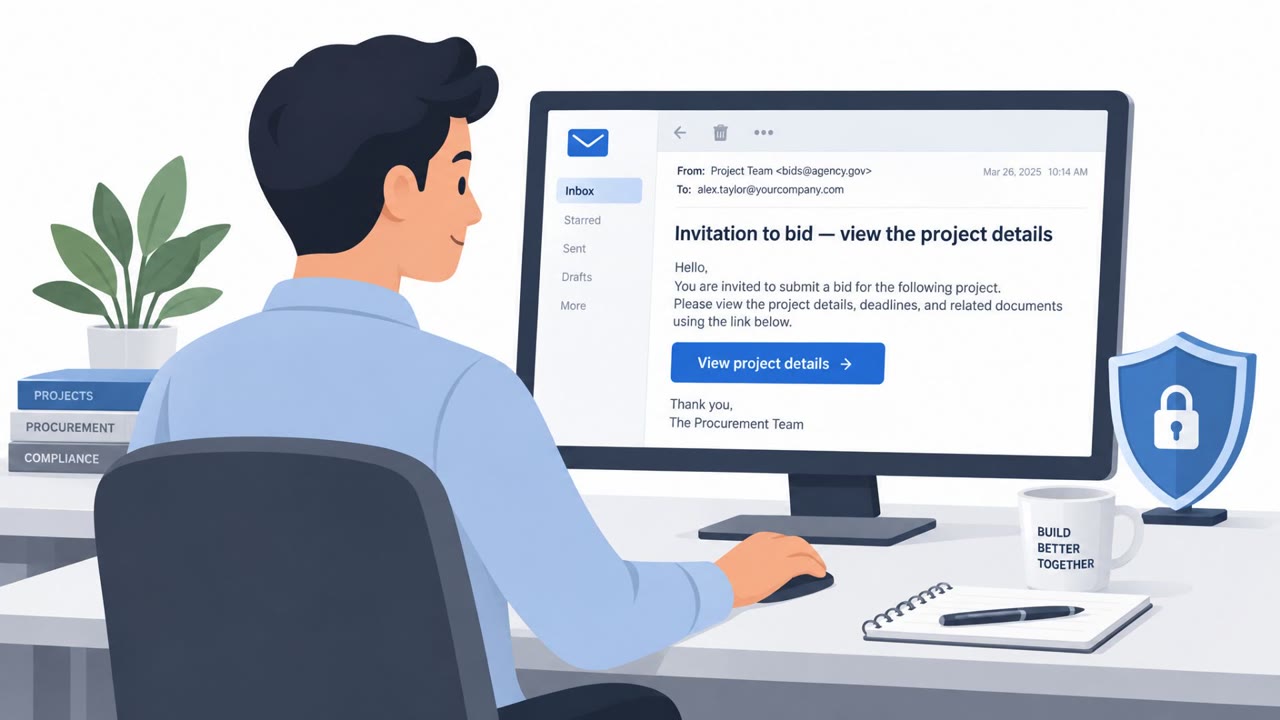
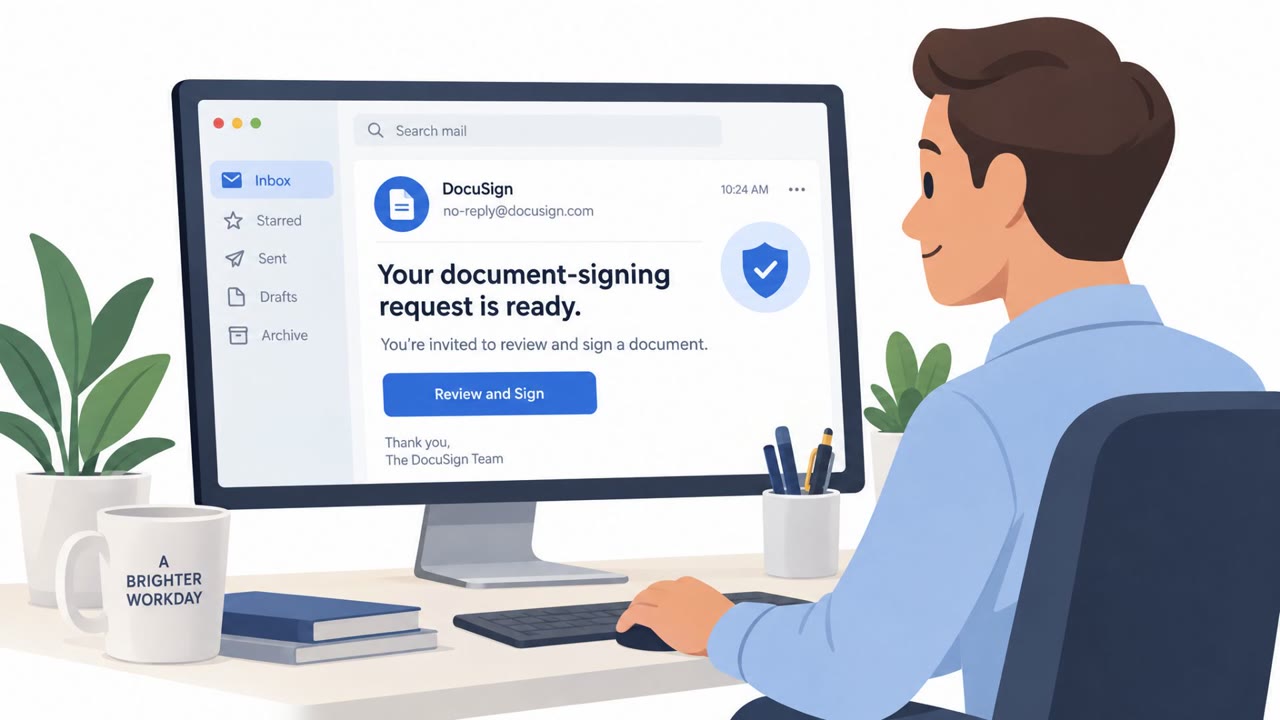
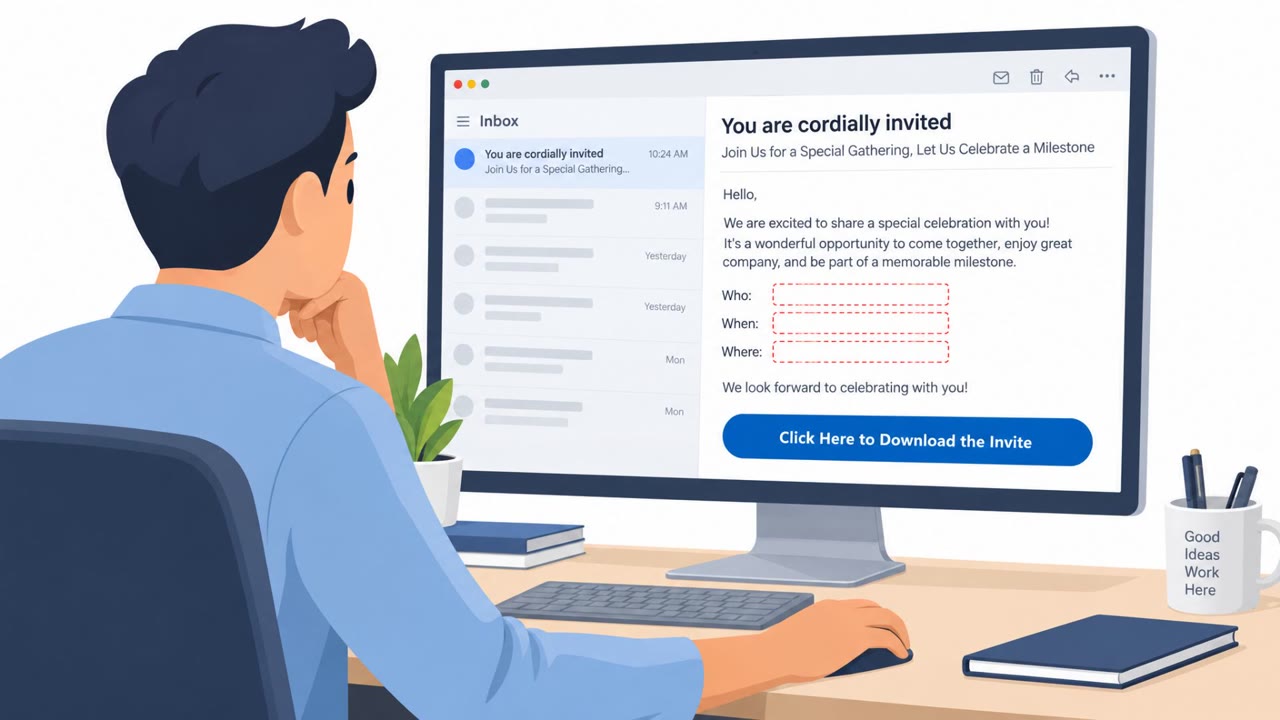
Threat actors are hijacking existing email conversations, or patiently starting new ones, to build trust before sending a malicious reply. The final message commonly poses as a meeting invitation, secure message, shared file, or important document and leads to credential theft or remote-access malware.
Key findings
- Attackers place the malicious message at the end of a legitimate-looking or compromised email thread to exploit trust in the sender and conversation history.
- The final lure often looks like a standard meeting invitation, shared document, file link, or secure-message notification.
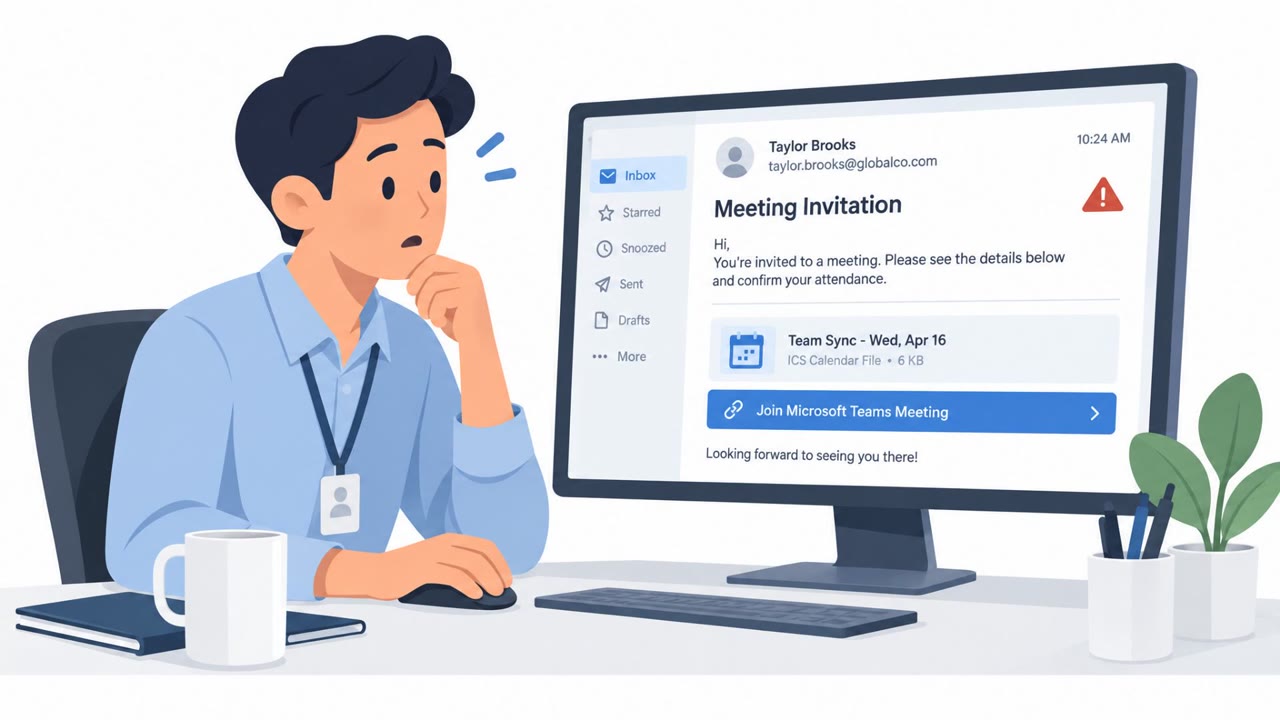
- A meeting invitation link in one campaign delivered GoTo RAT, an abused legitimate remote-access tool.
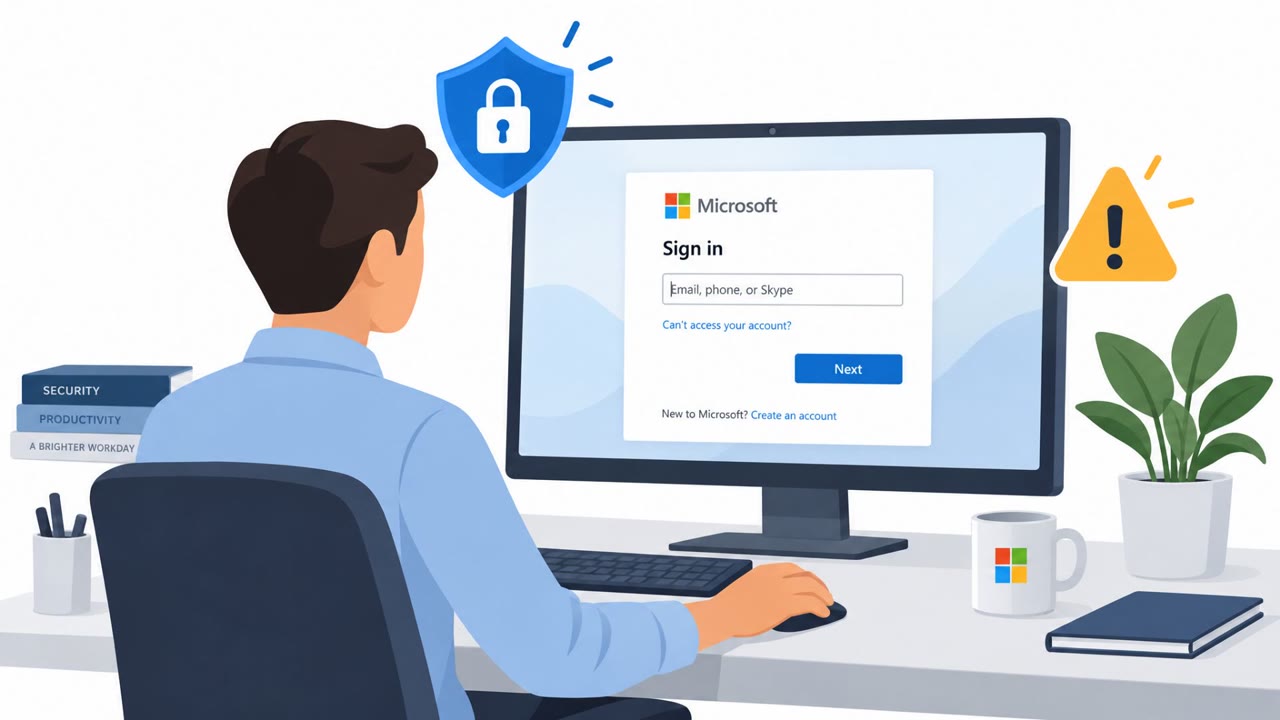
- A secure-message notification link in another campaign led either to a Microsoft-spoofing credential-phishing page or a ConnectWise RAT download.
- Credential-phishing campaigns became especially prevalent in Q2 and Q3 2026, representing 62.5% and 92.1% of response-themed threat-report volume, respectively.
- A familiar sender name and an existing email thread should not be treated as proof that a link, attachment, or login request is safe.
Who’s being targeted
- Commonly targeted roles: All employees, Administrative staff, Project managers, Finance, Human resources, Legal, Employees who work with external contacts or vendors.
- Attack channels: email, website.
- Impersonated: A known email contact in an existing thread, A secure message service and Microsoft sign-in page.
Awareness takeaways
- Treat unexpected links, attachments, and login requests as suspicious even when they arrive from a familiar contact in an established email thread.
- Verify unusual requests with the sender using a known phone number or other contact method obtained outside the email.
- Pause when an email thread abruptly introduces a meeting invite, shared-file link, secure-message notice, or important document.
- Report suspicious replies quickly so security teams can investigate and protect other recipients.
Red flags to watch for
- A long-running thread suddenly introduces an unexpected link.
- The meeting invitation is not consistent with the prior discussion or was not expected.
- The link leads to a site unrelated to the normal meeting platform.
- A reply in an otherwise normal thread unexpectedly asks for account verification.
- The supposed secure-message link redirects to a sign-in page rather than the expected service.
- The sender or thread history is familiar, but the request to log in is unusual.
Read the video transcript
Same contact. Same email thread. New meeting invite. That’s the trick: someone hijacks a real conversation, then adds a link. One fake meeting invite delivered GoTo RAT, a remote-access tool. Another reply says 'Secure message notification.' Its link can open a fake Microsoft sign-in or download ConnectWise RAT. The thread is familiar; the request isn’t. Unexpected invite or login request in a familiar thread? Call the sender using a number you already have.