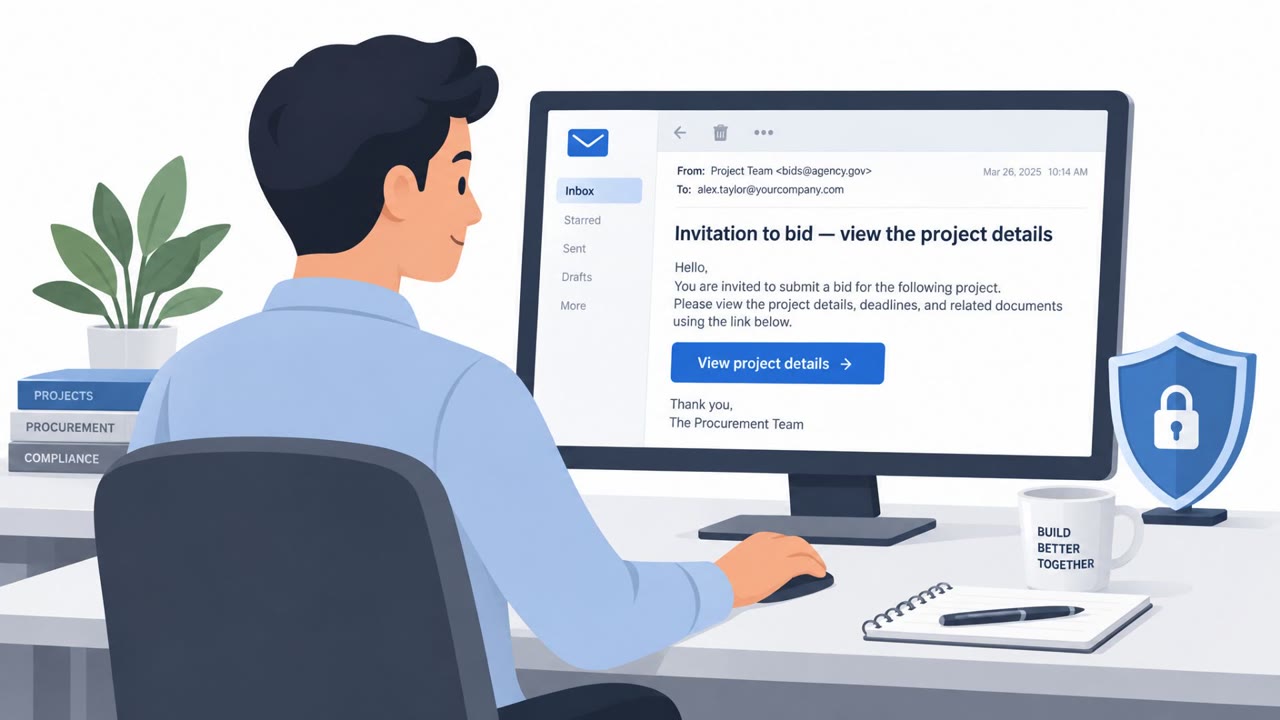
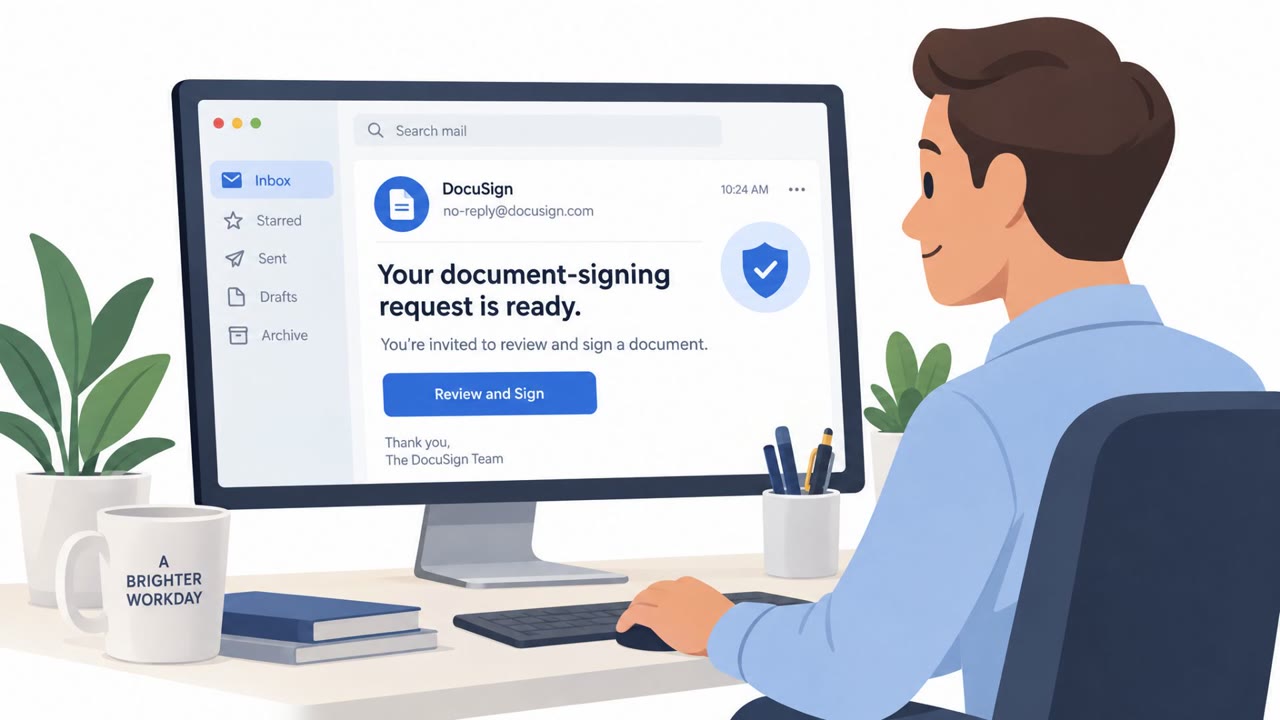
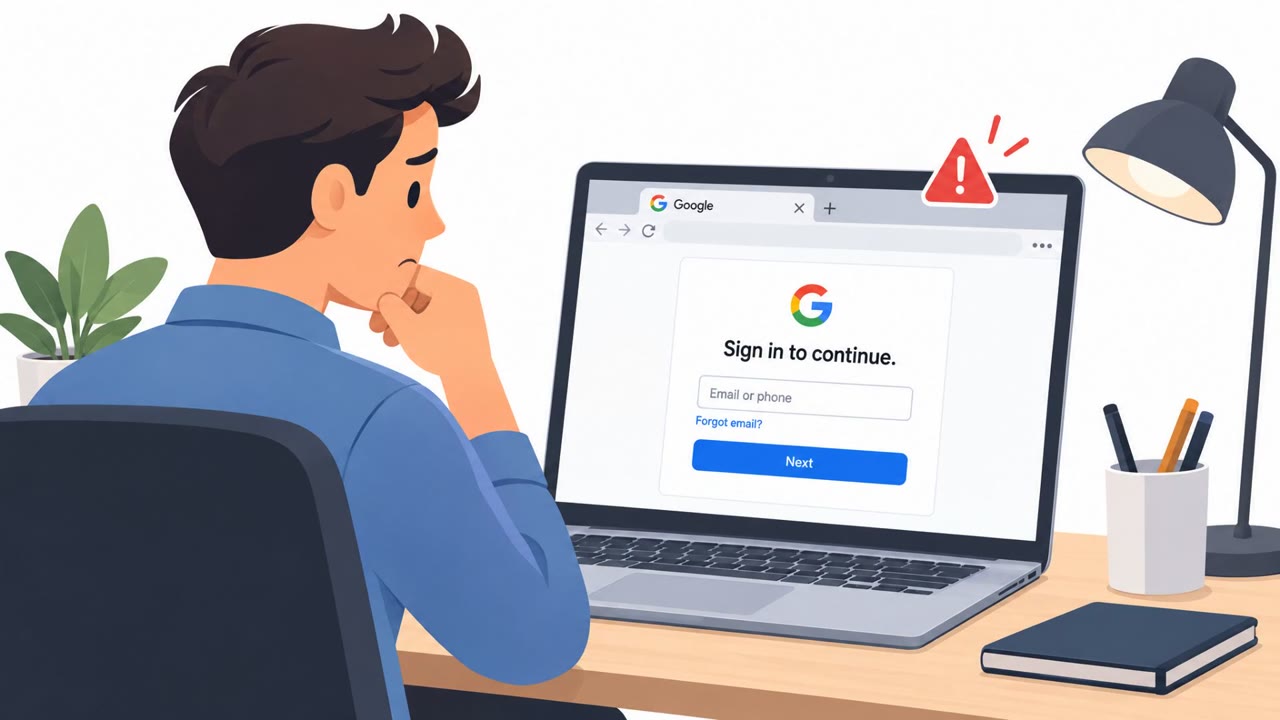
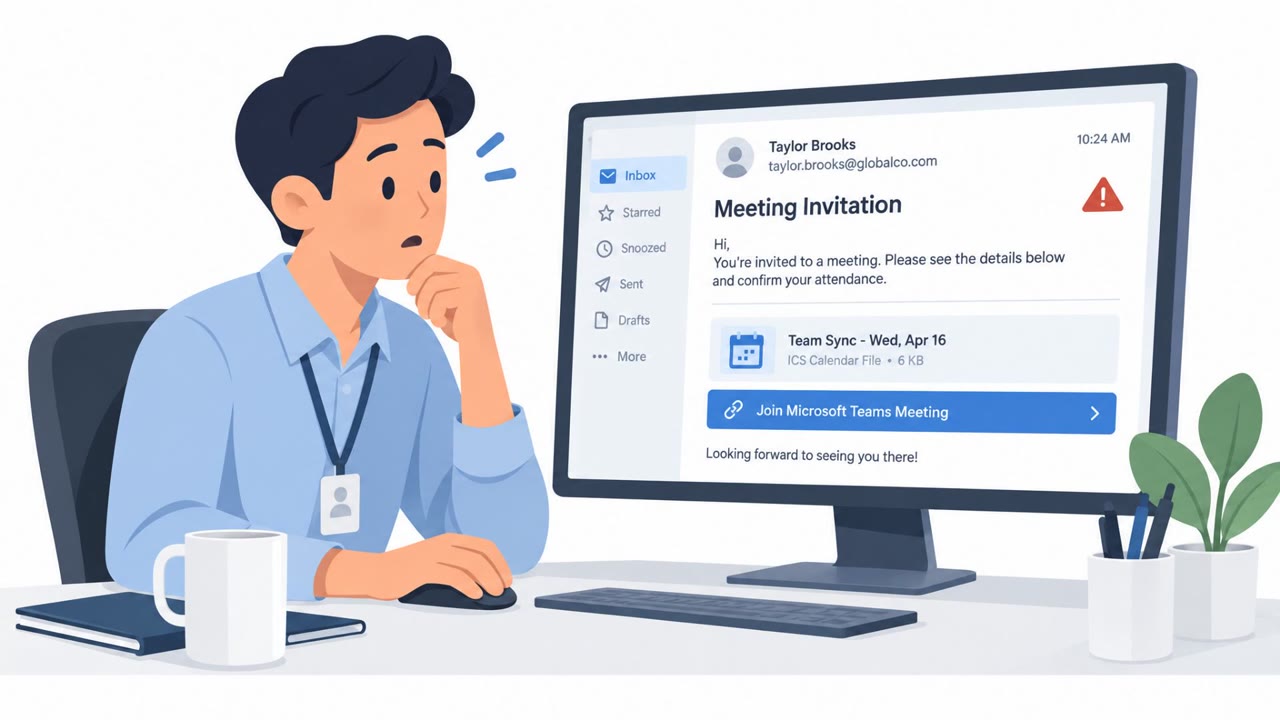
Attackers are using real OAuth sign-in and consent flows to steal access tokens or trick users into authorizing malicious apps. Because the victim signs in through a legitimate identity provider and completes MFA, attackers can gain durable access that may survive password resets. The article describes device-code phishing, consent-screen impersonation, and malicious redirects as practical attack paths.
How the attack works
OAuth phishing does not try to steal a password directly. Instead, it abuses legitimate sign-in and consent flows so the victim authenticates through a real identity provider while the attacker ends up with the resulting access token or consent grant. Because the sign-in itself is genuine and MFA is completed normally, the attacker gains durable access that can survive a password reset unless the underlying refresh token is explicitly revoked.
Three practical paths show up in this attack pattern:
- Device authorization abuse, where an attacker requests a device sign-in code and persuades the victim to enter it on the real device-login page, unknowingly authenticating the attacker's session.
- Permission hijacking, where an application is registered with a vague or innocuous name and then requests permissions far beyond what that name implies.
- Malicious redirects, where an authorization URL is crafted to deliberately trigger an authentication error, causing the identity provider to append error parameters to the redirect URI and send the browser to an attacker-controlled page.
Why it succeeds
Each of these techniques relies on a trusted surface that users have learned to trust by default. A device-login page is real. A consent screen comes from a legitimate identity provider. A familiar brand name appears on the authorization request. None of these details actually verify that the requesting application or the person initiating the sign-in is legitimate, since the consent screen only shows the name provided at registration, not a verified identity.
What to watch for
- A device-login code that was not initiated by your own device or action.
- An application name that is vague, generic, or gives no real signal about its purpose, such as a security or privacy-sounding extension.
- A consent request asking for permissions that exceed what the application should reasonably need.
- A sign-in flow that produces an unexpected error, or a final destination that differs from the identity provider you started with.
Building resistance
Awareness should focus on treating the consent screen itself as the attack surface, not just the login page. Employees should be trained to never enter a device-login code or approve a sign-in unless they personally started that sign-in on a device they control, and to read consent screens carefully rather than clicking Allow by habit. A familiar brand name or a legitimate identity provider URL should not be treated as proof of legitimacy on its own. On the organizational side, restricting end-user application consent, requiring administrator approval for new app permissions, and regularly auditing redirect URIs and granted permissions can reduce the chance that one approved click leads to lasting account access. See the related techniques: T1528, T1550.001, and T1656 for more detail on how these token-based access methods are classified.
Key findings
- OAuth phishing can bypass MFA because the victim completes authentication through a legitimate identity provider before the attacker obtains the resulting token or consent grant.
- Refresh tokens can provide lasting access and may survive password resets unless they are explicitly revoked.
- Device authorization abuse persuades a victim to enter an attacker-generated code at a legitimate device-login page.
- Permission hijacking uses vague application names or trusted-brand impersonation to persuade victims to approve excessive permissions.
- Malicious redirect campaigns abuse trusted identity-provider flows to send victims to attacker-controlled phishing or malware pages.
- Organizations should restrict end-user application consent, require administrator approval, and audit redirect URIs and granted permissions.
Who’s being targeted
- Commonly targeted roles: All employees, Microsoft 365 users, SaaS application users, IT administrators, Identity and access management teams, Application owners.
- Affected industries: Cross-industry enterprises, Organizations using cloud identity providers, Organizations using third-party SaaS applications.
- Attack channels: email, website.
- Impersonated: Microsoft device sign-in, A trusted brand or innocuous security/privacy application, A legitimate identity provider or trusted service.
Red flags to watch for
- The code was initiated by someone else rather than by the employee's own device.
- The request asks the employee to authenticate a device they did not set up.
- A legitimate Microsoft page does not make the unsolicited code safe.
- The app name is vague, such as "Security App" or "Privacy Policy Extension."
- Requested permissions exceed what the app's stated purpose needs.
- A familiar brand name on the consent screen does not prove that the underlying application is legitimate.
- The final destination changes from the identity provider to an unexpected domain.
- The sign-in flow produces an unexpected error or redirect.
- The URL contains an unfamiliar destination or suspicious error parameters.
Frequently asked questions
Can OAuth phishing really bypass MFA?
Yes. The victim completes authentication through a legitimate identity provider and satisfies MFA, but the attacker ends up with the resulting token or consent grant, giving them access without ever needing the password or MFA code directly.
Why doesn't a password reset stop this attack?
Refresh tokens can provide lasting access and may survive password resets unless an administrator explicitly revokes them.
What is device-code phishing?
An attacker requests a device sign-in code from a legitimate identity provider, then tricks the victim into entering that code on the real login page, unknowingly authenticating the attacker's session.
How can organizations reduce this risk?
Organizations should restrict end-user application consent, require administrator approval for new app permissions, and audit redirect URIs and granted permissions.
Read the video transcript
A real Microsoft sign-in page can still be a trap. An email says, ‘Go to microsoft.com/devicelogin and enter this code.’ You sign in and pass MFA, but that code links your account to a device you never set up. That’s device-code OAuth phishing. The same trick can hide behind ‘Security App’: click Allow on excessive permissions, and a token may keep access even after a password reset. Your move: approve sign-ins or app access only when you started the request yourself.