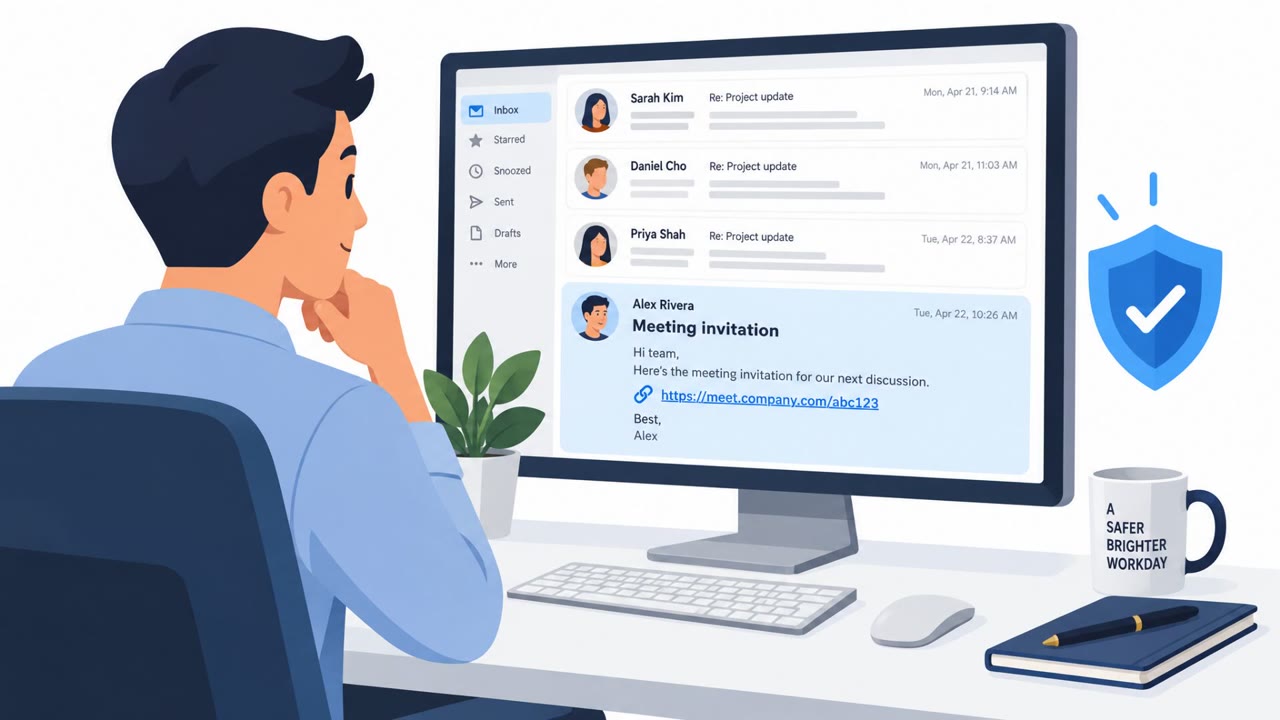
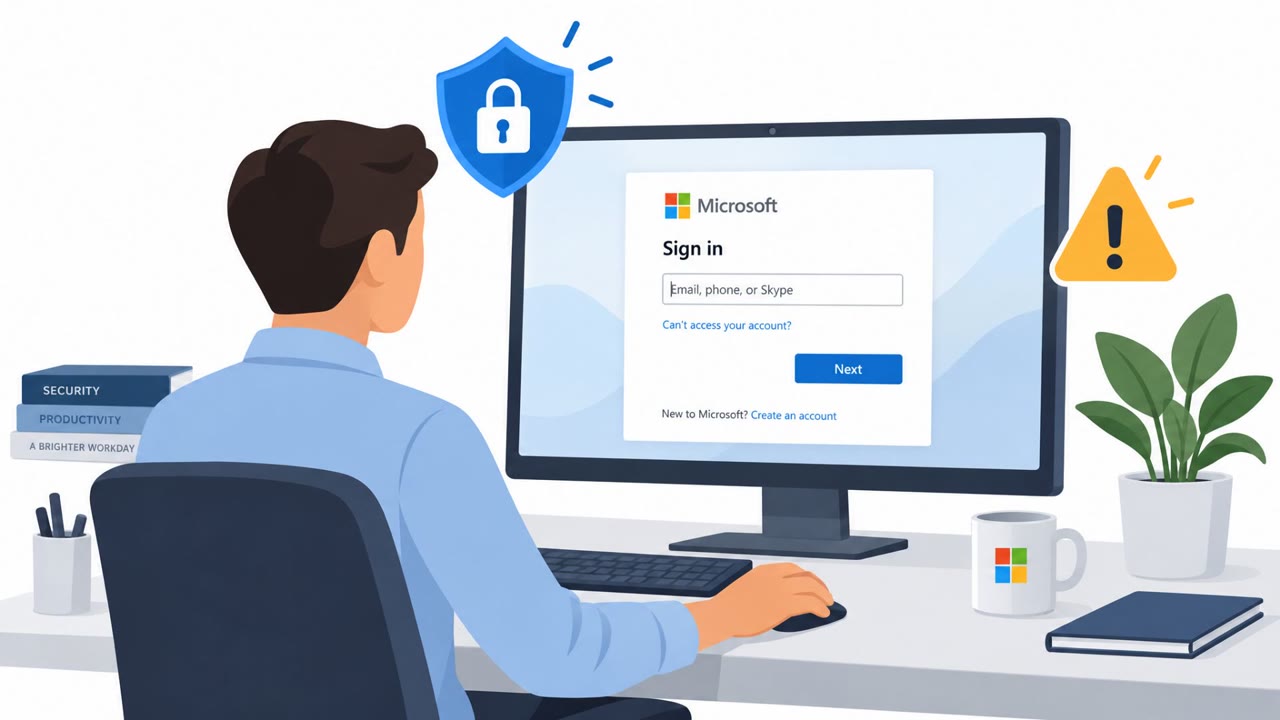
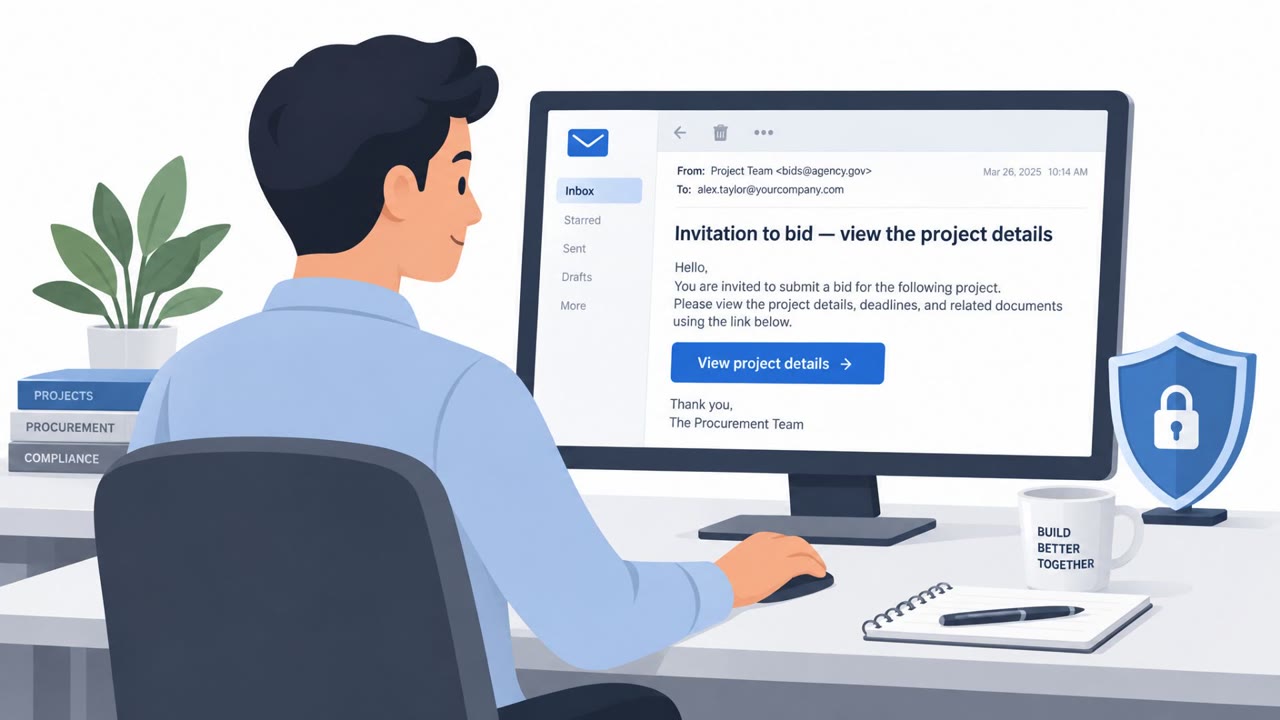
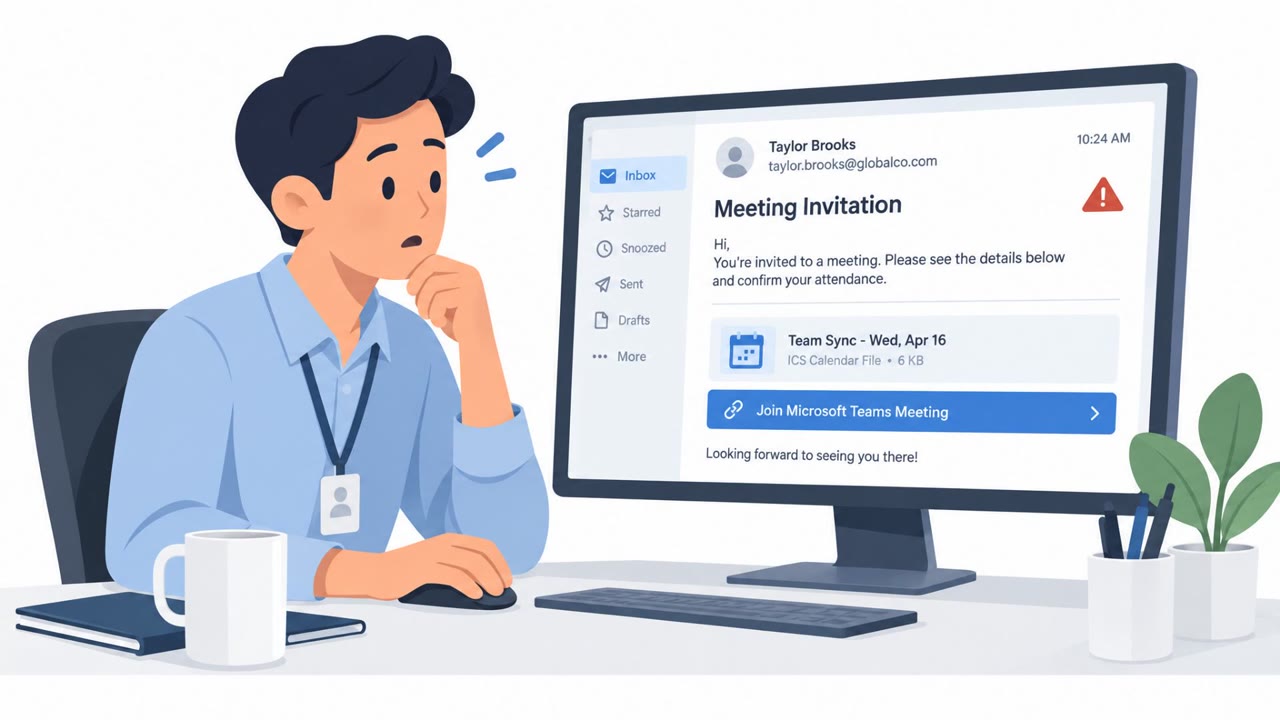
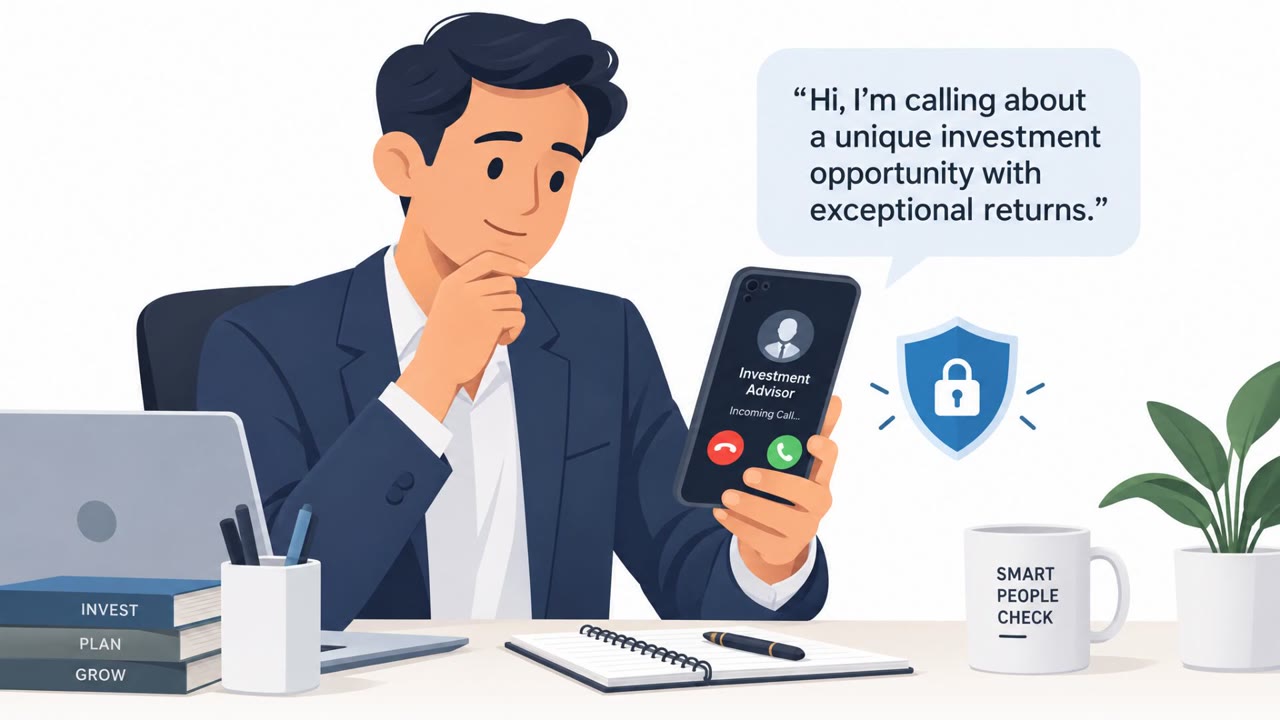
Proofpoint described real campaigns where attackers used highly tailored, AI-style messages to make phishing and payment fraud requests appear routine. Examples included property enquiries that led to malicious meeting invitations, device-code phishing pages disguised as business services, and fake vendor invoices with fabricated email threads. The common warning sign was not poor writing, but an unexpected request to click, sign in, join a meeting, or change payment details.
Key findings
- A threat actor contacted more than 30 real estate agents using different accounts, property listings, and wording, but ultimately pushed every recipient to join a video meeting.
- One campaign used a genuine Google redirect URL that then passed the visitor to an unrelated site, allowing the link to appear reputable in basic checks.
- A phishing-as-a-service kit reused one device-code phishing workflow behind four business-themed disguises: court access, document signing, identity verification, and a finance report library.
- A BEC example used a fabricated email conversation, a detailed invoice, a supposed 50 percent loyalty rebate, and a same-day payment request to make fraud appear legitimate.
- A supplier bank-detail change request used urgency, an off-thread conversation request, and a claim that the finance mailbox was 'mid-migration' to prevent normal verification.
- AI enables attackers to create fluent, individualized messages at scale, making spelling, repeated templates, and sender reputation less reliable warning signals.
Who’s being targeted
- Commonly targeted roles: All employees, Real estate agents, Property and leasing staff, Accounts payable, Finance managers, Procurement staff, Legal staff, Administrative staff, Vendor-management teams.
- Affected industries: Real estate, Insurance, Healthcare clinics, Professional services, Banking, Finance and accounting.
- Attack channels: email, website.
- Impersonated: Prospective property buyer or inspection attendee, Court access portal, document-signing service, identity-verification service, or finance report library, Audit vendor.
Awareness takeaways
- Treat an unexpected request to join a meeting as a risk decision, even when the sender's enquiry appears genuine and well written. Verify the request through a known contact method before opening the link.
- Never enter a verification or device code supplied by an unsolicited email, web page, or caller. Contact the service through a known official route if access appears necessary.
- Independently verify invoice payments and bank-detail changes using a trusted phone number or established vendor contact, not by replying to the request.
- Watch for pressure designed to bypass normal controls, including tight payment deadlines, requests to move discussions off-thread, and excuses that prevent verification.
Red flags to watch for
- The enquiry rapidly changes into a request for 'immediate attention.'
- The meeting invitation follows an unusual time of day or arrives unusually quickly after first contact.
- A trusted-looking redirect link ultimately sends the user to an unrelated website.
- A message asks you to enter a code that someone else supplied rather than a code you requested.
- The business theme may change, but the unusual code-entry workflow remains the same.
- A legitimate sign-in page does not make an unsolicited request safe.
- The email includes a conversation history that cannot be independently verified.
- A payment request is urgent and tied to an incentive such as a rebate.
- The remittance address differs from the actual sender's address.
Read the video transcript
That polished document-signing email? It could still be phishing. The link opens a business-looking page with a verification code. It tells you to paste that code into a real sign-in page. Aha: they generated the code. Entering it authorizes their session, not yours. That's device-code phishing, even when the sign-in page is real. Got a code you didn't request? Don't enter it.