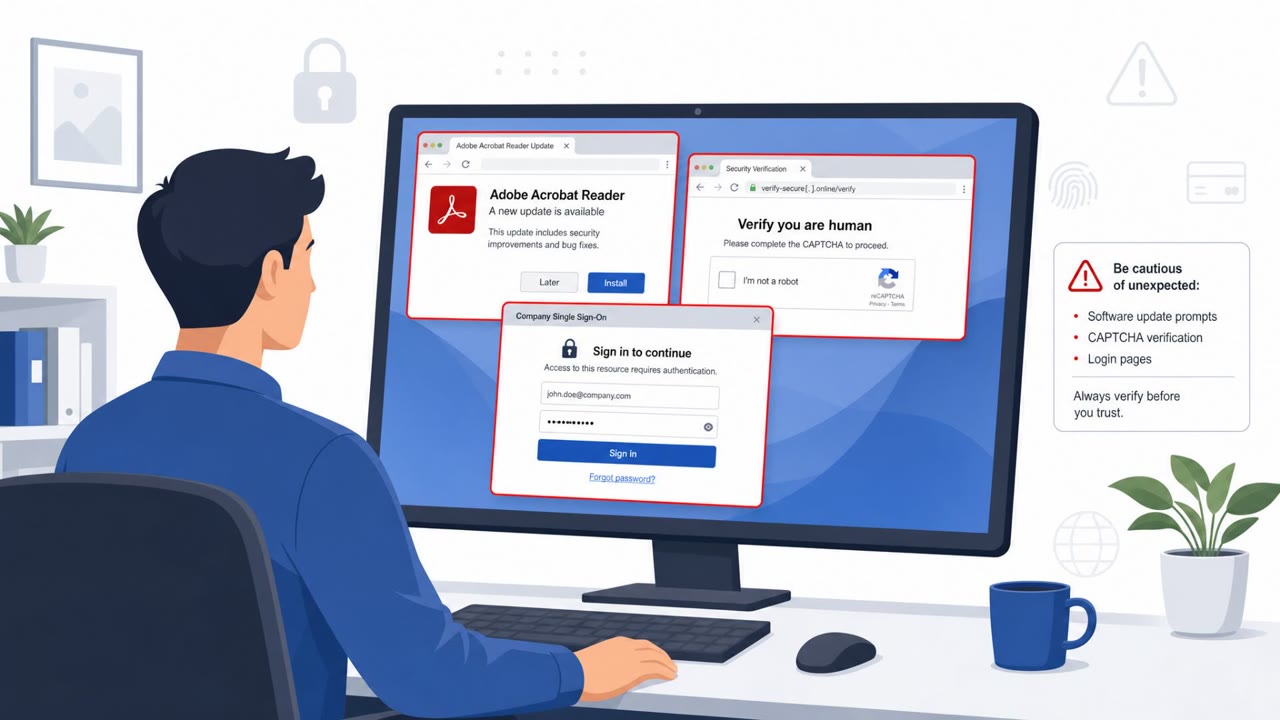
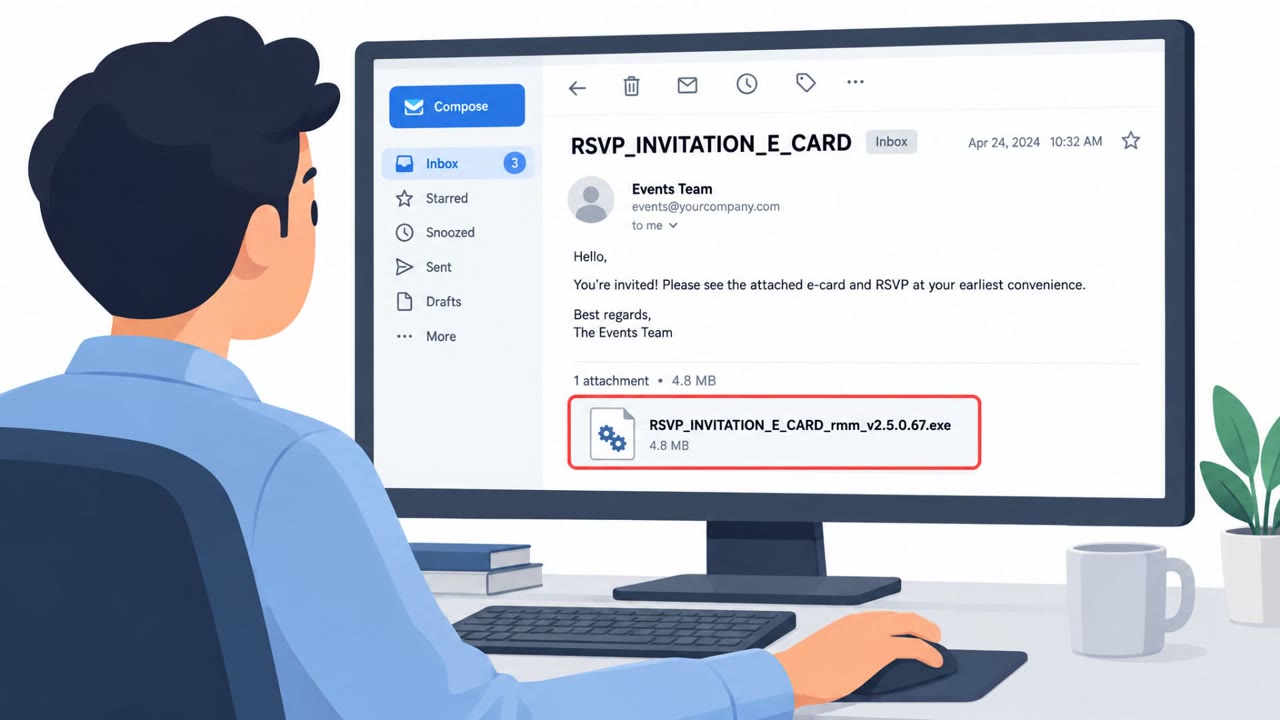
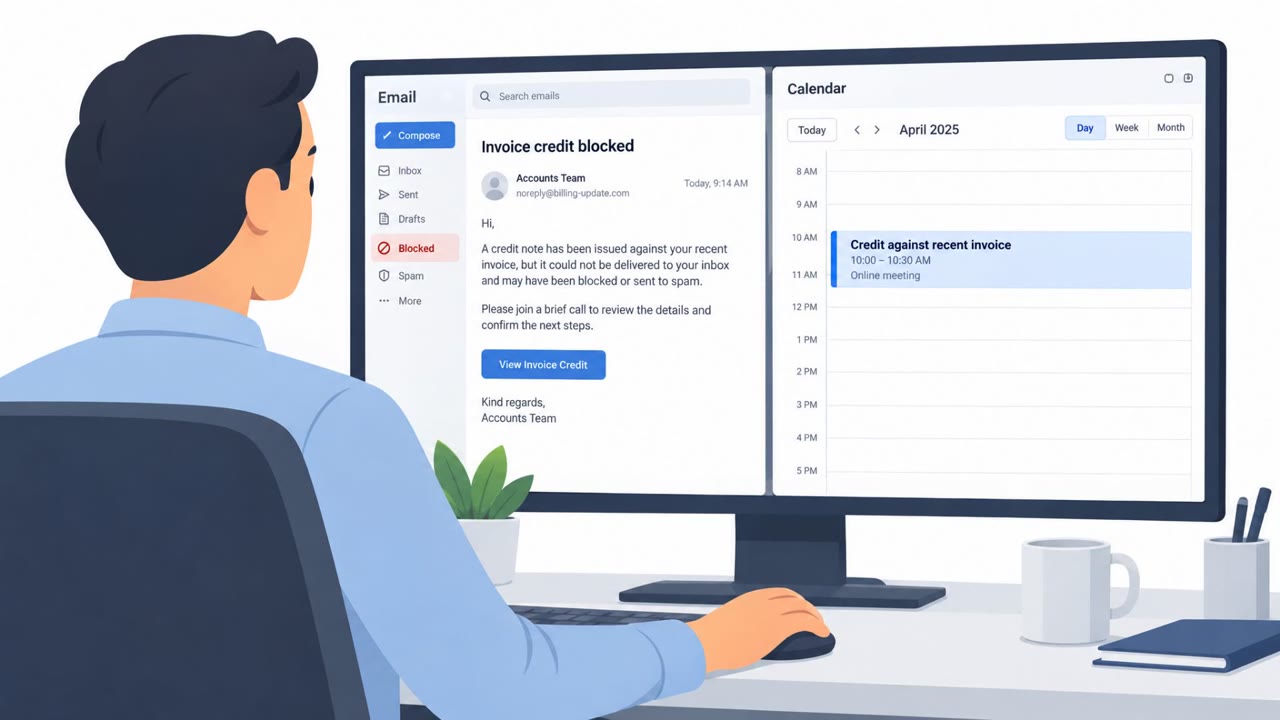
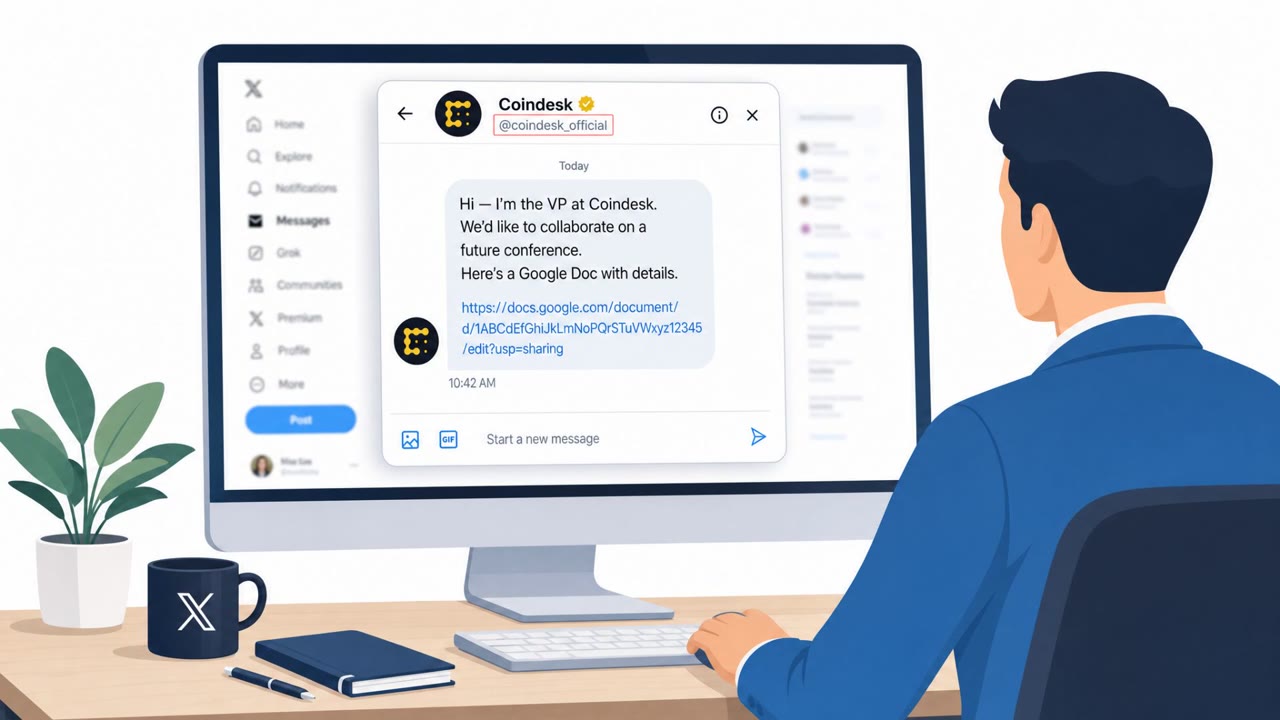
A real phishing campaign used a generic online event invitation to trick recipients into clicking RSVP/download links. Victims were sent through a fake CAPTCHA and invitation page, then prompted to download a ZIP containing a legitimate ConnectWise ScreenConnect installer abused as a remote access trojan (RAT). Once run, it gave the attacker remote control of the device with minimal visible signs.
How the Attack Worked
This campaign relied on a generic online event invitation sent by email. The message used vague, emotionally appealing language, phrases like "You are cordially invited" and "Join Us for a Special Gathering, Let Us Celebrate a Milestone", without naming an organizer, date, venue, or any specific detail. Clicking the "Click Here to Download the Invite" button triggered a forced download workflow that routed the victim through a fake CAPTCHA page before landing on a second fake invitation page, again missing any concrete event details.
After passing the CAPTCHA, clicking an "eInvite" button downloaded a ZIP file named ViewDePartyyinvites. Inside was an executable, ScreenConnect.exe, a legitimate ConnectWise ScreenConnect installer repurposed as a remote access trojan. Once run, it gave the attacker full remote control of the victim's device with minimal visible signs of compromise.
Why It Succeeded
The vagueness of the invite was not an oversight, it was deliberate. By avoiding specifics, the email could feel personally relevant to almost anyone without triggering scrutiny over inconsistent details. The CAPTCHA step added a layer of perceived legitimacy, since users commonly associate CAPTCHAs with trustworthy sites rather than malicious ones. The forced download approach also concealed the true destination and nature of the file until it was already on the victim's machine.
Using a legitimate, signed installer like ScreenConnect further reduced suspicion, since security tools and users alike may not flag a known remote-support application as inherently dangerous.
What to Watch For
- Invitations or event emails lacking a stated date, time, venue, or organizer
- Email buttons that lead to CAPTCHA verification before showing the actual content
- Unbranded or generic domains hosting invitation or download pages
- Unexpected ZIP files containing executable installers
- Unplanned installation of remote-support software like ScreenConnect
Building Resistance
Employees across roles, including HR, finance, executive assistants, and IT helpdesk staff, are common targets for this kind of pretext because invitations and RSVPs are routine parts of their work. Awareness training should reinforce that vague, detail-free invitations deserve scrutiny regardless of how personal they feel. Teams should also be trained to question CAPTCHA prompts that appear mid-click-through from an email, and to treat any unplanned installation of remote access tools as a signal worth reporting, even when the software itself is legitimate.
Key findings
- Phishing email used vague event language and a generic subject to trigger curiosity (e.g., invitations/weddings/galas tone) without naming organizers or details.
- Clicking the email button led to a forced download workflow and redirected users through a fake CAPTCHA page to increase perceived legitimacy.
- The final lure delivered a ZIP file (“ViewDePartyyinvites”) containing a legitimate ScreenConnect installer abused for remote access.
- IOCs provided include the stage-1 infection URL and stage-2 payload URL under theinvitationestateco[.]vu, plus file hashes for ScreenConnect.ClientSetup.exe.
Who’s being targeted
- Commonly targeted roles: All employees, Executive assistants, HR, Finance, IT helpdesk/service desk.
- Affected industries: Cross-industry (general business users).
- Attack channels: email, website.
- Impersonated: A friend/relative or unnamed event organizer.
Red flags to watch for
- Overly vague invite (no date, venue, time, organizer, or personal details)
- Unbranded/generic domain hosting the CAPTCHA and invite flow
- Unexpected ZIP download that contains an executable installer
Frequently asked questions
How did the fake event invite phishing attack work?
The email used a vague invitation with no organizer, date, or venue, asking recipients to click a download button. This led through a fake CAPTCHA page to a ZIP file containing a legitimate ScreenConnect installer abused as a remote access trojan.
Why did the CAPTCHA page make the attack more convincing?
Attackers used the CAPTCHA to create a false sense of security, making the malicious page feel more legitimate before delivering the payload.
What was actually inside the downloaded ZIP file?
The ZIP, labeled ViewDePartyyinvites, contained an executable named ScreenConnect.exe, a legitimate ConnectWise ScreenConnect installer repurposed as a remote access trojan.
What should employees watch for to avoid this type of attack?
Be suspicious of vague invitations lacking basic details, forced downloads after clicking a button, and unexpected installation of remote-support tools.
Read the video transcript
You get an email: “You are cordially invited… Join Us for a Special Gathering.” No date, no place, just a big button: “Click Here to Download the Invite.” Click it, and you’re pushed through a random CAPTCHA page on a domain like theinvitationestateco.vu, then an “eInvite” button silently forces a ZIP download called “ViewDePartyyinvites.” Inside that ZIP is ScreenConnect.ClientSetup.exe, a legit remote-support tool turned into a remote access trojan. If you run it, someone can quietly take over your machine. If an invite email is vague and makes you download a ZIP or run an installer, stop. Don’t open it, forward it to IT security and delete the message.