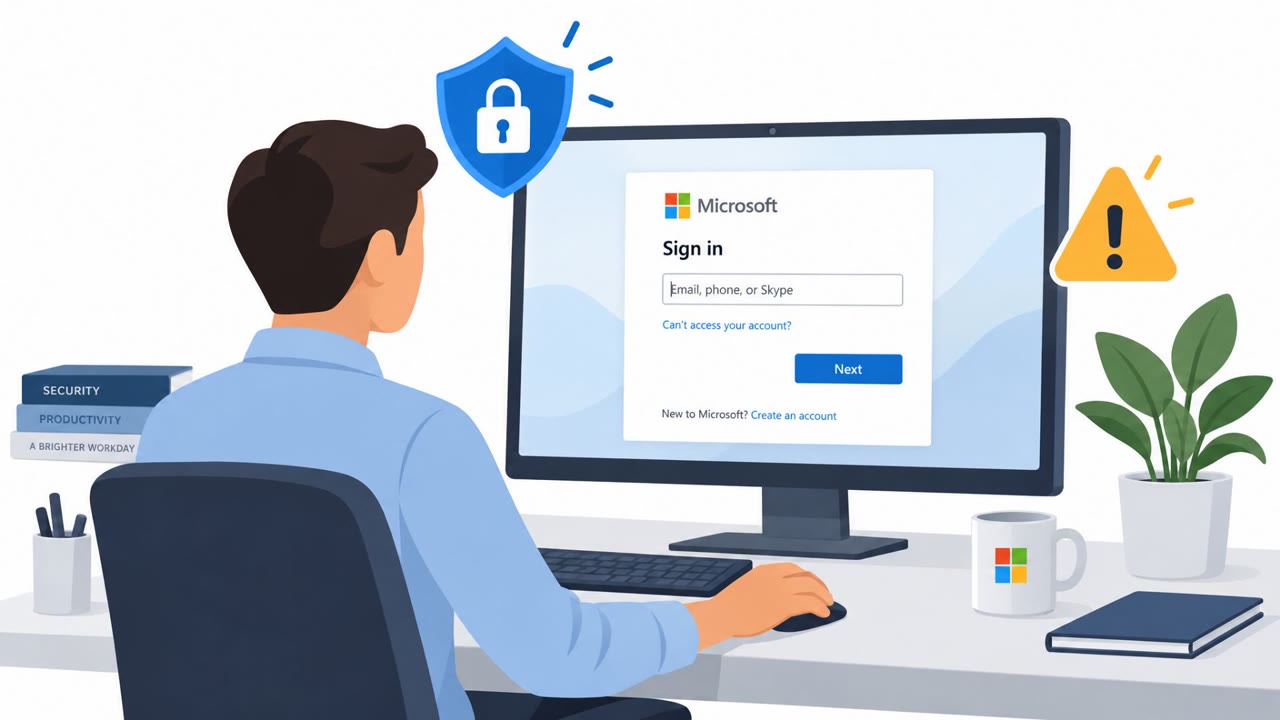
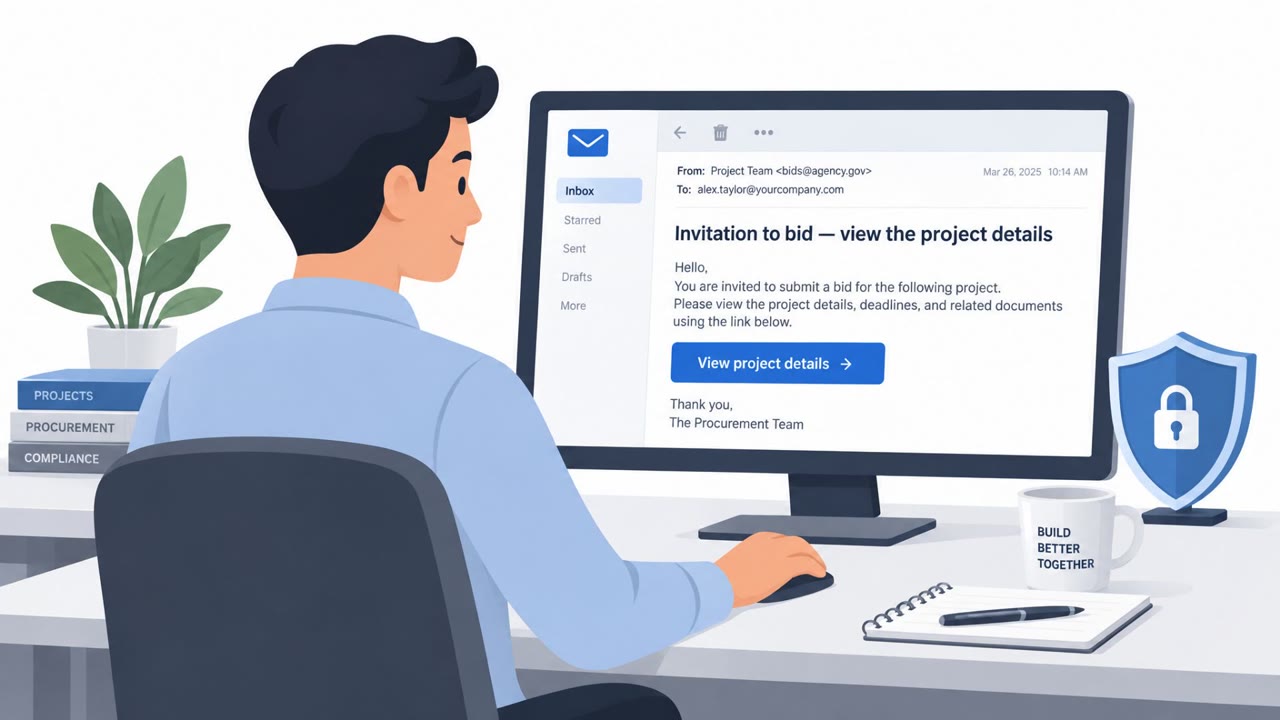
After defenders cut off BO Team’s access to a Russian software developer, the group launched a credential-stealing phishing campaign against employees. The email claimed the recipient’s mail account had been disconnected and directed them to a fake password-change page made to resemble the company’s real website.
How the Attack Unfolded
BO Team had compromised a Russian software developer's infrastructure, including its CI/CD environment and code-signing server. Once defenders responded and cut off that access, the group shifted tactics and targeted employees directly with a credential-harvesting phishing campaign rather than trying to regain technical access.
The Phishing Pretext
The phishing email used the subject line "Account disconnected from the mail server" and told recipients their mail account needed an immediate password change. This pretext exploited a routine IT scenario, account disconnection, that employees are conditioned to resolve quickly without much scrutiny. The call to action directed targets to click a link and enter their password on a page designed to look like a normal reset flow.
Why the Fake Page Was Convincing
The phishing site loaded the content of the targeted organization's actual website and placed a password-entry form directly on top of that familiar layout. This made the page visually consistent with what employees expected to see, increasing the odds that users would enter credentials without questioning the source. After submission, the form displayed an error message, a tactic that discourages further investigation while the stolen password is quietly sent to the attacker.
Why the Email Passed Technical Checks
A notable detail is that the phishing email bypassed SPF and DKIM authentication checks. This suggests the attackers had obtained a private key after previously gaining control of the organization's mail server, allowing the message to appear technically legitimate. This matters for defenders because it shows that passing authentication checks does not guarantee a message is safe, particularly after any prior infrastructure compromise.
Building Resistance to This Pattern
Defenders and employees can reduce the risk of this type of attack by:
- Treating unexpected password-reset or account-disconnection emails as suspicious, even when they appear to come from an internal mail system.
- Navigating to password portals directly through known bookmarks rather than clicking links in email.
- Not trusting a familiar website layout alone as proof a login prompt is legitimate.
- Reporting unexpected credential requests even when the email appears to pass technical authentication checks.
- Escalating any password-reset page that produces an unexplained error after submission.
In this case, the phishing attempt was detected and stopped before credentials were harvested, showing that timely reporting and monitoring can interrupt this kind of campaign even when the attacker has prior infrastructure access.
Key findings
- BO Team compromised a Russian software developer’s infrastructure, including its CI/CD environment and code-signing server.
- After losing access during incident response, the group sent credential-harvesting phishing emails to employees.
- The phishing message used the subject line “Account disconnected from the mail server” and asked recipients to change their password through a link.
- The phishing page copied the targeted organization’s legitimate website layout and overlaid a password-entry form.
- The email bypassed SPF and DKIM checks, indicating the attackers had likely obtained a private key after compromising the organization’s mail server.
- The phishing attempt was detected and stopped before credentials were harvested.
Who’s being targeted
- Commonly targeted roles: All employees, Software developers, System administrators, IT support and service desk, Email administrators, Security operations teams.
- Affected industries: Software development, Information technology, Organizations using signed commercial software.
- Attack channels: email, website.
- Impersonated: The target organization’s mail or IT administration team.
Red flags to watch for
- An unexpected request to change a password because the account was supposedly disconnected.
- The page shows an error after password entry rather than completing a normal password-reset process.
- A login form is placed over what appears to be the organization’s official website layout.
Frequently asked questions
What pretext did BO Team use in this phishing attack?
The email claimed the recipient's account had been disconnected from the mail server and asked them to click a link to change their password.
How did the fake password page work?
The phishing page loaded the targeted organization's real website layout and overlaid a password-entry form, then showed an error message after submission while secretly sending the credentials to the attacker.
How did the phishing email bypass email security checks?
The message passed SPF and DKIM checks, suggesting the attackers had obtained a private key after previously compromising the organization's mail server.
Was this attack successful?
No, the phishing attempt was detected and stopped before any credentials were harvested.
Read the video transcript
“Account disconnected from the mail server.” Would you click? After losing access to a software developer’s servers, BO Team emailed staff a password-change link. The message even passed SPF and DKIM checks. Here’s the trick: the link shows the company’s real website layout with a password form laid over it. Enter a password, and you get an error, not a reset. That error can mean your password was sent elsewhere. For any surprise reset, open your approved password portal yourself.