Attackers quickly used a real Microsoft 365 outage as cover for fake service-health emails. The messages warned that email held during the outage would be deleted within 24 hours unless the recipient clicked a link to restore it, likely aiming to steal credentials.
How the Attack Worked
During a genuine Microsoft 365 Exchange Online outage, tracked as incident EX1550543, attackers moved quickly to impersonate Microsoft 365 service-health notifications. The phishing emails falsely claimed that messages held during the outage would be deleted within 24 hours unless the recipient clicked a link to restore them. This created a sense of urgency tied to a real, verifiable event, making the lure more believable than a typical fabricated outage claim.
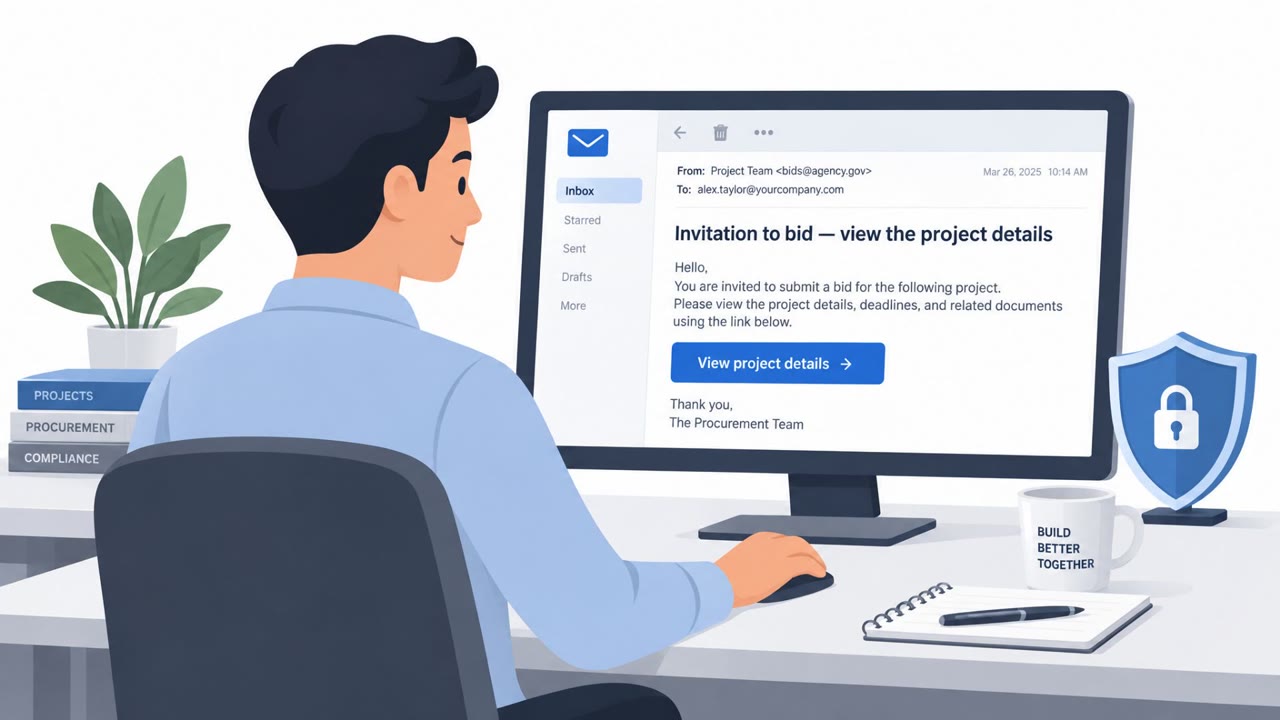
Subject lines followed a consistent pattern, "Outage - [six-character code]", and display names used an organization-specific prefix combined with wording like "Outage Notification" or "Service Health". Clicking the call to action sent victims through a recipient-specific SendGrid click-tracking link that redirected to reallifeaccounting[.]com, a domain unrelated to Microsoft.
Why It Succeeded
The campaign's effectiveness came from timing and tailoring rather than technical complexity. Because the outage was real, recipients already expected disruption-related communications, and inboxes were likely filled with genuine status updates. That context made a fraudulent deletion warning harder to distinguish from legitimate correspondence. Microsoft Threat Intelligence noted this tailoring could make the messages harder to ignore for exactly that reason.
Microsoft observed similar messages targeting organizations across multiple U.S. sectors, consistent with a broad credential phishing operation rather than a narrowly targeted one.
What to Watch For
- An unexpected deadline threatening deletion of email within 24 hours.
- Sender display names or subject lines following an unusual but consistent pattern referencing an "outage."
- Links that route through a click-tracking redirect to a domain unrelated to Microsoft, rather than an official admin or status page.
- Messages that arrive during a period of known service disruption, when recipients are primed to expect legitimate alerts.
How to Build Resistance
Organizations and individuals can reduce risk from this type of campaign by treating urgent, time-pressured outage messages with skepticism, regardless of how timely or plausible they seem. Verifying service-status claims through the official Microsoft 365 admin center or status page, rather than clicking links in an unsolicited email, removes the attacker's primary leverage. Before entering credentials anywhere, check the destination of any link, since a tracking redirect that lands on an unrelated domain is a clear warning sign. IT service desks and security operations teams should also consider proactively communicating during real outages to preempt impersonation attempts, since attackers appear ready to exploit genuine disruptions as they happen.
Key findings
- Attackers impersonated Microsoft 365 service-health notifications during a genuine Exchange Online outage, EX1550543.
- The lure claimed messages held during the outage would be deleted within 24 hours unless recipients restored them.
- Subjects followed the format "Outage - [six-character code]" and display names used an organisation-specific prefix plus "Outage Notification" or "Service Health".
- The campaign used recipient-specific SendGrid click-tracking links that redirected victims to reallifeaccounting[.]com.
- Microsoft observed similar messages targeting organisations across multiple U.S. sectors and assessed the activity as consistent with credential phishing.
Who’s being targeted
- Commonly targeted roles: All employees, Microsoft 365 users, IT service desk, System administrators, Security operations teams.
- Affected industries: Multiple U.S. sectors, Organizations using Microsoft 365.
- Attack channels: email, website.
- Impersonated: Microsoft 365 Service Health.
Red flags to watch for
- An unexpected deadline threatens deletion within 24 hours.
- The sender uses a lookalike or unrelated domain rather than an approved Microsoft or company notification channel.
- A service notice directs the recipient through a click-tracking link to an unrelated website.
Frequently asked questions
How did attackers exploit the Microsoft 365 outage?
They sent fake service-health emails referencing the real Exchange Online incident EX1550543, claiming email held during the outage would be deleted within 24 hours unless recipients clicked a restoration link.
What made these phishing emails convincing?
The emails referenced a genuine ongoing outage and used subject lines formatted as "Outage - [six-character code]" alongside display names mimicking organizational notification formats.
Where did the phishing links lead?
Messages used recipient-specific SendGrid click-tracking links that redirected victims to reallifeaccounting[.]com, a domain unrelated to Microsoft.
How can employees spot this type of attack?
Be cautious of urgent deadlines threatening data loss, verify outage notices through official Microsoft 365 status channels, and check where links actually lead before signing in.
Read the video transcript
The Microsoft 365 outage was real. This recovery email wasn’t. It poses as Service Health: subject ‘Outage - A7B2C9.’ It says held email will be deleted in 24 hours unless you click to restore it. Here’s the tell: that recipient-specific button goes through SendGrid click tracking, then redirects to reallifeaccounting[.]com, not Microsoft. A real outage makes the fake deadline feel believable. Got an outage notice? Skip its link. Open your official Microsoft 365 status channel yourself.