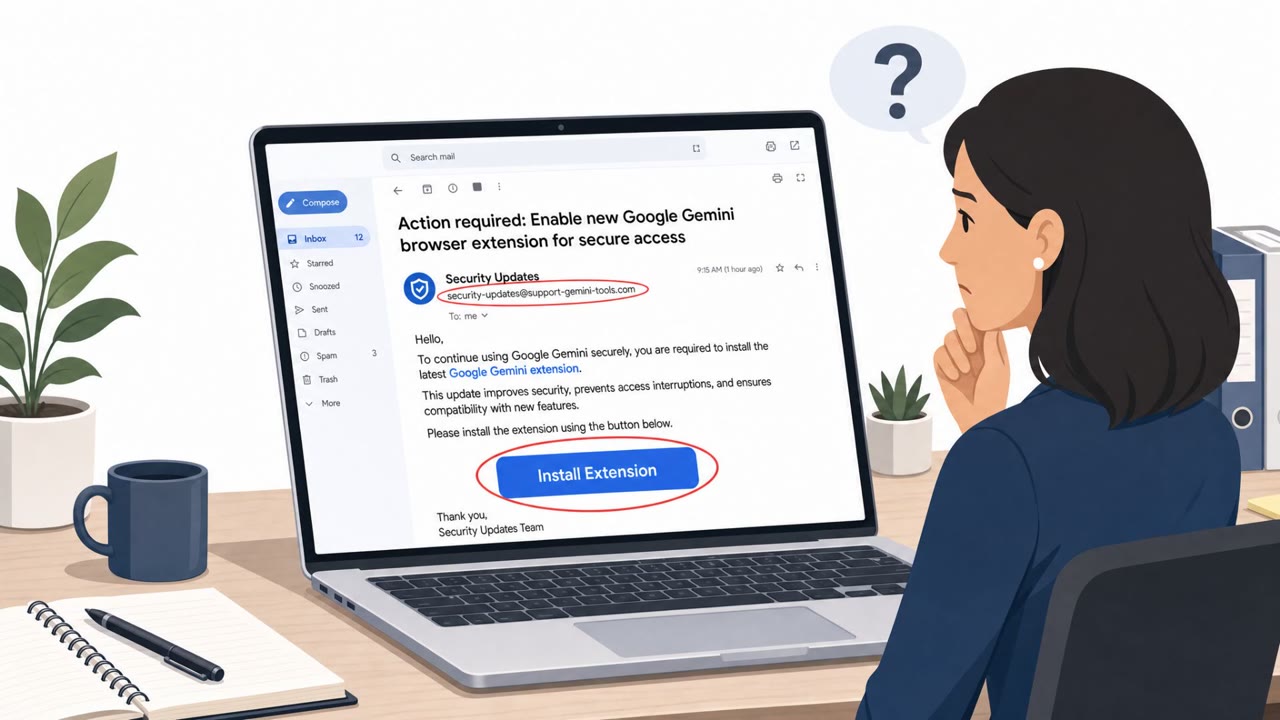
Proofpoint reports multiple China-aligned espionage groups used a chained set of browser/Windows zero-days (“BlueMoon”) and delivered it through phishing emails. Victims who clicked a phishing link could end up with a malicious browser extension disguised as Google Gemini, letting attackers watch browsing activity, steal credentials, and run commands.
How the attack worked
Multiple China-aligned espionage groups adopted a shared exploit chain, referred to as BlueMoon, shortly after it became usable. One of these groups, tracked as APT31 or TA412, sent phishing emails containing lures that led recipients to click a link. That link installed a malicious browser extension disguised as Google Gemini. Once installed, the extension gave attackers the ability to surveil browser activity, steal credentials, and execute commands on the compromised machine.
The campaign was not limited to a single sector. Proofpoint identified lures targeting non-governmental organizations, mining companies, and commodity trading firms in the United States, alongside U.S. aerospace companies, Vietnamese manufacturing organizations, and government, finance, and consulting entities in Indonesia and Singapore.
Why it succeeded
Several factors made this campaign effective. The extension impersonated a well-known and trusted product name, which lowered suspicion at the moment of install. The install flow relied on a link in an email rather than an official browser extension store or approved software channel, a pattern that can bypass the instinct many employees have to scrutinize downloads from unfamiliar sources.
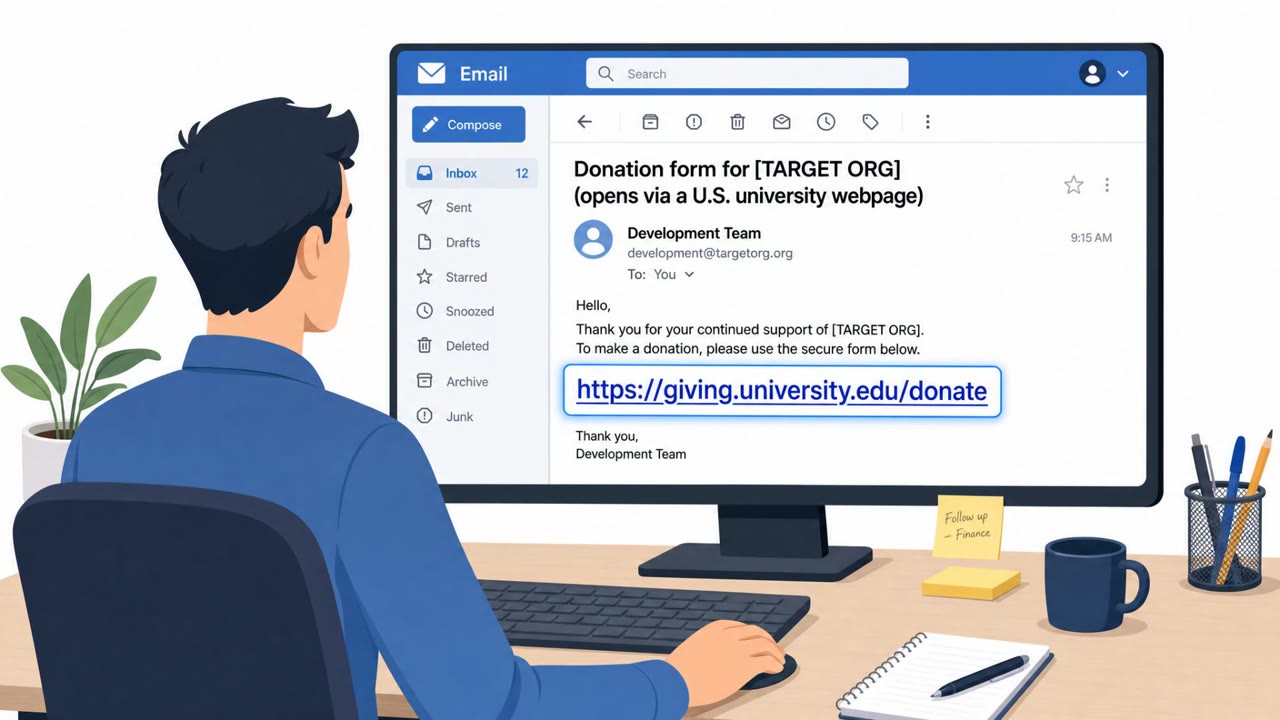
In at least one case, attackers used a compromised Southeast Asian government email account to deliver lures to Vietnamese manufacturing organizations. This shows that even messages appearing to come from legitimate organizations or government addresses cannot be assumed safe, since the sending account itself may have been taken over.
Speed also played a role. Because only a limited group of organizations were exposed to all three vulnerabilities in the exploit chain, attackers appear to have rushed development to strike a narrow window before the target pool changed.
What to watch for
- Unsolicited emails asking recipients to click a link to install or enable a browser extension
- Extension or software branding that mimics a well-known product, such as Google Gemini
- Install prompts that bypass official app or extension stores
- Emails from government, NGO, or partner accounts that request unusual actions, since these accounts can be compromised
Building resistance
Organizations across NGOs, mining, commodity trading, aerospace, manufacturing, government, consulting, and financial services were named as affected in this campaign, and general staff, operations, finance, research, and program staff were all identified as target roles. Employees should be trained to treat any unsolicited request to install an extension or app as high risk, using only approved or official channels for software installs. Because this activity moved quickly and reportedly targeted a narrow pool of organizations at first, prompt reporting of suspicious links is critical so security teams can respond before wider adoption of the same techniques by other threat actors.
Key findings
- At least four China-aligned espionage groups rapidly adopted the same exploit chain (BlueMoon) shortly after it became usable.
- APT31/TA412 used phishing emails with links that led to installing a malicious browser extension disguised as Google Gemini.
- Targets mentioned include U.S. NGOs, mining companies, commodity trading firms, U.S. aerospace companies, Vietnamese manufacturing, and government/finance/consulting orgs in Indonesia and Singapore.
- Proofpoint observed fewer than 20 organizations directly, but expects the activity (and adoption by other actors) to expand.
Who’s being targeted
- Commonly targeted roles: All employees, Executive assistants, Finance, Operations, Aerospace program staff, Manufacturing staff, NGO program staff.
- Affected industries: Non-governmental organizations (NGOs), Mining, Commodity trading, Aerospace and defense, Manufacturing, Government, Consulting, Financial services.
- Attack channels: email, website.
- Impersonated: Google Gemini.
Red flags to watch for
- Unexpected request to install a browser extension from an email link
- Extension branding mimics a well-known product name (“Google Gemini”)
- Link-driven install flow rather than using official browser extension stores/approved software channels
Frequently asked questions
What was the fake Google Gemini extension attack?
Phishing emails from groups including APT31 led victims to click a link that installed a malicious browser extension disguised as Google Gemini, letting attackers surveil browsing, steal credentials, and run commands.
Who was targeted by this campaign?
Proofpoint identified targets including U.S. NGOs, mining and commodity trading firms, U.S. aerospace companies, Vietnamese manufacturing organizations, and government, finance, and consulting organizations in Indonesia and Singapore.
How many organizations were affected?
Proofpoint observed fewer than 20 organizations directly impacted, but expects the activity and adoption by other threat actors to expand.
Why did attackers move so quickly with this exploit chain?
Because only a limited group of organizations were exposed to all three vulnerabilities in the chain, attackers rushed development to hit a narrow pool of potential targets before the window closed.
Read the video transcript
You get an email: “Install the Google Gemini extension.” Looks helpful, even mentions your industry. One click, right? Behind that link is BlueMoon: a chained set of zero‑days used by China‑aligned groups like APT31. It quietly installs a fake “Google Gemini” browser extension that can watch your browsing, steal passwords, even run commands. Proofpoint saw this hitting fewer than 20 orgs so far, NGOs, mining, aerospace, finance, often from real but compromised government or business accounts. The only giveaway? An unexpected email telling you to install a browser extension from a link. If any email tells you to install or enable a browser extension, don’t click. Open your browser’s official store or our approved software portal instead, and report that email to security.