
CrashStealer Hides as Apple Crash Reporter
Researchers found a real macOS infostealer campaign that tricks users into running a signed, Apple-notarized app (“Werkbit Setup”) that passes Gatekeeper and…
July 14, 2026
Researchers found a macOS info‑stealing malware, CrashStealer, delivered through a signed and Apple‑notarized installer so it looks legitimate and passes Gatekeeper checks. The installer instructs users to manually right‑click and choose “Open,” then silently downloads additional payloads and prompts for the user’s login password to unlock the keychain and steal credentials and wallet data.
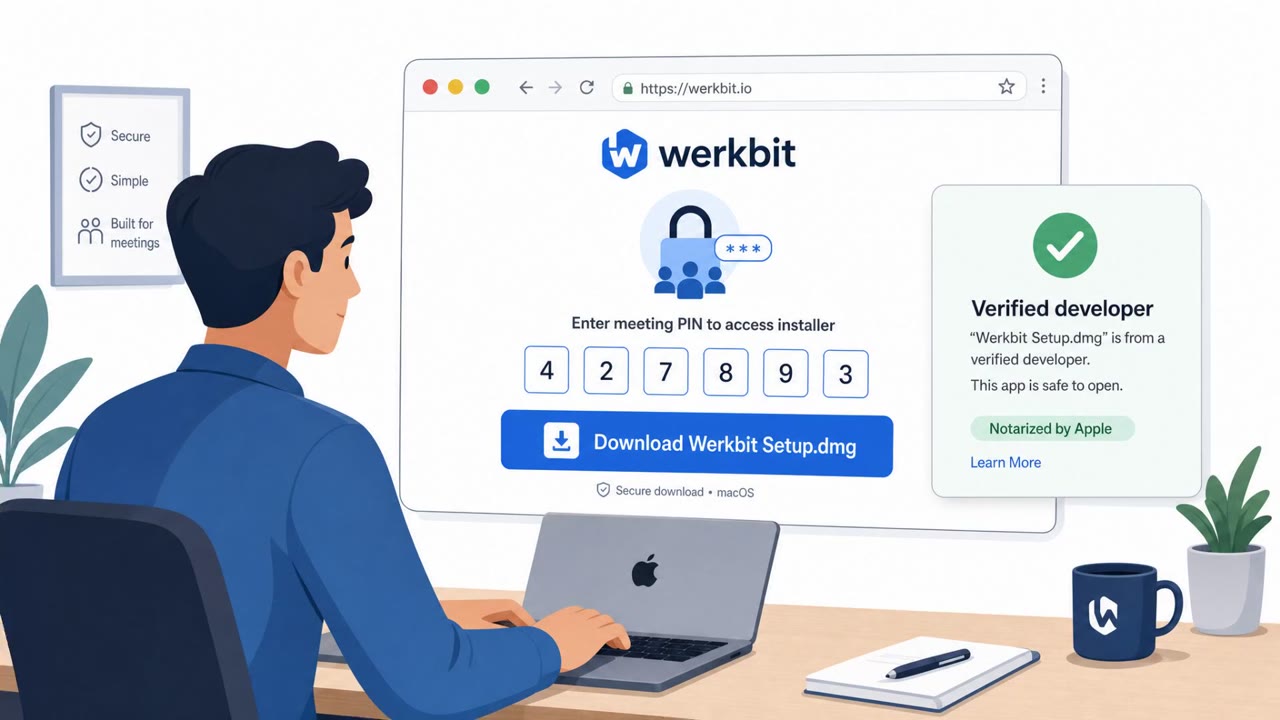
CrashStealer is macOS info-stealing malware distributed through a dropper called Werkbit.app that is signed and Apple-notarized, allowing it to pass Gatekeeper checks that normally flag unverified software. Instead of freely publishing the installer, the operators gated the download behind a meeting PIN, limiting exposure only to visitors who arrived with the correct code. Once downloaded, the disk image presented an installation screen instructing users to right-click the app and choose Open rather than double-clicking it normally, a manual step that gets users to run the app in a way that avoids typical launch friction.
After execution, the dropper contacted a GitHub repository to retrieve a file, extracted a curl command from it, downloaded a shell script, and used that to fetch a second-stage payload. The malware then displayed a password prompt, validated the entered credential locally, and used it to unlock the user's login keychain, ultimately stealing credentials and wallet data. Stolen information was sent to an attacker-controlled server.
This chain worked because it exploited trust signals that users are trained to look for. A signed and notarized app is exactly what security guidance tells people to expect from legitimate software, so the presence of Gatekeeper approval made the installer appear safe. The PIN-gated download also created a false sense of exclusivity and legitimacy, as if the software were being shared through a private, trusted channel rather than broadly distributed. Combined with clear, confident on-screen instructions to right-click and Open, the process felt like a normal setup flow rather than a security bypass.
Employees should treat right-click to Open instructions as a red flag regardless of whether the app appears signed or notarized, since notarization confirms code signing but not intent. Teams should also verify unusual distribution methods, such as PIN-gated downloads, with IT before installing anything. Most importantly, users should never enter their macOS login password into an app they just downloaded unless they initiated a known, approved action and can confirm why the credential is needed. IT and security teams can reinforce this by monitoring for connections to unusual infrastructure used to retrieve staged payloads.
Mirage safely runs attacks like this one against your own team, so you find out what happens before a real adversary does.
CrashStealer is distributed through a signed and Apple-notarized dropper called Werkbit.app, which allows it to pass Gatekeeper checks that normally block unverified software.
The installer instructs users to right-click the app and select Open specifically to get them to run it, a technique that sidesteps macOS's normal launch warnings even though the app is notarized.
After execution, CrashStealer presents a password prompt and validates the entered credential locally, then uses it to unlock the login keychain and steal credentials and wallet data.
Be suspicious of any install process that requires a special PIN to download, instructs a manual right-click to Open, or asks for your login password shortly after launching a newly downloaded app.
You land on a slick Mac download page for “Werkbit.app,” but the site says, “the download is gated behind a meeting PIN.” You enter the PIN, mount the DMG from werkbit.io, and the installer literally tells you: right-click Werkbit.app and choose Open to run it and get past macOS warnings. Behind that, Werkbit contacts a GitHub repo to pull sys.cache, runs curl to grab CrashReporter.dmg, and then pops up a password box to unlock your login keychain and steal creds and wallet data. Here’s your move: if any installer tells you to right-click and choose Open, or asks for your Mac login right after, stop and send it to IT before you type a single password.
Researchers found a real macOS infostealer campaign that tricks users into running a signed, Apple-notarized app (“Werkbit Setup”) that passes Gatekeeper and…
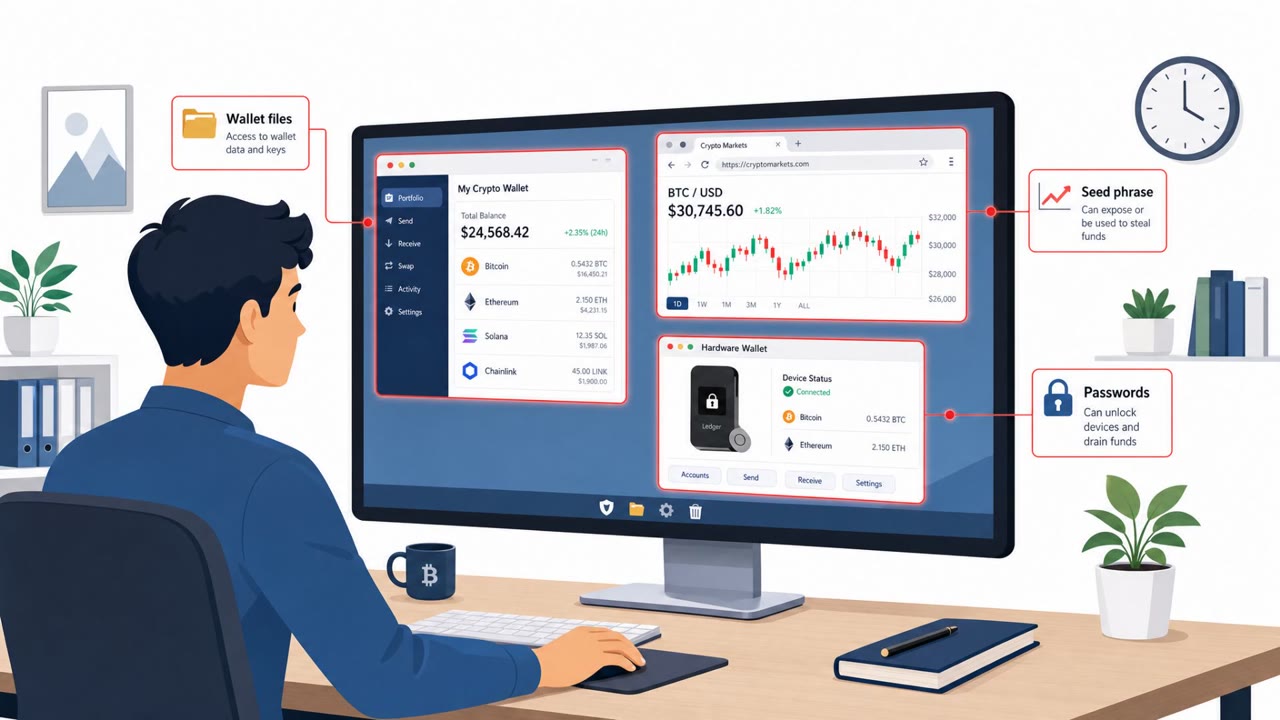
Kaspersky reports an active OkoBot malware campaign targeting Windows users who manage cryptocurrency. Victims are lured via “ClickFix” fake-error pages that…

This roundup describes several real-world social-engineering and human-abuse techniques, including trojanized “installer” lures (ClickFix), large-scale…

North Korea-linked BlueNoroff is using fake Zoom and Microsoft Teams meeting pages shared from hijacked trusted contacts (often via Telegram) to trick victims…
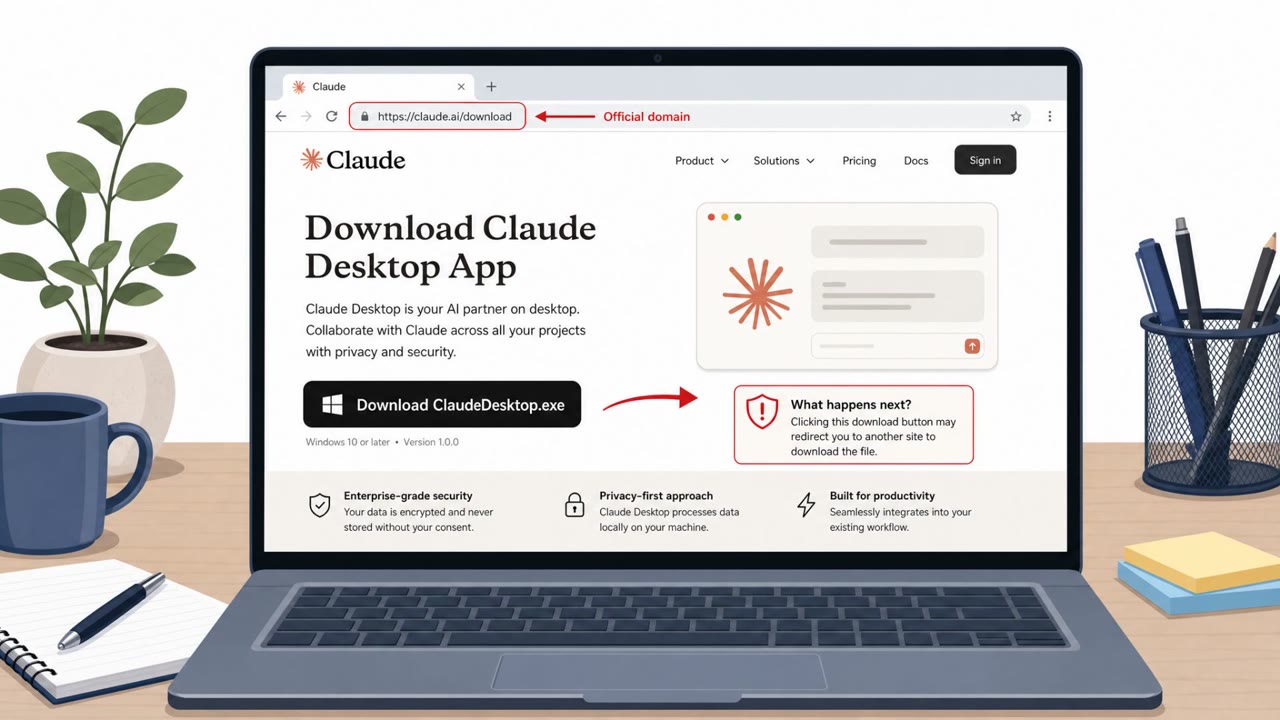
This roundup describes multiple real-world campaigns where attackers trick people into installing malicious software that looks legitimate (a fake Claude…
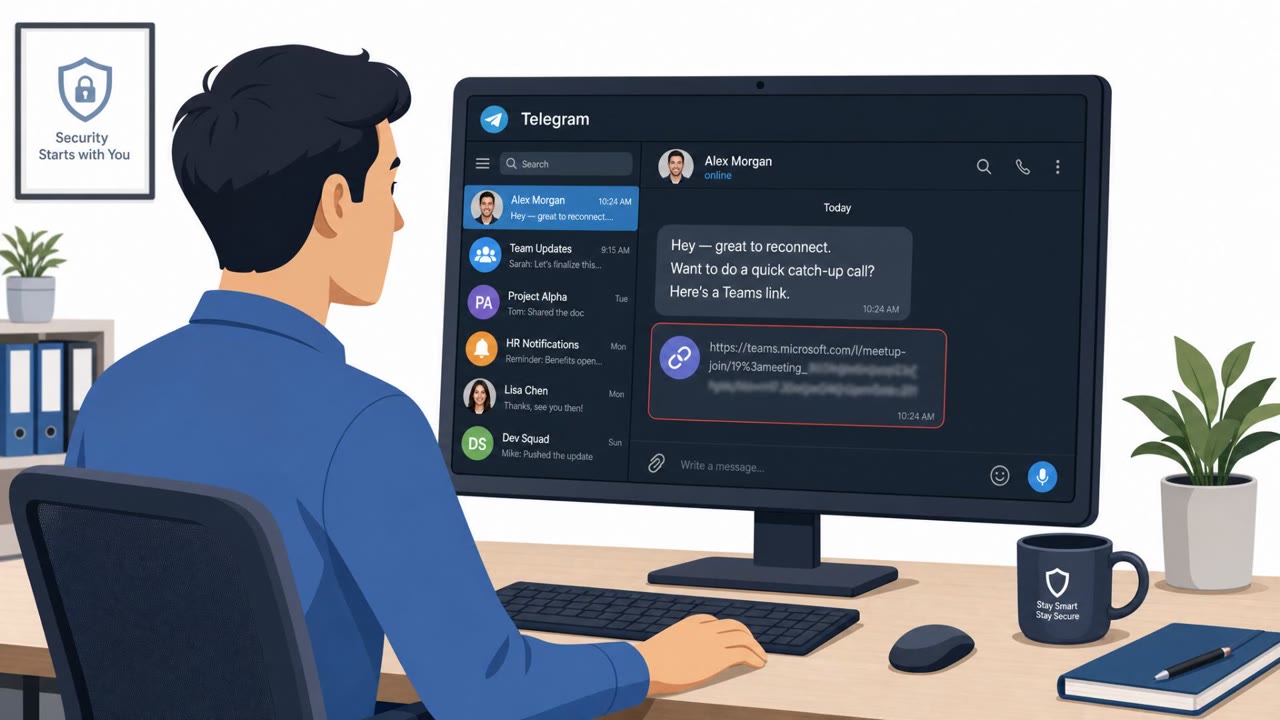
AI firm ORO says a suspected North Korean attacker hijacked a real conference contact’s Telegram account and lured an employee into joining a fake Microsoft…