AI firm ORO says a suspected North Korean attacker hijacked a real conference contact’s Telegram account and lured an employee into joining a fake Microsoft Teams call link. After the call “had no working audio,” the victim approved what looked like a Teams update, which installed a malicious extension that later enabled theft of about $630,000 in crypto.
How the attack worked
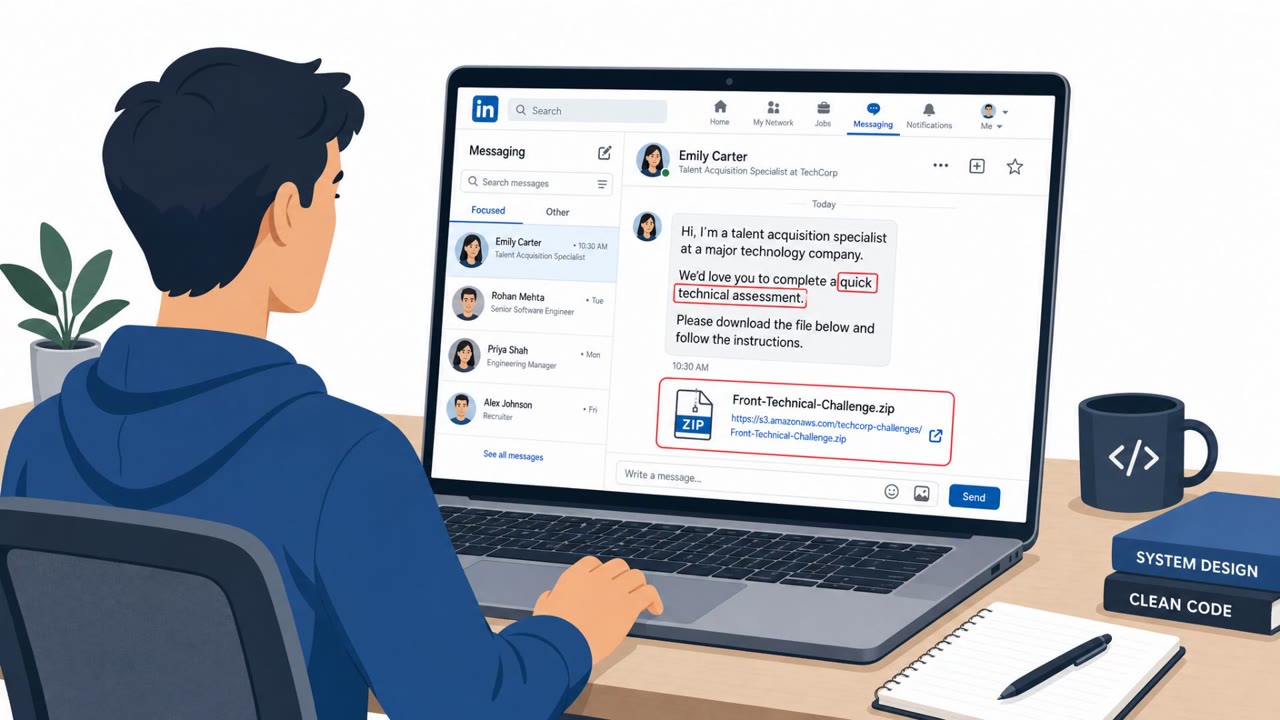
This incident began with a trusted relationship rather than a cold phishing attempt. The attacker used a Telegram account belonging to a real industry contact the victim had met at a conference, and that account had been compromised. The message asked to schedule a routine catch-up call and included what looked like a Microsoft Teams meeting link.
When the employee joined the call, the link mimicked Microsoft Teams but had no working audio. That friction set up the next step: the victim's computer almost immediately prompted them to update Microsoft Teams. Believing it was a normal fix for the audio issue, they approved the update, which installed a malicious browser extension instead of a legitimate patch.
Why it succeeded
Several factors combined to make this scenario convincing:
- The outreach came from a known, trusted contact rather than a stranger, removing an obvious red flag.
- The meeting link visually mimicked Microsoft Teams, a tool most employees use daily without scrutiny.
- A manufactured technical problem (no audio) created a plausible reason to accept an unusual update prompt.
- The update request arrived immediately after joining the call, which discouraged the victim from pausing to verify it through another channel.
What to watch for
Defenders and employees should be alert to a few specific signals drawn from this case:
- Meeting or update links sent through chat apps like Telegram rather than standard business channels or calendar invites.
- Any request to manually run an
Key findings
- Attacker leveraged a real-world relationship formed at a conference, then used a compromised Telegram account to regain trust.
- Victim was lured to a link that “mimicked Microsoft Teams”; a fake update prompt led to installation of a malicious Teams extension.
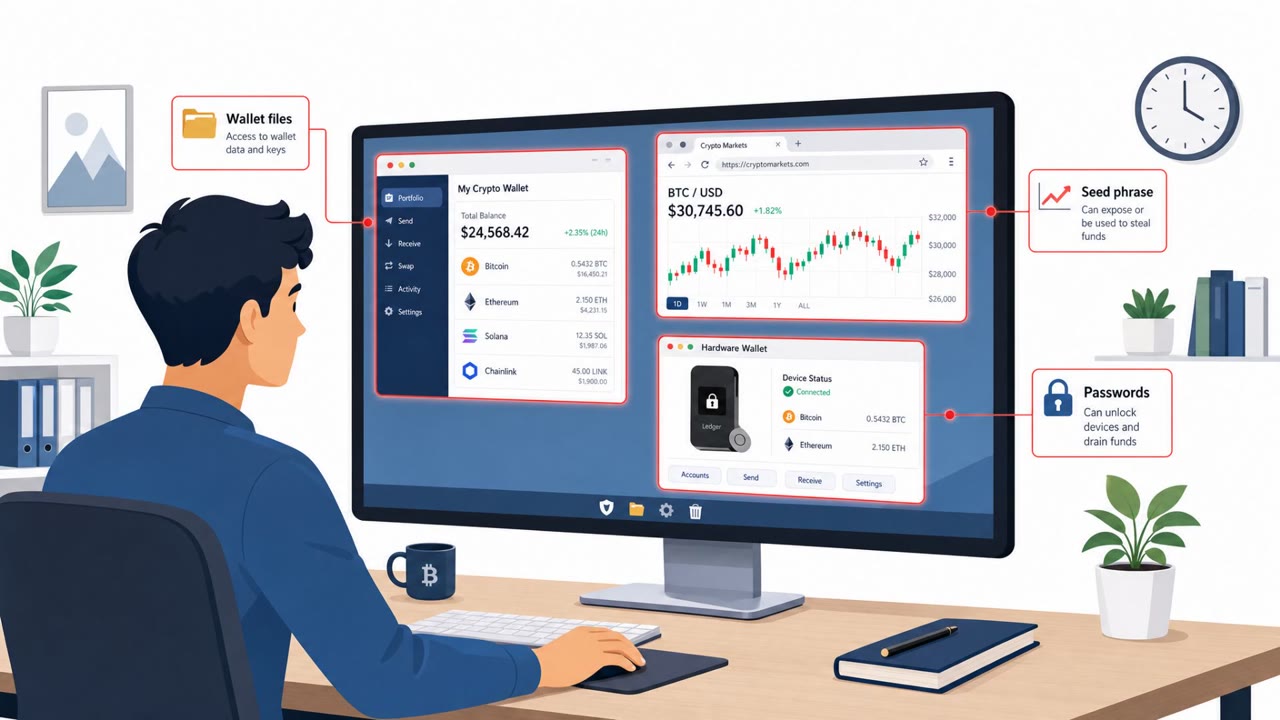
- Malicious extension captured keyboard input, clipboard history, screenshots, and browsing history, and could swap crypto addresses.
- Attacker stayed resident for nearly a month before draining wallets (147,000 Alpha tokens) on July 13.
- ORO attributes the activity with “high confidence” to North Korean group Sapphire Sleet, citing overlapping infrastructure and Microsoft reporting.
Who’s being targeted
- Commonly targeted roles: All employees, Executives/Founders, Engineering, IT/Helpdesk, Finance/Crypto treasury, Business development/partnerships.
- Affected industries: AI / software, Cryptocurrency / DeFi, Blockchain infrastructure.
- Attack channels: telegram, website.
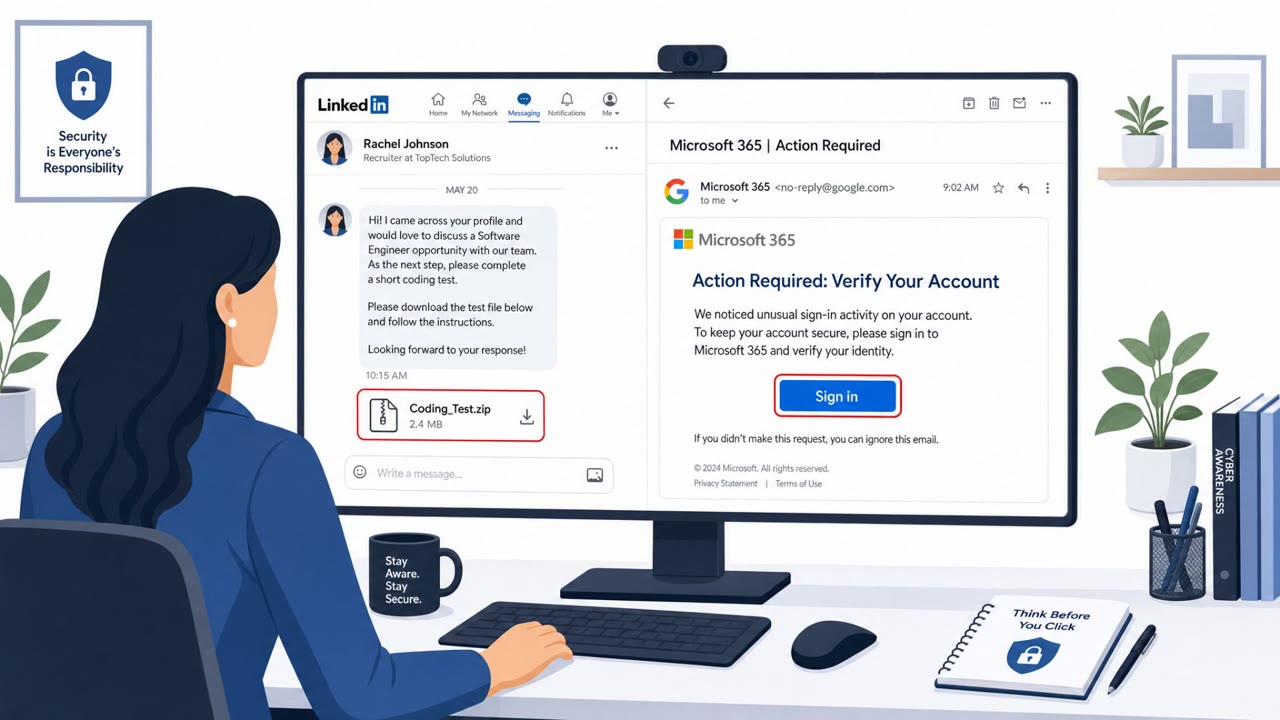
- Impersonated: A real industry contact (whose Telegram account is compromised), Microsoft Teams (software update prompt).
Red flags to watch for
- Unusual or rushed request coming from a chat account (Telegram) rather than normal business channels
- Meeting link “mimicked Microsoft Teams” rather than being a standard Teams/organization link
- Call issues used as friction to normalize additional prompts/steps
- Update prompt appears immediately after clicking a meeting link (suspicious timing)
- Manual update/installer flow that isn’t the normal corporate update process
- Unexpected permissions or extension installation during an “update”
Frequently asked questions
How did the attacker gain the victim's trust?
The attacker used a Telegram account belonging to a real conference contact that had been compromised, then reached out to schedule a routine catch-up call, exploiting an existing relationship.
What triggered the malware installation?
After joining a call link that mimicked Microsoft Teams and experiencing no working audio, the victim was prompted to update Microsoft Teams and approved the procedure, which installed a malicious extension.
What could the malicious extension do?
It captured keyboard input, clipboard history, screenshots, and browsing history, and could swap crypto wallet addresses.
How long was the attacker present before stealing funds?
According to the reporting, the attacker remained resident and quietly collected data for almost a month before draining wallets.
Read the video transcript
Imagine losing six hundred thirty thousand dollars because you clicked one fake Microsoft Teams link from a contact you trust. In this real case, a North Korea–linked group hijacked a conference contact’s Telegram, sent a fake Teams meeting link, and when the call had no audio, a pop-up instantly demanded a Microsoft Teams update. Approving that fake update secretly installed a malicious extension that logged keystrokes, grabbed screenshots and browsing history, and quietly watched for nearly a month before draining their crypto wallets. If a meeting link from chat suddenly triggers a Teams "update," stop. Do not run it, close it and report it to IT immediately so we can check your device.