Researchers described a real phishing campaign where victims click through legitimate Microsoft services and end up on a fake login page that is generated inside their own browser. The phishing page uses a temporary “blob URL” (not a normal website) and can disappear after the session, making it harder for security tools to block using traditional URL lists.
Key findings
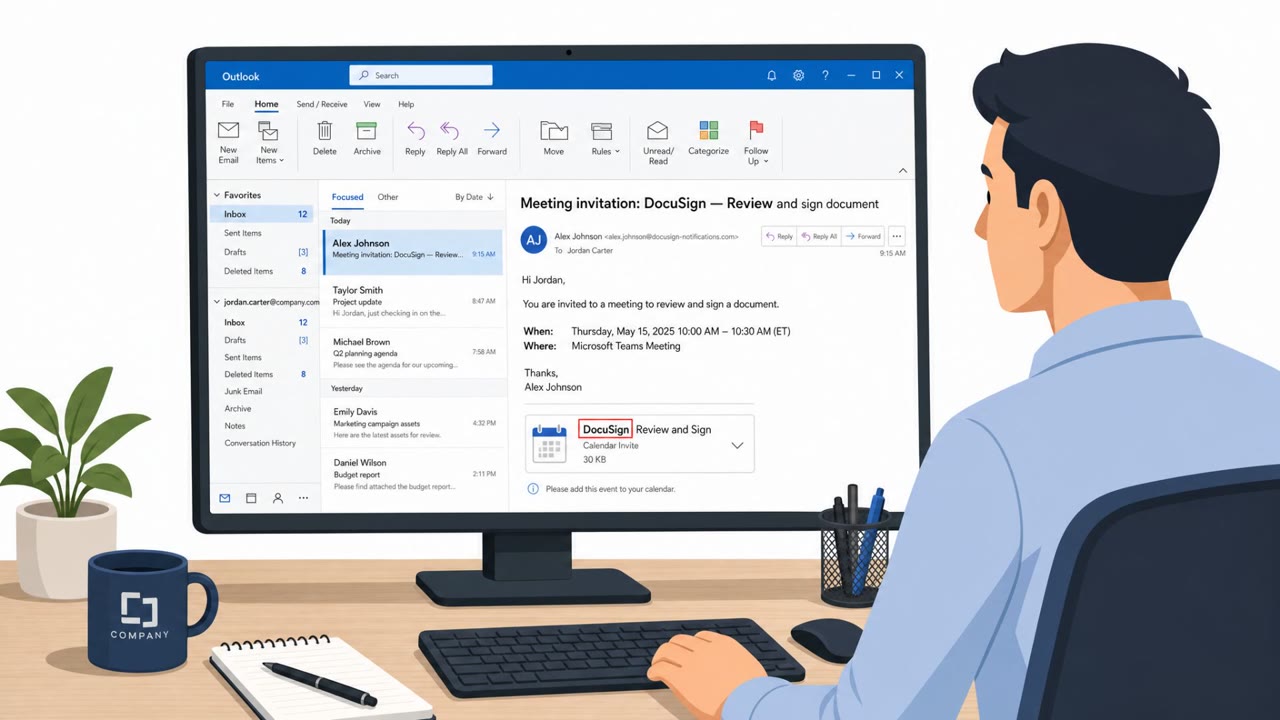
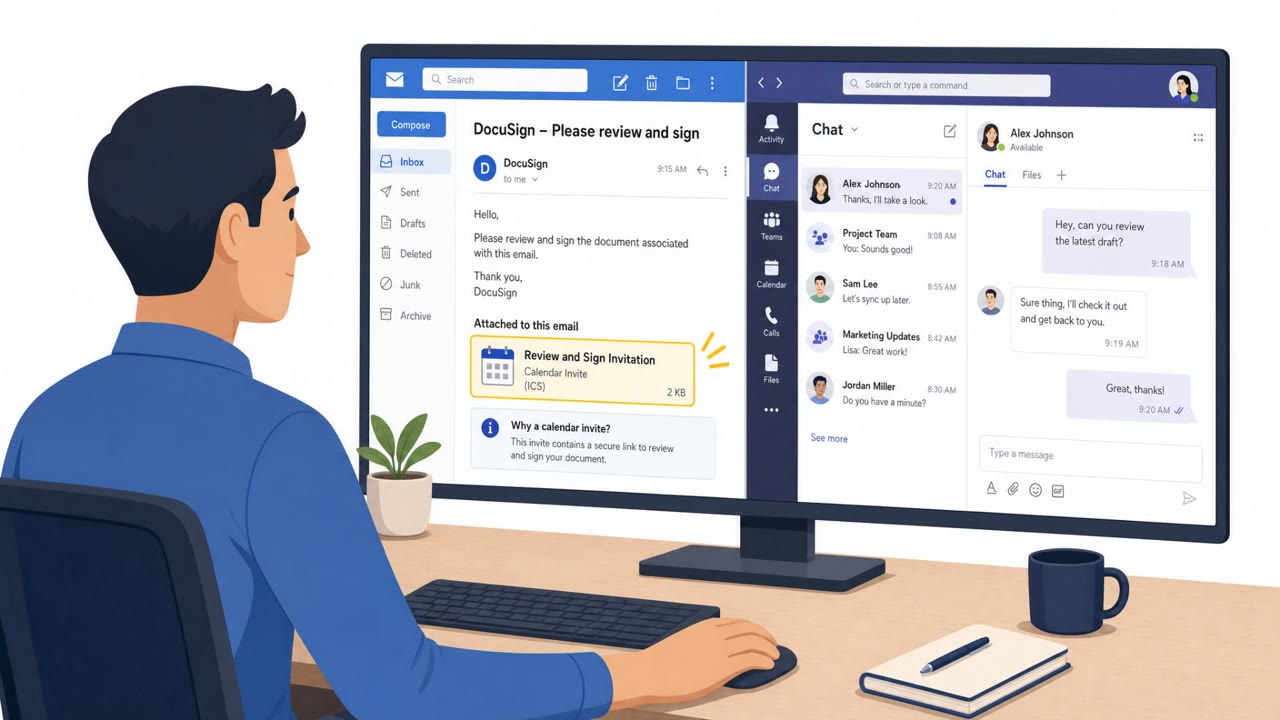
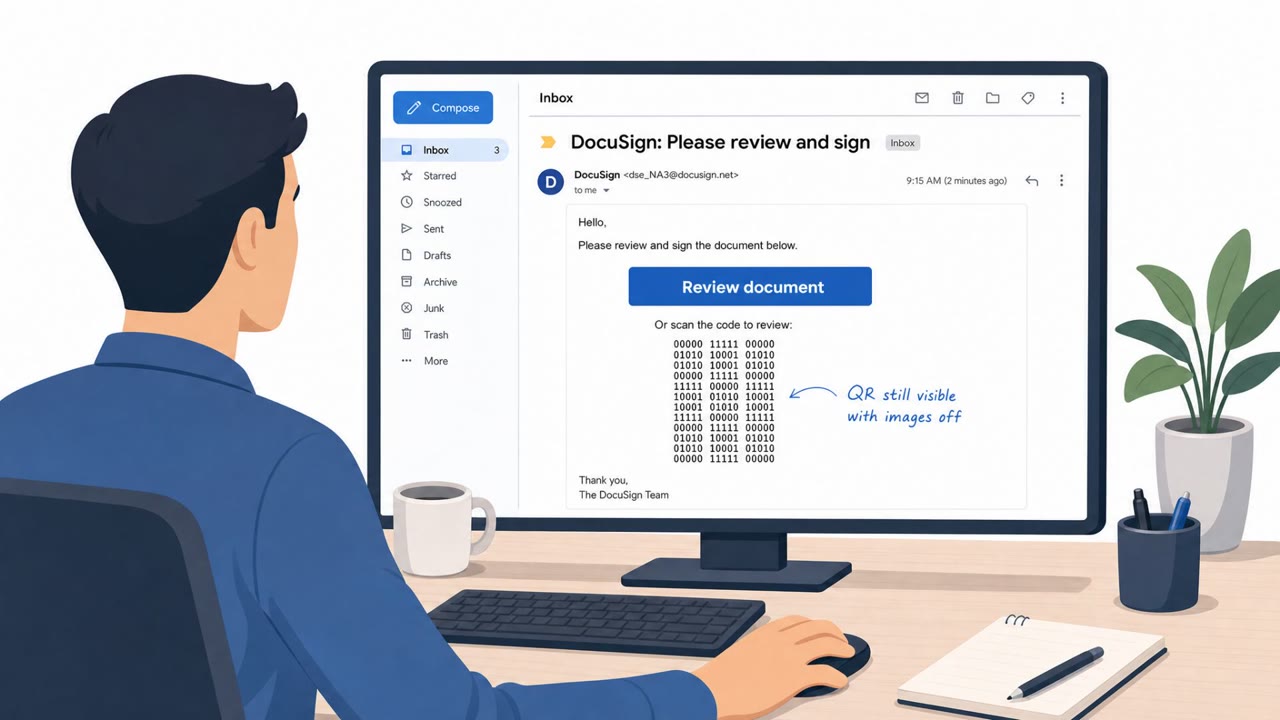
- The lure is a DocuSign-themed phishing email that includes a calendar invite attachment.
- Victims are routed through legitimate Microsoft services (Microsoft OAuth and Microsoft Teams) to look trustworthy.
- The phishing page is rendered locally as a browser “blob URL,” leaving no normal phishing site to blocklist.
- The page registers a service worker and uses a sandboxed iframe to control the phishing flow and evade static URL-based detection.
- The attackers can change destinations/behavior in real time via backend instructions sent through browser messaging.
Who’s being targeted
- Commonly targeted roles: All employees, Executive assistants, Finance, Sales, IT helpdesk/service desk, Security operations.
- Affected industries: Cross-industry (any organization using Microsoft 365/Teams).
- Attack channels: email.
- Impersonated: DocuSign.
Awareness takeaways
- Treat unexpected calendar invites and document-signature emails as high-risk and verify with the sender via a known channel before clicking.
- Don’t assume a link is safe just because it routes through a trusted brand (like Microsoft); attackers can abuse trusted services to hide the real destination.
- Be cautious if a login experience behaves strangely (multiple redirects, unusual address formats, or the page seems to ‘appear’ and then disappear). Stop and report it.
- Security teams should complement email/URL scanning with endpoint/browser behavior monitoring, since some phishing pages won’t have a blockable URL.
Red flags to watch for
- Unexpected calendar invite attached to a DocuSign-themed email
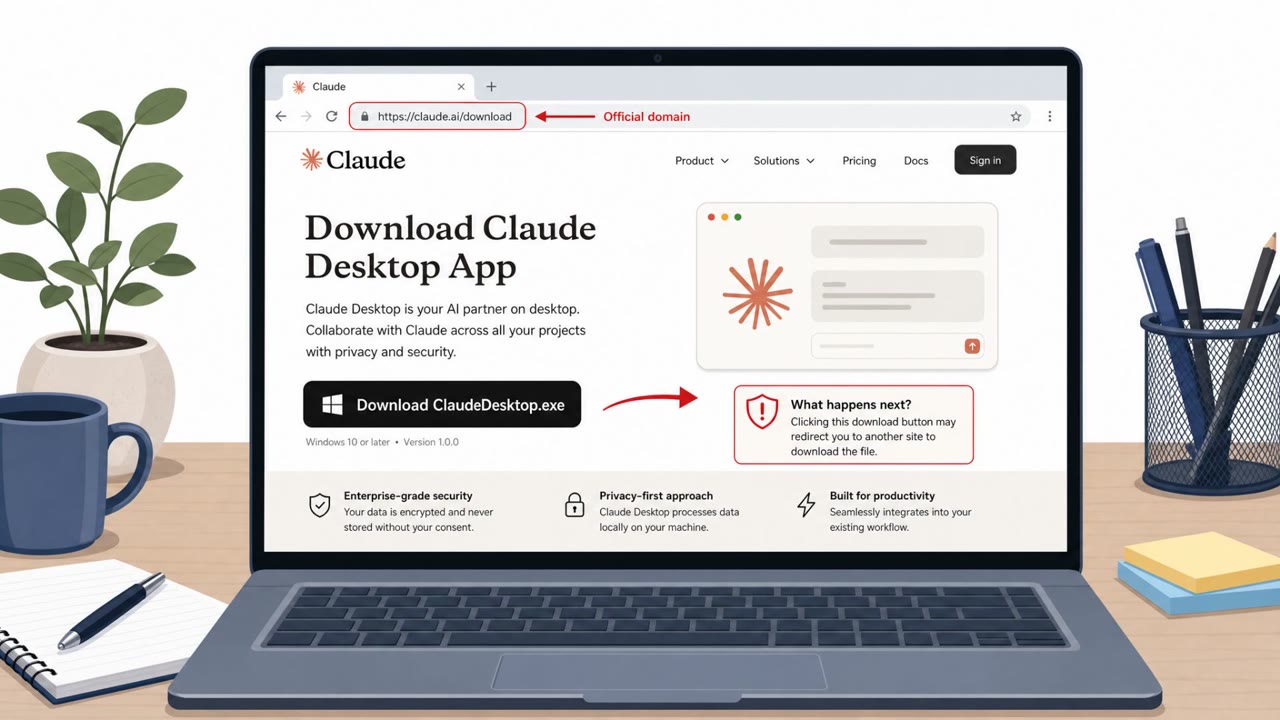
- Login flow that bounces through Microsoft services but ends with an unusual, temporary page (blob URL) asking for credentials
- Unusual behavior immediately after interacting with the calendar invite (unexpected redirects)
Read the video transcript
You get an email: “DocuSign: Signature requested, meeting invite attached.” Looks routine, calendar invite and all. You open the invite, click the link, and it bounces through real Microsoft OAuth and Teams pages. So your brain goes, “Okay, this is safe.” Here’s the trick: Teams quietly loads content from cdn.bloom.io, your browser turns it into a temporary blob URL, and a fake Microsoft 365 login appears that can vanish without leaving a normal phishing site to block. If a DocuSign email comes with a surprise calendar invite or a login flow that suddenly flips to a weird blob URL, stop. Don’t sign in, report it to Security immediately.