Attackers used fake ChatGPT, Claude, and Cursor AI application listings to trick Windows users into downloading malware. The downloads appeared trustworthy because they were hosted through GitHub and included real, digitally signed OpenAI or Anthropic executables, but malicious files alongside them installed a cryptocurrency miner and could deliver other malware.
Key findings
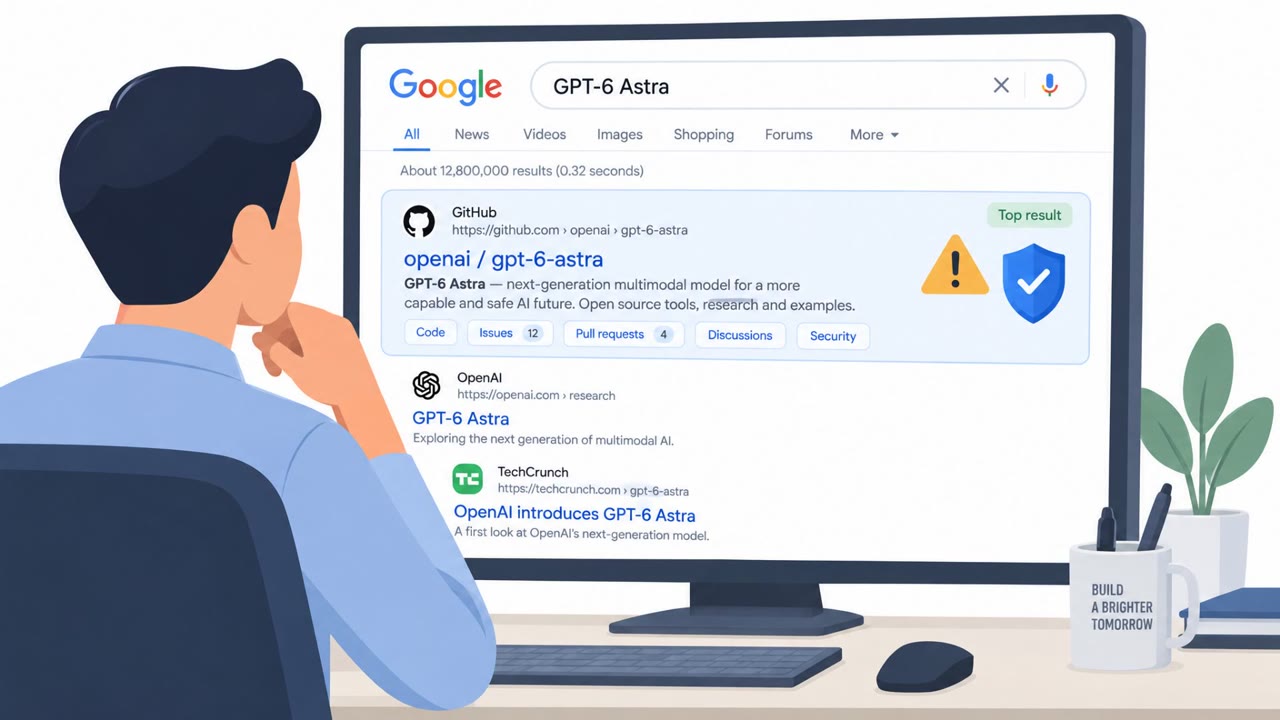
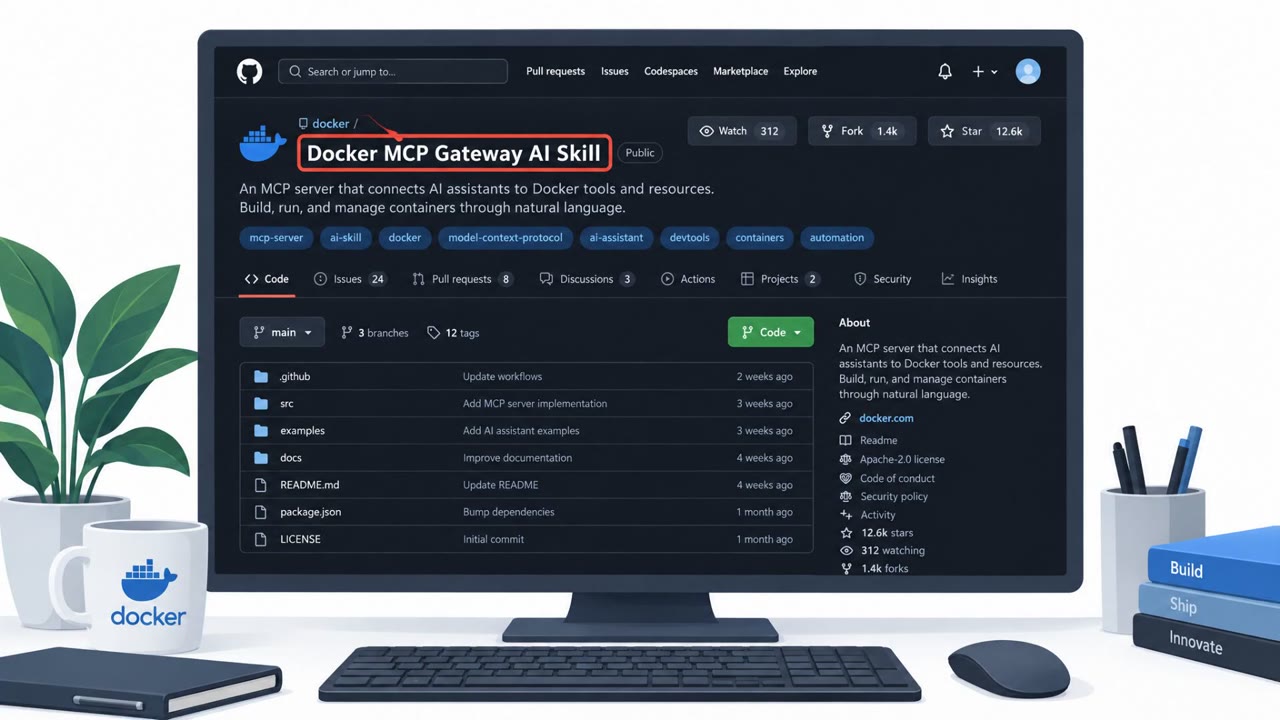
- The Yoba campaign promoted fake AI desktop applications, including “GPT-5.6 Sol,” “GPT-6 Astra,” “Claude Opus,” and an earlier fake Cursor AI application.
- Attackers used GitHub repositories, GitHub Pages sites, and SEO poisoning to place malicious downloads high in Google search results.
- Downloaded ZIP packages paired legitimate signed OpenAI or Anthropic Setup.exe files with a malicious winmm.dll file, allowing DLL sideloading.
- The observed final payload was XMRig cryptomining malware, but the loader can download other Windows executables or PowerShell scripts.
- Developer workstations are especially valuable targets because they may contain source code, API keys, cloud credentials, and internal-system access.
Who’s being targeted
- Commonly targeted roles: Developers, Software engineers, DevOps engineers, IT administrators, Help desk personnel, Employees who install or evaluate AI tools, Security operations teams.
- Affected industries: Software development, Technology, Professional services, Any organization using AI desktop tools.
- Attack channels: website, github.
- Impersonated: OpenAI or Anthropic AI application project, Cursor AI coding-agent application.
Awareness takeaways
- Get AI software only through the organization’s approved catalog or the vendor’s official download channel; do not rely on search ranking, GitHub hosting, or a convincing project page.
- Treat a digital signature as one safety signal, not proof that an entire installer package is safe.
- Developers should avoid installing unapproved AI tools with administrator rights and should request approved tools through a fast internal process.
- Report unexpected installer behavior, such as a signed program loading unfamiliar files, requesting elevated access, or running software from unusual locations.
Red flags to watch for
- The supposed product name is not an official OpenAI or Anthropic release.
- The download is delivered as a ZIP from a GitHub release rather than an official vendor download page.
- Search ranking and a signed Setup.exe do not prove that the complete package is safe.
- The application is obtained from an unverified repository or user-writable download location.
- A coding tool unexpectedly requests administrator rights.
- A new AI tool is discovered through search results rather than the vendor’s official software channel.
Read the video transcript
“Download GPT-6 Astra.” Looks tempting? It’s a fake AI app. The Yoba campaign pushes fake ChatGPT, Claude Opus, and Cursor tools through search results and GitHub. Its ZIP pairs a real signed Setup.exe with a malicious winmm.dll. Aha: the signature covers Setup.exe, not its neighbor. Run it, and DLL sideloading can launch a loader; researchers saw it install XMRig cryptomining malware. High search ranking and GitHub hosting prove nothing. Get AI apps only through your approved software catalog.