Researchers warn about a new macOS infostealer called “CrashStealer” that pretends to be Apple’s Crash Reporter. It uses a legitimate-looking installer and a fake macOS-style password prompt to trick users into unlocking Keychain, then steals credentials and crypto wallet data.
How the attack worked
CrashStealer is a macOS infostealer that impersonates Apple's Crash Reporter. It uses aliases such as CrashReporter.dmg for installation and CrashReporter.app for the application bundle, paired with a legitimate-looking icon to build false trust. Once running, it presents a fake password prompt styled to look like a genuine macOS authorization request asking the user to unlock Keychain. If the victim enters their password, the malware validates the credentials locally and then uses them to target password managers, browsers, and cryptocurrency wallets. Stolen data is packaged and exfiltrated to an attacker-controlled server in encrypted form.
Why it succeeded
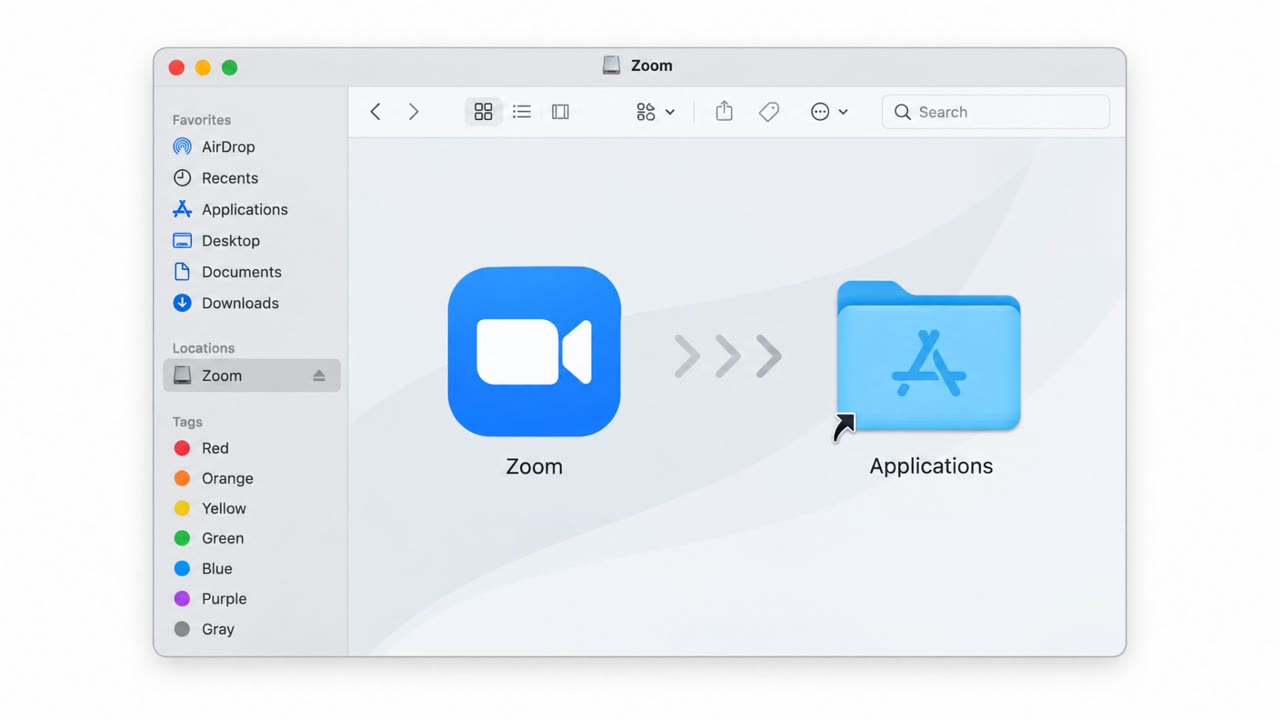
The main .dmg file is distributed as 'Werkbit Setup,' which packages up CrashReporter.dmg inside a signed and Apple-notarized dropper disguised as a disk image. Because the dropper carries a valid Developer ID and a stapled notarization ticket, it clears Gatekeeper on first launch, so the installer appears to be a legitimate, trustworthy utility with no immediate red flags. This combination of a familiar Apple-related name, a convincing icon, and a notarized package removes the usual visual and technical cues that macOS users rely on to judge software as safe.
What to watch for
- An unexpected password prompt from a process you did not directly request, especially one asking to unlock Keychain
- An installer or app name that looks Apple-related but arrived as a separate DMG, such as 'Werkbit Setup' packaging CrashReporter.dmg
- An app requesting Keychain access without a clear connection to an action you initiated
- Any download sourced from cracked or pirated software channels
How to build resistance
Organizations and individual Mac users can reduce risk by treating unexpected password prompts as a stop-and-verify moment: only enter credentials when you personally initiated a known, trusted action. Users should verify the source of any DMG installer before running it and avoid cracked or pirated downloads, which carry a high risk of bundled malware. It is also important to remember that a valid Developer ID and notarization are not proof of safety; signed and notarized installers can still deliver harmful payloads, so trust signals like these should not be relied on alone. Building awareness around these specific behaviors, fake authorization prompts, unusual DMG naming, and unrequested Keychain access, gives users concrete signals to recognize this type of social engineering before credentials are compromised.
Relevant technique reference
This attack pattern maps to techniques including masquerading and credentials from password stores, documented at attack.mitre.org, which security teams can use to inform detection and training priorities.
Key findings
- Malware “CrashStealer” impersonates Apple’s Crash Reporter using names like CrashReporter.dmg and CrashReporter.app plus a legitimate-looking icon.
- It presents a fake password prompt designed to look like a real macOS authorization request to unlock Keychain.
- A signed and Apple-notarized dropper (“Werkbit Setup”) helps it bypass Gatekeeper warnings on first launch.
- Stolen credentials are validated locally and then used to target password managers, browsers, and cryptocurrency wallets.
- Data is exfiltrated to an attacker-controlled server in an encrypted package.
Who’s being targeted
- Commonly targeted roles: All Employees, Executives, IT Helpdesk, Security Awareness/Training Team, Users who install software (Developers/Power users).
- Affected industries: Cross-industry (macOS users).
- Attack channels: website.
- Impersonated: Apple Crash Reporter / macOS system authorization prompt.
Red flags to watch for
- Unexpected password prompt from an unknown or unrequested process
- Installer/app name looks Apple-related but was downloaded as a separate DMG (e.g., “Werkbit Setup” packaging CrashReporter.dmg)
- App is asking for Keychain access without a clear reason tied to something you initiated
Frequently asked questions
What is CrashStealer malware?
CrashStealer is macOS infostealer that impersonates Apple's Crash Reporter, using names like CrashReporter.dmg and CrashReporter.app plus a legitimate-looking icon to trick users into trusting it.
How does CrashStealer trick users into giving up their password?
It displays a fake password prompt designed to mimic a genuine macOS authorization request asking to unlock Keychain, and once entered, the credentials are validated locally and used against password managers, browsers, and crypto wallets.
Can Gatekeeper stop this kind of attack?
Not reliably. The dropper, distributed as 'Werkbit Setup,' is signed and Apple-notarized, which lets it bypass Gatekeeper warnings on first launch even though it delivers a harmful payload.
What should Mac users watch for to avoid this attack?
Treat any unexpected password prompt as a stop-and-verify moment, verify the source of DMG installers, and avoid cracked or pirated software downloads.
Read the video transcript
On a Mac and see this? “CrashReporter tries to unlock the keychain” asking for your password, this can be CrashStealer, not Apple. CrashStealer arrives as a disk image like “Werkbit Setup”, which quietly installs “CrashReporter.dmg” and “CrashReporter.app” with an Apple-looking icon, then flashes that fake Keychain prompt to grab your Mac password. Type your password there, and CrashStealer unlocks your Keychain, tests the credentials, then digs into your browser logins, password manager, and crypto wallets before sending it all off in an encrypted bundle. Your move: if a password prompt pops up and you didn’t clearly start that action, stop and close it, don’t type your Mac password, no matter how “Apple” it looks.