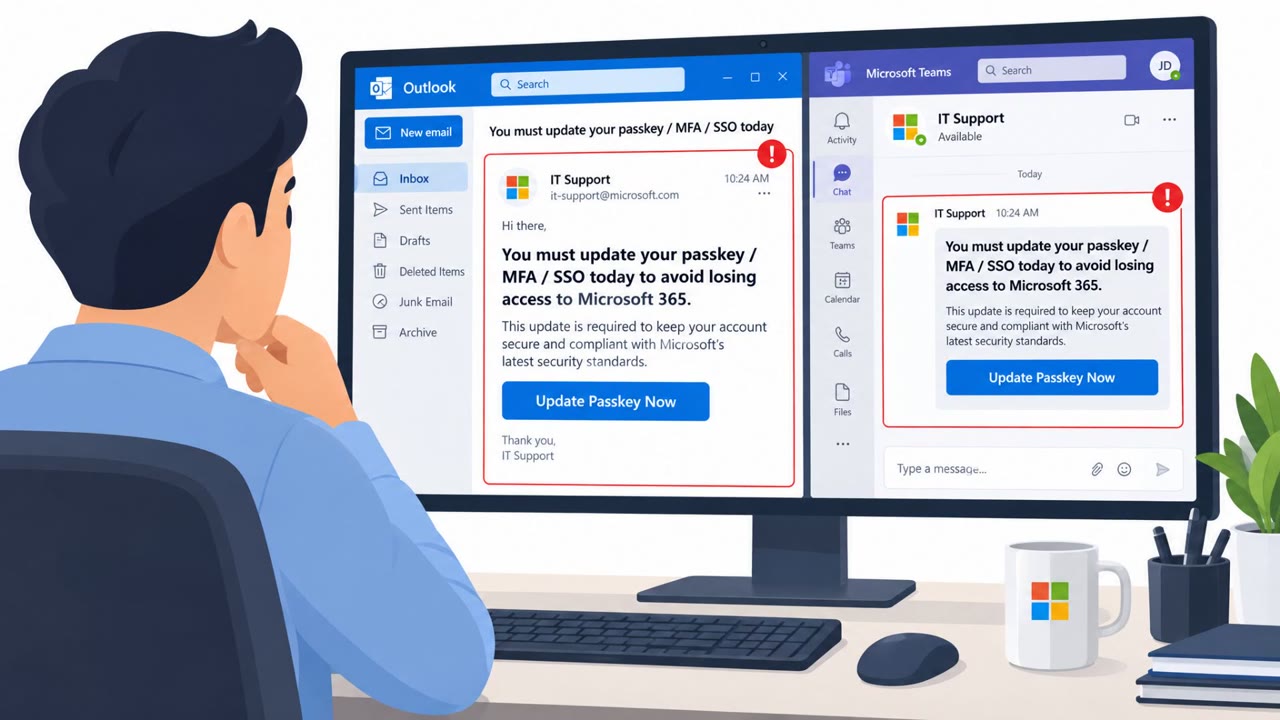
This weekly threat bulletin summarizes multiple real-world incidents, including phishing that abuses Microsoft’s legitimate app login/consent screens and a campaign that hijacks hotel Wi‑Fi captive portals. In both cases, the goal is to trick people into granting access or capturing Microsoft 365/Azure AD tokens to take over accounts and reach email, files, and collaboration tools.
How the attack worked
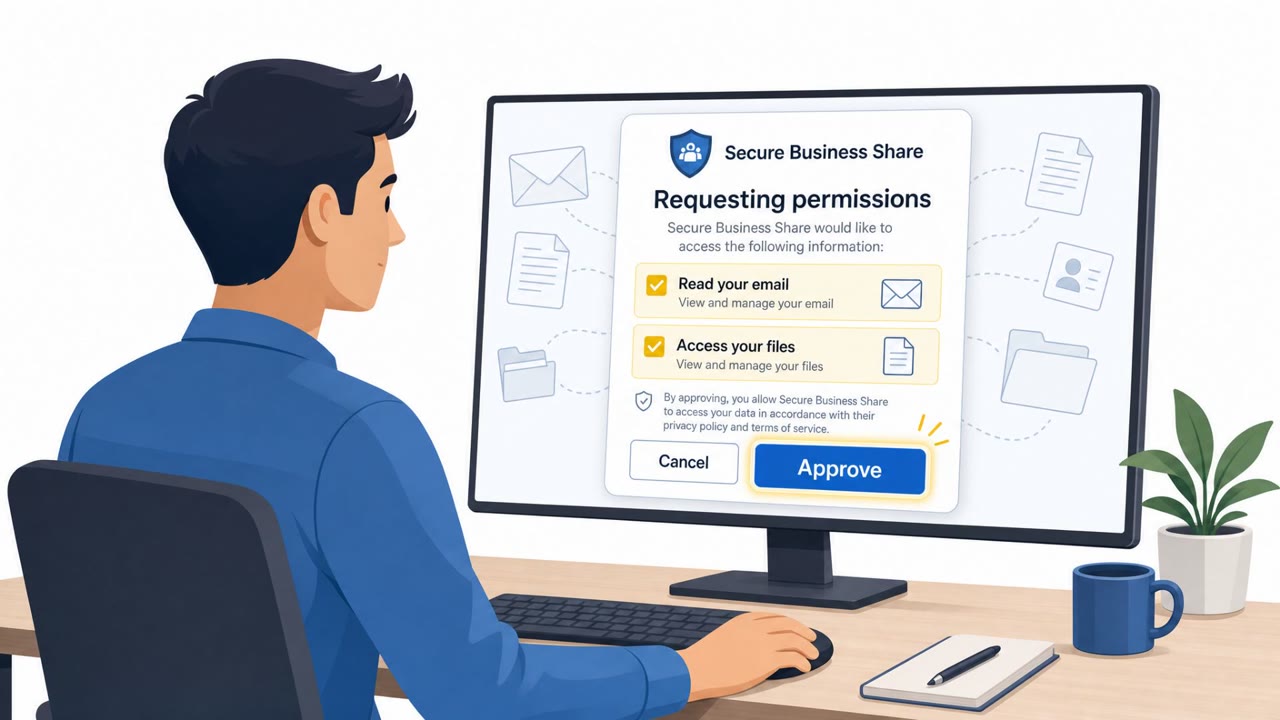
This bulletin describes two related social engineering techniques that both aim to compromise Microsoft 365 and Azure AD accounts. The first uses a phishing campaign that abuses Microsoft's legitimate login and consent process through attacker-controlled applications. Instead of stealing a password directly, the attacker gets the victim to approve an application's access request. More than 200 emails targeted approximately 120 organizations within one month, and successful authorization provided access to mailboxes, files, Teams, SharePoint, OneDrive, and calendar information.
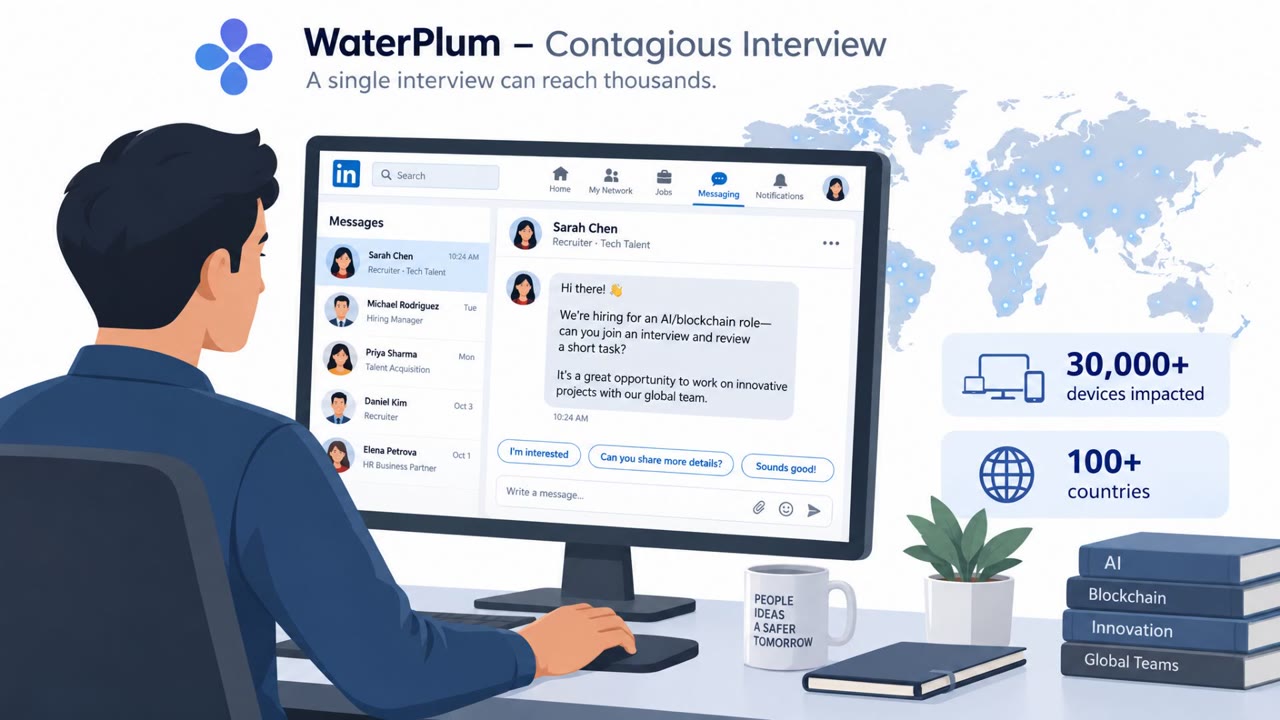
The second technique targets travelers. Attackers compromised hotel and conference captive portals to distribute malware and, more importantly, to harvest Microsoft 365 and Azure AD authentication tokens. This gave attackers account access and session takeover capability, meaning they did not need to know or guess a password at all.
Why it succeeded
Both techniques succeed because they exploit trust in familiar, legitimate-looking workflows. A Microsoft consent screen looks routine to most employees, and few people scrutinize app names or publishers before clicking approve. Similarly, hotel and conference Wi-Fi portals are something travelers interact with constantly and rarely question, especially executives, sales staff, and consultants who are frequently on the road. The high sophistication of these campaigns means the visual and procedural cues victims normally rely on to spot fraud were closely mimicked or bypassed entirely.
What to watch for
- An unexpected request to grant an application permissions to email, files, or calendars
- An app name or publisher that looks unfamiliar or does not match tools your organization normally uses
- A consent screen requesting broad access spanning mailbox, files, Teams, SharePoint, and OneDrive
- A hotel or conference Wi-Fi portal unexpectedly asking for a Microsoft 365 or Azure AD sign-in
- Portal behavior that differs from what you have seen at that venue before, or unusual download prompts during connection
Building resistance
Organizations should train all employees, and especially IT staff and executives, to treat unexpected app consent prompts as suspicious and to verify the requesting application and its publisher before approving access. Frequent travelers, sales teams, and consultants should be taught to assume that hotel and conference Wi-Fi portals can be tampered with and to avoid entering work credentials unless portal legitimacy is certain. Because authentication tokens enable account access and session takeover without a password, awareness training should specifically cover this risk so travelers understand that connecting to compromised Wi-Fi can be just as damaging as falling for a traditional phishing email.
Key findings
- Phishing campaign abused Microsoft’s legitimate login and consent process using attacker-controlled applications.
- Over 200 emails targeted about 120 organizations in one month; successful authorization granted access to mailboxes, files, Teams, SharePoint, OneDrive, and calendars.
- Russia-linked Storm-2945 (Midnight Blizzard) compromised hotel/conference captive portals to deliver malware and harvest Microsoft 365 and Azure AD authentication tokens for session takeover.
Who’s being targeted
- Commonly targeted roles: All employees, Executives, IT, Frequent travelers, Sales, Consultants.
- Affected industries: Government, Critical infrastructure (water utilities), Banking, Biotechnology/Healthcare, Telecommunications.
- Attack channels: email, website.
- Impersonated: Microsoft login/consent experience (legitimate workflow), Hotel/conference Wi‑Fi login portal.
Red flags to watch for
- Unexpected request to grant an app permissions to email/files
- App name/publisher looks unfamiliar or does not match your organization’s tools
- Consent screen requests broad access (mailbox, files, Teams/SharePoint/OneDrive)
- Wi‑Fi portal asks you to sign in with Microsoft 365/Azure AD unexpectedly
- Portal behavior changes from what you’ve seen at that venue before
- Connection requires unusual downloads or prompts beyond normal Wi‑Fi access
Frequently asked questions
What is consent phishing?
Consent phishing abuses a legitimate login and consent process, tricking a user into approving an attacker-controlled application. Once approved, the app can gain access to mailboxes, files, Teams, SharePoint, OneDrive, and calendar information without the attacker ever needing the victim's password.
How did hotel Wi-Fi portals get used in this attack?
Attackers compromised hotel and conference captive portals to distribute malware and harvest Microsoft 365 and Azure AD authentication tokens, which enabled account access and session takeover for travelers connecting to Wi-Fi.
Who is most at risk from these techniques?
The scenarios target all employees and IT staff for consent phishing, and frequent travelers, executives, sales, and consultants for the hijacked Wi-Fi portal campaign.
Why is stealing a session token more dangerous than stealing a password?
A stolen authentication token can enable account access and session takeover directly, bypassing the need for a password and often bypassing multi-factor authentication checks tied to login.
Read the video transcript
You sign in to Microsoft like normal… but that one click just handed over your email, files, and Teams to a fake app. This is consent phishing. Over 200 emails pushed people into Microsoft’s real login and consent screens for attacker-controlled apps. One approval gave access to mailboxes, files, Teams, SharePoint, OneDrive, and calendars. Same play on the road: a hotel or conference Wi‑Fi portal pops up, suddenly wants your Microsoft 365 sign‑in, then silently steals your Azure AD token for session takeover. No password reuse needed, your session is hijacked. If an app consent screen or hotel Wi‑Fi portal suddenly wants your Microsoft 365 access, stop and report it to IT, do not approve or sign in until they confirm it’s legit.