A malvertising campaign is luring users with fake free “AI tool” downloads (recipe/meal-planning apps) delivered via paid search ads. Even when Microsoft Defender later quarantines the detected file, the installer can already have created persistence (Startup shortcut and HKCU Uninstall key), meaning the device may still be compromised. The article provides specific domains, hosting infrastructure, and the exact persistence checks defenders should perform.
How the attack worked
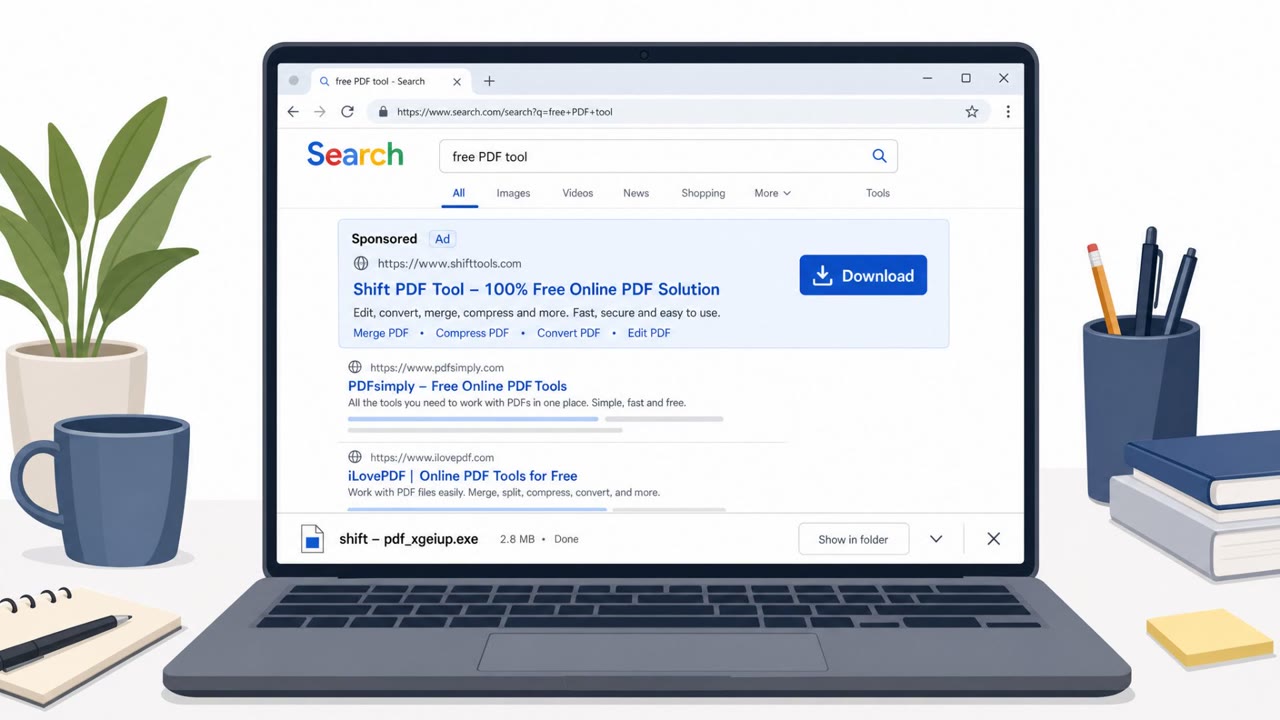
This campaign relies on paid search ads to promote fake free Windows "AI tools," currently themed as recipe and meal-planning apps. Users searching for free software click a paid result, land on a legitimate-looking site, and download an installer that does not require admin rights. Once run, the installer writes files to AppData, adds a Start Menu shortcut, creates an HKCU Uninstall registry key, and drops a Startup folder shortcut for boot persistence. The loader itself, referred to as math.dll, is injected in memory rather than dropped to disk, which limits what file-based scanning alone can catch.
Why it succeeded
The campaign's success comes down to timing and rotation. Persistence was observed being created around 21 seconds into execution, while Microsoft Defender's quarantine action occurred around 29 seconds later. That gap means the malicious artifacts can already be embedded on the endpoint by the time an alert fires. On top of that, the operators rotate lure brand names and domains quickly, for example GiveMeRecipe, KitchenCanvas, and FoodFormula, all fronting the same underlying toolkit. This rotation means indicators like brand names or domains have a short useful life for detection purposes.
What to watch for
- Paid search ads offering a free "AI tool" tied to an unfamiliar or off-brand app name
- Recently created or rotating domains hosting the download
- An installer prompting for a vague AI-related benefit rather than a specific, verifiable feature
- A Startup folder shortcut tied to the downloaded app's name
- An HKCU Uninstall registry key mimicking a legitimate software install
Any of these persistence artifacts on a host that triggered a MediaArena-related alert should be treated as a sign the device may still be compromised, even if the file itself was quarantined.
How to build resistance
Defenders should treat a quarantine alert as the start of an investigation rather than the end of one. Verifying whether anything executed and whether persistence artifacts exist is a more reliable process than relying on the quarantine result alone. Because brand names and domains rotate quickly, detection strategies should lean on behavior-based signals and known persistence mechanisms, such as Startup folder shortcuts and HKCU Uninstall keys, rather than static indicators. End users across all departments, not just technical staff, should be made aware that free "AI tool" ads served through paid search are a common lure format, so they think twice before downloading unfamiliar software promoted this way. SOC and incident response teams should incorporate these specific artifact checks into their playbooks for any related alert.
Key findings
- Microsoft Defender quarantine may occur after persistence is already written (persistence observed at 21 seconds; quarantine at 29 seconds).
- Campaign uses paid search ads to push fake free Windows “AI tool” apps themed as recipe/meal-planning tools.
- Installer does not require admin rights and writes to AppData, adds Start Menu shortcut, creates an HKCU Uninstall key, and creates a Startup folder shortcut for boot persistence.
- Infrastructure and branding rotate quickly (multiple lure brands/domains), so behavior/persistence artifacts are more reliable than brand-string indicators.
- The loader (math.dll) is injected in memory rather than dropped to disk, so defenders should hunt for persistence artifacts instead of the file.
Who’s being targeted
- Commonly targeted roles: All employees, End users who install software, IT support/helpdesk, SOC/incident response.
- Affected industries: Multiple/various industries (more than 20 client environments).
- Attack channels: website.
- Impersonated: A legitimate-looking free app brand (rotating names such as GiveMeRecipe/KitchenCanvas/FoodFormula).
Red flags to watch for
- Off-brand “free AI tool” promoted via paid ad rather than an official vendor site
- Recently created/rotating domains and brand names
- Installer asks to run a downloaded EXE for a vague “AI tool” benefit
Frequently asked questions
What is the MediaArena malvertising campaign?
It is a malvertising campaign that uses paid search ads to promote fake free Windows AI tools, currently themed as recipe and meal-planning apps, to trick users into downloading malicious installers.
Does a Microsoft Defender quarantine mean the threat is neutralized?
Not necessarily. Persistence has been observed being written around 21 seconds into execution, while quarantine occurred around 29 seconds, meaning the malicious artifacts can already be in place before detection.
What persistence artifacts should defenders check for?
Defenders should look for a Startup folder shortcut tied to the app name and an HKCU Uninstall registry key mimicking a legitimate install. If either is present, the host should be treated as still compromised.
Why do brand names and domains matter less than behavior in this campaign?
The campaign rotates lure brands and domains quickly, so any single brand or domain indicator has a short shelf life, making behavior and persistence artifacts more reliable signals to hunt on.
Read the video transcript
You search for a free AI meal-planning app, click a paid ad for “GiveMeRecipe,” and grab the Windows download. Looks legit, right? Behind that ad is a malvertising campaign. The fake AI app installer runs without admin rights, drops files into AppData, adds itself to your Start Menu, and quietly sets a Startup shortcut so it launches every boot. Here’s the trap: Microsoft Defender might pop up and quarantine MediaArena a few seconds later, but by then the damage is done. Persistence was created at around 21 seconds; quarantine hit at 29. The loader hides in memory, and the brand names, GiveMeRecipe, KitchenCanvas, FoodFormula, rotate constantly. So if you ever see MediaArena quarantined after installing a 'free AI' recipe tool from a paid ad, don’t assume you’re clean, open a ticket and tell IT to check your Startup folder and HKCU Uninstall keys for that app name.