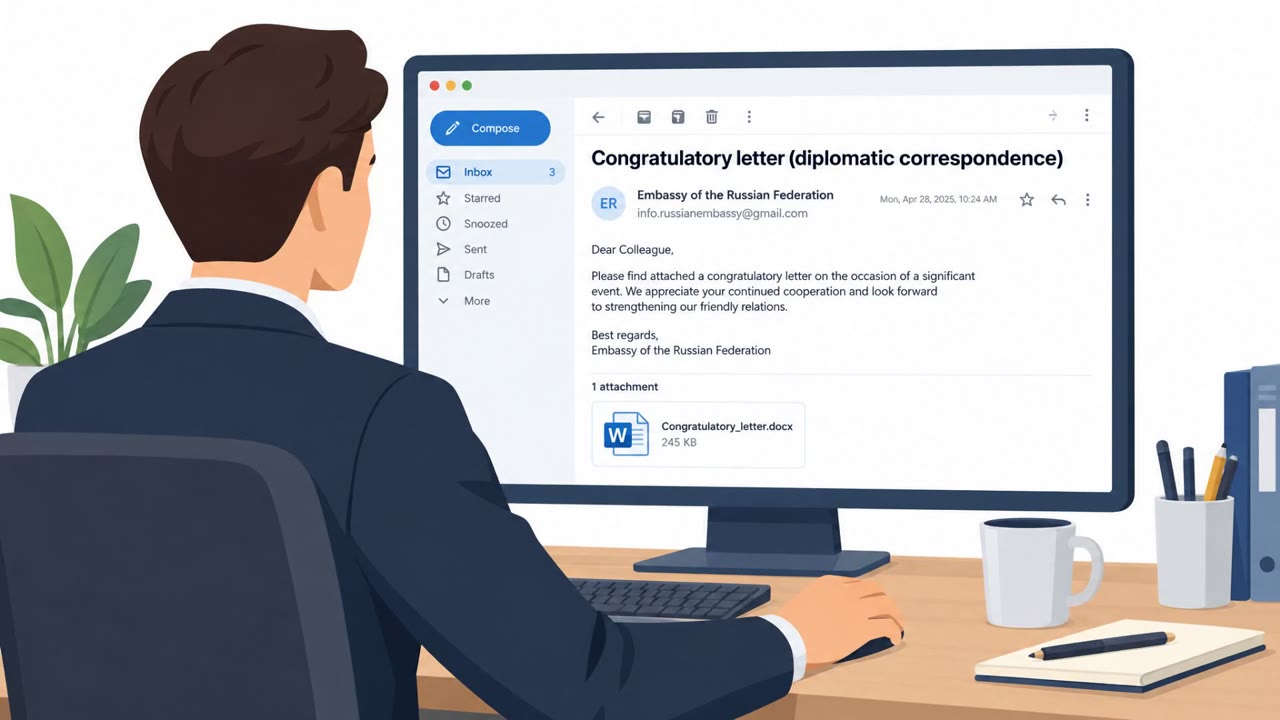
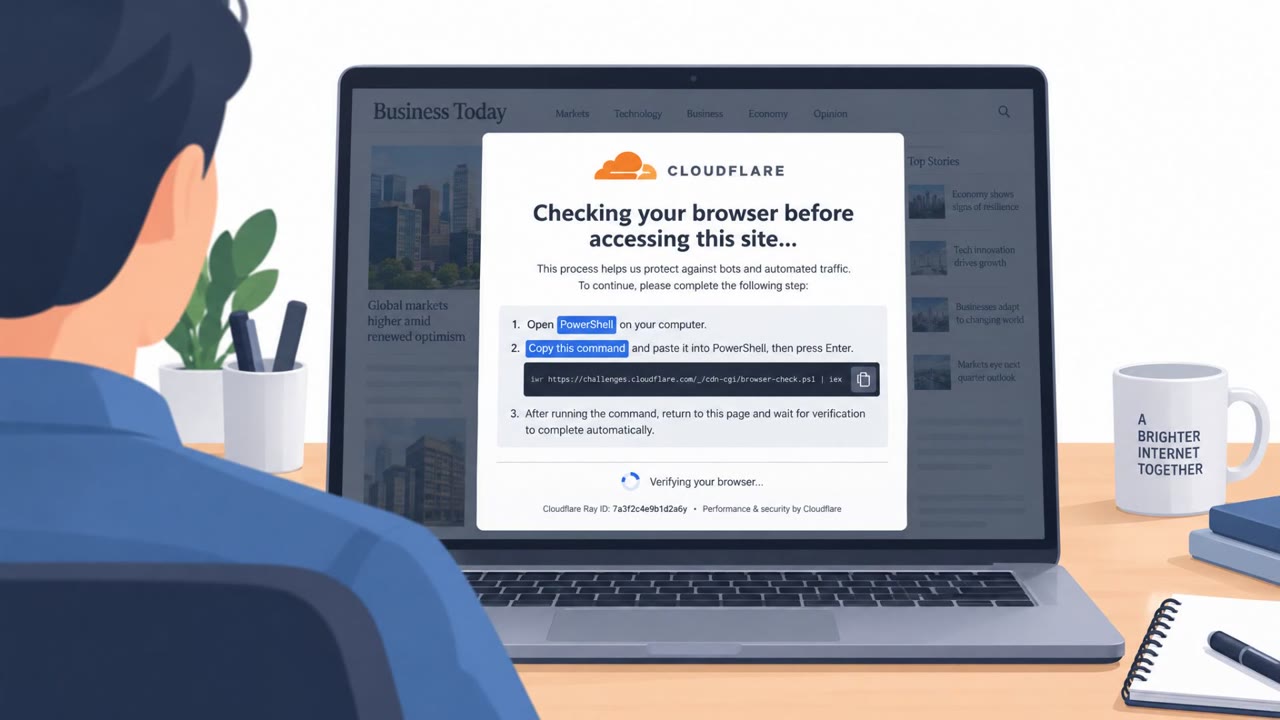
Microsoft reports a real campaign where attackers set up look-alike software download websites (impersonating known brands) to trick employees into installing trojanized “installers.” Once run, the malware persists on the device, weakens security settings, and connects to attacker-controlled systems, turning normal software downloads into an enterprise breach path.
Key findings
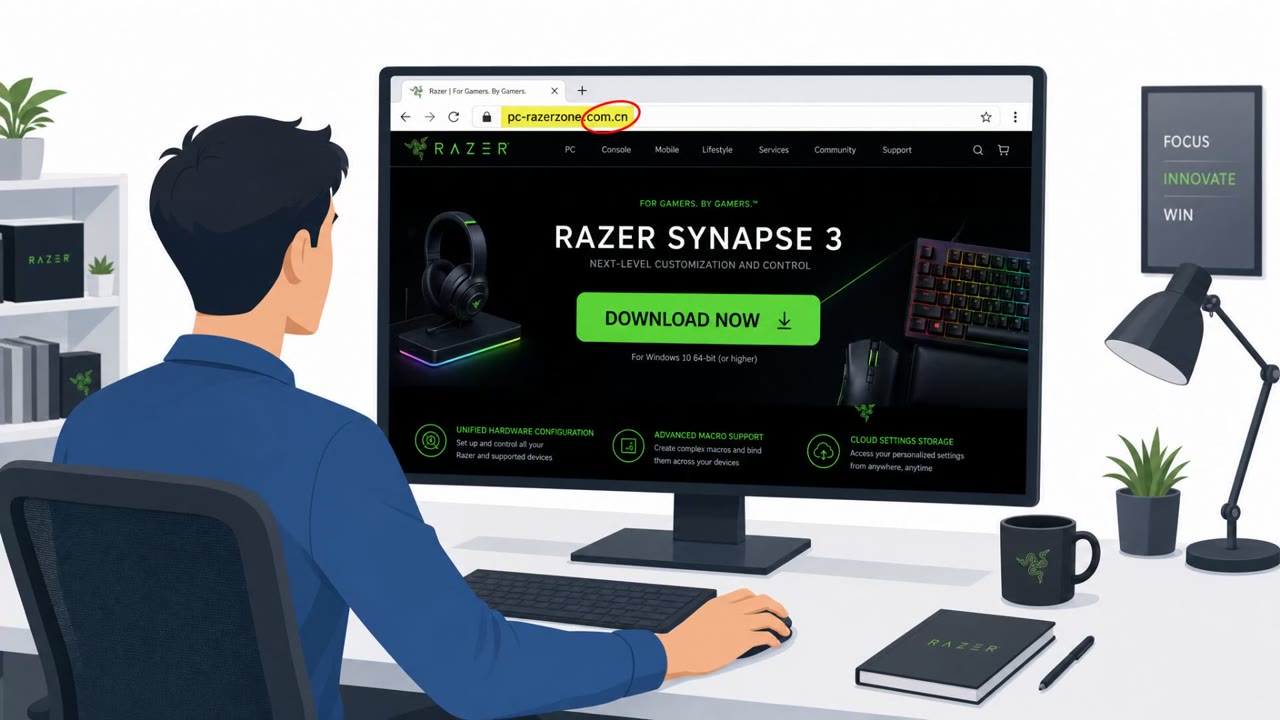
- Attackers used spoofed websites impersonating trusted software vendors (including Microsoft Edge, Kaspersky, and Razer) to distribute trojanized installers.
- The flow goes from a fake vendor download page to malware that becomes persistent and self-protecting on the endpoint.
- Payloads are regenerated server-side: the download “keeps the same filename while its hash changes on every download,” reducing the value of hash-based blocking.
- Attackers abused trusted Windows components (e.g., msiexec.exe) so malicious execution appears under legitimate Microsoft-signed processes.
- Post-infection activity included persistence via scheduled tasks and defense evasion such as adding antivirus exclusions, deleting shadow copies, and disabling Windows Update.
- Microsoft noted some environments showed “hands-on-keyboard” actions after initial compromise, suggesting human-driven follow-on activity.
- Microsoft said activity is consistent with publicly reported Silver Fox (Yinhu), but did not attribute it to a nation-state actor.
Who’s being targeted
- Commonly targeted roles: All Employees, IT, Helpdesk/Service Desk, Engineering, Operations, Procurement/Software Asset Management.
- Affected industries: Healthcare, Manufacturing, Gaming, Technology, Logistics, Government, Education.
- Attack channels: website.
- Impersonated: Legitimate software vendor download site (e.g., Microsoft Edge, Kaspersky, Razer).
Awareness takeaways
- Only download software from known, official vendor sources (or your company software portal); treat look-alike domains as high risk.
- Don’t trust a download just because it looks familiar, attackers are targeting “routine” software installs.
- Report suspicious installers or unusual install behavior immediately; defenders may need to rely on behavior, not file hashes.
- A legitimate Windows process name (or Microsoft-signed component) doesn’t guarantee the activity is safe, verify the source and context.
Red flags to watch for
- The download page is on a look-alike domain rather than the vendor’s real domain
- The site routes the download through an unexpected backend or redirect
- The “same filename” download produces different files over time (hash changes), indicating manipulation
Read the video transcript
You Google “Download Microsoft Edge, Official Installer” and hit the top result. Looks legit, right? But Microsoft just warned: attackers built counterfeit download sites for Edge, Kaspersky, even Razer. You click, grab the “official” installer, run it, and you’ve actually installed a persistent, self‑protecting implant. Here’s the nasty part: the file name stays the same, but the hash changes on every download, and it runs under trusted Windows components like msiexec.exe. So in Task Manager it looks clean while it adds scheduled tasks, antivirus exclusions, even deletes shadow copies. Your move: never trust a download link from search results alone. For Edge, Kaspersky, Razer, anything, type the official site yourself or use our company software portal, and report any odd installer behavior right away.