Investigators described a real, long-running SEO poisoning operation (“BengalSEO”) that manipulates search results to push victims to fake support and activation pages. The pages impersonate well-known consumer brands, then route visitors through redirects and CAPTCHA checks to either download malware ("MayaBot") or call a tech-support scam number.
How the attack worked
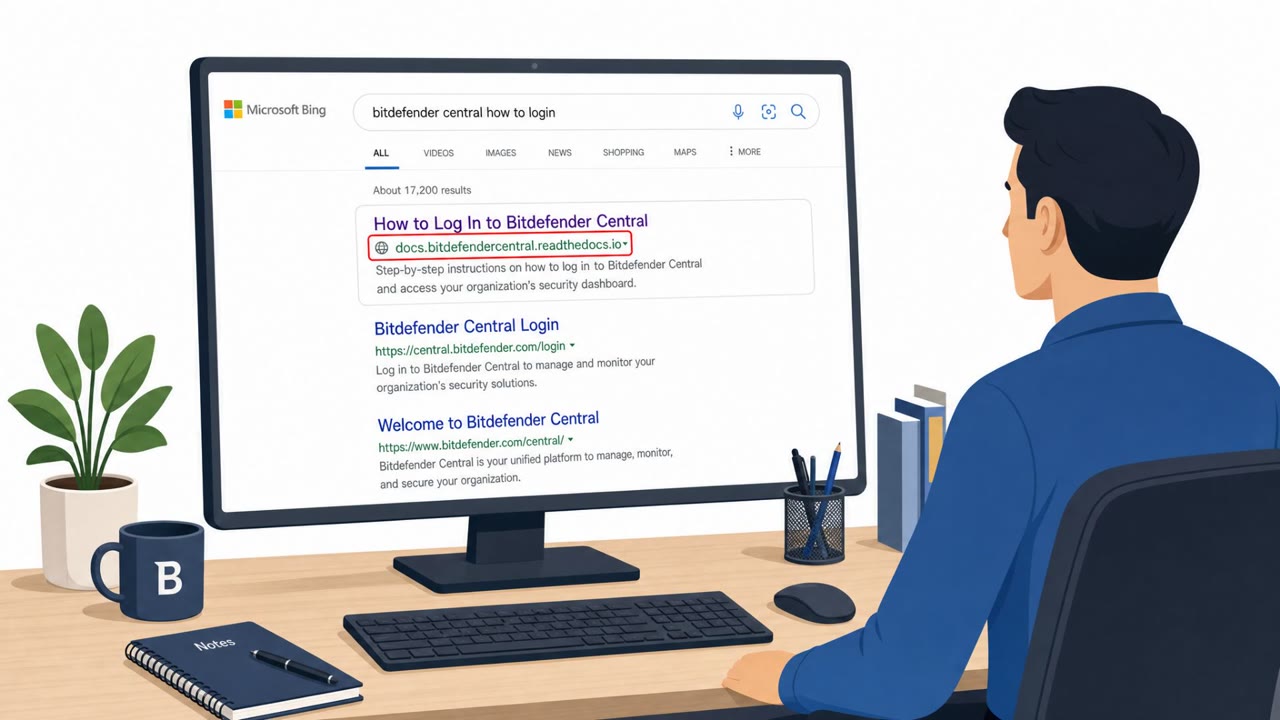
BengalSEO is a financially motivated operation that manipulates search engine results so that fake support and activation pages for popular consumer brands appear near the top of results. Victims searching for terms like "support" or "download" for products such as antivirus software, tax software, gaming platforms, or streaming services land on pages designed to look like official portals.
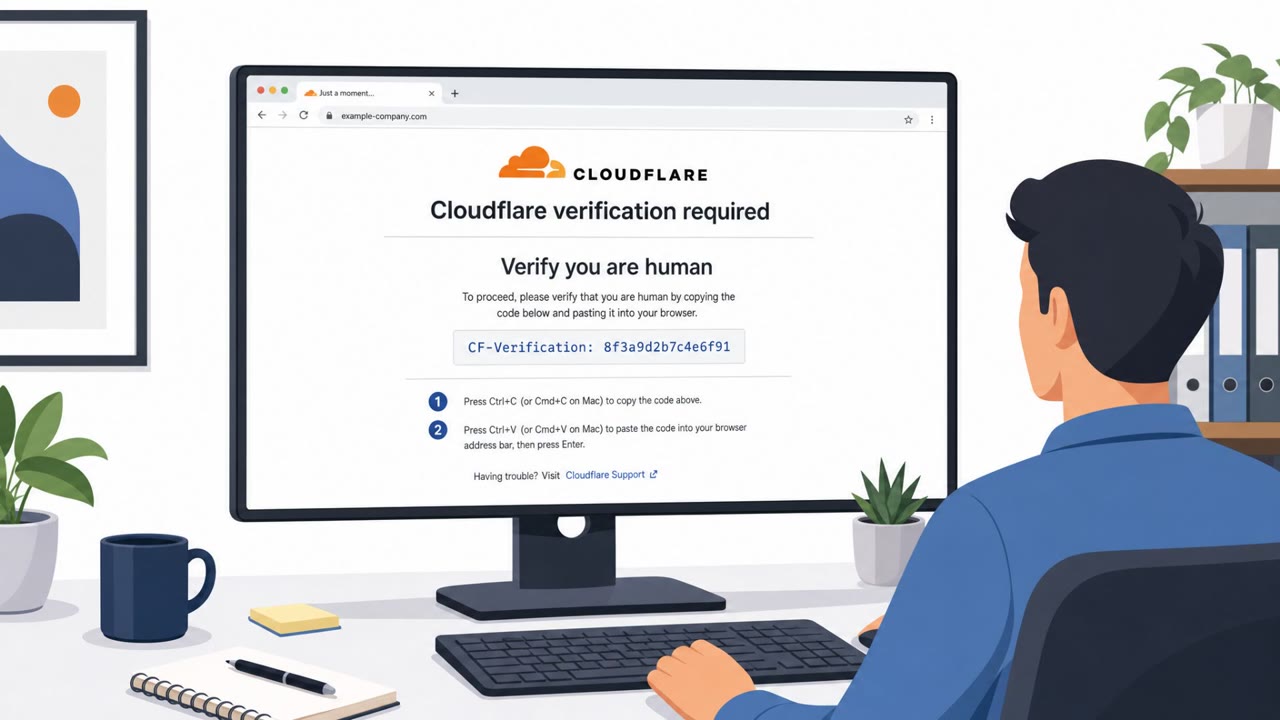
From there, a traffic distribution system routes visitors through rotating redirector domains. These domains use CAPTCHA challenges such as Cloudflare Turnstile or hCaptcha, not to protect users, but to filter out automated scanners and bots before serving the real malicious content. Depending on how the system classifies the visitor, the final landing page either pushes a malware download or a tech-support scam contact page.
Two outcomes: malware or a scam call
When malware is served, the victim is prompted to download a ZIP archive and run its contents. Inside is a JavaScript dropper disguised as an EXE file. Once executed through wscript.exe, it installs the MayaBot malware. In other cases, no payload is delivered at all. Instead, the victim is redirected to a page urging them to call a support number, which connects them to a scam call center rather than any legitimate brand support line.
Why it succeeded
The operation succeeds because it exploits trust in search engine rankings. Users assume that a top result for a brand's support page is legitimate, especially when the page closely mimics the real brand's design and language. The use of CAPTCHA checks adds a false sense of legitimacy, since many users associate these challenges with safe, well-maintained websites rather than filtering tools used by attackers to evade detection.
What to watch for
- Search results for support or download pages leading to unfamiliar domains instead of a brand's official site
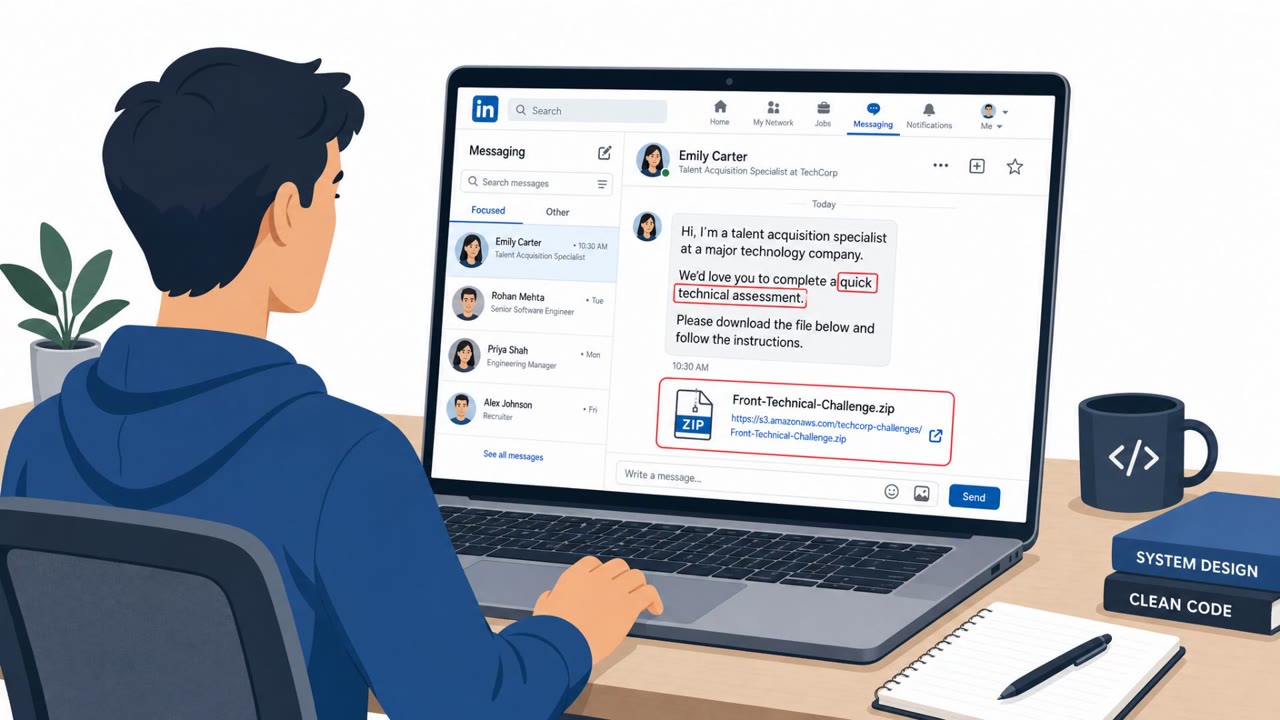
- Support pages that prompt a ZIP download followed by instructions to open and run the file
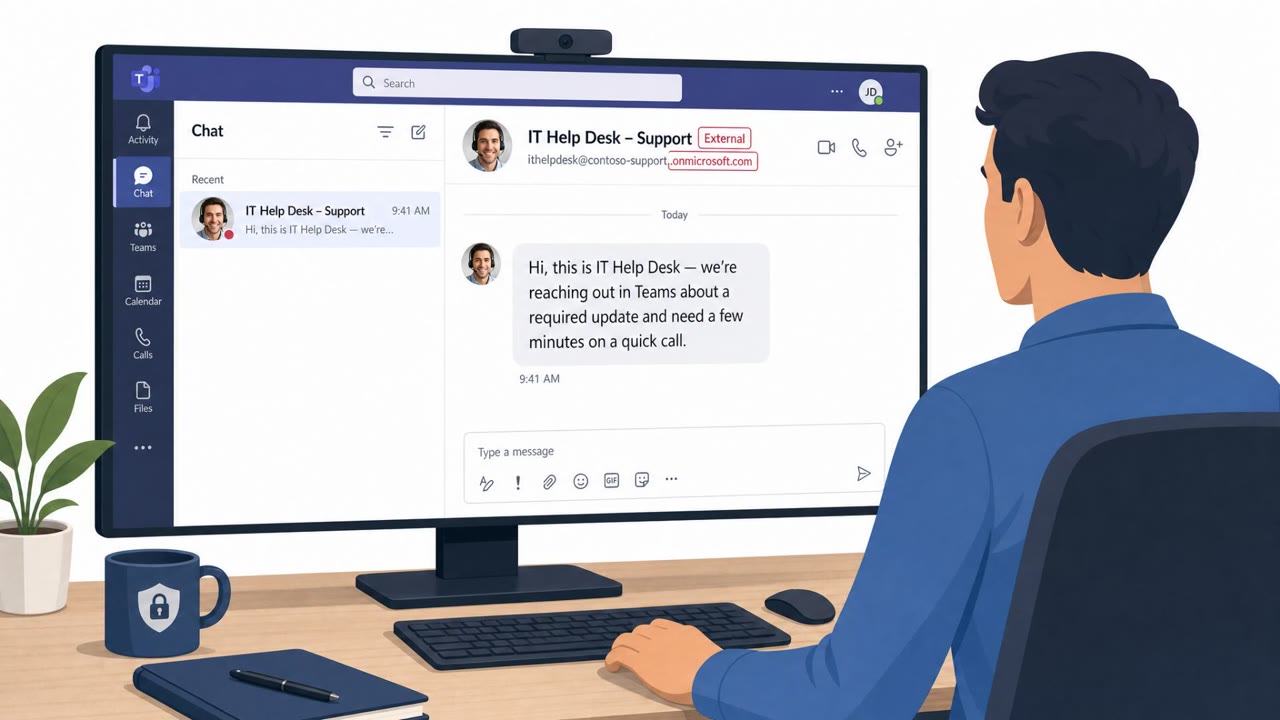
- Pages urging an immediate phone call to a generic support number rather than offering normal self-service options
- CAPTCHA or "verify you're not a robot" prompts appearing before reaching a support or download page
Building resistance
Organizations and individuals can reduce exposure by treating search results for support and download pages as untrusted by default. Navigating to support resources through bookmarked or known official URLs, rather than search engine links, removes much of the risk. Staff should be trained to view unsolicited download or "run this file" instructions as a strong warning sign, and to verify any support phone number through an official website or internal IT channel rather than calling numbers presented by a pop-up or landing page.
Key findings
- A real SEO-poisoning operation was observed in March 2026 leading to malware and tech-support scams.
- The operation is attributed to a scam ecosystem in Rajasthan, India, tied to two identified IT service/SEO companies.
- Lure pages impersonate popular brands’ support/activation portals and push users to click prominent buttons.
- A traffic distribution system (TDS) uses rotating redirector domains, CAPTCHAs, cloaking, and tracking to filter victims and deliver either malware or scam-call pages.
- Malicious landing pages deliver a ZIP that contains a JavaScript dropper disguised as an EXE; execution via wscript.exe leads to “MayaBot” infection.
- Some victims are redirected to a page prompting them to call an “1855” tech-support number.
Who’s being targeted
- Commonly targeted roles: All employees, IT support / Helpdesk, Security awareness trainees, Executives (high-level awareness of tech-support scams).
- Affected industries: Consumers / General public, Tax software and tax support, Antivirus software and support, Gaming software and support, Streaming services support/activation, Credit, healthcare, and gift card activation.
- Attack channels: website, vishing.
- Impersonated: Brand technical support / activation portal (e.g., Bitdefender support), Tech support / customer service.
Red flags to watch for
- Search result leads to an unfamiliar domain or hosted page (not the brand’s real site)
- Download is a ZIP and contains a script masquerading as an EXE
- The site quickly redirects to a legitimate page after the download to reduce suspicion
- Unsolicited instruction to call a generic support number from a website reached via search
- High-pressure ‘support’ messaging instead of normal self-service options
- The page is not hosted on the brand’s official domain
Frequently asked questions
What is BengalSEO?
BengalSEO is a real, long-running SEO poisoning operation that manipulates search results to lead victims to fake support and activation pages impersonating popular consumer brands.
How does BengalSEO deliver malware?
Victims who click through fake support pages download a ZIP file containing a JavaScript dropper disguised as an EXE. Once executed via wscript.exe, it installs the MayaBot malware.
Why do some victims get a phone number instead of malware?
In some cases no payload is served and the victim is instead redirected to a contact page prompting them to call a scam support number, since the operation is financially motivated and will pursue either outcome.
How can I tell if a support page is fake?
Watch for search results leading to unfamiliar domains rather than the brand's real site, ZIP downloads with run-this-file instructions, and pages urging you to call a generic support number.
Read the video transcript
You Google “Bitdefender support,” click the top result… and you’ve just walked into a BengalSEO trap. BengalSEO uses SEO poisoning to push fake support portals. You land on a Bitdefender-lookalike page with a huge “Get Started” button, a CAPTCHA, then a ZIP download that quietly drops MayaBot malware. Here’s the nasty part: after you open the ZIP and run the file, the site often bounces you to the real Bitdefender page, so you think everything’s fine. Other times, it flips to a fake tech-support screen pushing an 1-855 number to call. Aha moment: if you searched for “support” or “download” and land on an unfamiliar domain, stop. Don’t click the big button or call the number, go to the brand’s site or our IT portal by typing the URL yourself.