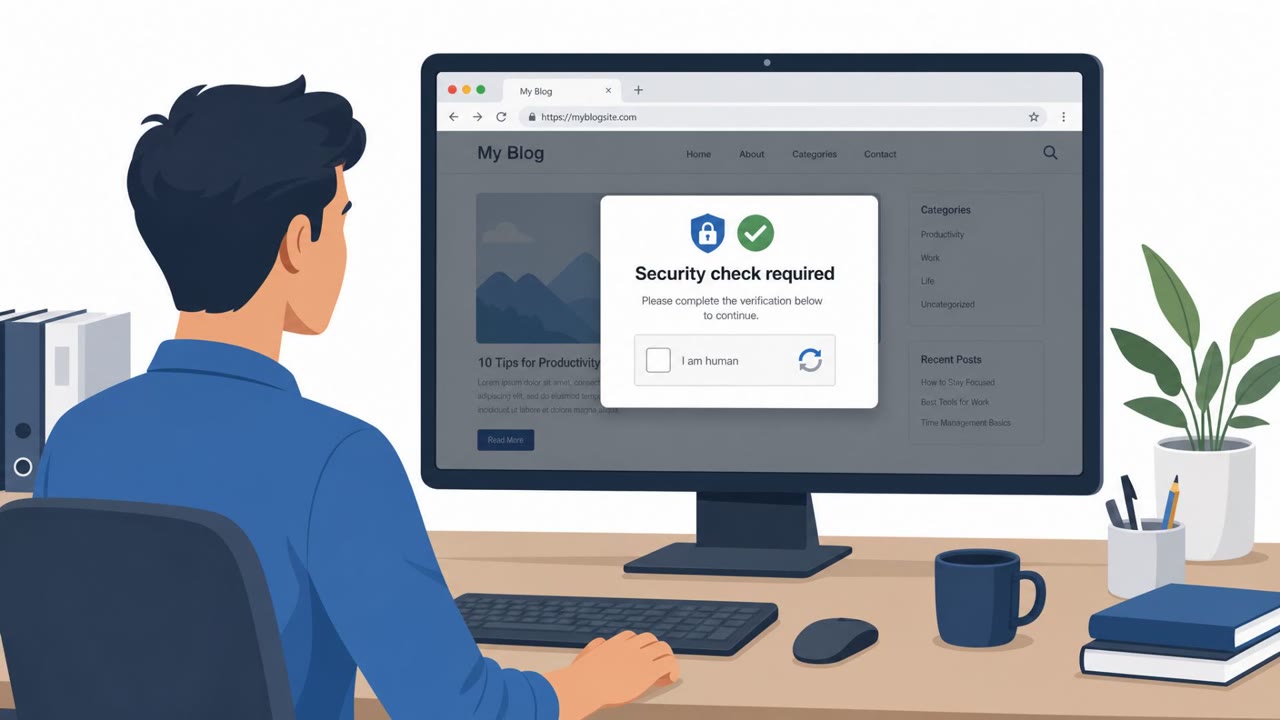
Microsoft reports an active campaign where attackers set up counterfeit software download pages that mimic well-known brands and trick users into installing malware. Victims visit a look-alike vendor site, click “Download now,” then run a bundled installer that drops persistent malware and connects to attacker-controlled servers. The activity primarily impacts China-based operations of multinational organizations and Chinese-speaking users across many industries.
How the attack worked
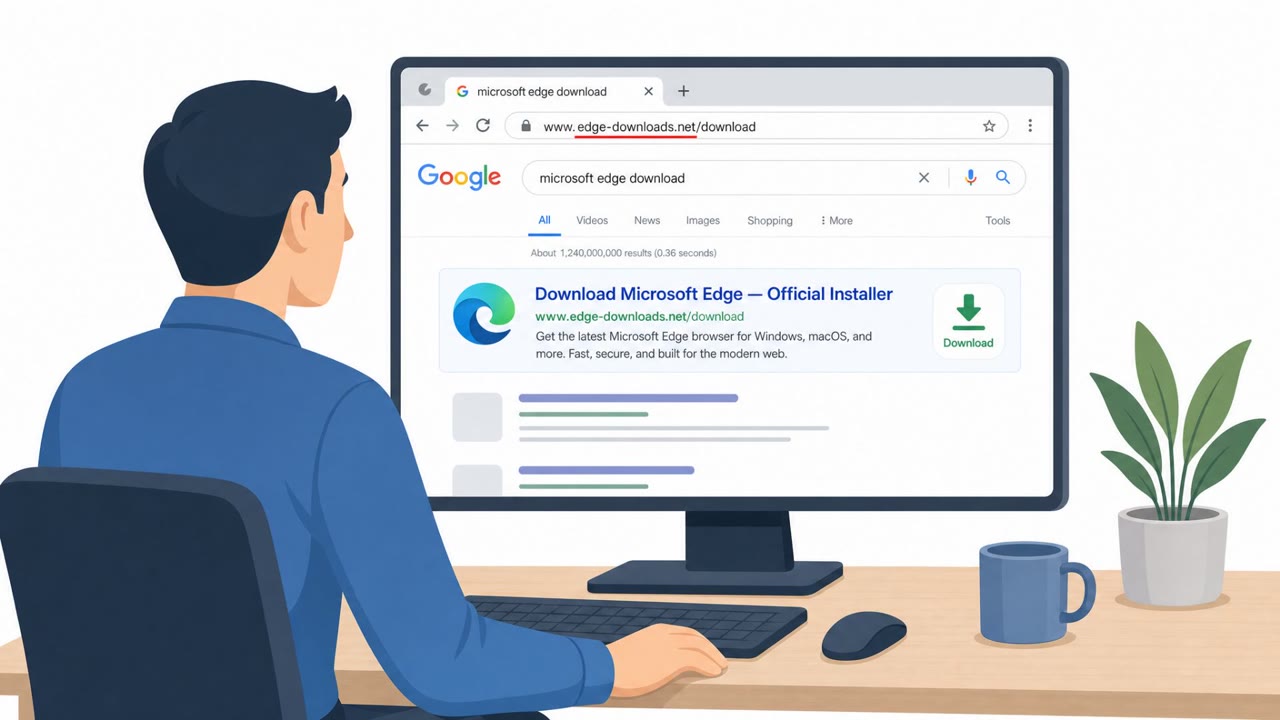
This campaign relies on counterfeit software download pages that closely mimic well-known vendors. Victims typically search for a popular application or driver, land on a high-fidelity look-alike site, and are presented with a prominent Download now button. Clicking it delivers a ZIP archive from rotating delivery hosts. Notably, the archive filename stays consistent across downloads while the file hash changes, suggesting the payload is regenerated server-side each time.
Once extracted and run, the archive's wrapper installer drops a stage-one payload into randomized paths, often under world-writable or system locations such as C:\Users\Public. The executable names follow generated patterns, making them harder to flag through simple allowlists or signature matching.
Why it succeeded
The look-alike pages clone real product branding closely enough to pass a casual glance, and the domains embed the real brand name even though they are not official vendor domains. This makes the sites convincing to users searching for legitimate software or drivers. The campaign also spans a large, uniform set of vendor impersonations, increasing the odds that a given user's search lands on one of the fraudulent pages rather than the genuine vendor site.
After installation, the malware establishes persistence through scheduled tasks with names that imitate routine IT or productivity jobs, such as "Deadline Mission Target." This blends the malicious activity into normal-looking system administration and reduces the chance a user or admin notices anything unusual.
What to watch for
- Domains that embed a real brand name but use unfamiliar suffixes or are not the vendor's official domain
- Downloads served from unrelated third-party hosts rather than the vendor's own infrastructure
- Archive filenames that repeat across downloads while their contents differ
- Installers or executables placed in unusual folders like C:\Users\Public\ or random subfolders
- Scheduled tasks with generic, IT-sounding names that repeatedly launch programs from C:\ProgramData\
- Attempts to create Microsoft Defender exclusions via short-lived tasks running as SYSTEM
How to build resistance
Organizations should reinforce that software should only be downloaded from official vendor sites or approved internal portals, regardless of how convincing an unfamiliar page looks. Employees should be encouraged to report suspicious download pages or unexpected installer behavior to security teams rather than proceeding on their own.
On the technical side, enabling protections such as SmartScreen, network protection, tamper protection, and Microsoft Defender XDR helps reduce the impact of a malicious download that does get through. Combining user awareness with these endpoint protections addresses both the social engineering entry point and the technical execution stage of this type of campaign.
Key findings
- Attackers used counterfeit software-download websites that impersonate trusted vendors and present a prominent “Download now” button.
- Users downloaded malicious ZIP archives (for example, app_setup.6653004.zip) from rotating delivery hosts; the same filename was reused while the hash changed on each download, indicating server-side payload regeneration.
- After execution, a wrapper installer dropped and launched randomized payload names/paths (for example under C:\Users\Public\<random>\) while keeping stable malicious content.
- Persistence was achieved via scheduled tasks with legitimate-sounding names (for example “Deadline Mission Target” and “Hierarchy Tools Smooth Inventory”) that repeatedly launched payloads from C:\ProgramData\.
- Malware attempted to weaken defenses (for example creating Defender exclusions) using a short-lived scheduled task configured to run as SYSTEM.
- Command-and-control included connections to an attacker-controlled Alibaba Cloud OSS bucket over TLS (upitem.oss-cn-hangzhou.aliyuncs.com:443).
Who’s being targeted
- Commonly targeted roles: All employees, Executives, IT support/Helpdesk, IT administrators, Security operations (SOC), Engineering/technical teams.
- Affected industries: Healthcare / medical devices, Manufacturing, Gaming, Technology, Logistics, Government, Education (higher education).
- Attack channels: website.
- Impersonated: Razer (spoofed Razer download site), Microsoft Edge (counterfeit download page).
Red flags to watch for
- Look-alike domain uses .com.cn and embeds the brand name (not the real vendor domain).
- Downloaded archive name stays similar while content changes (hash changes) across downloads.
- Installer drops and runs executables from unusual folders like C:\Users\Public\ or random folders under Program Files (x86).
- Domain is not an official Microsoft domain (uses app-microsoft-edge[.]com[.]cn).
- The download is delivered from unrelated third-party hosts (for example, gehie246[.]com/712down).
- Extracted executable names look autogenerated (for example, a_instapp83353001.exe).
Frequently asked questions
How do fake download sites deliver malware?
Attackers clone legitimate vendor pages with a prominent Download now button. When clicked, users receive a ZIP archive containing a wrapper installer that drops persistent malware on the device.
What are the warning signs of a counterfeit download page?
Look-alike domains that embed the brand name but use unusual suffixes, download files coming from unrelated third-party hosts, and archive filenames that stay similar even though the underlying content changes on each download.
How does the malware stay persistent after installation?
It creates scheduled tasks with legitimate-sounding names that repeatedly relaunch payloads, and it can create Microsoft Defender exclusions using a short-lived task running as SYSTEM to weaken defenses.
Who is affected by this campaign?
The activity primarily impacts China-based operations of multinational organizations and Chinese-speaking users across industries including healthcare, manufacturing, gaming, technology, logistics, government, and higher education.
Read the video transcript
You Google a driver, land on a Razer download page, big green “Download now” button… looks perfect, right? Behind that button is a fake download site. It pulls a ZIP called app_setup.6653004.zip from gehie246.com, then a wrapper installer hides malware in C:\Users\Public\random-folder and C:\ProgramData, and phones home to an Alibaba Cloud OSS bucket. On infected machines we see weird scheduled tasks like “Deadline Mission Target” or “Hierarchy Tools Smooth Inventory” that keep relaunching those files, while a short-lived SYSTEM task quietly weakens Defender with exclusions. If you see a download page on a look-alike domain like app-microsoft-edge.com.cn or pc-razerzone.com.cn, don’t click, close it and grab the software only from the official vendor site or our approved portal.