Fake Bank of America Email Pushes Hidden ScreenConnect

Help Net Security · Medium sophistication
Last updated August 5, 2026

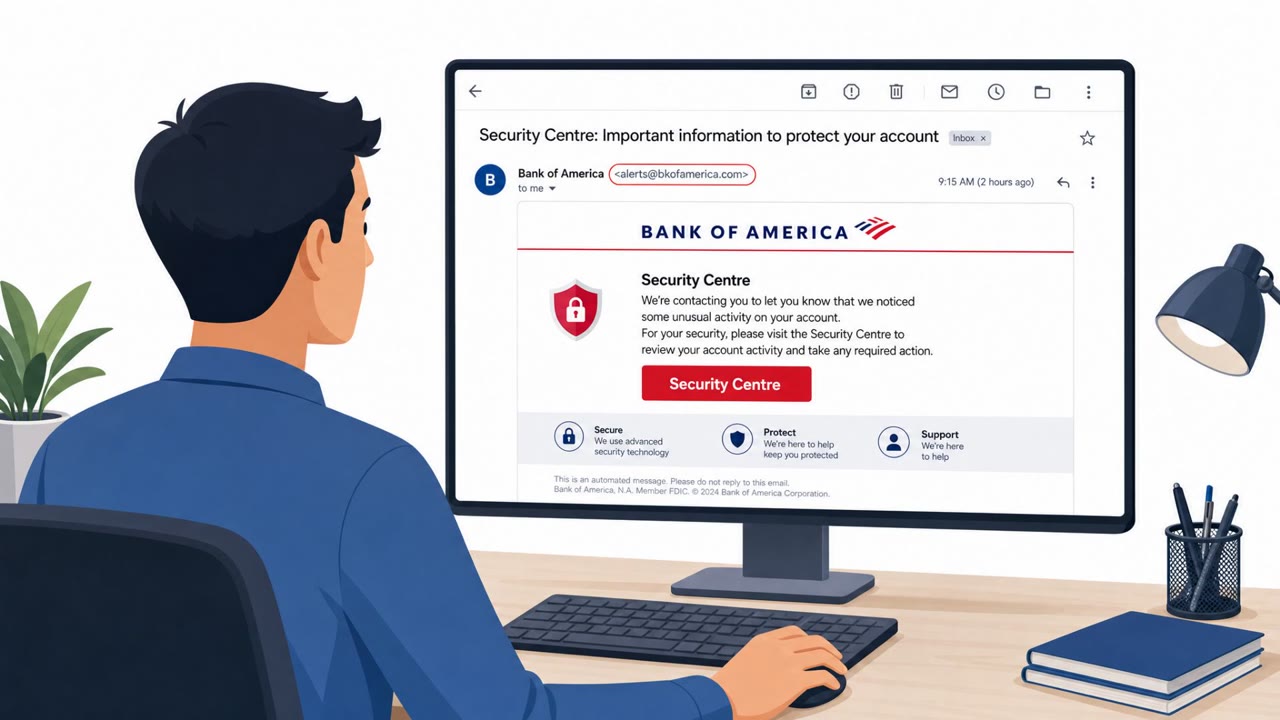
Attackers are impersonating Bank of America in mass phishing emails to pressure people into clicking a link “to avoid account restrictions.” Mac users are led to a fake login page that steals credentials and personal/financial data, while Windows users are tricked into installing a ScreenConnect remote access tool disguised as “Account Guard,” then it’s deliberately hidden and made difficult to uninstall.

Key findings

  • Phishing emails impersonate Bank of America and urge recipients to act “to avoid account restrictions.”
  • Mac victims are sent to a BoA lookalike page prompting username/password and then additional personal and financial information.
  • Windows victims are sent to a different BoA lookalike page that pushes a fake security tool called “Account Guard,” downloading AccountGuardSetup.zip.
  • Running AccountGuardSetup.vbs triggers a chain that installs a custom ScreenConnect RMM client, enabling remote access by the attacker.
  • The install uses a UAC bypass to install with Administrator privileges “without triggering a user prompt.”
  • ScreenConnect is registered as a Windows service named “Windows Security” and then hidden so it does not appear in installed apps and cannot be uninstalled normally.
  • The attackers use SDDL/ACLs to block changes and conceal the process; common Windows service tools may not show the service.
  • Campaign appears to be broad, generic brand impersonation (mass-blasted), and adapts lures based on victim OS to maximize yield.

Who’s being targeted

  • Commonly targeted roles: All employees, Executives, Finance/Accounting, IT helpdesk (for triage and incident routing).
  • Affected industries: Banking, Financial services, Consumers/retail banking customers.
  • Attack channels: email, website.
  • Impersonated: Bank of America (online banking alerts), Bank of America (account security/update).

Awareness takeaways

  • Treat “urgent account restriction” emails as suspicious; don’t click, go to the bank site using a known bookmark or the official app.
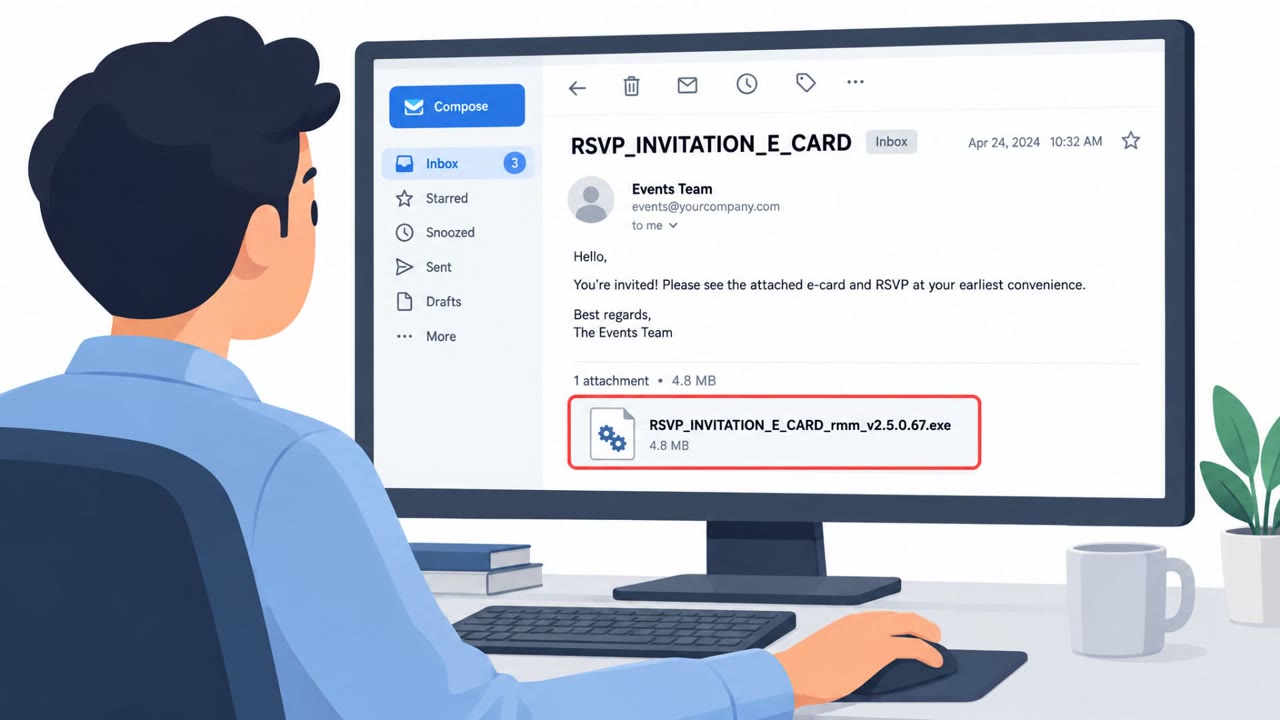
  • Never install software from an email link for “account protection” or “security updates,” especially ZIP/VBS files.
  • Verify the website domain in the browser address bar before entering credentials; unrelated domains are a major red flag.
  • If remote access software is installed unexpectedly (or the machine becomes hard to manage), treat it as a security incident and escalate immediately.

Red flags to watch for

  • Sender/domain doesn’t match the real Bank of America domain
  • Urgency/pressure about “account restrictions”
  • Website domain looks unrelated to Bank of America
  • Unexpected request to install software for a banking account
  • Downloaded ZIP/VBS file from a website link
  • Banking pages hosted on unrelated domains
Try Mirage

Mirage safely runs attacks like this one against your own team, so you find out what happens before a real adversary does.

Get a demo
Read the video transcript

You get an email from “Bank of America” warning, “Act now to avoid account restrictions.” Looks legit, right? Click the link, and Mac users see a perfect BoA lookalike login that steals passwords and full account details. Windows users? Same logo, but now it tells you to download a fake “Account Guard” update. Run AccountGuardSetup.zip and a hidden ScreenConnect tool installs itself as a Windows service called “Windows Security” with no prompt. It won’t show in installed apps, but someone now has remote access to your machine. Here’s the move: any “avoid account restrictions” email with a link or software download, don’t touch it. Open the official Bank of America app or type bankofamerica.com yourself and check from there.

Similar attacks

Fake Bank of America Email Pushes Remote Access Tool

Fake Bank of America Email Pushes Remote Access Tool

Cybercriminals sent emails styled like Bank of America that redirected victims to fake pages and pushed a download called “Account Guard.” On Windows, the download installed ScreenConnect remote management software, giving attackers remote control of the device. The campaign used lookalike domains…

August 5, 2026
Bank Impersonation Phish Pushes Remote Tool

Bank Impersonation Phish Pushes Remote Tool

A real, active phishing campaign impersonating Bank of America tricks victims into downloading a fake “Account Guard” that installs ScreenConnect remote access on Windows, while Mac users are redirected to a credential-stealing page asking for banking and identity details. Separately, Microsoft…

August 6, 2026
Fake Claude App and Alert Apps Drive New Scams

Fake Claude App and Alert Apps Drive New Scams

This roundup describes multiple real-world campaigns where attackers trick people into installing malicious software that looks legitimate (a fake Claude desktop app, a fake emergency alert app, and banking-malware phishing). The common pattern is “looks normal, feels urgent,” leading users to…

July 23, 2026
Korea Flags Job-Offer Phish + Watering Holes

Korea Flags Job-Offer Phish + Watering Holes

South Korean agencies warned that a state-backed hacking group is actively targeting citizens and businesses using job-themed phishing emails and “watering hole” attacks on legitimate websites. The phishing lures include fake job applicants sending resume links and impersonated recruiters sending…

July 31, 2026
“TTF Trap” Uses Fake Font Files to Drop Malware

“TTF Trap” Uses Fake Font Files to Drop Malware

FortiGuard Labs reports an active phishing operation (“TTF Trap”) where emails posing as invoices, shipping documents, or business proposals deliver an archive that ultimately runs malware on Windows. The trick is a file ending in .ttf (TrueType font) that is actually a malicious script executed by…

July 17, 2026
Tax and SSA Phish Push Cruciferra Malware Loader

Tax and SSA Phish Push Cruciferra Malware Loader

Researchers report multiple real-world email phishing campaigns that used tax and government-benefit themes to trick people into downloading malware. The campaigns used a “crypter” service called Cruciferra to hide malicious files and help malware run while avoiding detection. Targets included…

July 27, 2026