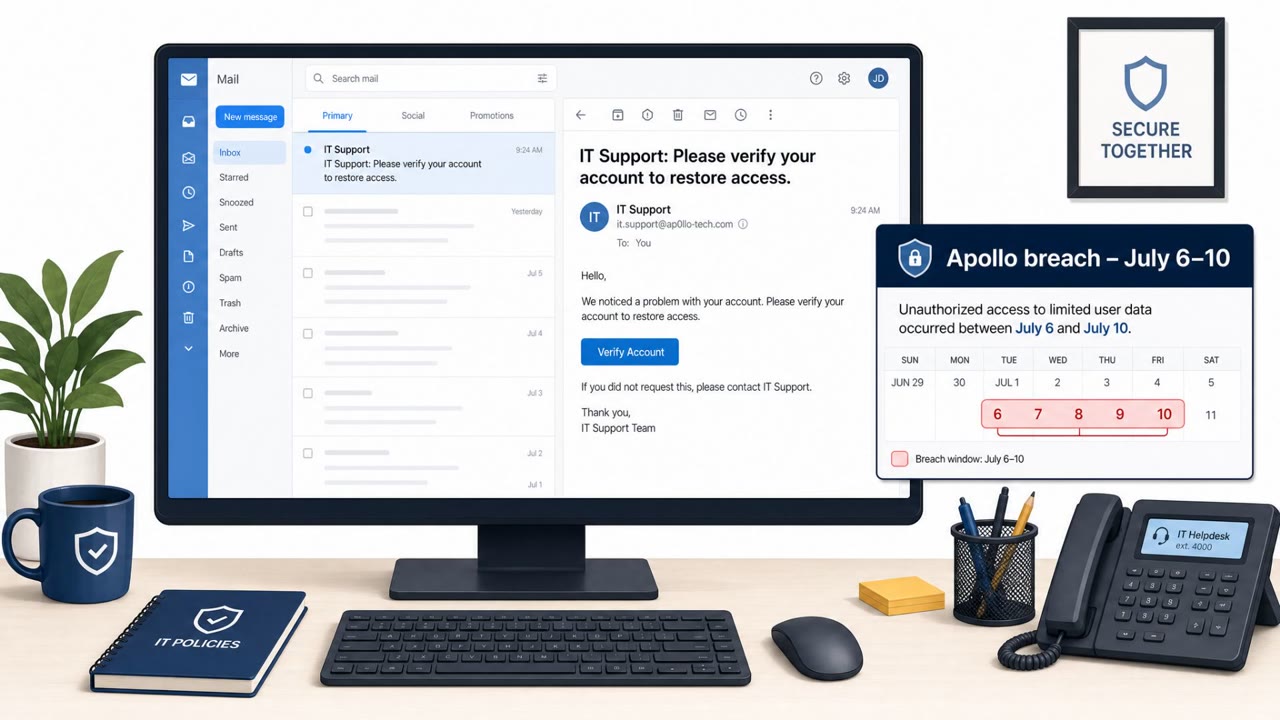
A recent scam targets YouTube creators with personalized “paid collaboration” emails that impersonate well-known brands and push victims to a fake collaboration platform. The site then routes victims to a Google sign-in step that can capture credentials or trick users into granting dangerous permissions, leading to full Google/YouTube account takeover.
Key findings
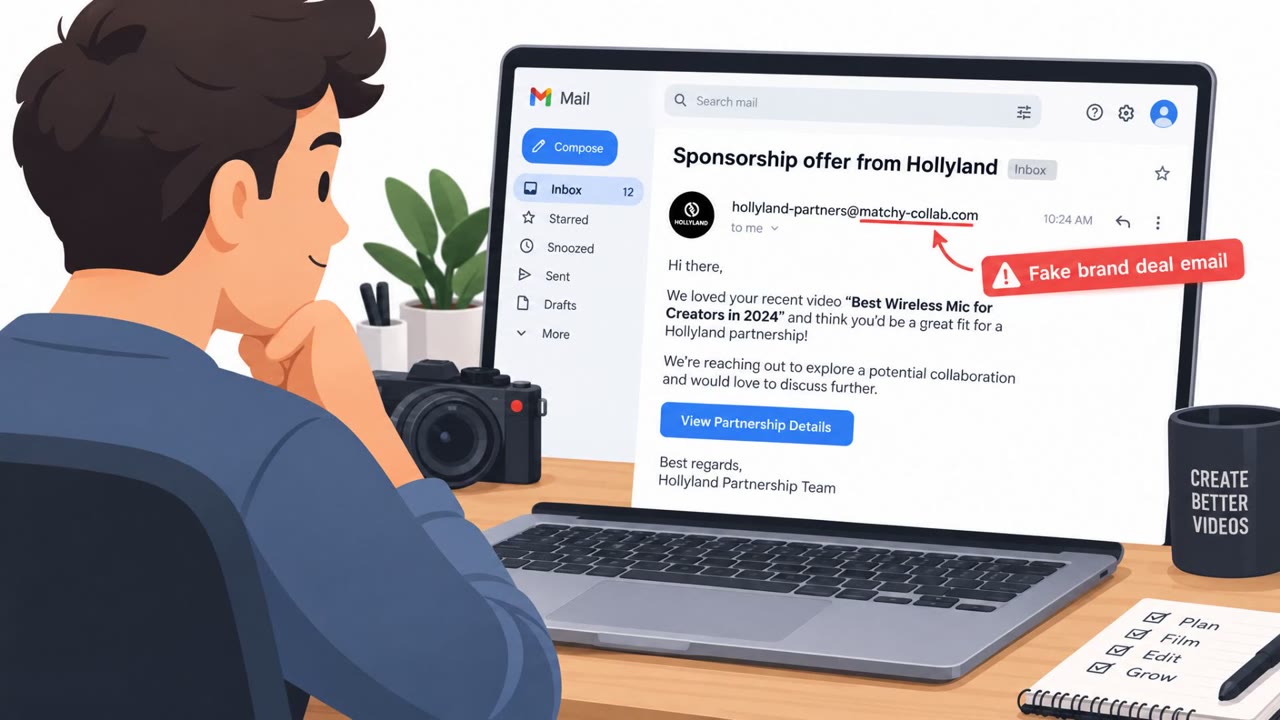
- Attackers send personalized sponsorship emails impersonating real brands (example: Hollyland) and reference the target’s own YouTube videos to seem legitimate.
- Victims are directed to a fake “collaboration platform” (e.g., joinmatchy[.]com/hollyland) that looks professional and pulls public channel data to personalize the experience.
- The flow escalates to a Google sign-in step “to verify their ownership of the YouTube channel”; if the login page is fake, it can capture passwords and one-time codes.
- A reported victim said attackers changed recovery details and added backup codes to block account recovery.
- The operation is “modular”: the same scam is repackaged under multiple brand identities (including Nike and Spotify) and shifting domains across countries.
Who’s being targeted
- Commonly targeted roles: YouTube creators, Influencers/content creators, Talent managers/creator partnership teams, Marketing and social media staff, Executive assistants supporting creator/business accounts.
- Affected industries: Digital media and content creation, Social media influencers/creator economy, Online video publishing.
- Attack channels: email, website.
- Impersonated: Hollyland “Creator Partnerships” (and similar well-known brands), A creator-brand collaboration platform (repackaged under different brands/domains), Not applicable (post-compromise attacker actions inside the Google account).
Awareness takeaways
- Verify sponsorship offers using independently found official contact details (don’t trust the email thread alone).
- Treat domain mismatches as a major warning sign, professional design and branding can be fake.
- Before using “Sign in with Google,” confirm you are on the real Google domain and review requested permissions carefully.
- If an account is compromised, act quickly: review security events, remove unknown access, and use official recovery paths.
Red flags to watch for
- Sender domain is “unrelated to Hollyland”
- You’re pushed to a third-party platform domain you’ve never heard of
- The site asks you to sign in with Google and/or requests more permissions than needed (e.g., managing the YouTube channel)
- Login page may be an “imposter login page” designed to capture password and one-time codes
- Permissions may include managing the YouTube channel (more than ‘verification’)
- The site builds trust with “campaign metrics” and “logos of major companies” to lower skepticism
- Unrecognized changes to recovery email/phone
- New backup codes you did not generate
- Unexpected sign-in events/devices in Google security activity
Read the video transcript
You get an email: “Paid collaboration opportunity” from Hollyland, and it even name-drops your latest YouTube video. She says, “Click our collaboration platform to verify and handle payment,” and sends you to joinmatchy dot com slash hollyland, a slick site with your channel stats and logos from Nike and Spotify. Then comes the trap: a “Sign in with Google to verify channel ownership” screen. It looks normal, but the URL isn’t accounts.google.com and the permissions include managing your YouTube channel, that’s how they grab logins and lock creators out. If a sponsorship email pushes you to sign in with Google, stop and check the address bar yourself, only type your password when the URL is exactly accounts.google.com.