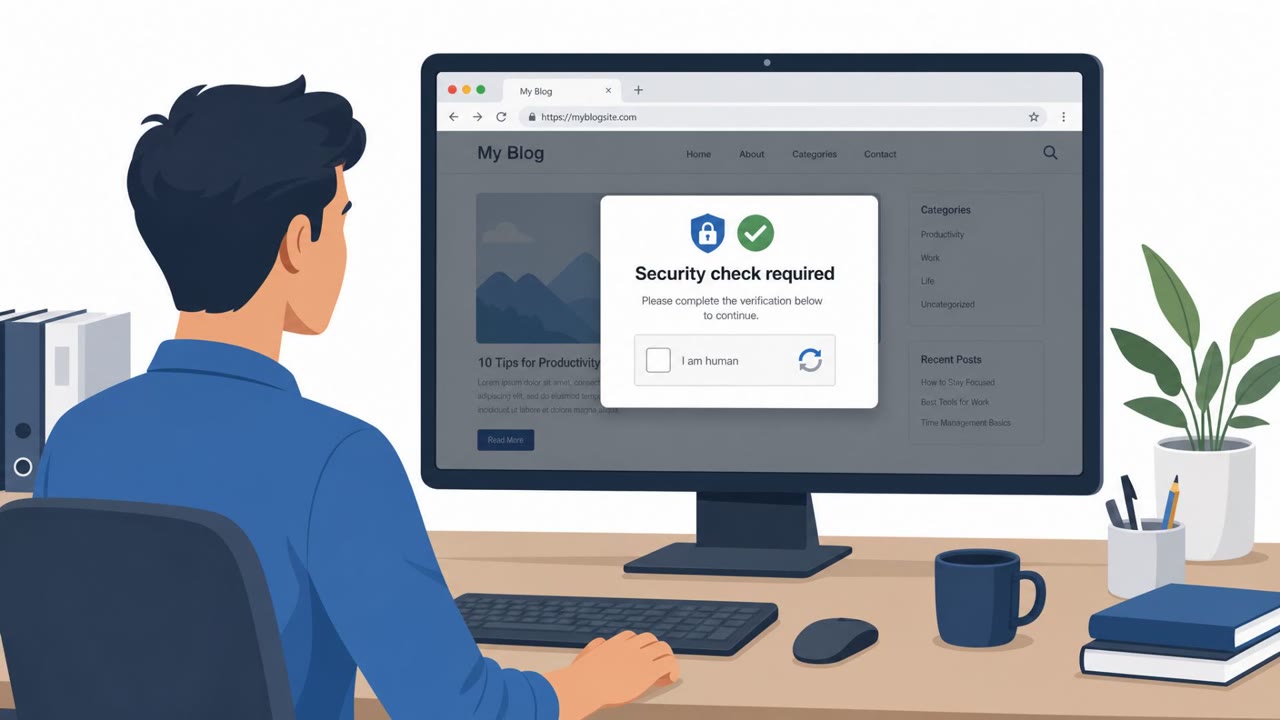
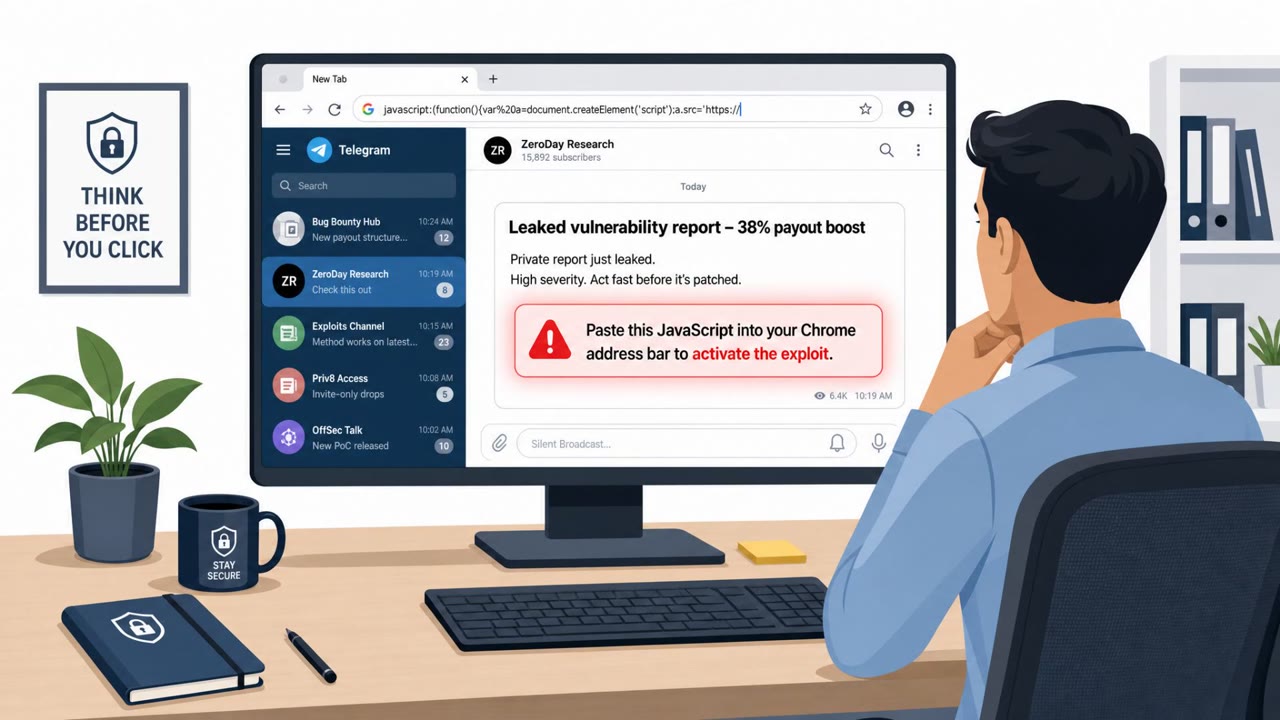
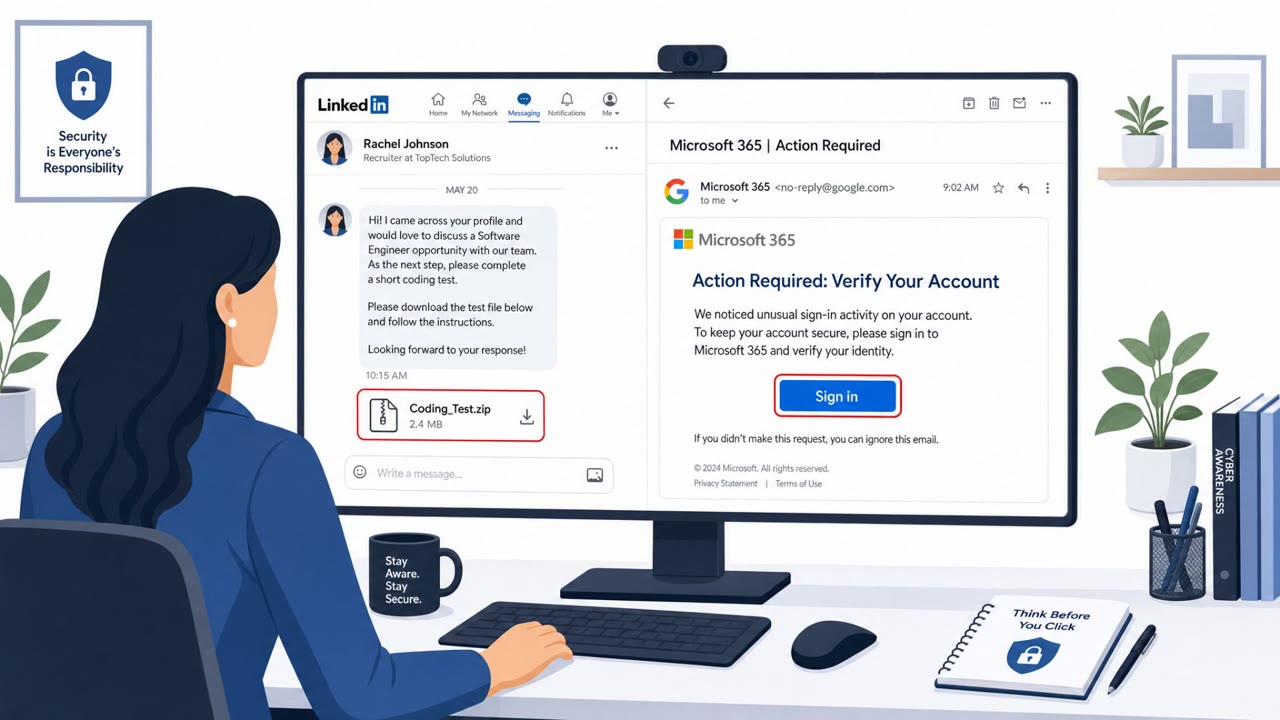
Threat actors are using fake CAPTCHA pages on compromised or lookalike websites to trick people into copying and pasting malicious commands (“paste and run”). The article describes real campaigns tied to CastleLoader and similar activity, including fake background-removal sites and job-site impersonation domains promoted via Google Ads.
How the attack worked
This campaign relies on fake verification pages that mimic ordinary CAPTCHA or Cloudflare Turnstile checks. Instead of clicking a checkbox or solving an image puzzle, victims are told to copy a piece of text and paste it into the Windows Run dialog or a command prompt to prove they are human. That pasted text is actually a malicious command. In one version, users visiting fake background-removal tools like ai-scan[.]digital and bg-transparency[.]online were shown a non-functional interface with upload progress bars before being prompted to complete the fake CAPTCHA. In another version, typosquatted job-site domains such as linkedall[.]org, golinked[.]net, and indeed-jobs[.]net were promoted through Google Ads and led users to fake Cloudflare Turnstile pages that triggered the same infection chain. Both paths were observed distributing CastleLoader, a malware loader capable of delivering infostealers and remote access tools.
Why it succeeded
The lure works because it borrows the visual language of routine, low-friction security checks that people encounter constantly online. A CAPTCHA feels procedural and harmless, so asking someone to paste a short snippet of text does not immediately register as dangerous. The job-site impersonation angle adds urgency and plausibility for people actively searching for work, while paid search ads lend the fake domains an appearance of legitimacy before a user even lands on the page.
What to watch for
- A website that asks you to copy and paste a command to complete a CAPTCHA or verification step
- A tool interface that only shows progress bars with no real processing happening
- Pasted content that looks like a command line instruction rather than typical CAPTCHA interaction
- Slightly altered or typosquatted domain names, especially after clicking a search ad
- Unexpected Cloudflare Turnstile or similar checks on unfamiliar sites
Building resistance
Organizations can reduce risk by training employees on a simple rule: never paste content from a website into the Run box, terminal, or command prompt. Employees should also be encouraged to check the actual domain name before interacting with a site reached through a search ad, and to treat unexpected security checks with skepticism. Establishing a clear, low-friction way for staff to report suspicious sites or unusual verification prompts to security teams gives people an easy off-ramp instead of following through on a risky instruction.
Key findings
- ClearFake uses JavaScript injected into compromised websites and “fake CAPTCHA lures to trick users into executing code via malicious copy and paste.”
- KongTuke activity increased and was observed using “paste and run for initial execution,” including commands that reach out to a “.top” domain.
- CastleLoader is “frequently distributed via paste and run campaigns,” including a campaign luring users to fake background removal sites (e.g., ai-scan[.]digital, bg-transparency[.]online).
- CastleLoader has also been distributed through “job platform impersonation campaigns targeting LinkedIn and Indeed users” using typosquatted domains and Google Ads.
- Observed paste-and-run commands used obfuscation (carets ^) and tooling like finger.exe to retrieve attacker commands, followed by BYOI (portable Python) to load additional malware.
Who’s being targeted
- Commonly targeted roles: All employees, Recruiting/HR, Marketing/Design, Executives, IT Service Desk.
- Affected industries: Multiple industries (job seekers and general users), Any organization with employees browsing the web.
- Attack channels: website.
- Impersonated: Online background removal service, LinkedIn / Indeed (lookalike job site) and Cloudflare verification.
Red flags to watch for
- A website asks you to copy/paste a command to ‘verify’ you are human
- The tool’s interface is non-functional (only progress bars / no real processing)
- The pasted text looks like a command (cmd/PowerShell) instead of normal CAPTCHA behavior
- The site domain is a lookalike (typosquat) rather than the real job platform
- You arrived via an ad to a slightly ‘off’ domain name
- A CAPTCHA leads to copy/paste instructions rather than a normal checkbox/image test
Frequently asked questions
What is a paste and run attack?
It is a social engineering technique where a fake website, such as a bogus CAPTCHA or verification page, tricks a user into copying a malicious command and pasting it into the Run dialog or command prompt, which then executes attacker code.
How is CastleLoader being distributed?
CastleLoader has been distributed through fake background-removal websites and through job platform impersonation campaigns using typosquatted domains promoted via Google Ads.
What are the warning signs of a fake CAPTCHA page?
Red flags include a site asking you to copy and paste a command to verify you are human, a non-functional interface with only progress bars, and pasted text that resembles a command line instruction rather than a normal CAPTCHA check.
Who should be aware of this threat?
All employees are potential targets, but the campaigns specifically call out recruiting/HR staff, marketing/design teams, job seekers, and anyone browsing the web, since one lure impersonates job platforms and another impersonates background-removal tools.
Read the video transcript
You land on a background-removal site, upload a photo, and a CAPTCHA says: copy this command to prove you’re human. This is a paste-and-run scam pushing CastleLoader. Fake sites like ai-scan.digital or bg-transparency.online use a bogus CAPTCHA to copy a command with carets and finger.exe, then tell you to run it. Same trick on job sites: Google Ads send you to linkedall.org or indeed-jobs.net with a fake Cloudflare Turnstile. Instead of a checkbox, it tells you to paste a command into Run or Command Prompt. A real CAPTCHA never makes you copy commands. If any site tells you to paste something into Run, Terminal, or Command Prompt, stop immediately and report it to security.