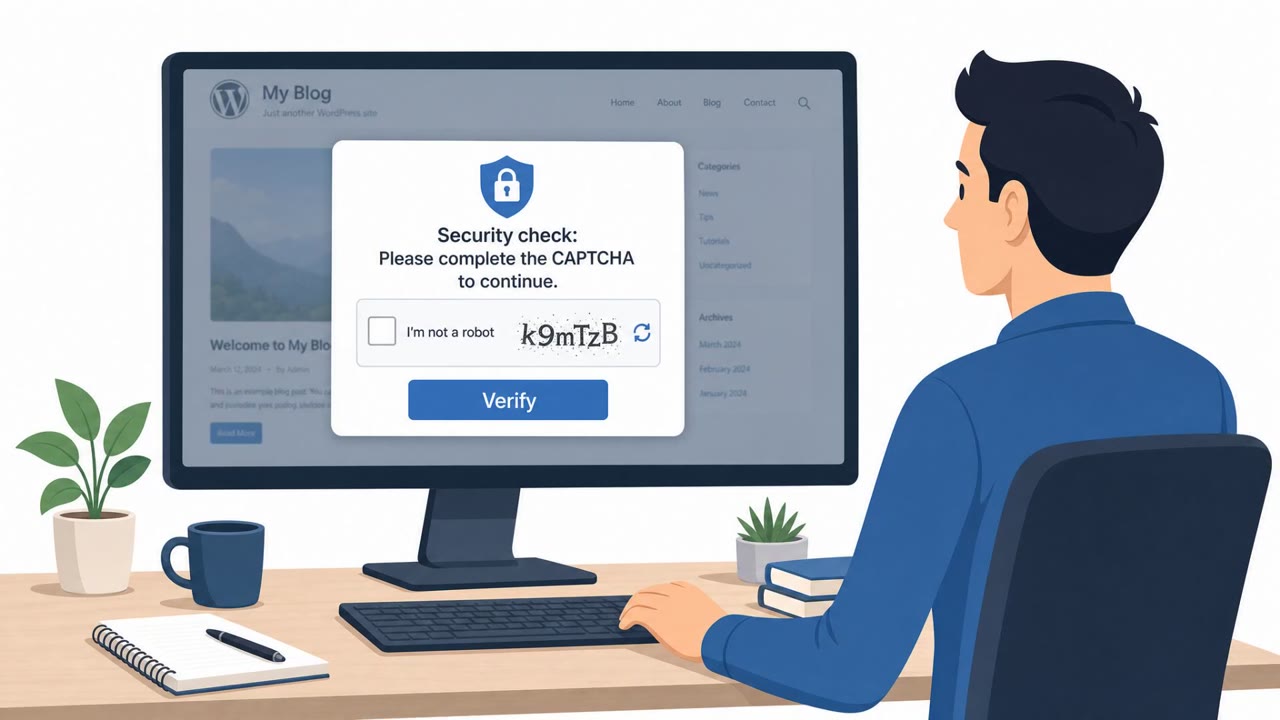
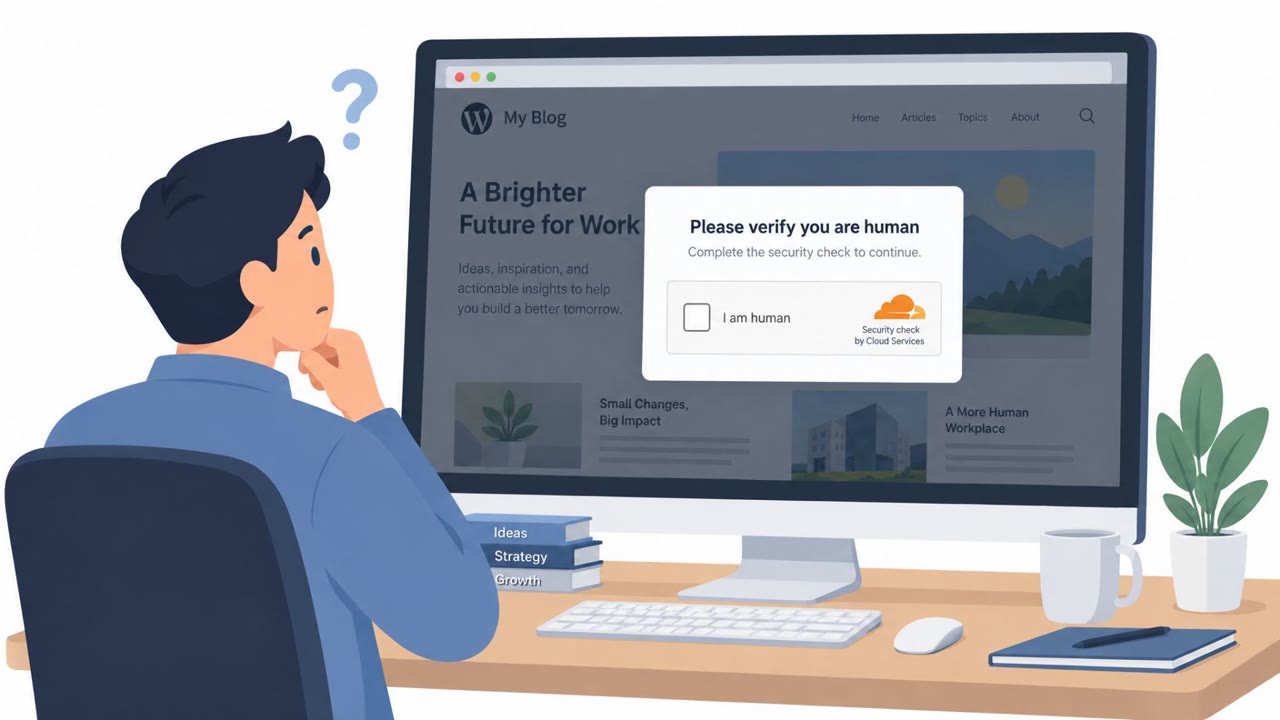
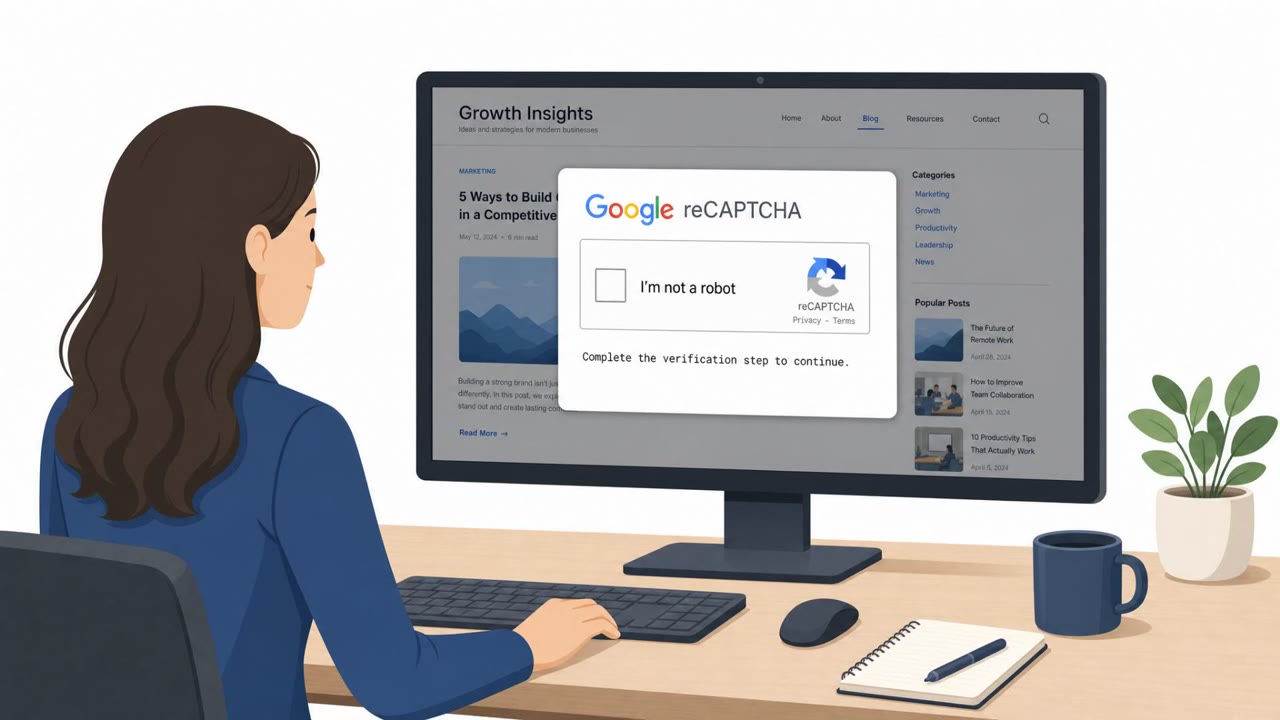
Researchers uncovered a large campaign called StopAndProtect that uses hacked WordPress sites to show visitors a fake CAPTCHA and trick them into running a PowerShell command. That one action kicks off a multi-stage infection that can encrypt files (ransomware), steal documents, passwords/wallet data, and upload screenshots and logs back to attacker-controlled infrastructure hosted on compromised WordPress domains.
How the Attack Worked
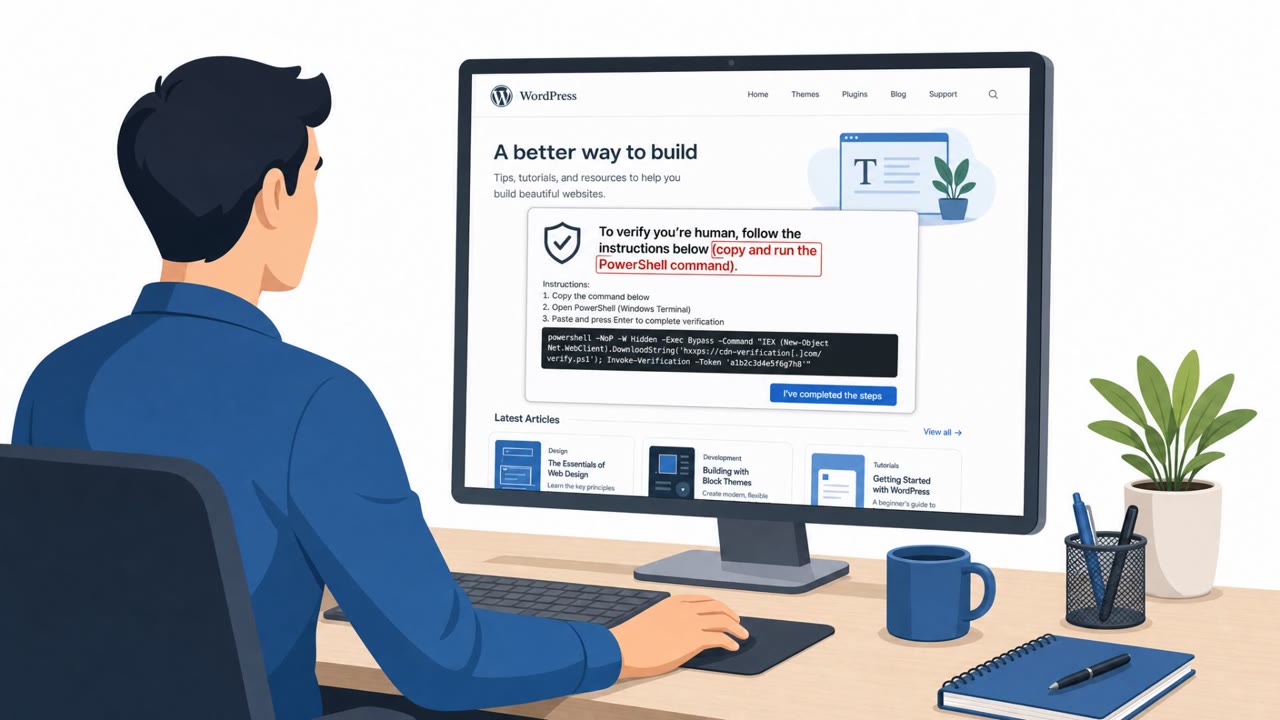
The StopAndProtect campaign relies on a technique known as ClickFix, where a compromised but legitimate-looking website displays a fake CAPTCHA verification prompt. Instead of the usual click-a-box interaction, the prompt instructs the visitor to copy and paste a PowerShell command into their computer to "verify" access. Once executed, that single command kicks off a multi-stage infection chain that can encrypt files, steal documents and credentials, lock the screen, and upload screenshots and logs to attacker infrastructure.
What makes this campaign notable is its scale. Researchers found that thousands of hacked WordPress sites were being used not just to host the malicious CAPTCHA pages, but also as command-and-control infrastructure and storage for stolen data. A stealthy WordPress must-use plugin was even used to create a hidden REST API upload endpoint with hardcoded credentials, allowing stolen data to be quietly funneled back through legitimate-looking domains.
Why It Succeeded
The attack succeeds because it exploits a moment of routine trust. CAPTCHA prompts are a normal part of browsing the web, so a fake one blends in easily, especially when it appears on a website visitors have no reason to distrust. The ask, copying and pasting a command, feels small and technical rather than dangerous, which lowers people's guard compared to more obvious phishing attempts like suspicious links or attachments.
On the infrastructure side, the campaign benefited from outdated WordPress installations. Researchers noted many vulnerable sites remain unpatched simply because owners do not keep them updated, giving attackers a large pool of legitimate-looking domains to hijack.
What to Watch For
- A CAPTCHA or verification prompt that asks you to open a terminal or run a command
- Unexpected instructions to copy and paste text into Windows PowerShell
- Verification steps appearing on a site that normally would not require them
- Unusual screen locking, slowdowns, or unexplained file changes after visiting a website
Building Resistance
Organizations can reduce risk with a few practical steps:
- Train all employees that a legitimate CAPTCHA never requires running PowerShell or terminal commands
- Encourage staff to report unexpected "verification" prompts to IT or security rather than following them
- For web and marketing teams, keep WordPress core and plugins updated, since outdated sites are a common entry point for this kind of hijacking
- Assume some campaigns quietly steal data even without visible ransomware symptoms, and monitor for unusual outbound uploads or log collection activity
Because this campaign blends a familiar web interaction with a technical payload delivery method (see MITRE ATT&CK T1204.001 and T1059.001), awareness training that specifically addresses ClickFix-style prompts is one of the most direct ways to reduce exposure.
Key findings
- The campaign starts with a ClickFix-style fake CAPTCHA that tricks users into running a PowerShell command.
- Attackers rely on thousands of hacked WordPress sites to host malware stages, act as command-and-control, and store stolen data (documents, screenshots, logs).
- OPSEC mistakes exposed open directories and logs, revealing the campaign’s scale and victim activity (including ~31,000 screenshots collected by researchers).
- The toolkit is modular: it may encrypt files, silently steal data, lock screens, spread via SMB/USB, and provide a chat utility between attacker and victim.
- Attackers also use a stealthy WordPress must-use (MU) plugin that creates a hidden REST API upload endpoint with hardcoded credentials.
Who’s being targeted
- Commonly targeted roles: All employees, IT, Security, Web/Marketing (site owners), Helpdesk.
- Affected industries: Multiple industries (victims not limited to a single sector), Any organization whose users browse to compromised websites, Website owners running outdated WordPress/plugins.
- Attack channels: website.
- Impersonated: Website security/verification system (fake CAPTCHA).
Red flags to watch for
- A CAPTCHA should not require running PowerShell or system commands
- Unexpected instructions to copy/paste commands into Windows
- Verification appears on a site that normally wouldn’t require it
Frequently asked questions
What is the StopAndProtect campaign?
It is a large-scale operation that uses thousands of hacked WordPress sites to show visitors a fake CAPTCHA, tricking them into running a PowerShell command that starts a multi-stage infection involving ransomware and data theft.
How does the fake CAPTCHA trick work?
When a user visits a compromised website, a ClickFix-style prompt appears asking them to verify they are human by copying and pasting a PowerShell command, which actually launches malware on their machine.
What can the malware do once it runs?
The toolkit is modular and can encrypt files, silently steal documents and passwords, lock the screen, spread via SMB or USB, and upload screenshots and logs back to attacker-controlled infrastructure.
How can website owners reduce their risk of being used in this attack?
Keeping WordPress and its plugins updated is critical, since researchers found compromised sites running outdated WordPress versions that made them easy targets for hijacking.
Read the video transcript
You land on a normal WordPress site and a CAPTCHA pops up… but instead of clicking a box, it tells you to run a PowerShell command. That’s the StopAndProtect campaign. One ClickFix-style fake CAPTCHA, one copied PowerShell command, and you’ve kicked off a multi‑stage infection that can steal documents, passwords, screenshots, even encrypt your files. Here’s the tell: a real CAPTCHA never needs PowerShell. If a page says, 'CAPTCHA verification required. Follow the steps to continue (copy/paste the PowerShell command),' that’s not security, that’s social engineering. If any website tells you to copy and run a PowerShell or Terminal command to pass a CAPTCHA or verification, stop, close the tab and report it to IT or security immediately.