Microsoft reported real phishing campaigns that trick users into running a legitimate MSP360 remote-management installer disguised as meeting invites, PDFs, and software updates. After MSP360 is installed, attackers use it to silently install ScreenConnect as a second remote-access path, then use that access to run additional tools and steal credentials.
How the Attack Worked
This campaign begins with phishing emails that deliver a legitimate, digitally signed MSP360 Remote Monitoring and Management installer. The installer is disguised using deceptive filenames that mimic meeting invitations, PDF documents, and software update prompts. Because the underlying software is genuine and signed, it can pass surface-level trust checks even though the delivery method is fraudulent.
Once a user runs the installer, it establishes remote management access on the device, giving attackers an initial foothold through what looks like ordinary administrative software. From there, the attackers use that access to download and install a ConnectWise ScreenConnect client, creating a second, redundant remote-access channel. This combination of tools allows attackers to transfer, execute, and manage additional tooling during later stages of the intrusion, while also modifying firewall rules and using persistence mechanisms such as services and registry autoruns.
Why It Succeeded
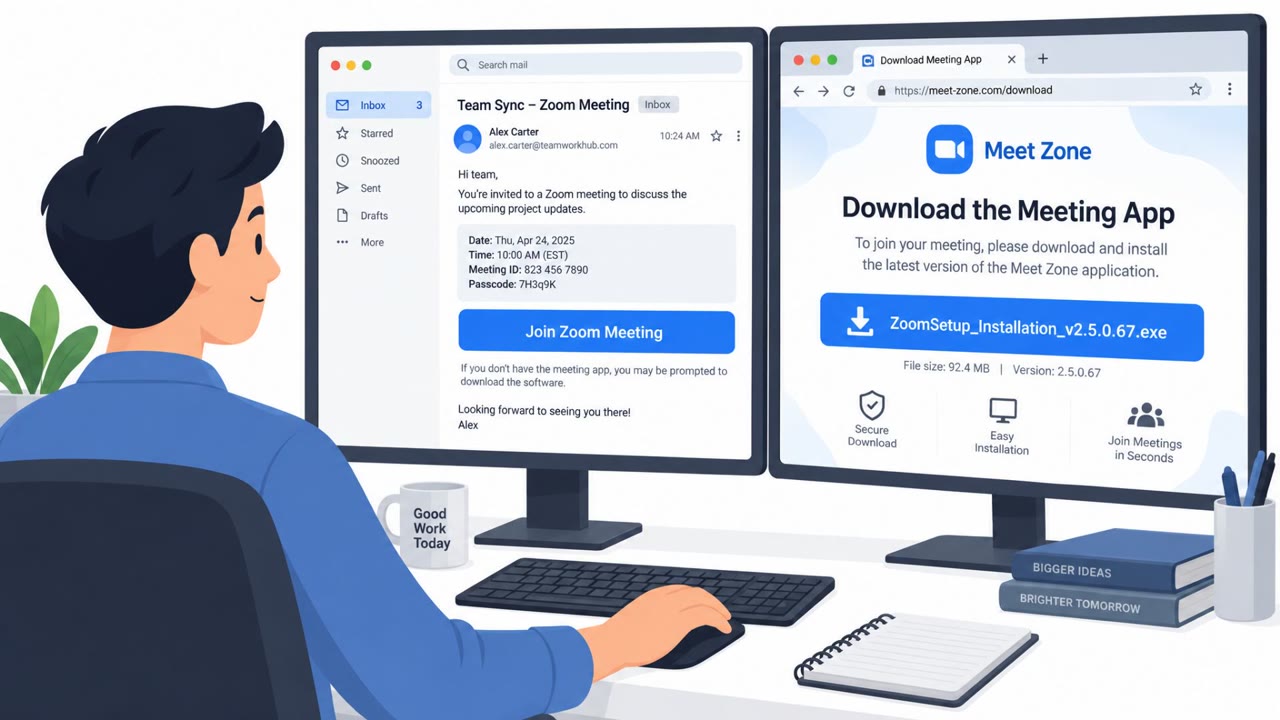
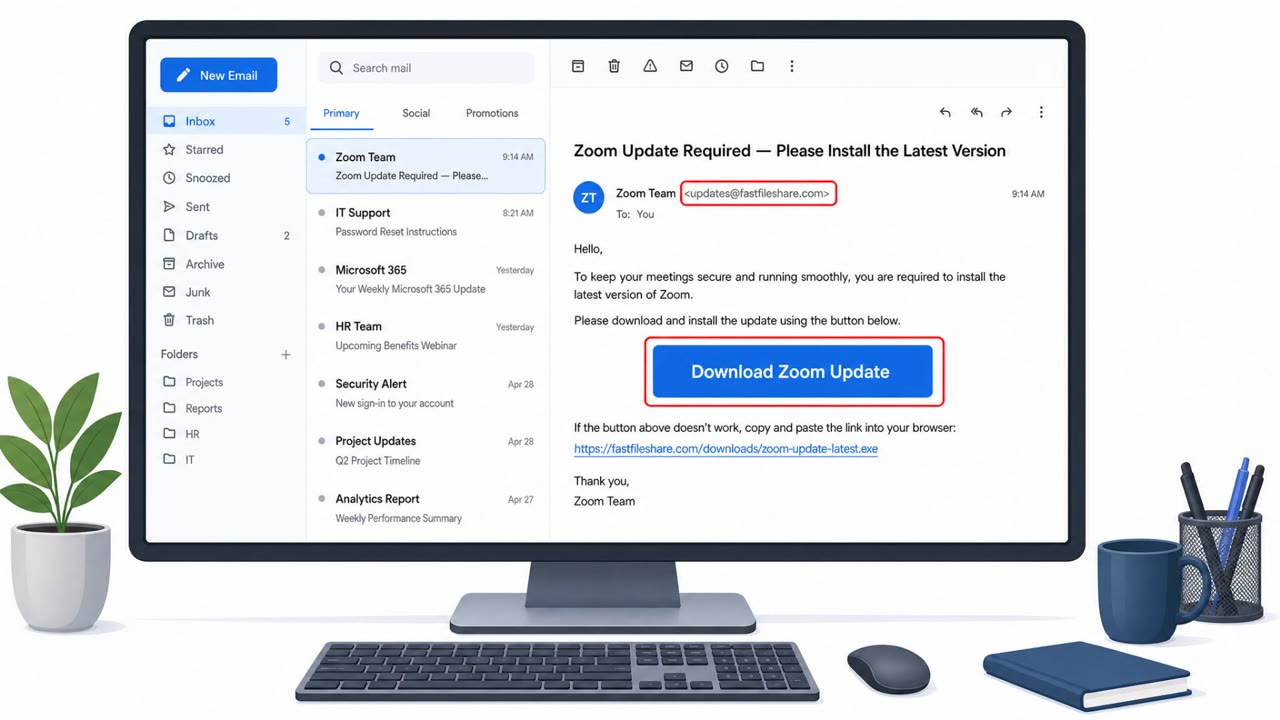
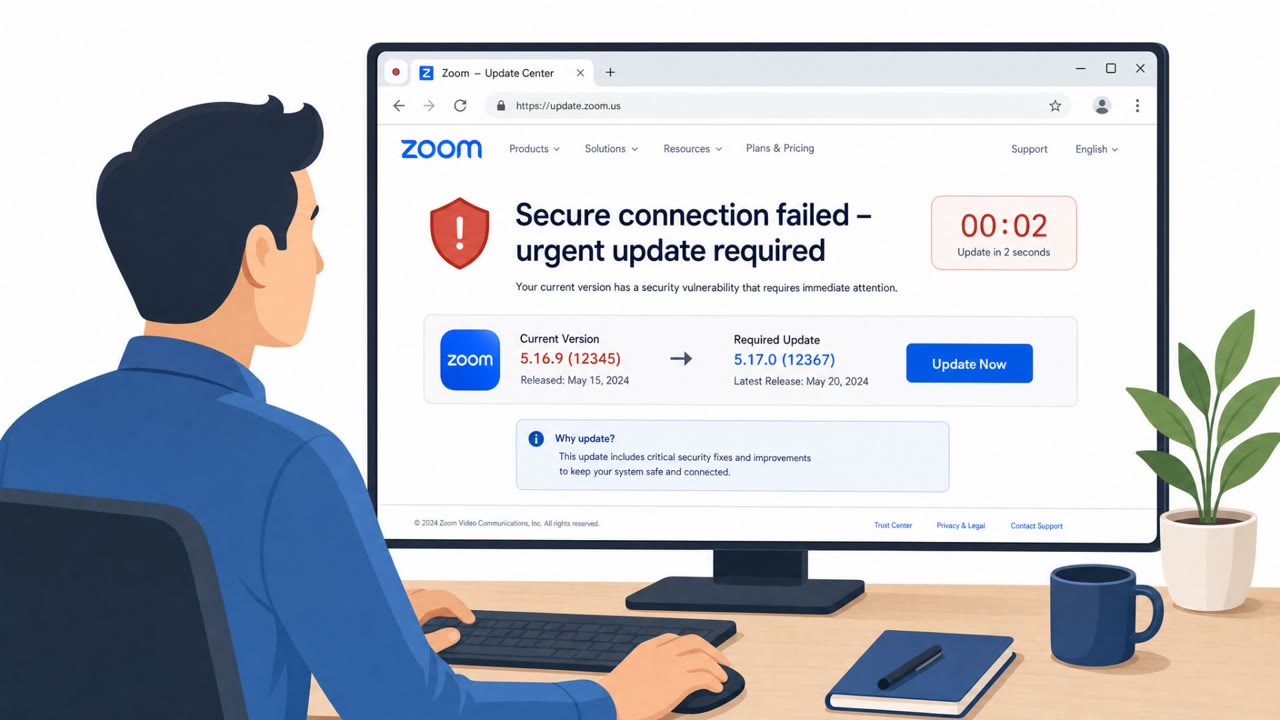
The lures were varied and tailored to everyday workplace activity: a meeting RSVP e-card, a Zoom-branded setup file, and a PDF-themed government statement. In each case, the actual payload was an executable installer rather than the document or app the filename suggested. Because the software itself was legitimate and digitally signed, it did not trigger the suspicion that an obviously malicious file might.
The use of trusted administrative software is central to why this works. Employees, and even IT staff, are conditioned to treat signed, recognizable tools as safe, which allows attackers to gain a foothold without needing to rely on custom malware.
What to Watch For
- Installers or executables arriving by email disguised as invitations, PDFs, or software updates
- Filenames containing unusual terms like "rmm" alongside version numbers, which don't match the claimed content
- Brand impersonation in filenames, such as misspelled software names
- The presence of more than one remote-access or remote-control tool on a device, which can indicate redundant attacker access
Building Resistance
Organizations can reduce exposure to this pattern by training employees to treat unexpected installers as suspicious regardless of whether the software is legitimate or signed. Helpdesk and IT teams should be particularly alert to unsolicited remote management software installations and should verify any update or installer request through a separate, trusted channel before running it. Monitoring for unexpected RMM tool installations, unusual firewall rule changes, and multiple remote-access tools running on the same endpoint can help catch this kind of intrusion before attackers move to later stages.
Key findings
- Phishing emails delivered a legitimate, digitally signed MSP360 RMM installer disguised as meeting invitations, PDFs, and software update prompts.
- Attackers used MSP360 to establish persistent remote management access, then downloaded and installed ConnectWise ScreenConnect for redundant remote access.
- Installers were hosted on attacker-controlled infrastructure and legitimate cloud services (e.g., Amazon S3, Cloudflare R2, Dropbox, GitLab, Supabase).
- The intrusion chain used UAC elevation and persistence mechanisms (services and registry autoruns) and modified firewall rules to allow inbound UDP on port 48678.
- Microsoft also observed similar attacks swapping MSP360 with Faronics Deploy Agent, indicating a broader pattern of abusing legitimate RMM tools.
Who’s being targeted
- Commonly targeted roles: All employees, IT, Helpdesk / Desktop Support, Finance, HR.
- Affected industries: Multiple / cross-industry (any organization with Windows endpoints).
- Attack channels: email.
- Impersonated: Event organizer or meeting host (generic invitation sender), Zoom installer/update (brand impersonation via filename), PDF reader/editor or SSA.gov statement (filename-based impersonation).
Red flags to watch for
- An invitation arrives as an executable (.exe) instead of a calendar invite or PDF.
- The filename includes 'rmm' and versioning, which is unusual for meeting invites.
- Unexpected prompt to run software just to view an invitation.
- Installer name contains 'rmm' (remote monitoring/management) which doesn't match the expected app.
- Unexpected software install request delivered via email.
- Digitally signed software can still be misused if it is not expected/authorized.
- Government or document lures arriving as .exe files.
- Misspellings/odd branding in filenames (e.g., 'Adobe Acrobatte').
- A 'PDF' lure that requires installing remote administration software.
Frequently asked questions
How did attackers get MSP360 installed on victim machines?
Phishing emails delivered a legitimate, digitally signed MSP360 RMM installer disguised as meeting invitations, PDFs, and software update prompts, tricking users into running it themselves.
Why did attackers also install ScreenConnect after MSP360?
Attackers used MSP360 to establish an initial foothold, then downloaded and installed ConnectWise ScreenConnect to create a redundant remote-access channel to the compromised endpoint.
Is MSP360 or ScreenConnect itself malicious?
No, both are legitimate remote management tools. The campaign abuses trusted, signed software to blend into normal IT operations and avoid detection.
What should employees watch for to avoid this kind of attack?
Be suspicious of unexpected installers or executables sent by email claiming to be invitations, PDFs, or software updates, since these filenames sometimes include unusual terms like rmm and version numbers.
Read the video transcript
You get an email: subject line “RSVP_INVITATION_E_CARD” with an attachment called RSVP_INVITATION_E_CARD_rmm_v2.5.0.67.exe. Behind that one click is a full takeover: it silently installs legitimate MSP360 remote management, then uses it to drop a second tool, ConnectWise ScreenConnect, for backup remote access. Here’s the trap: the file is digitally signed and looks like real admin software, sometimes even named like ZoomSetup_Installation_v2.5.0.67.exe, but no real invite or Zoom update should arrive as a random .exe in your inbox. If any “invite” or “Zoom setup” arrives as an .exe, stop, don’t run it. Report it to IT or the security team immediately and delete the email.