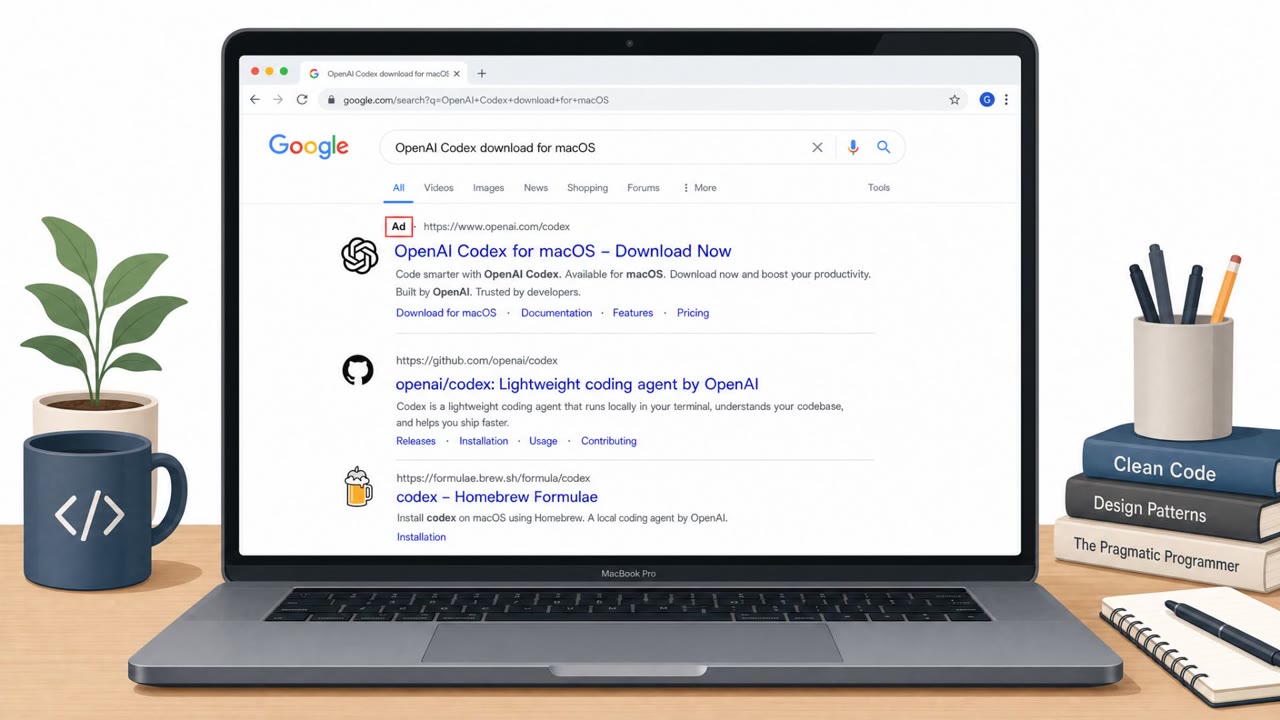
Attackers used a sponsored search ad to send macOS users to a fake “OpenAI Codex download” page hosted on Google Sites. The page convinced victims to open Terminal and paste a command that secretly downloaded and ran a multi-stage malware infection.
Key findings
- The lure was a sponsored search ad for queries like “codex macos download,” placed above the legitimate OpenAI result.
- Victims were sent to a Google Sites page mimicking an OpenAI Codex download portal with macOS and Linux options.
- The page used an iframe to load attacker-controlled content and allowed operators to swap malicious content without changing the initial lure.
- macOS victims were instructed to paste a Terminal command that decoded a Base64 URL and piped a downloaded script into zsh, triggering a multi-stage infection.
- The chain included telemetry indicating the command was pasted and staged a universal Mach-O payload in /tmp/helper, removing extended attributes before execution.
- Researchers noted strong delivery-chain similarities to Atomic macOS Stealer (AMOS).
Who’s being targeted
- Commonly targeted roles: Developers, Engineering, IT, Security awareness training audience (macOS users).
- Affected industries: Technology, Software development, Any organization with macOS developer endpoints.
- Attack channels: website.
- Impersonated: OpenAI Codex download portal, OpenAI Codex installer instructions.
Awareness takeaways
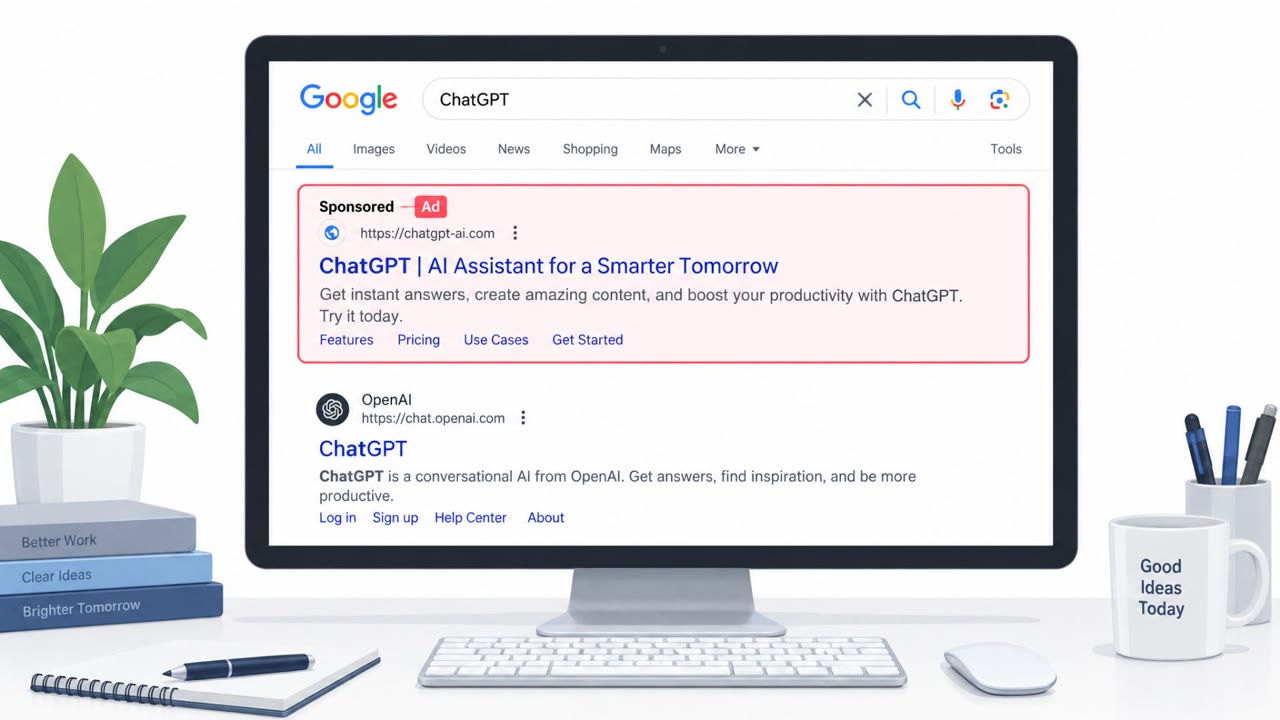
- Treat sponsored search results as untrusted and verify you are on the official vendor domain before downloading tools.
- Be suspicious of “install” steps that ask you to paste commands into Terminal; verify via official documentation and internal software distribution channels.
- Don’t assume a page is safe because it is hosted on a well-known platform; attackers can use legitimate hosting to look credible.
Red flags to watch for
- Sponsored ad appears above the genuine vendor result
- Download page is hosted on a generic site builder/hosting service (Google Sites) rather than an official vendor domain
- Brand look-and-feel mimics a real product portal but the source is not the vendor
- Installer requires pasting/running a shell command from a website
- Command hides a download/execution step (Base64-decoded URL, piped into zsh)
- Unexpected use of temporary locations and execution setup (e.g., /tmp, permission changes)
Read the video transcript
On your Mac, you Google “codex macos download” and click the top result, looks like OpenAI, right? It’s a sponsored ad. That ad sends you to a Google Sites page that mimics an OpenAI Codex download portal. It even offers macOS and Linux, but the content is actually loaded through an iframe the attacker controls. The page tells you: “Open Terminal and paste this command to install Codex.” That command quietly decodes a Base64 URL, downloads a script, pipes it into zsh, and drops a helper file in /tmp, classic Atomic macOS Stealer–style behavior. Here’s the rule: if a website tells you to paste a Terminal command to install software, stop. Close it, and get the tool only from the official vendor site or our internal software portal.