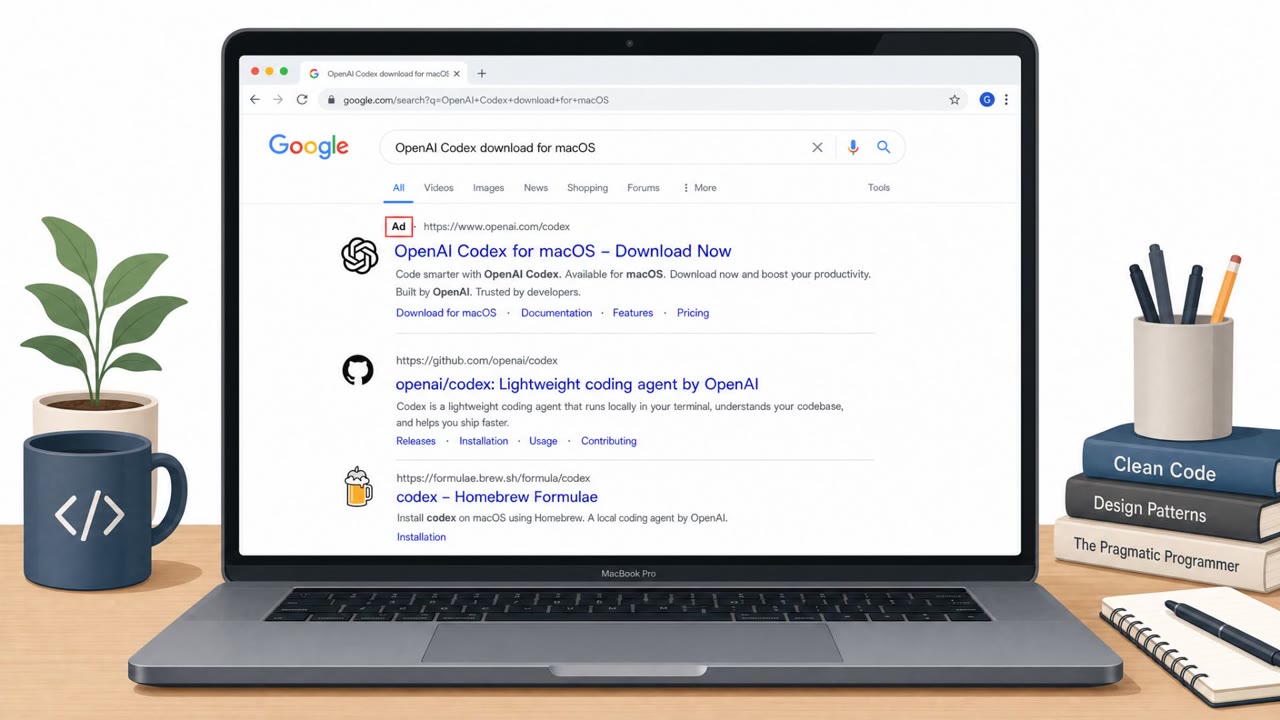
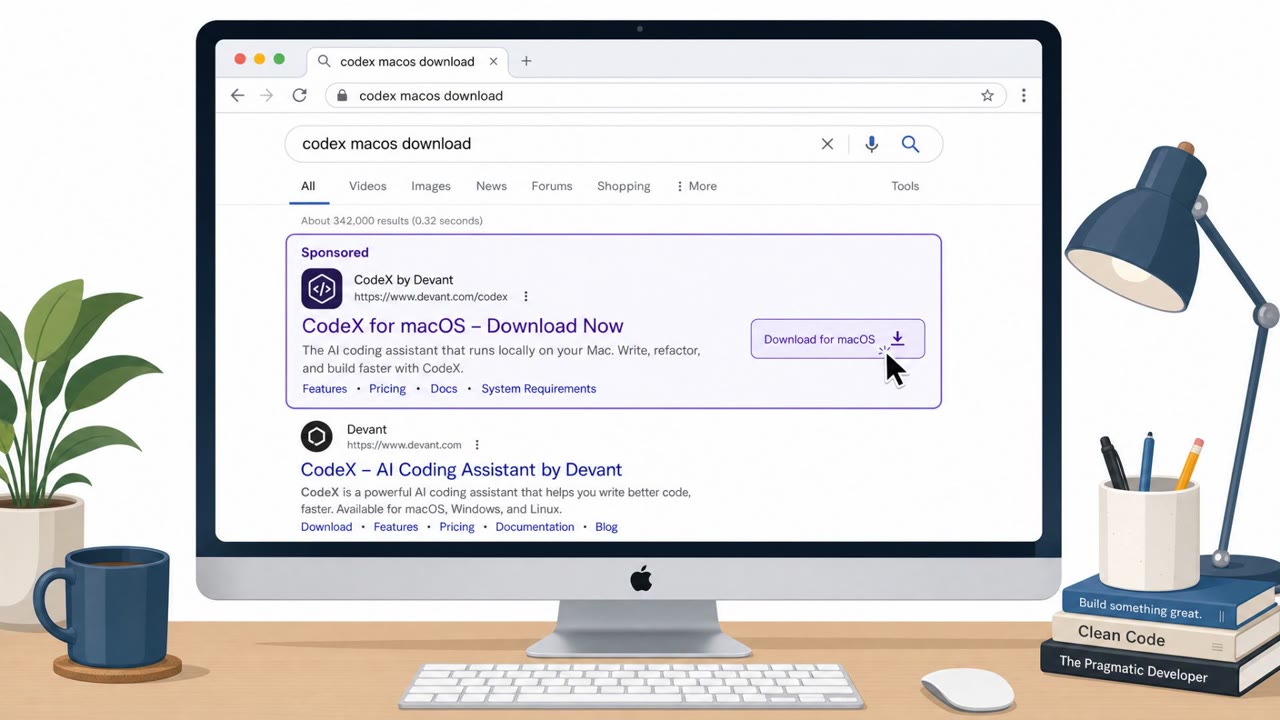
Researchers described a real macOS malware campaign that tricks people searching for “Codex macos download” into clicking a sponsored Google result and landing on a fake OpenAI Codex download site. Victims are then coached to open Terminal and paste a command that fetches and runs malware (a “ClickFix” style social-engineering flow). The activity is strongly linked to Atomic macOS Stealer (AMOS), and the attack is designed to hide from scanners and non‑Mac visitors.
Key findings
- The campaign uses sponsored Google search ads to lure victims searching for “codex macos download” to a fake Codex download portal.
- The fake page instructs users to open Terminal and paste a command; the command looks like a legitimate npm install but actually decodes a Base64 URL and pipes a remote script into zsh (ClickFix pattern).
- Attackers use gating and deceptive paths (e.g., /codexx/ malicious vs /codex/ benign) and serve benign content to non-macOS visitors to evade analysis.
- Telemetry is sent immediately after execution (event=pasted) to confirm the victim ran the command.
- The malware workflow downloads a payload to /tmp/helper, removes quarantine-related extended attributes via xattr -c, makes it executable, and runs it.
- Cato assesses strong links to Atomic macOS Stealer (AMOS) based on consistent infrastructure and delivery behaviors.
Who’s being targeted
- Commonly targeted roles: Developers, Engineering, IT support/helpdesk, Security operations, Employees who administer Macs.
- Affected industries: Software development, Technology, Any organization with macOS users.
- Attack channels: website.
- Impersonated: OpenAI Codex download portal, Codex product/download site.
Awareness takeaways
- Treat sponsored search results for software downloads as untrusted; navigate to the vendor site directly or via known bookmarks.
- Never paste commands into Terminal from a website unless your IT/security team has verified the source and the exact command.
- Be alert for “installer” steps that run remote scripts (for example piping content into a shell); this is a common way to silently execute malware.
- If a download/installer tries to remove protections or bypass warnings (like clearing extended attributes), assume it’s malicious and stop.
Red flags to watch for
- Download arrived via a sponsored ad and a Google Sites page rather than an official vendor domain
- Instructions require pasting a long Terminal command instead of using a standard signed installer
- The command fetches and runs remote code (e.g., piping to zsh), which is high-risk behavior
- Slightly altered URL paths (e.g., extra character) leading to different content
- Different content served depending on device/OS (fingerprinting or gating behavior)
- Page content loaded via embedded frames (iframes) rather than a straightforward download page
Read the video transcript
You search “codex macos download,” click the top Google result, and boom, you're on a slick Codex download page. Looks legit, right? But this is a fake Codex portal. On macOS, it walks you through opening Terminal and pasting a long 'npm install' style command that secretly decodes a Base64 URL and pipes a remote script straight into zsh. Paste it, and behind the scenes it phones home 'event=pasted', pulls a payload into /tmp/helper, strips macOS quarantine with xattr -c, makes it executable, and runs what researchers link to Atomic macOS Stealer, or AMOS. Here’s the move: if a website tells you to paste a long Terminal command to install Codex or any app, stop and close the tab, then only install from openai.com or your normal app store.