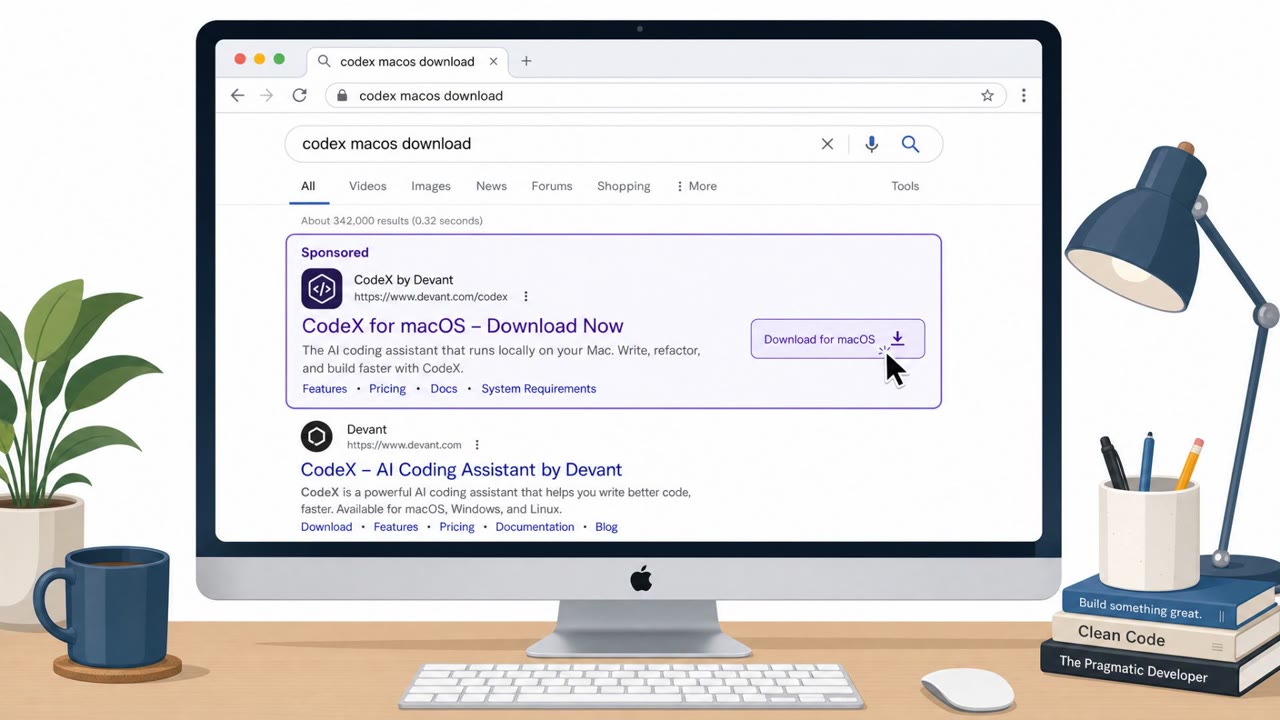
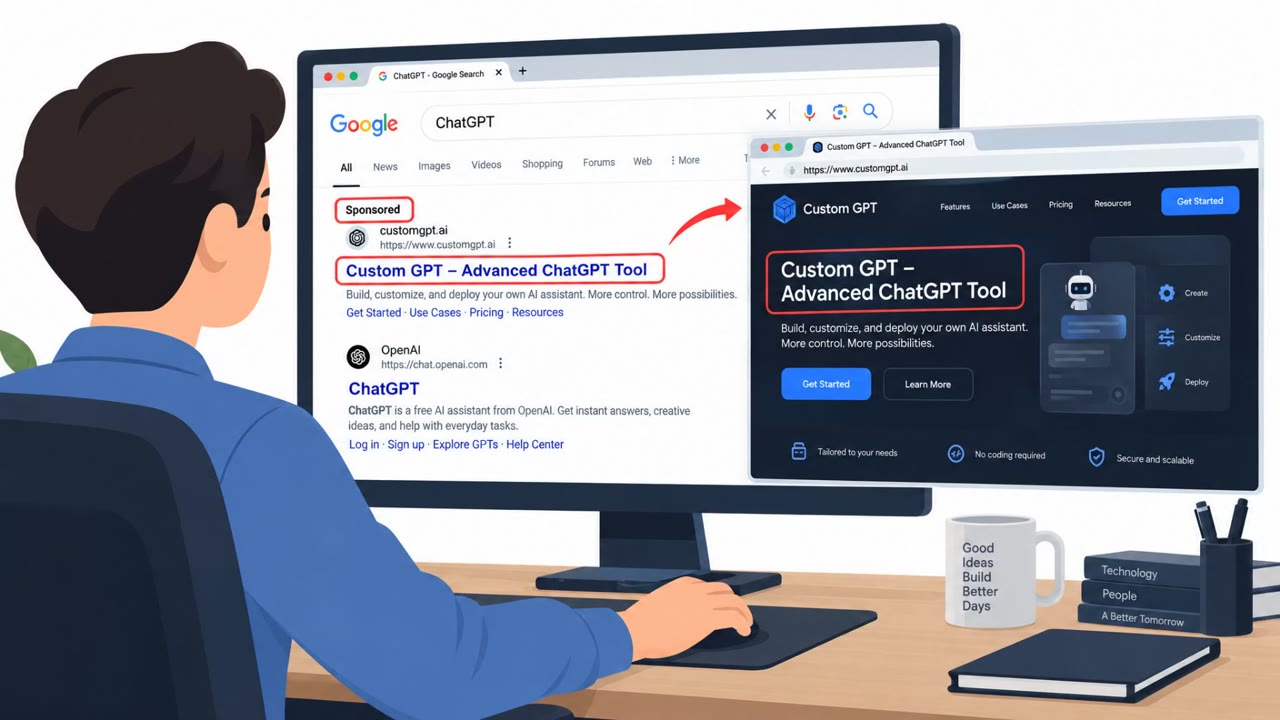
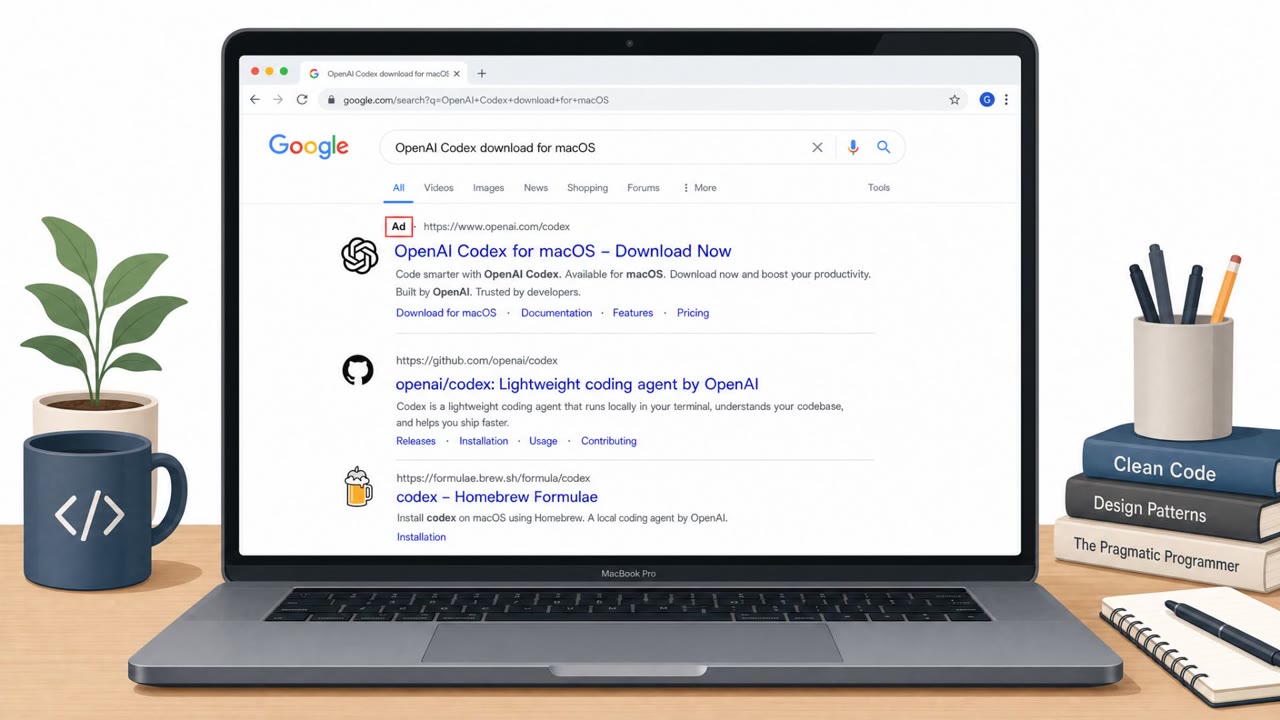
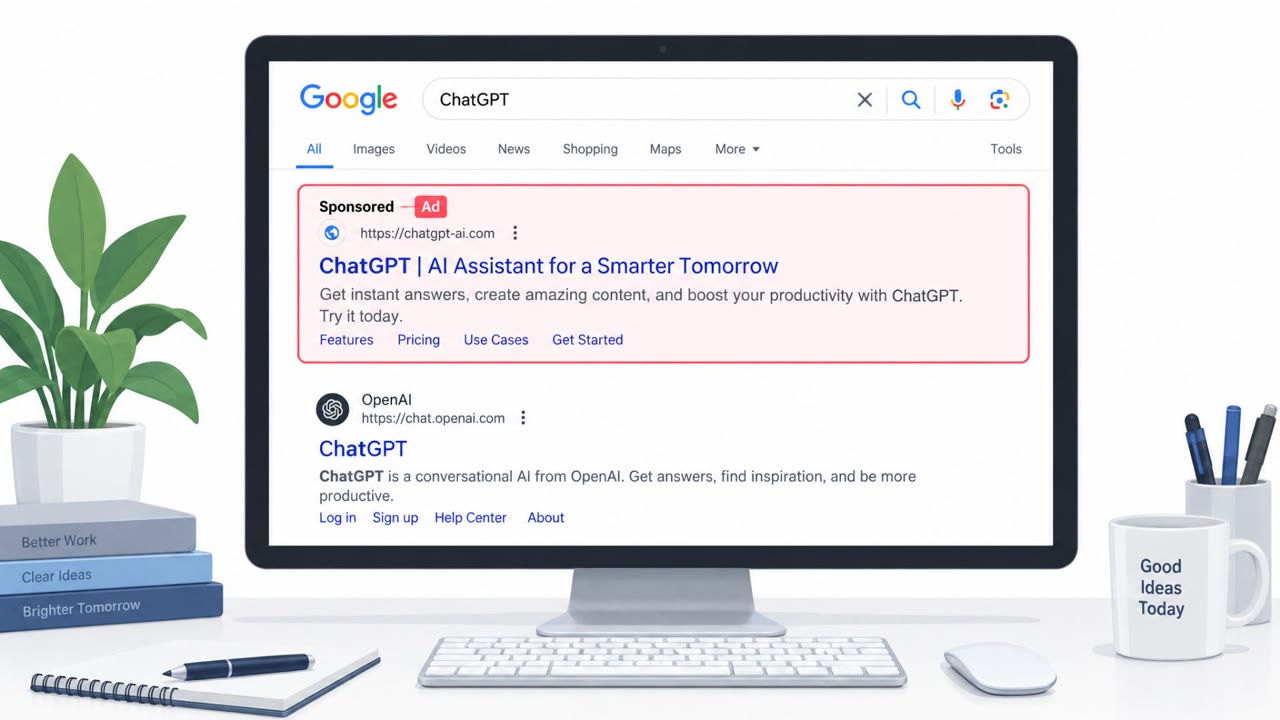
Attackers ran sponsored search ads that led macOS users to a fake “OpenAI Codex” download page hosted on Google Sites. The site used “ClickFix” style instructions to convince victims to open Terminal and paste a command that quietly downloaded and ran a multi-stage macOS malware chain.
How the Attack Worked
Attackers placed sponsored search ads targeting queries such as codex macos download. Clicking these ads sent macOS users to a page hosted on Google Sites that impersonated an OpenAI Codex download portal. Rather than delivering a direct installer file, the page used ClickFix style instructions, telling visitors to open Terminal and paste a command to complete installation.
That pasted command decoded a hidden URL and retrieved a shell script, which continued a multi-stage infection chain. The chain ran through three stages before ending in a Mach-O payload. Before execution, the payload was staged in a temporary directory and its extended attributes were stripped, removing the quarantine metadata that normally triggers macOS warnings about internet-downloaded files.
Why It Succeeded
The campaign relied on several layers of trust manipulation rather than a single trick:
- Sponsored search placement gave the fake page visibility for a plausible developer search query
- Google Sites provided a recognizable, trusted-looking hosting domain, while the actual malicious content was embedded through an iframe pointing to separate attacker infrastructure
- The lure was gated by operating system and URL path, so non-macOS visitors and some analysts may have seen only benign content
- Removing quarantine metadata meant the usual macOS security prompt for downloaded files did not appear, reducing a natural point of hesitation
Together, these elements made the page look legitimate at a glance and reduced the chances that a victim, or a reviewer, would notice anything wrong before the payload executed.
What to Watch For
- Any software installation instructions that require opening Terminal and pasting a command
- Download portals hosted on general-purpose site builders like Google Sites instead of an official vendor domain
- Pages that behave differently depending on the visitor's device or operating system
- Installer commands that are encoded or trigger additional downloads rather than running a single, transparent step
Building Resistance
Organizations with macOS users, especially developers and engineering teams who frequently install command-line tools, should reinforce a few habits: navigate directly to official vendor sites rather than clicking sponsored search results, treat any request to paste a Terminal command from a webpage as a red flag unless the source is verified, and report suspicious installers even when no security warning appears, since this campaign specifically stripped the metadata that would normally trigger one. IT support and helpdesk staff should be briefed on this pattern so they can recognize and escalate similar reports quickly.
Key findings
- Users were funneled from sponsored search results (e.g., searches for “codex macos download”) to Google Sites pages impersonating an OpenAI Codex download portal.
- Google Sites was used as a trusted-looking front end while attacker content was embedded via an iframe from separate infrastructure.
- The lure was gated by OS and URL path so non-macOS devices (and some analysts) might see benign content.
- Victims were instructed to open Terminal and paste a command that decoded a URL, downloaded shell scripts, and ultimately fetched a Mach-O payload.
- The chain included steps to remove macOS quarantine metadata to reduce security warnings.
- The delivery framework strongly resembled previously documented Atomic macOS Stealer (AMOS) delivery activity, but the report did not claim definitive payload attribution.
Who’s being targeted
- Commonly targeted roles: Developers, Engineering, IT support/helpdesk, All macOS users.
- Affected industries: Technology, Software development, Any organization with macOS users.
- Attack channels: website.
- Impersonated: OpenAI Codex download portal (hosted on Google Sites), Codex installer / setup instructions.
Red flags to watch for
- Software install requires pasting a Terminal command from a web page
- Download portal is hosted on Google Sites rather than an official vendor domain
- Different content shown depending on device/OS (gating) is unusual for legitimate downloads
- Installer uses encoded/obfuscated commands and downloads additional scripts
- Payload staged in temporary directories (e.g., /tmp) is suspicious for legitimate installers
- Attempts to remove quarantine/extended attributes indicates bypass behavior
Frequently asked questions
How did the fake Codex download campaign work?
Sponsored search results for terms like codex macos download led victims to a Google Sites page impersonating an OpenAI Codex download portal, which used ClickFix style instructions to get users to open Terminal and paste a command.
What happened after the Terminal command was pasted?
The command decoded a hidden URL and retrieved a shell script that continued a multi-stage infection chain, ultimately downloading a Mach-O payload while stripping quarantine metadata to avoid macOS security warnings.
Was Google Sites itself compromised?
No, the report describes attackers embedding attacker-controlled content via an iframe so the trusted Google Sites domain hosted the initial page while the active malicious content lived on separate infrastructure.
Who is most at risk from this type of attack?
Developers, engineering teams, IT support staff, and general macOS users who search for and download developer tools are the primary targets described.
Read the video transcript
You search “codex macos download,” click the top sponsored result, and land on a slick “OpenAI Codex” page on Google Sites. The page says Codex needs a manual install: it shows a big code block and tells you, “Open Terminal on your Mac and paste this command to install Codex.” That one paste silently pulls down scripts and a Mach-O malware payload. Here’s the trap: real OpenAI tools don’t install from a random Google Sites page, and legit installers don’t make you paste an opaque Terminal command that hides URLs, drops files in /tmp, then strips macOS quarantine so you never see a warning. If a download page tells you to paste a Terminal command from the web, stop. Close it, go directly to the vendor’s official site yourself, and download from there instead.