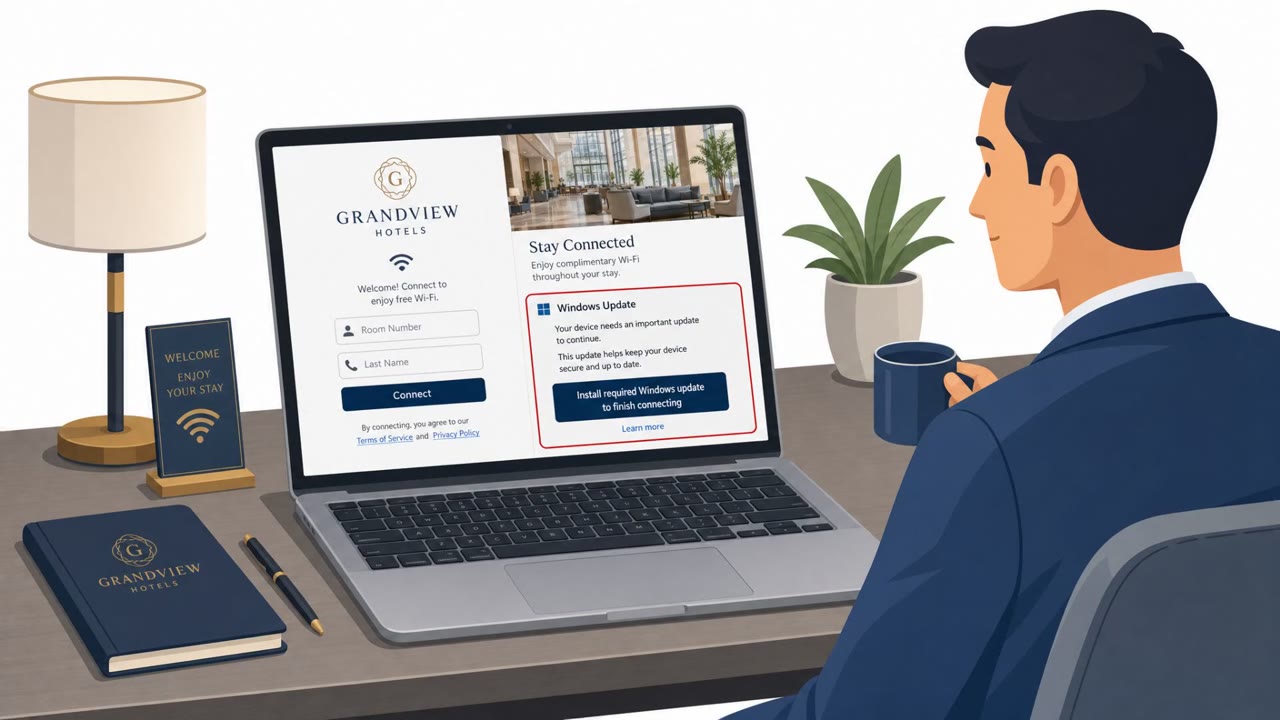
Cofense tracked real email campaigns targeting hotels with fake guest complaints, reviews, and inquiries. The emails push staff to click a link and open what looks like a photo or video, but it leads to a disguised Windows shortcut (LNK) that installs remote-access malware. The malware hides its control servers by pulling them from public blockchains, making takedowns and blocking harder.
How the attack worked
This campaign tracked by Cofense targets hotel staff with emails posing as guest complaints, negative reviews, or booking inquiries. The message asks the recipient to review a photo or document as evidence. The embedded link leads to an archive file that, instead of containing an actual image, holds a Windows shortcut (LNK) disguised with a mismatched .JPG extension. Opening this file installs remote-access malware, identified as EtherRAT or TONResolver, giving attackers a foothold on hotel systems.
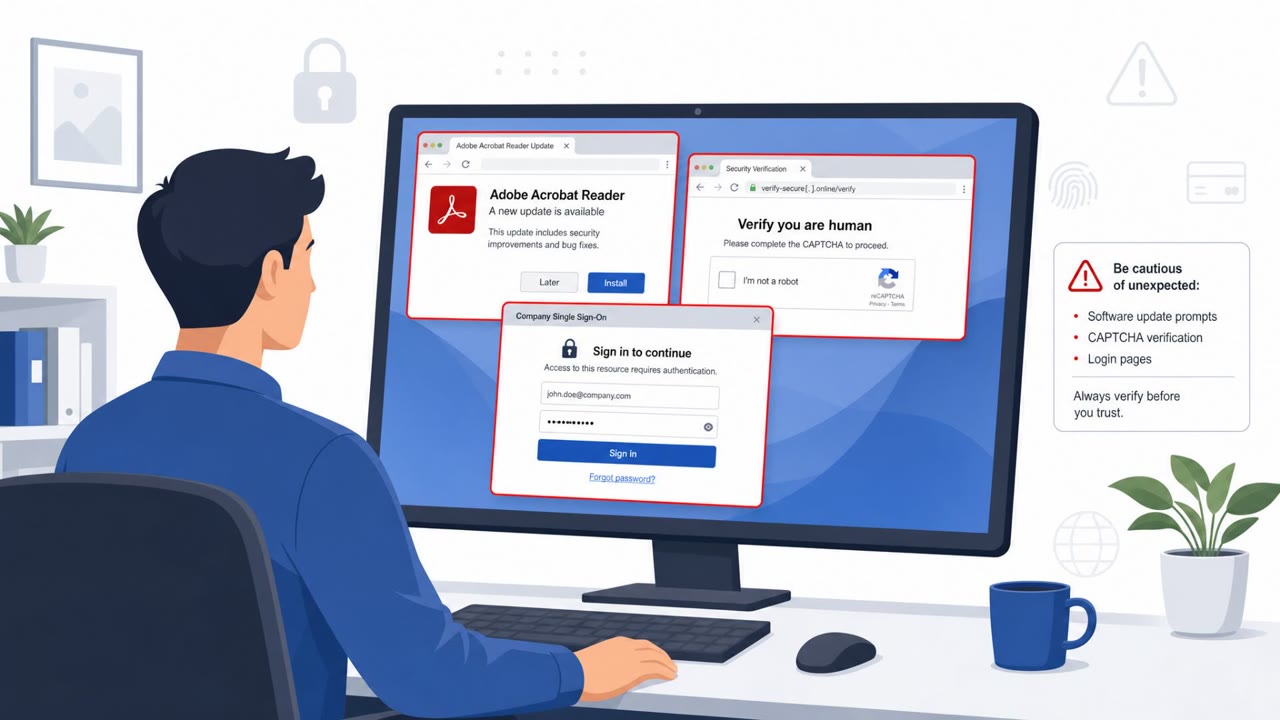
A related and earlier set of campaigns spoofed Booking.com, directing victims to a fake CAPTCHA page. Rather than delivering malware through a download, this version used a ClickFix technique: the page instructed the victim to copy a "verification code" and paste it into the Windows Run dialog (Win+R), which actually executed a malicious script.
Why it succeeded
The pretexts used in both scenarios map closely to the daily workflow of front desk, reservations, and guest relations staff, who routinely respond to guest complaints and booking messages. This familiarity lowers suspicion. Cofense also notes the attacker may be using generative AI to create unique email text for each message, which can make pattern-based detection harder.
The malware's infrastructure adds another layer of resilience. By storing command-and-control addresses on public blockchains such as Ethereum or TON, attackers can rotate infrastructure cheaply and quickly. Because blockchain data cannot be removed, this makes conventional domain and IP takedown requests largely ineffective against this threat.
What to watch for
- An unexpected guest complaint, review, or inquiry email pushing urgency to open a photo or document
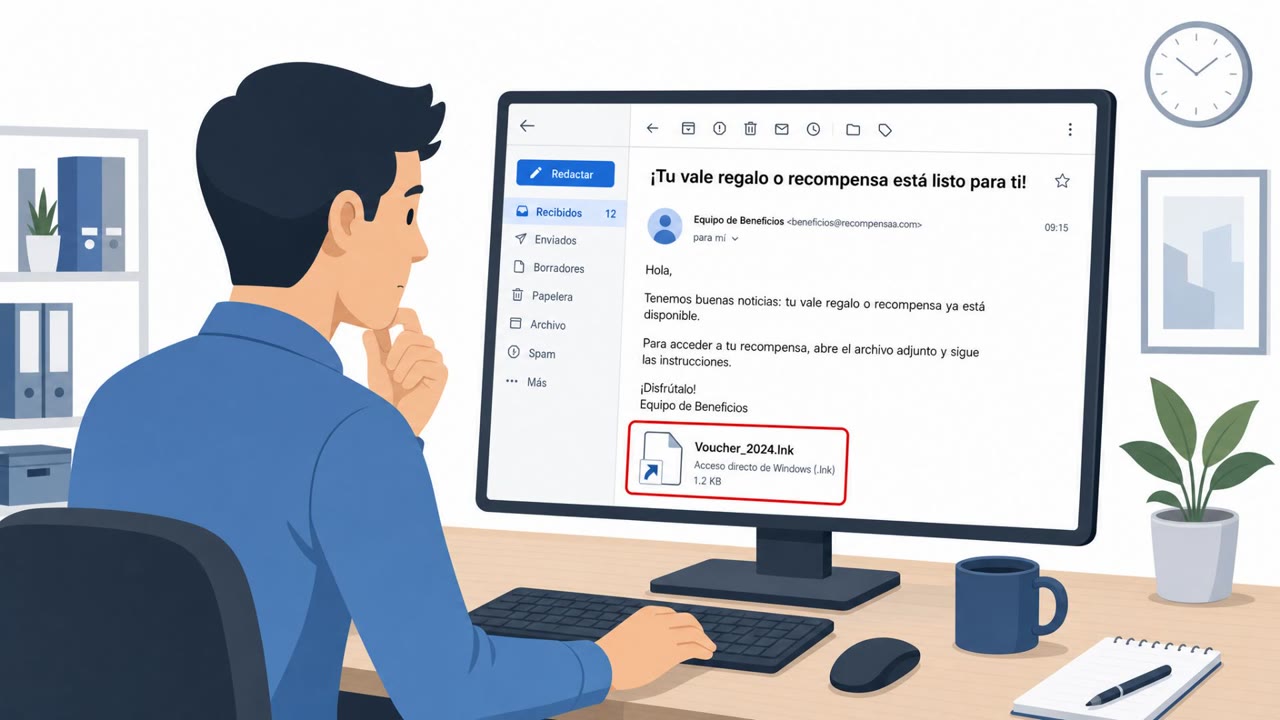
- A downloaded "photo" or "video" that is actually a compressed archive containing a shortcut (LNK) file
- A file extension mismatch, such as an LNK file appearing to be a .JPG
- A CAPTCHA page that asks you to paste a "verification code" into the Windows Run dialog (Win+R)
- Links that lead to a lookalike Booking.com page rather than a known, trusted portal
How to build resistance
- Treat any guest complaint or review email that pushes you to open an attached or linked file as high risk, and verify through a separate trusted channel before opening anything
- Train staff to never open "photos" or "videos" that arrive as compressed downloads containing shortcut files, and to escalate these to IT or security instead
- Reinforce that no legitimate verification process ever requires pasting text into the Windows Run dialog
- Because attackers can rotate infrastructure quickly using blockchain-based command-and-control, prioritize user behavior training and layered detection over reliance on blocking specific domains or IP addresses
Key findings
- Hotels are targeted with emails posing as guest complaints, reviews, or inquiries that push staff to review an attached/linked “photo” or “document.”
- Links lead to an archive containing a malicious Windows shortcut (LNK) disguised as a JPG image; running it installs EtherRAT or TONResolver.
- The malware families pull their command-and-control (C2) addresses from public blockchains (Ethereum or TON), enabling cheap and rapid C2 rotation and making takedowns difficult.
- Earlier related campaigns spoofed Booking.com and used ClickFix fake CAPTCHA pages to trick victims into pasting a malicious script into Windows Run (Win+R).
- Cofense believes the attacker may be using generative AI to create unique email text, making detection harder.
Who’s being targeted
- Commonly targeted roles: Front Desk, Reservations, Guest Relations, Hotel Management, IT Helpdesk, Security Operations (SOC).
- Affected industries: Hotels and travel accommodation, Hospitality, Travel services (online travel agency workflows).
- Attack channels: email, website.
- Impersonated: Hotel guest (direct email to the property), Booking.com (spoofed).
Red flags to watch for
- A ‘photo’ that arrives as a downloaded archive with a shortcut (LNK) instead of a real image
- File extension mismatch (LNK masquerading as .JPG)
- Unexpected complaint/review email pushing urgency to open files
- A CAPTCHA page instructing users to paste text into Windows Run (Win+R)
- ‘Verification code’ is automatically placed on the clipboard and asks for unusual actions
- Link leads to a lookalike Booking.com site rather than a trusted workflow/portal
Frequently asked questions
How does the fake guest complaint attack work?
Attackers email hotel staff posing as guests with complaints or reviews, asking them to review a photo or document. The link leads to an archive containing a Windows shortcut (LNK) disguised as a JPG, which installs remote-access malware such as EtherRAT or TONResolver when opened.
Why is this malware hard to block or take down?
The malware pulls its command-and-control addresses from public blockchains like Ethereum or TON, letting attackers rotate infrastructure cheaply and making conventional domain or IP takedowns largely ineffective.
What other tactic have attackers used against hotels?
Earlier related campaigns spoofed Booking.com and used fake CAPTCHA pages (ClickFix) that instructed victims to paste a malicious script into the Windows Run dialog via Win+R.
Who at a hotel is most likely to be targeted?
Front desk, reservations, and guest relations staff are the primary targets since they routinely handle guest complaints, reviews, and booking inquiries.
Read the video transcript
You get an email: “Guest complaint – please review the attached photo evidence.” Looks routine, right? You click the link, download a zip, and inside is what looks like a JPG. But it’s actually a Windows shortcut, an LNK, that quietly installs EtherRAT or TONResolver remote access malware. Earlier runs even spoofed Booking.com and a fake CAPTCHA page that tells you to press Win+R and paste a “verification code” that’s really malware. Once you run it, their control servers hide behind public blockchains, so they’re hard to shut down. Your move: if a guest complaint or Booking-style email makes you download a zip or paste anything into Win+R, stop and send it to IT or security, do not open or run it.