Three real malware campaigns targeted people in Brazil and Portugal with fake legal notices, invoice pages, and finance-themed documents. Victims were directed to scripts, installers, or an ISO file that abused trusted VLC, VMware, and Microsoft utilities to load malicious code. The most useful awareness lesson is to treat unexpected legal, invoice, and download requests as suspicious even when they appear to use familiar software.
Key findings
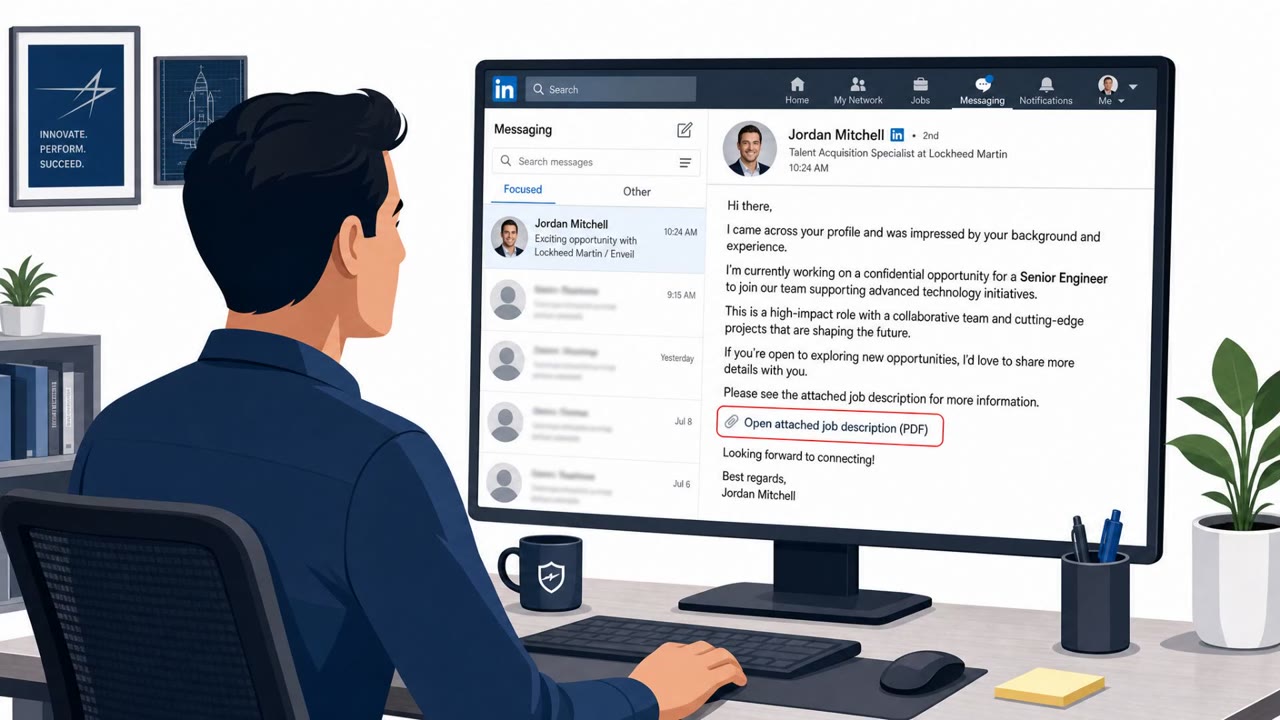
- The Overlord RAT campaign used phishing emails impersonating Brazilian notary offices and directed recipients to supposed legal documents.
- The legal-document links delivered VBScript files that downloaded executables or Windows Installer packages.
- A Portuguese invoice page titled “Download Seguro – Factura” used a fake CAPTCHA to persuade visitors to download an ISO disk image.
- The ISO contained an obscured script, a real VMware utility, and a malicious DLL that was loaded through the trusted program.
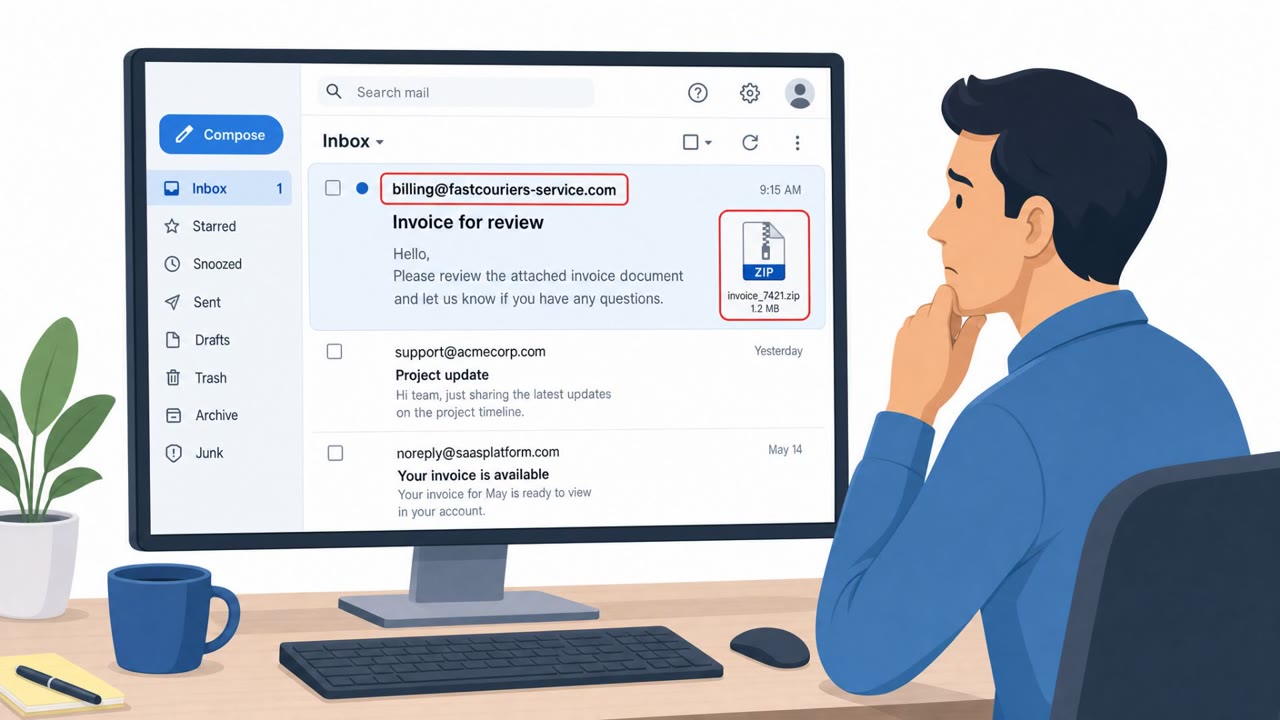
- Lampion used finance-themed phishing messages and a ZIP attachment pattern beginning with “COMPROVATIVO-”.
- Attackers abused legitimate VLC Media Player, VMware, and Microsoft utilities to load malicious DLLs, making the infection chain appear more trustworthy.
Who’s being targeted
- Commonly targeted roles: Finance, Accounts payable, Accounting, Procurement, Legal, Administrative staff, Business owners, All employees who receive invoices or legal correspondence.
- Affected industries: Brazilian businesses, Portuguese businesses, Finance and accounting functions, Organizations receiving legal and invoice correspondence.
- Attack channels: email, website.
- Impersonated: Brazilian notary office, Invoice download service, Financial document sender.
Awareness takeaways
- Verify unexpected legal notices through a known official contact or independently typed website before opening links or downloading files.
- Do not download or open ISO files for invoices; invoices should normally be verified through the supplier’s established portal or a known contact.
- Treat script files such as .vbs and unexpected installers as unsafe, even if the files appear connected to trusted software.
- Report finance-themed ZIP attachments and avoid running any extracted script file.
Red flags to watch for
- An unexpected legal notice creates urgency but was not anticipated.
- The link uses a lookalike notary domain rather than a verified official domain.
- The supposed PDF/legal-document link leads to a script, installer, or executable download instead of a normal document.
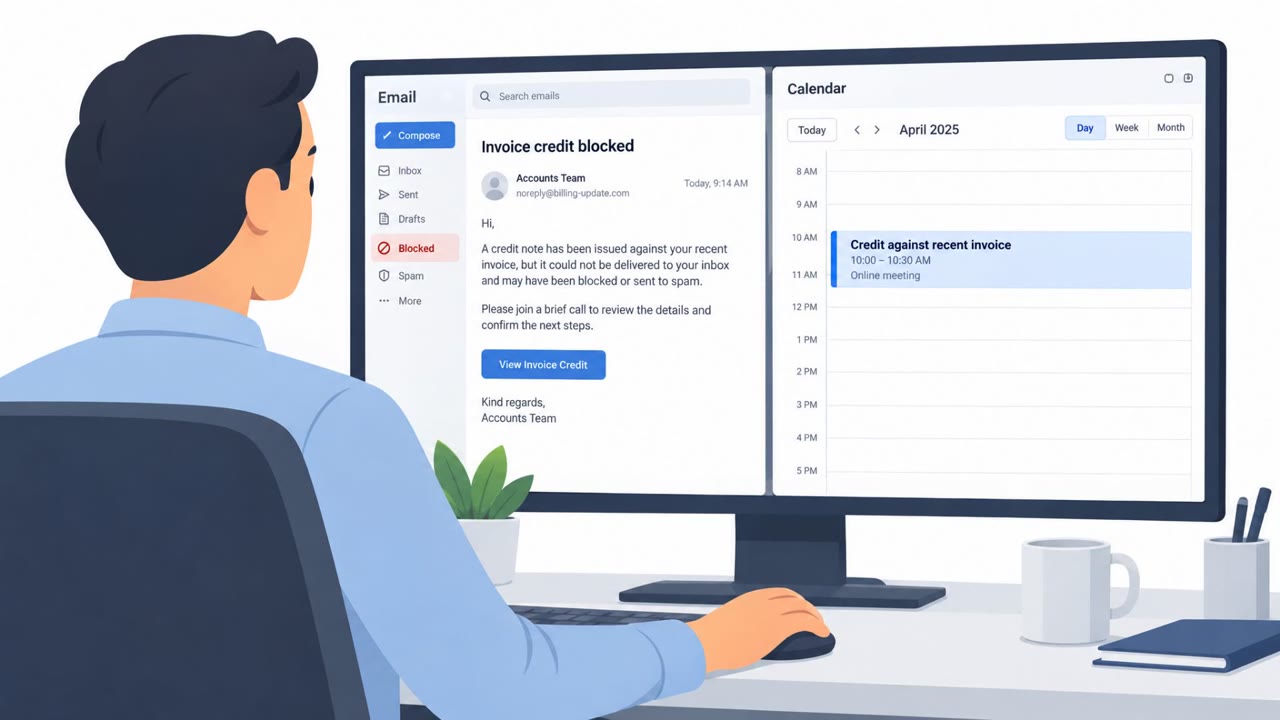
- A routine invoice download asks the user to complete an unexpected CAPTCHA.
- The download is an ISO disk image rather than a PDF or standard invoice file.
- The page promises a “secure download” but leads to an unfamiliar file type.
- The attachment is a ZIP file rather than a normal financial document.
- The archive name uses a formulaic “COMPROVATIVO” naming pattern with random characters and numbers.
- The extracted file is a .vbs script, not a PDF or spreadsheet.
Read the video transcript
A notary emails: “View your protest document.” You weren’t expecting one. The link says “visualizar-protesto.pdf/cnpj=” plus your company number. But it downloads a VBScript, not a PDF. That script fetches an installer. Another page says “Download Seguro – Factura.” Its fake CAPTCHA delivers an ISO. Inside, a malicious DLL rides alongside a real VMware utility. Familiar software doesn’t make the file safe. Unexpected legal notice or invoice? Don’t use its link. Verify it through a contact you already know.