Researchers found a real campaign offering fake “desktop apps” for major U.S. payroll/HR platforms that don’t actually provide desktop software. Victims who install the download unknowingly install ScreenConnect remote access configured for silent, unattended control, giving attackers a direct path to payroll systems and company paychecks.
How the attack worked
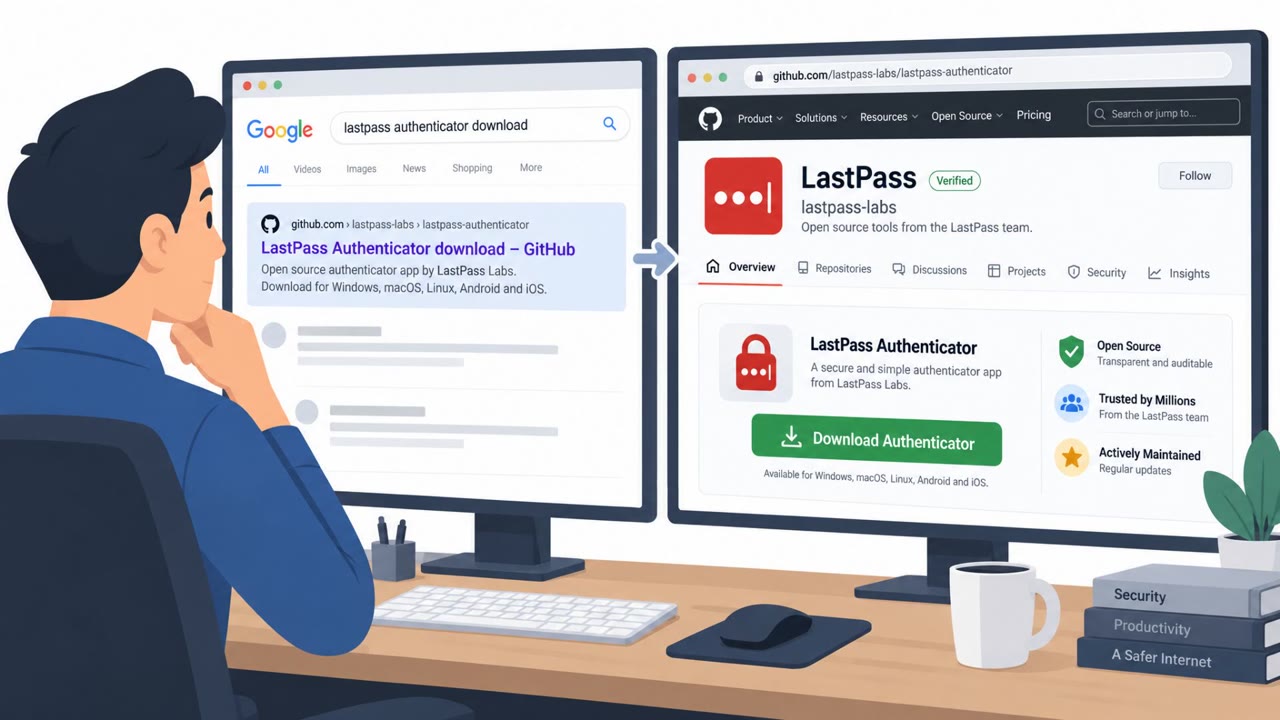
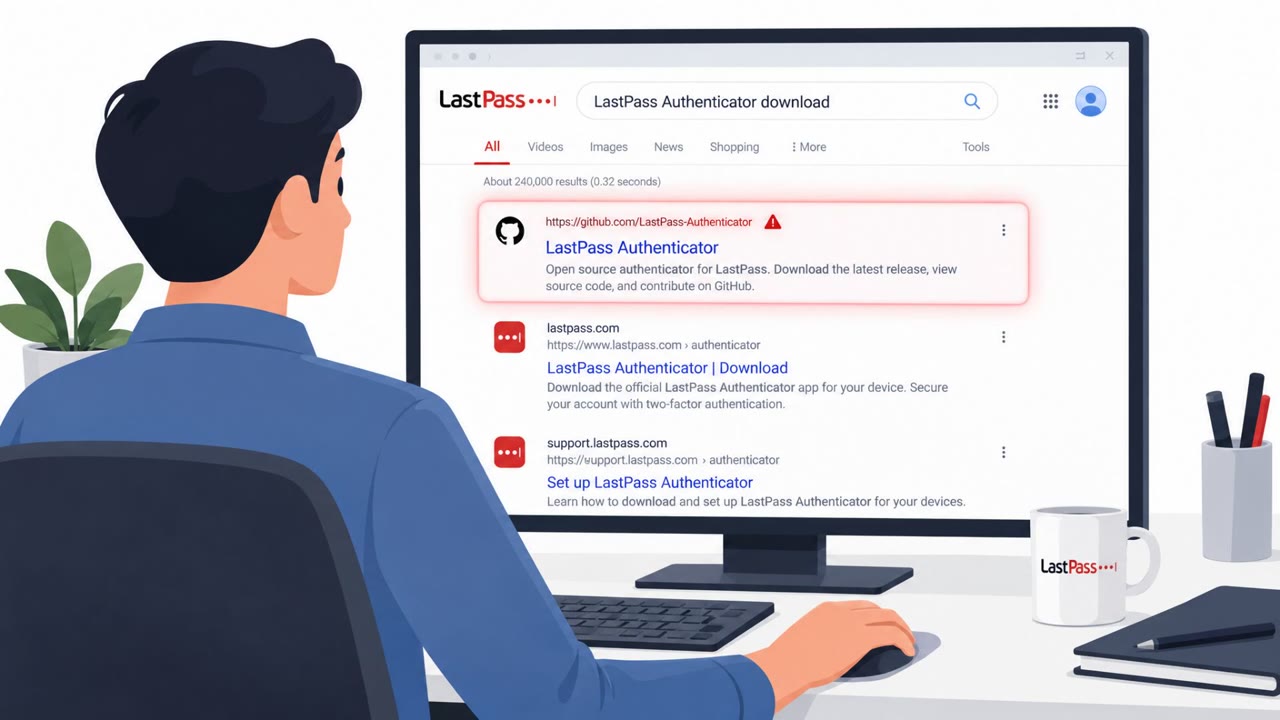
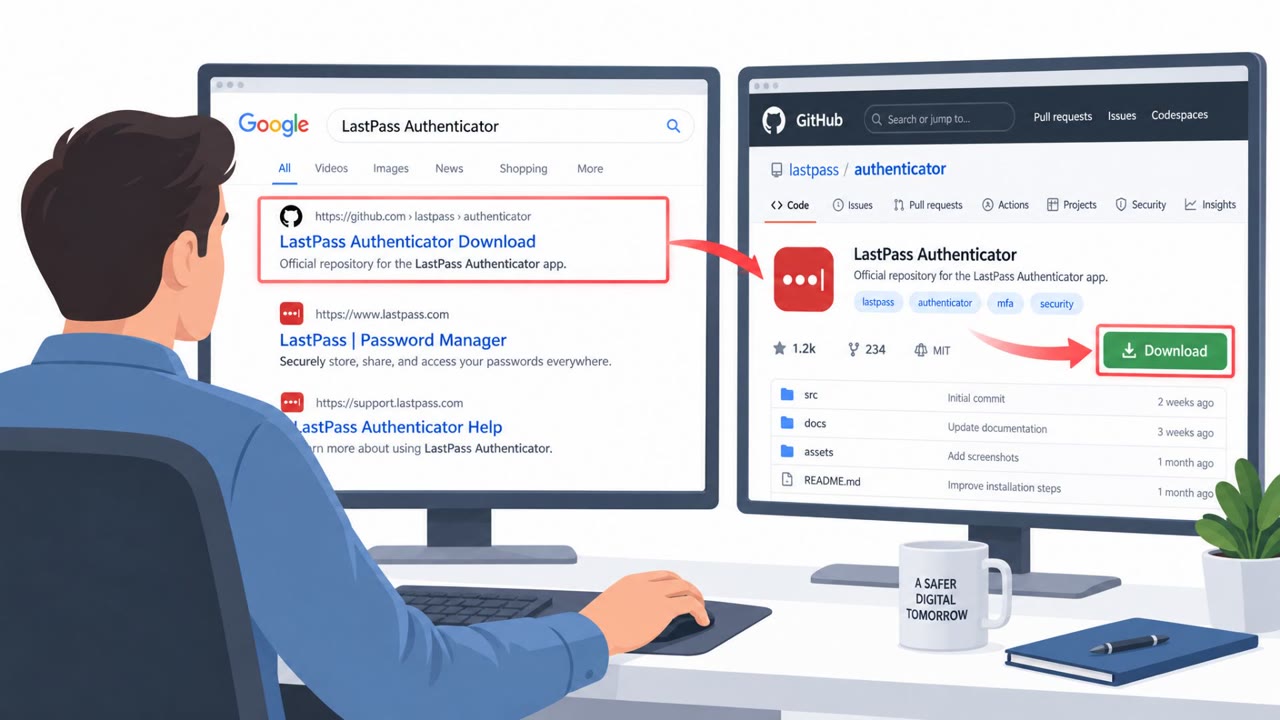
The operator behind this campaign built lure pages advertising desktop apps for three large US payroll and HR platforms, even though those platforms are delivered only as web applications accessed through a browser. Each page carried the brand's logo, product screenshots, and a live-chat widget to appear legitimate, with a download button leading to a file hosted on GitHub releases rather than the vendor's own site.
When the download runs, it first opens a genuine, Microsoft-signed .NET Desktop Runtime installer. While that installer finishes normally on screen, the installer quietly runs msiexec with the /qn flag in the background, which installs ScreenConnect with no visible interface. The victim only ever sees a legitimate-looking Microsoft installer complete, and the promised payroll app never appears because it never existed.
Why it succeeded
This attack relied on a gap between expectation and reality. Employees who work with payroll or HR platforms may reasonably assume a vendor could release a desktop app for convenience, so the pretext did not require urgency or fear, just plausibility. Showing a real, signed installer window removed the most obvious visual cue of compromise, since nothing on screen looked like malware while the silent installation happened underneath.
The infrastructure choices reinforced the illusion of legitimacy: lure pages built and hosted through mainstream web tools, a download hosted on a well-known code-sharing platform, and a live-chat widget that made the fake product pages feel like real vendor support channels.
What to watch for
- A vendor offering a downloadable desktop app when its product has always been browser-based
- Downloads hosted on developer platforms like GitHub releases instead of the vendor's official domain
- An installer that shows only a generic runtime or component window, with no branded product UI, and no application ever launching afterward
- Unexpected elevation or admin prompts tied to what should be a simple application install
How to build resistance
Organizations should treat payroll and HR staff as high-value targets, since unattended remote access to those machines is described as a path to diverting or draining an entire company's payroll. Practical steps include:
- Confirming with the vendor directly before installing any "desktop app" for a platform known to be web-only
- Restricting and monitoring software installations on payroll and finance workstations
- Training staff that a download a vendor does not officially provide is not an upgrade, it is the attack
- Reviewing outbound connections from payroll systems for unfamiliar remote access tools
This technique maps to MITRE ATT&CK techniques such as https://attack.mitre.org/techniques/T1656/ and https://attack.mitre.org/techniques/T1204/002/, both of which describe impersonation and user-driven execution as entry points for remote access tooling.
Key findings
- Attackers impersonated payroll/HR brands by advertising “desktop apps” that the real vendors do not offer.
- Installers silently deployed ScreenConnect for unattended remote access while showing a legitimate Microsoft-signed runtime installer to appear harmless.
- Lure pages were built using Lovable, saved as a static HTML snapshot, hosted on Vercel, and the download hosted from GitHub releases.
- Payloads connected to an attacker-controlled ScreenConnect server at jyleatyg[.]com (89.213.118[.]127) on port 8041.
- The campaign infrastructure (same LiveChat account, same GitHub account, same ScreenConnect server) indicates a single operator.
Who’s being targeted
- Commonly targeted roles: Payroll, Human Resources, Finance, IT Helpdesk, Procurement/Vendor Management.
- Affected industries: Any organization using cloud payroll or HR platforms, Finance and Accounting, Human Resources.
- Attack channels: website.
- Impersonated: A major payroll/HR platform brand (not named in the article), Microsoft (via a genuine, Microsoft-signed installer shown to the user).
Red flags to watch for
- Vendor normally works in a browser and does not offer a desktop app
- Download is hosted via GitHub releases rather than the vendor’s official site
- Installer shows a legitimate Microsoft window, but the promised payroll app never appears
- Unexpected admin/elevation prompt for a basic payroll ‘desktop app’
- No clear vendor-branded installation UI beyond the Microsoft runtime window
- After install, no payroll app launches (because it doesn’t exist)
Frequently asked questions
How did attackers trick payroll staff into installing remote access software?
They advertised desktop apps for payroll and HR platforms that only exist as web applications, then hid a silent ScreenConnect installation behind a genuine Microsoft-signed runtime installer.
Why did the fake installer look safe to victims?
The installer opened a real, Microsoft-signed .NET Desktop Runtime installer on screen while running msiexec with the /qn flag in the background to install ScreenConnect with no visible interface.
Who is most at risk from this type of attack?
People who run payroll are the most likely targets, since unattended remote access to their machine gives attackers a path toward diverting or draining company payroll.
What should organizations do if a vendor does not offer a desktop app?
Verify with the vendor before downloading anything, and treat any download the vendor does not officially offer as a red flag rather than an upgrade.
Read the video transcript
You see a slick site: your payroll system, big logo, and a button saying, “Download the desktop app for faster payroll processing.” Here’s the trick: these payroll platforms don’t even offer desktop apps. The download comes from a GitHub Releases link, and when you run it, a real Microsoft .NET Desktop Runtime installer pops up while ScreenConnect remote control hides in the background. On screen, everything looks normal. The installer finishes, no errors, but no payroll app ever opens, because it doesn’t exist. Instead, ScreenConnect phones home to a hidden server and gives silent, unattended access to your payroll machine. If your payroll or HR tool usually runs in a browser, here’s the move: never install a “new desktop app” from a website. Stop, and confirm with the vendor or IT before you download anything.