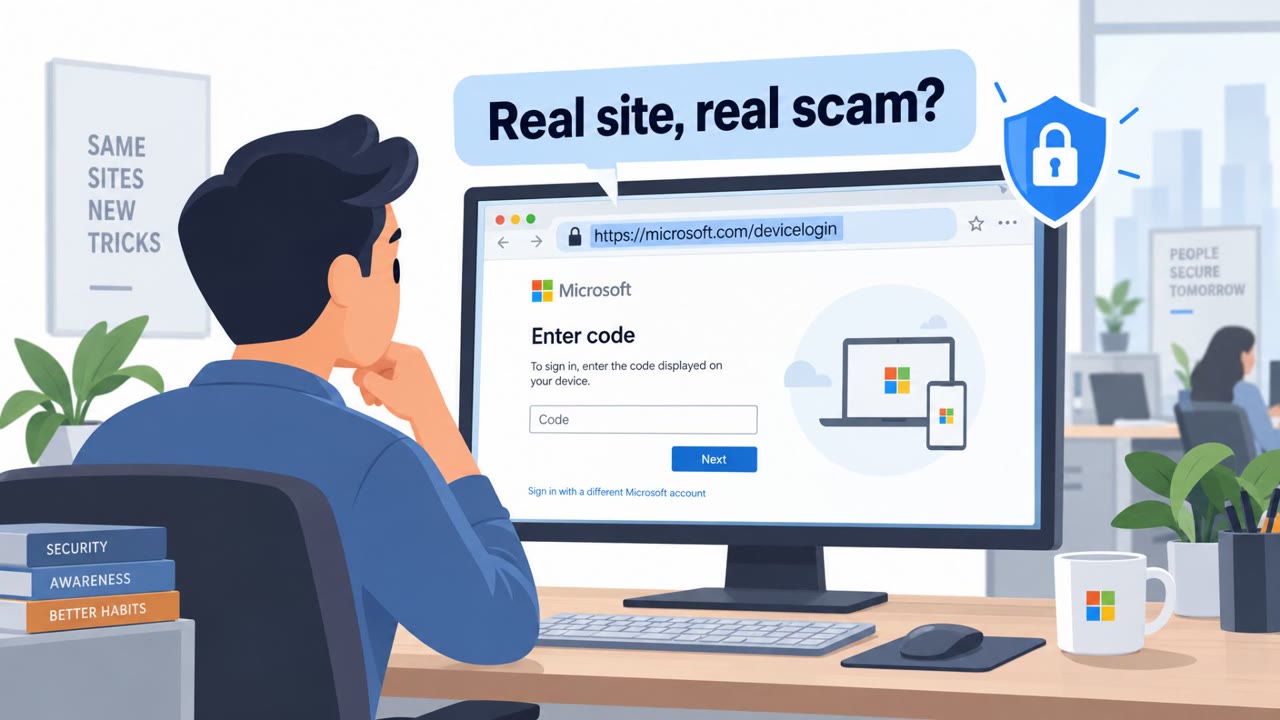
Microsoft reports that the EvilTokens phishing-as-a-service platform helped criminals compromise thousands of organizations by tricking users into completing a legitimate Microsoft “device code” login. The lure drives victims to enter a short code at microsoft.com/devicelogin, which unknowingly authorizes the attacker’s session without stealing the password directly. After access, attackers steal email data and set persistence (like inbox rules or registering new devices) to stay in control.
Key findings
- EvilTokens is described as a phishing-as-a-service platform that supported “sophisticated business email compromise (BEC) campaigns” and “compromised more than 12,000 inboxes in over 10,000 organizations worldwide.”
- The core trick is “device code phishing flow,” where the attacker provides a device code and convinces the user to enter it at the real Microsoft device login page, authorizing the attacker’s session.
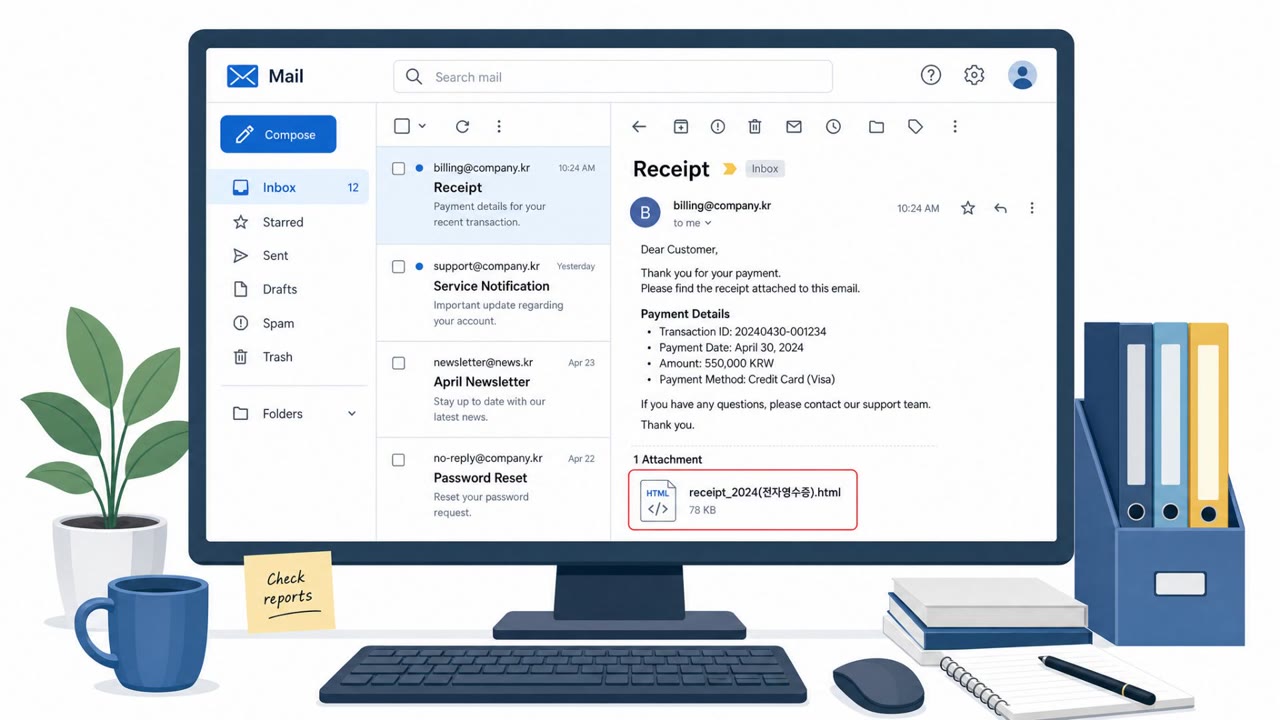
- Lures include high-pressure themes and business pretexts (e.g., invoices, RFPs, shared files) and were observed with content such as “construction bid proposals… employee compensation/benefits, and password expiring notices.”
- Post-compromise activity includes “email exfiltration and persistence,” including “malicious inbox rules that conceal communications” and registering new devices for “a particularly durable method to maintain persistence.”
- Infrastructure and delivery techniques aim to evade detection using redirects and common cloud platforms: “abuse of Vercel (.vercel.app), Cloudflare Workers (.workers.dev), and AWS Lambda.”
- Microsoft tracks the developer/support actor as “Storm-2992” and notes its sale/advertising via Telegram.
Who’s being targeted
- Commonly targeted roles: All employees (Microsoft 365 users), Finance and Accounts Payable, Procurement, HR, Executives and executive assistants, IT/Helpdesk (for reporting and response).
- Affected industries: Wholesale distribution, Construction, Financial services, Real estate, Higher education, Healthcare.
- Attack channels: email, website.
- Impersonated: Microsoft / Microsoft sign-in, A vendor or business partner (invoice/RFP/shared file) plus a Microsoft sign-in step.
Awareness takeaways
- Treat any request to enter a “device code” as suspicious unless you personally initiated it on a trusted device (e.g., a conference room/Teams device you are setting up).
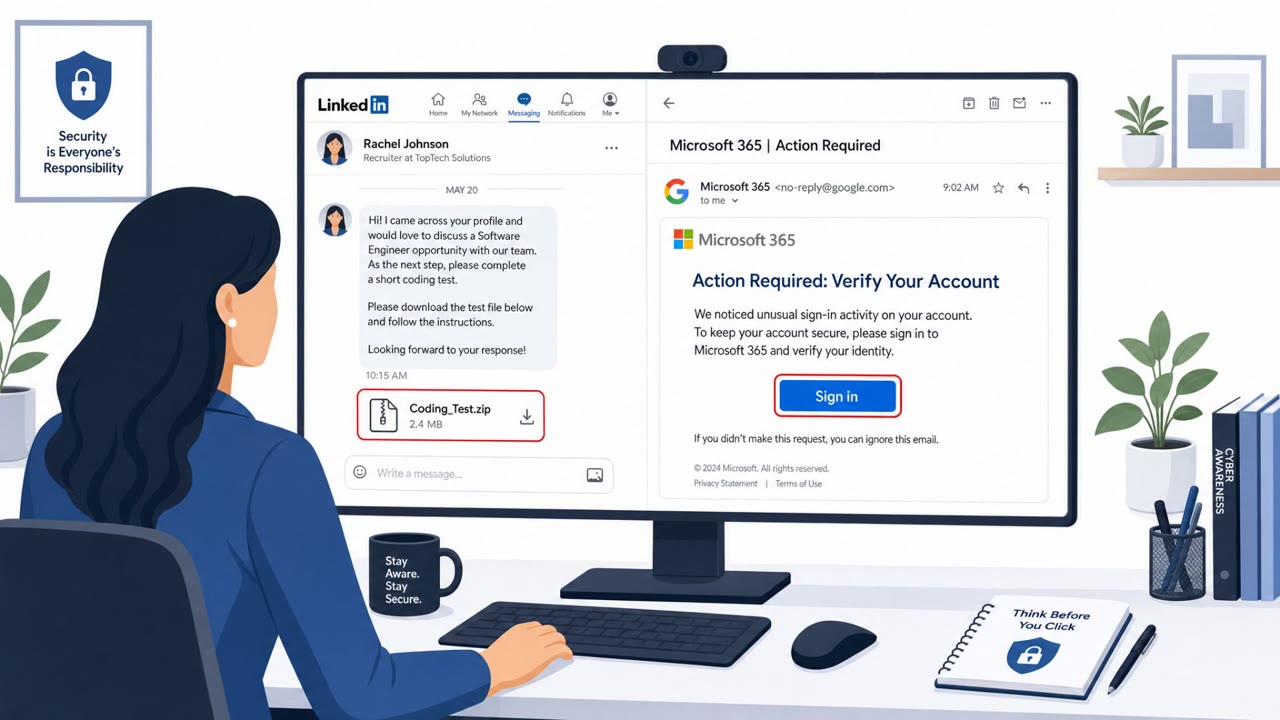
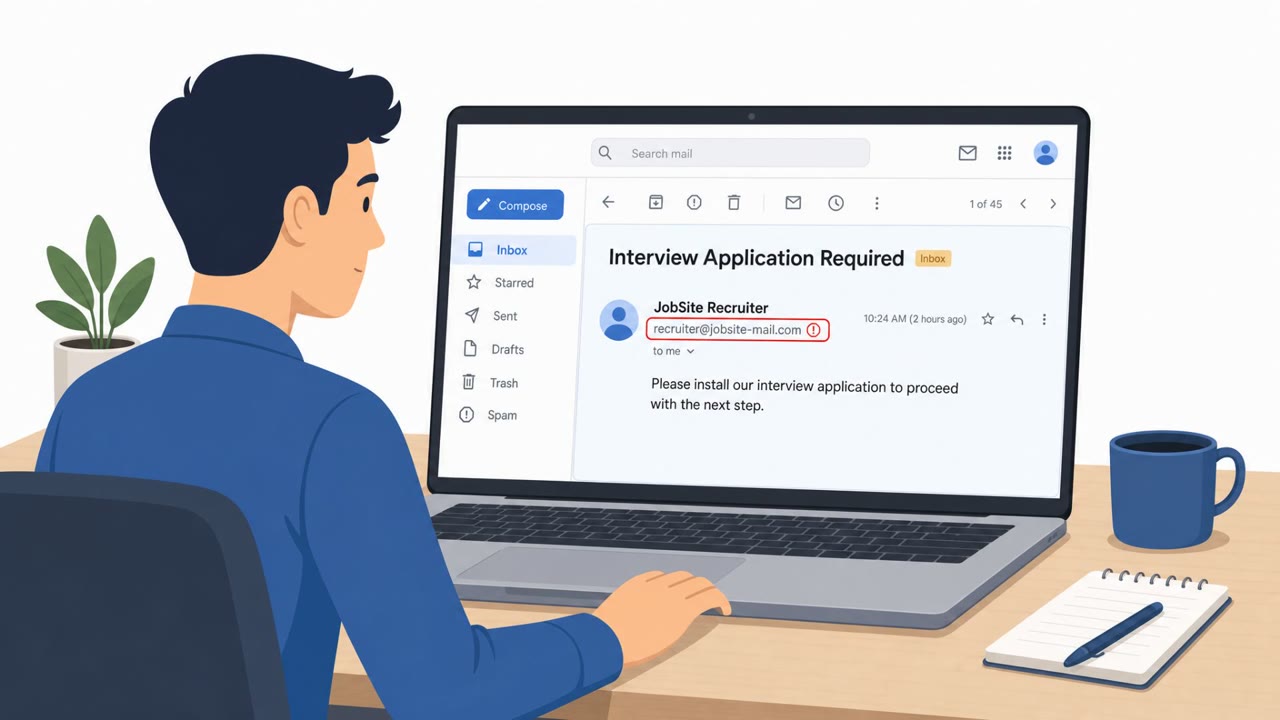
- Be extra cautious with urgent, high-pressure emails (password expiry, invoices, RFPs, shared files) that push you to click links or open attachments.
- If a “document” link shows verification steps (like CAPTCHA) or multiple redirects before a sign-in, stop and verify with the sender through a known contact method.
- Report suspected compromise quickly, attackers may set stealthy inbox rules or register new devices soon after access to hide activity and stay persistent.
Red flags to watch for
- High-pressure wording pushing immediate action (e.g., password expiring)
- You are asked to enter a code you did not request on a separate Microsoft login page
- Unexpected “Copy Code” / “Continue with Microsoft” flow after clicking an email link/attachment
- Unexpected CAPTCHA/verification gate before viewing a document
- Multiple redirects before reaching the content
- A document-view request that turns into a Microsoft device-code login
Read the video transcript
You get an email: “Action Required: Password Expiration.” Looks urgent, looks Microsoft, and it wants you to click. You click, solve a quick CAPTCHA, and suddenly you’re on the real microsoft.com/devicelogin page with a short code and a big “Copy Code” button. Here’s the trap: EvilTokens uses this legit device-code flow so when you enter that code, you silently log in THEIR session. They can read your mail, hide it with inbox rules, even register new devices. If you ever see a device code you didn’t ask for, stop. Don’t enter it. Close the page and report it to Security right away.