Fake Teams Booking Steals Microsoft Sessions

Help Net Security · High sophistication
Last updated November 13, 2026

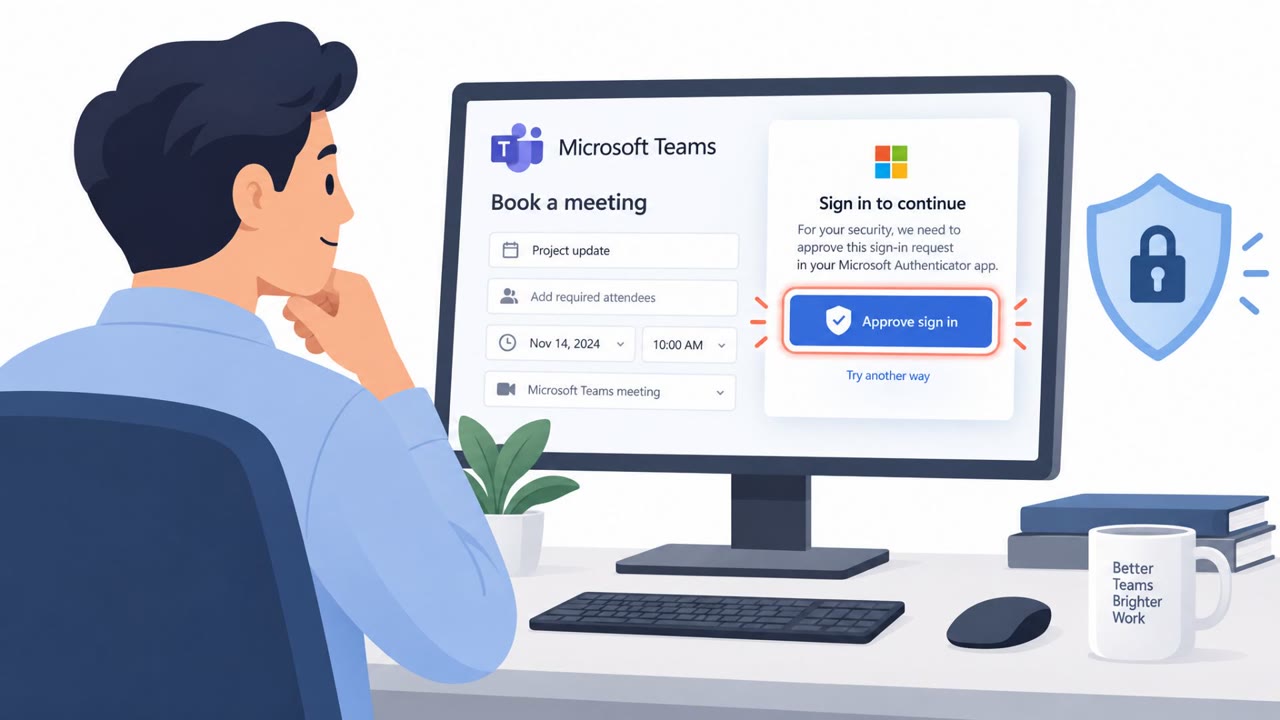
Attackers targeted an employee at a construction company with a fake Microsoft Teams meeting scheduler that appeared to come from an executive at another construction firm. The page disguised a Microsoft device sign-in code as a meeting “Booking Reference,” tricking the employee into approving the attacker’s session even after MFA. The attackers then obtained a valid account session token.

Key findings

  • A typosquatted sender domain impersonated a senior vice president at another construction firm.
  • The email link used a Google share link that redirected to the phishing page, keeping the attacker-controlled domain out of the email body.
  • The fake Teams scheduler presented a Microsoft device authentication code as a “Booking Reference” and added a countdown timer to create urgency.
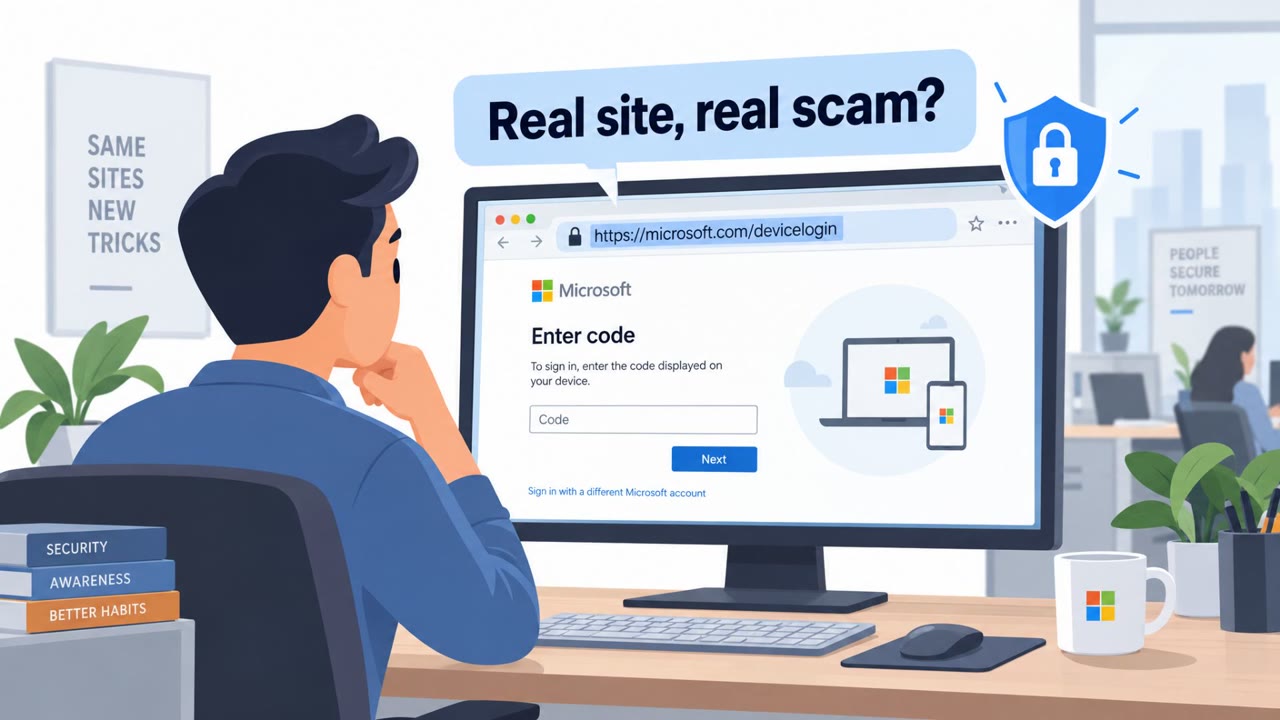
  • The victim was sent to Microsoft’s legitimate device login page, where entering the code and completing MFA approved the attacker’s sign-in session.
  • After successful authentication, the site displayed a verification message and redirected the victim to Calendly to make the interaction appear legitimate.
  • The phishing kit used encrypted page content and residential proxy traffic to hinder scanning and make the final login look more like consumer activity.

Who’s being targeted

  • Commonly targeted roles: Construction employees, Procurement teams, Supply chain teams, Business development teams, Project managers, Microsoft 365 users, Finance and operations staff.
  • Affected industries: Construction.
  • Attack channels: email, website.
  • Impersonated: A real senior vice president at another construction firm, using a fake Microsoft Teams meeting scheduler..

Awareness takeaways

  • Treat any unexpected request to enter a device code at Microsoft’s sign-in page as suspicious, especially when it follows a meeting invitation or booking request.
  • Verify partnership and meeting requests using a known, independently obtained contact method when the sender uses an unfamiliar or lookalike domain.
  • Do not let a countdown timer or a polished scheduling page override normal verification steps; a legitimate meeting booking should not require approving a device sign-in for someone else.
  • Report unfamiliar device sign-ins promptly and review account changes after a suspected compromise, including MFA methods, registered devices, app permissions, mailbox rules, and outbound email.

Red flags to watch for

  • The sender domain is a typosquatted version of a real company domain.
  • A meeting booking page asks for a Microsoft device sign-in code rather than simply scheduling a meeting.
  • A countdown timer creates pressure to complete the sign-in quickly.
Try Mirage

Mirage safely runs attacks like this one against your own team, so you find out what happens before a real adversary does.

Get a demo
Read the video transcript

A construction executive wants a Teams call about a long-term supply partnership. Sounds promising. But the sender domain is a lookalike. A Google share link opens a fake Teams scheduler. Click Continue, and a countdown appears beside a 'Booking Reference.' Here's the trap: that reference is a Microsoft device sign-in code. Enter it on Microsoft's real page, complete MFA, and you've approved their session, not booked a meeting. The site may even say 'verified' and send you to Calendly. If booking asks for a device code, stop, don't enter it.

Similar attacks

Stolen Faces Fuel North Korean Meeting Scams

Stolen Faces Fuel North Korean Meeting Scams

North Korean operators behind “FaceStealer” hijacked accounts and used recordings of real people in fake Zoom and Microsoft Teams meetings. They used the familiar faces of trusted contacts to convince targets to install supposed fixes for technical problems, enabling malware installation, account…

November 14, 2026
Fake Meetings and Listings Trap Victims

Fake Meetings and Listings Trap Victims

This weekly roundup describes several real-world social-engineering attacks with practical lures that can be used in awareness training. Attackers used a fake Teams scheduler to capture a sign-in approval, fake Zillow pages to persuade apartment hunters to run a copied command, and fake Zoom or…

November 15, 2026
CSuite Phish Steals M365 Sessions, Installs RMM

CSuite Phish Steals M365 Sessions, Installs RMM

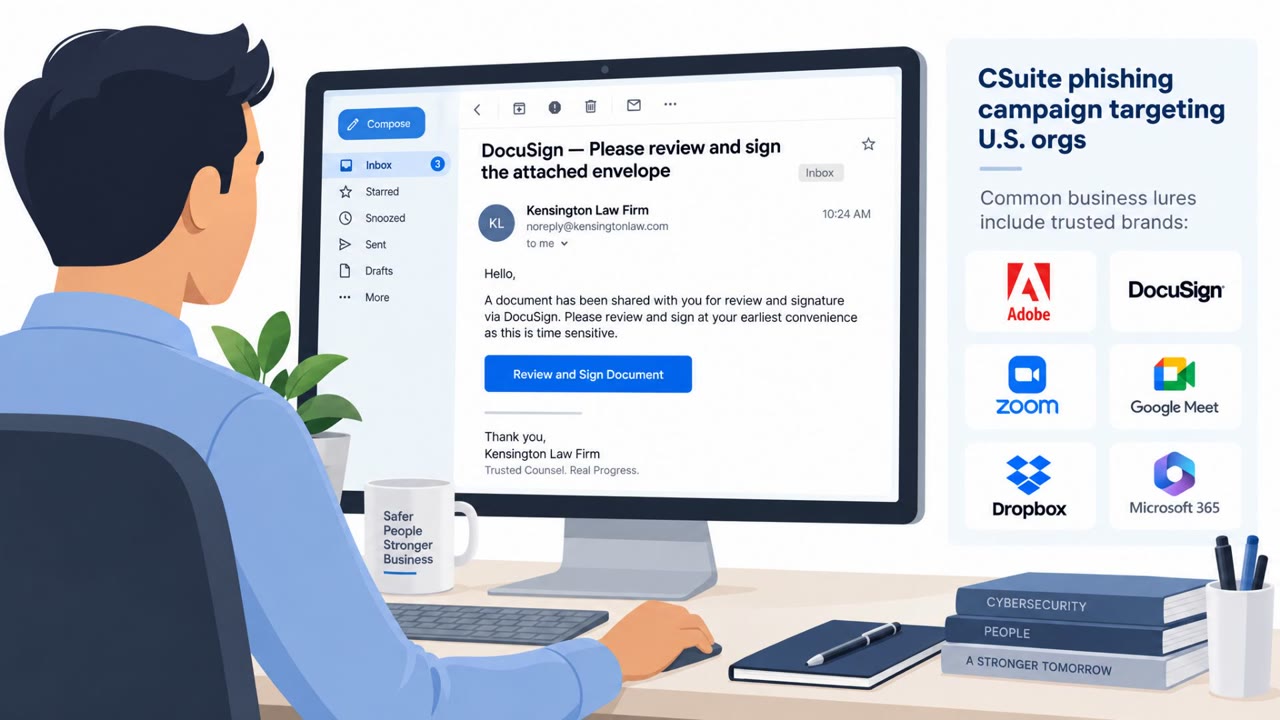
Researchers observed a real phishing campaign (“CSuite”) heavily targeting U.S. organizations using familiar business-themed lures (DocuSign, Adobe, Zoom/Meet, Dropbox, Microsoft 365). After a victim engages, the attackers either steal Microsoft 365 sessions (enabling mailbox takeover and fraud) or…

September 30, 2026
Phishing Gets Smarter: QR Codes, Tokens, Deepfakes

Phishing Gets Smarter: QR Codes, Tokens, Deepfakes

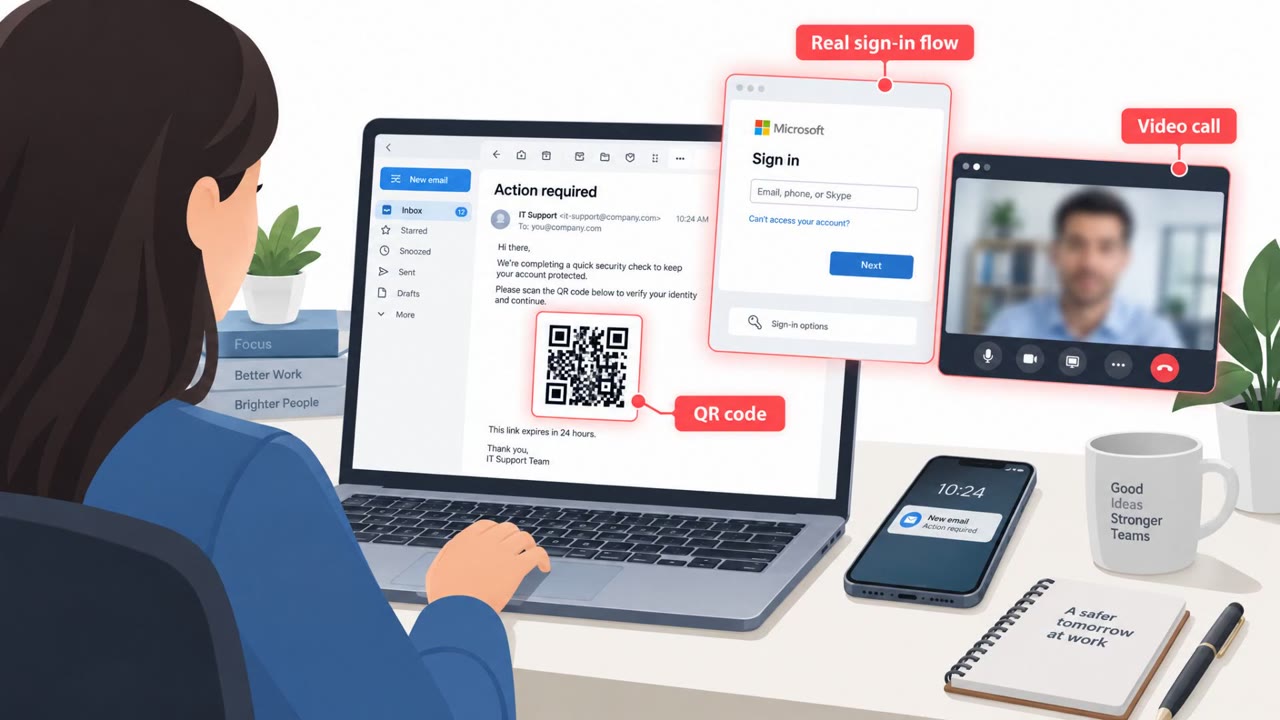
The article describes how real-world phishing and social engineering are evolving to bypass the checks employees are trained to use (bad grammar, suspicious URLs, obvious fake login pages). It highlights specific, observed attack workflows including QR-code “device hop” phishing, OAuth token theft…

September 29, 2026
Device-Code Phishing Service Hit After 12K Breaches

Device-Code Phishing Service Hit After 12K Breaches

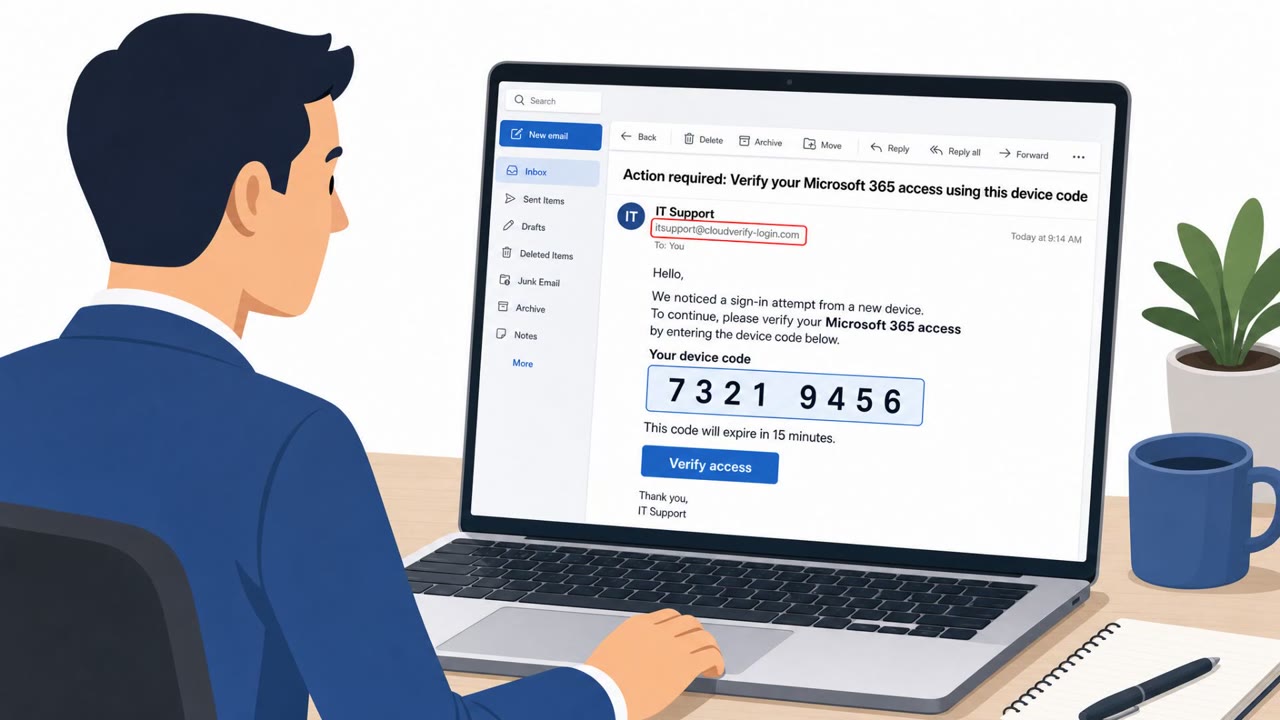
Microsoft and partners disrupted “EvilTokens,” a phishing-as-a-service platform Microsoft links to over 12,000 compromised inboxes across more than 10,000 organizations. The service used deceptive emails to trick people into pasting a “device code” into Microsoft’s real sign-in page…

September 22, 2026
Russian Hackers Used AI to Evolve Phishing & Malware

Russian Hackers Used AI to Evolve Phishing & Malware

Anthropic says it disrupted a Russian state-linked campaign that used Claude to continuously rebuild malware when security tools detected it. The group (GTG-20006, linked to Midnight Blizzard/APT29) ran phishing and other human-targeted schemes, including device-code token theft against Microsoft…

September 11, 2026