This weekly roundup describes several real-world social-engineering attacks with practical lures that can be used in awareness training. Attackers used a fake Teams scheduler to capture a sign-in approval, fake Zillow pages to persuade apartment hunters to run a copied command, and fake Zoom or Teams calls using stolen webcam footage to support cryptocurrency theft.
How the attacks worked
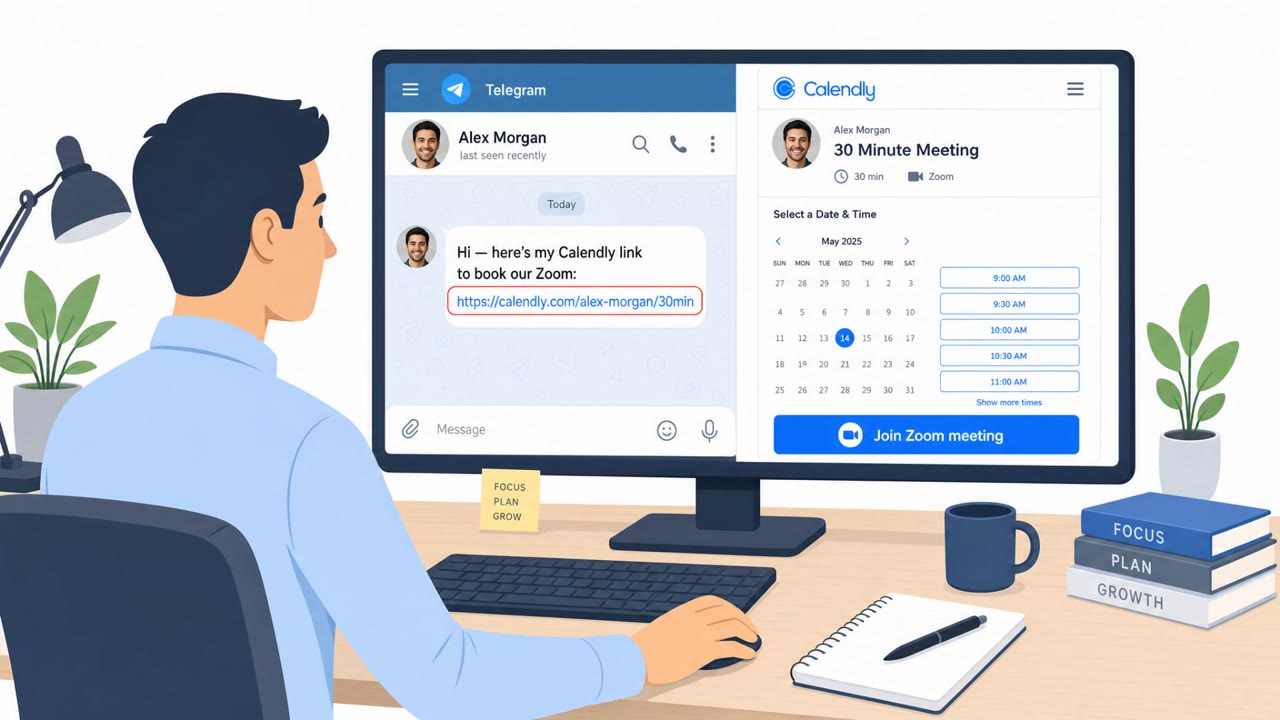
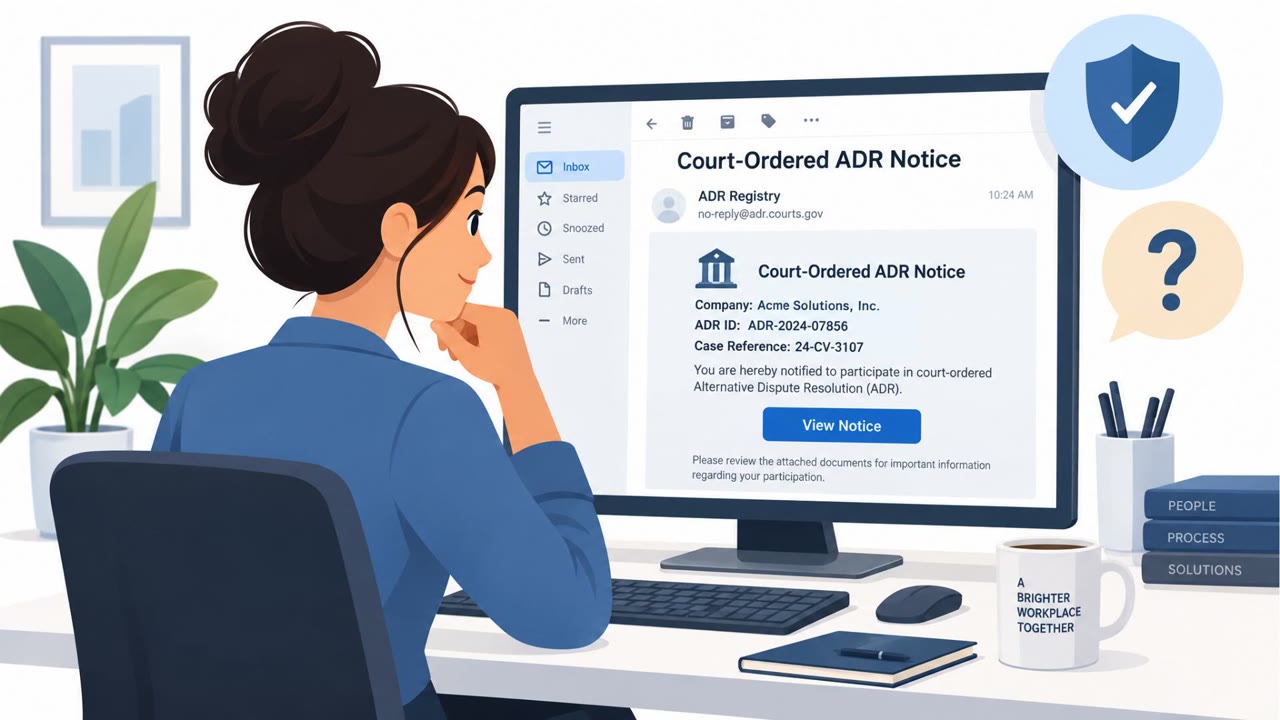
This roundup covers three distinct social engineering patterns that share a common thread: each one disguises a harmful action as something routine. In one case, a fake Microsoft Teams meeting scheduler asked a construction company employee to approve a device-code sign-in in order to schedule a meeting. The approval gave attackers a valid session token, which Huntress's security operations center later identified.
In a second case, a ClickFix-style campaign used fake Zillow apartment-review pages. Visitors saw what looked like a routine verification check, but behind the scenes the page copied a PowerShell command to the clipboard and walked them through pasting and running it, leading to installation of NetSupport RAT.
A third pattern involved fake Zoom or Teams calls built around stolen webcam footage of earlier victims. The FBI refers to this scheme as FaceStealer, and it was reportedly used to support cryptocurrency theft by making the calls appear to involve a real, trusted participant.
Why these lures succeeded
Each scenario worked because the harmful step was wrapped inside an action that felt ordinary:
- Scheduling a meeting is a normal task, so approving a sign-in prompt tied to it did not seem alarming.
- A "verification check" before viewing an apartment review mimics legitimate anti-bot or CAPTCHA experiences that many users are used to clicking through quickly.
- A video call with visible footage of a person adds a layer of apparent authenticity that text-based phishing lacks, making urgent financial requests feel more credible.
What to watch for
Defenders and employees should treat the following as warning signs:
- A meeting-booking flow that requests sign-in approval instead of simply generating a calendar invite.
- Any website, including property listing or review pages, that asks a visitor to paste or run a command.
- Device-code prompts that were not initiated by the user from a known device or app.
- Unexpected video calls tied to urgent cryptocurrency or financial requests, especially without a separate verification channel.
Building resistance
Organizations can reduce exposure by reinforcing a few simple habits across all employees, not just technical staff. Employees should never approve a device-code sign-in unless they personally started that request from a recognized application and device. Staff should be trained to close and report any page that instructs them to paste or run commands, regardless of how routine the request looks. Finally, teams that handle payments or cryptocurrency should verify any call-based request through an independent, previously established contact method before acting, since footage alone cannot confirm a caller's identity.
Key findings
- Attackers used a fake Microsoft Teams meeting scheduler to persuade an employee at a construction company to approve a device-code sign-in, giving the attackers a valid session token.
- A ClickFix campaign used fake Zillow apartment-review pages and a routine-looking verification check to convince visitors to paste and run a PowerShell command.
- North Korean hackers reportedly used stolen webcam footage of earlier victims in fake Zoom and Teams calls as part of a cryptocurrency-theft scheme.
- The roundup also reports that stolen GitHub credentials were used to place credential-stealing code into tens of thousands of repositories.
Who’s being targeted
- Commonly targeted roles: All employees, Construction staff, Employees who use Microsoft Teams, Employees searching for housing on work devices, Finance teams, Cryptocurrency and digital-asset holders.
- Affected industries: Construction, Real estate and apartment rental, Cryptocurrency and financial services, Software development.
- Attack channels: website, vishing.
- Impersonated: Zillow apartment-review page, Microsoft Teams meeting scheduler, Zoom or Microsoft Teams meeting participant.
Red flags to watch for
- A property-review page asks visitors to run a command on their computer.
- The site uses a verification prompt for an action unrelated to viewing a listing.
- The browser page directs the user to paste content into PowerShell or another system tool.
- A meeting-booking page asks for sign-in approval rather than simply creating a calendar invitation.
- A device-code prompt is unexpected and was not initiated from a known work device.
- The requested approval does not clearly identify the application or device being authorized.
- An unexpected video meeting concerns an urgent cryptocurrency matter.
- The caller’s video may be recycled footage rather than a live interaction.
- A meeting participant pushes for financial action without an independent verification step.
Frequently asked questions
How did attackers use a fake Microsoft Teams meeting to steal access?
Attackers set up a fake Teams meeting scheduler that tricked a construction company employee into approving a device code sign-in, which gave the attackers a valid session token before the incident was identified.
What made the fake Zillow apartment listing attack effective?
Fake Zillow apartment-review pages showed what looked like a routine verification check, then quietly copied a PowerShell command to the clipboard and guided visitors through pasting and running it, installing NetSupport RAT.
Why are fake Zoom or Teams calls with webcam footage dangerous?
These calls used stolen webcam footage of earlier victims to appear convincing, helping attackers push cryptocurrency holders into harmful financial actions during what the FBI calls the FaceStealer scheme.
What should employees do if a website asks them to run a command?
They should never paste or run a command from a website, even if it is framed as a verification check, and should close the page and report it to security instead.
Read the video transcript
Booking a Teams meeting? This page wants more than your calendar. A fake Microsoft Teams scheduler says, ‘Approve this device code sign-in to schedule your meeting.’ One employee approved it. The people behind the page got a valid session token. Here's the tell: booking a meeting should create an invite, not authorize a device you don't recognize. That approval can sign someone else in. Didn't start the sign-in yourself on a device you recognize? Deny the request.