Anthropic says it disrupted a Russian state-linked campaign that used Claude to continuously rebuild malware when security tools detected it. The group (GTG-20006, linked to Midnight Blizzard/APT29) ran phishing and other human-targeted schemes, including device-code token theft against Microsoft 365 and fake update lures, to compromise government and diplomatic targets, often staging malware on disposable servers.
How the Attack Worked
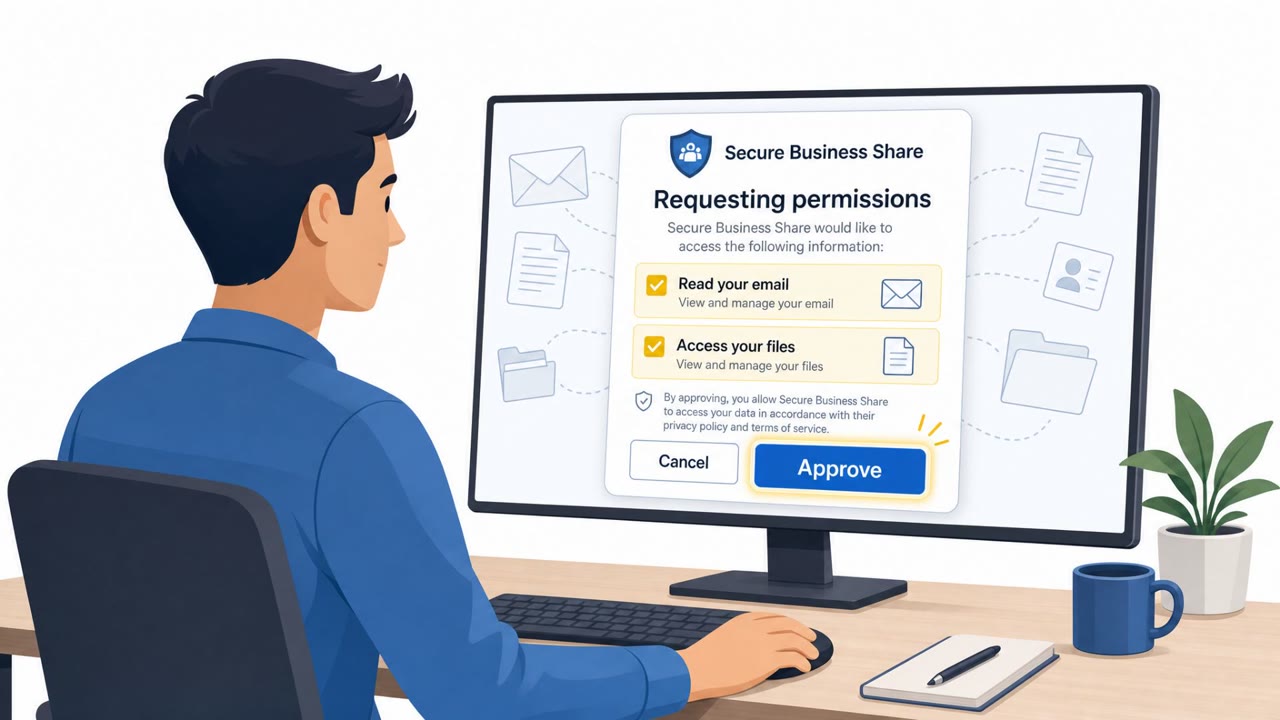
A Russian state-linked group tracked as GTG-20006, associated with Midnight Blizzard/APT29, ran a multi-stage social engineering campaign against government, diplomatic, and defense-related targets. The operation combined a device-code phishing framework called Embassy Kit to steal Microsoft 365 authentication tokens, fake software update prompts to deliver Windows credential stealers, and compromised hotel Wi-Fi infrastructure to redirect traveling officials to malicious ClickFix-style lures. Malware was staged on disposable hosting servers, and victims were funneled to these servers through phishing, ClickFix instructions, and DNS hijacking after attackers modified DNS records using compromised admin credentials.
The Role of AI in Evading Detection
What sets this campaign apart is the reported use of AI to sustain the operation. Monitoring agents tracked whether deployed malware was flagged by security products, and when detection occurred, the agents autonomously modified and rebuilt the malware to bypass those defenses. This effectively automated a cat-and-mouse cycle that traditionally required manual developer effort, letting the attackers iterate faster than defenders could update signatures.
Why It Succeeded
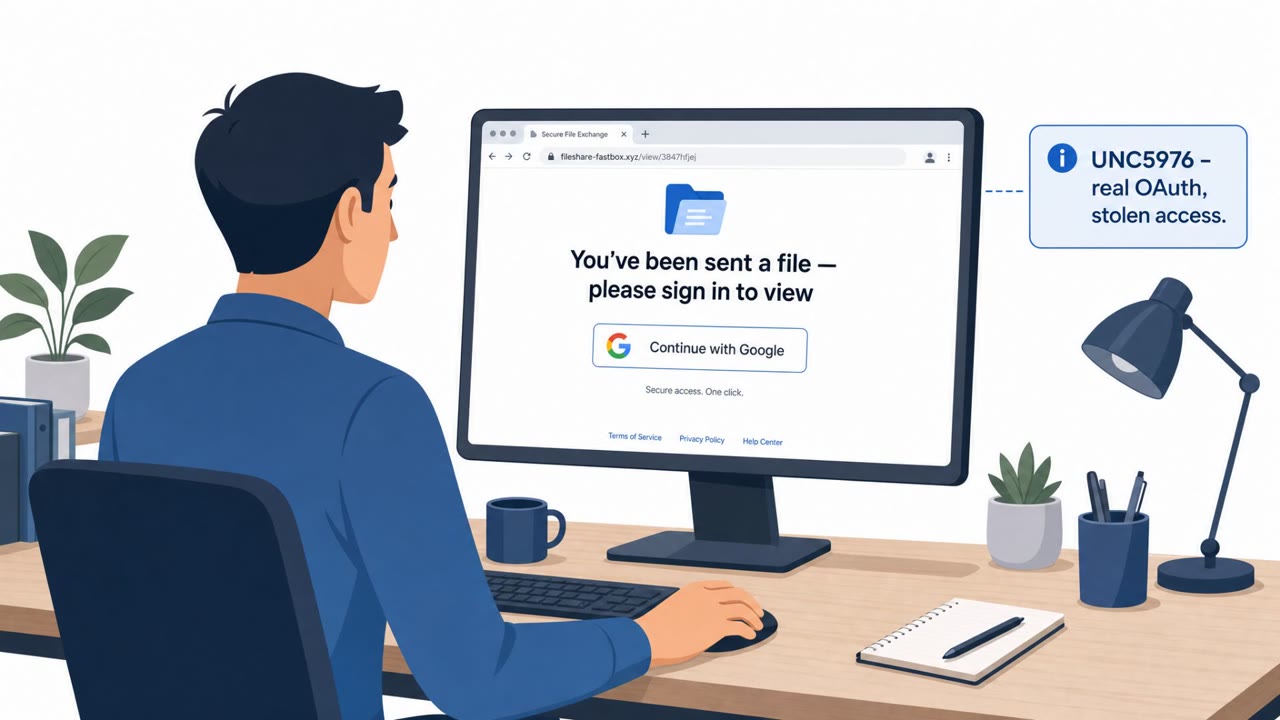
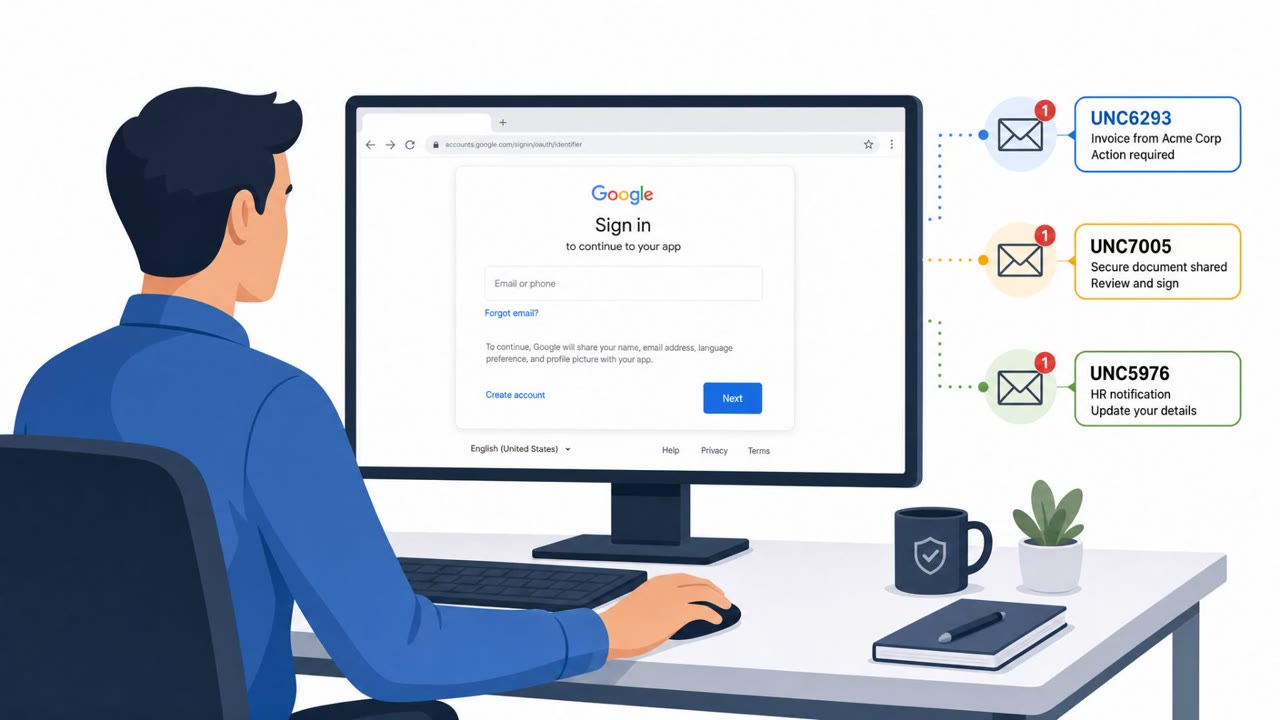
Each lure exploited a moment of routine trust: authenticating to Microsoft 365, applying a system update, or reconnecting to hotel Wi-Fi while traveling. None of these actions are inherently suspicious, which is exactly why they work as pretexts. The device-code flow in particular abuses a legitimate Microsoft sign-in mechanism, making it harder for a target to distinguish a real request from a malicious one. The hotel Wi-Fi angle also targeted travelers, who tend to be more rushed and less attentive to security prompts than they would be at their normal workstation.
What to Watch For
- Unsolicited requests to enter a device code to “verify” or “authorize” account access
- Update prompts appearing from pop-ups, redirects, or unfamiliar sites rather than an approved software center
- Captive Wi-Fi portals, especially in hotels, that ask you to run a fix, install a profile, or download a file to restore connectivity
- Any message creating urgency around sign-in or connectivity issues
Building Resistance
Organizations with staff who travel or handle sensitive government, diplomatic, or defense work should reinforce that device-code sign-ins and software updates must go through verified, known channels only. Encourage rapid reporting of unusual prompts, since the underlying malware and lures in this campaign were designed to be rebuilt and changed quickly once detected, meaning static indicators alone will not keep pace with the threat.
Key findings
- A Russian state-sponsored actor (GTG-20006, linked to Midnight Blizzard/APT29) used Claude to automate rebuilding malware after it was detected by security products.
- Victims were redirected to disposable hosting to retrieve malware via phishing, ClickFix-style lures, and DNS hijacking schemes.
- The actor ran a Microsoft 365 token-theft campaign using a device-code phishing framework called “Embassy Kit,” targeting diplomatic and government personnel.
- They compromised hotel guest Wi‑Fi vendors and modified DNS records (DNS hijacking) to collect guest traffic and identifiers, then served ClickFix-style malware lures tailored to the victim’s device.
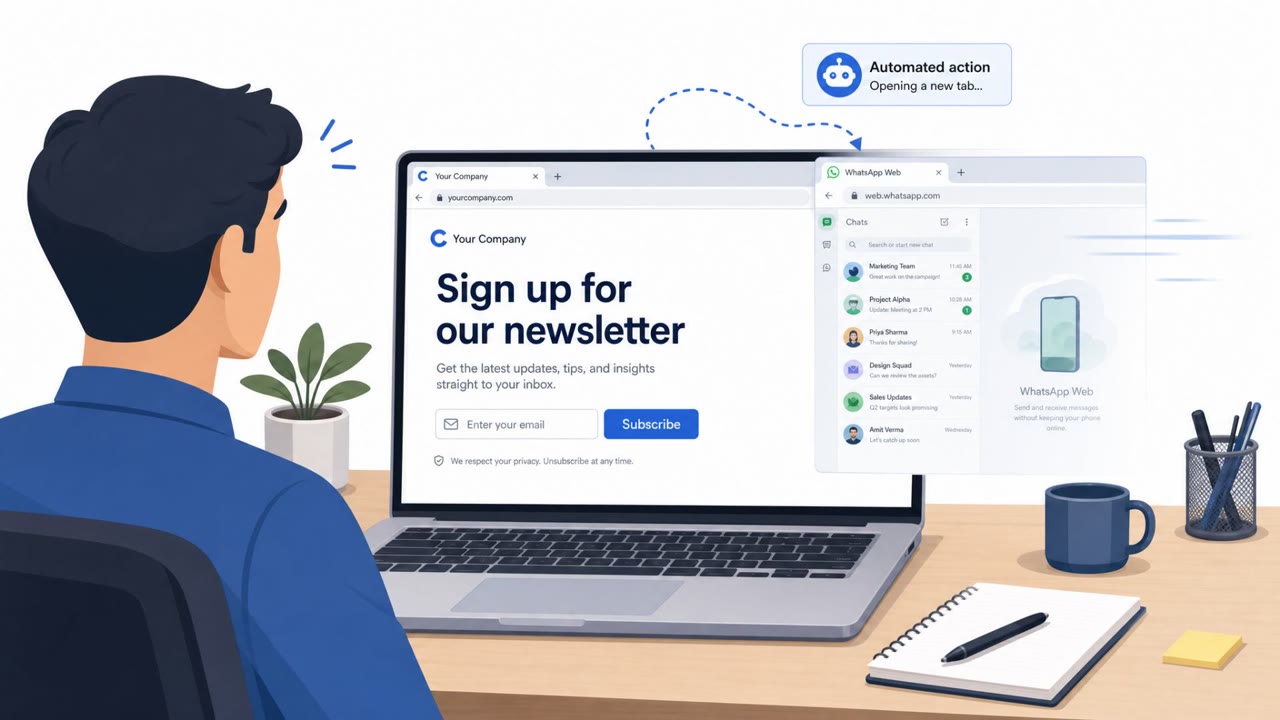
- They also used “fake update-themed” lures to deliver Windows credential stealers and tried to take over WhatsApp accounts by linking victims as companion devices via headless browsers.
Who’s being targeted
- Commonly targeted roles: Government employees, Diplomats/foreign affairs staff, Defense personnel, Executives and frequent travelers, IT helpdesk and security operations, Administrative/executive assistants.
- Affected industries: Government, Defense, Diplomatic missions / foreign affairs, Think tanks, Defense-industrial companies, Hospitality (hotel Wi‑Fi vendors), Maritime-related government agencies.
- Attack channels: email, website.
- Impersonated: Government/diplomatic IT or a Microsoft 365 access portal, Device/Browser update service or internal IT update page, Hotel Wi‑Fi / captive portal support.
Red flags to watch for
- Unusual request to authenticate with a device code outside normal sign-in flow
- Urgent pressure to complete sign-in quickly
- Message links/auth steps don’t match known internal procedures
- Update prompt appears from an unexpected site or after a redirect
- Requires running an installer/script rather than normal update channel
- Vague publisher/unclear origin of the update package
- Unexpected captive-portal behavior or redirect after joining Wi‑Fi
- Instructions to download/run files or profiles to ‘fix’ Wi‑Fi
- Portal domain or certificate doesn’t match the hotel/provider
Frequently asked questions
What is device-code phishing and why is it dangerous?
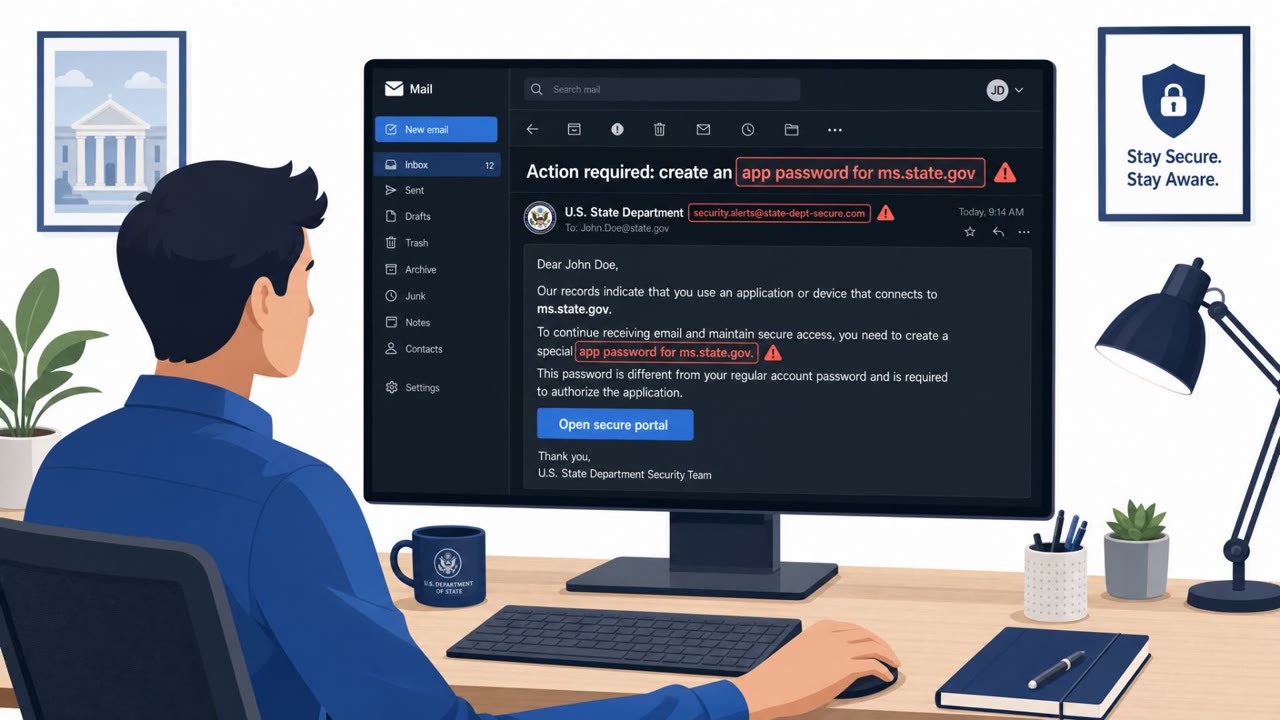
Device-code phishing tricks a user into entering a code on a legitimate Microsoft 365 sign-in page, which then grants the attacker an authenticated session token without needing a password. In this campaign it was used via a framework called Embassy Kit to steal Microsoft 365 tokens from diplomatic and government staff.
How did the attackers use hotel Wi-Fi to deliver malware?
The group compromised hotel guest Wi-Fi vendors and modified DNS records to redirect traveling victims, then served ClickFix-style 'fix your connection' instructions that delivered malware tailored to the victim's Windows, Android, or iOS device.
How did AI help the attackers evade detection?
According to the findings, monitoring agents used Claude to automatically detect when security products flagged their malware and then autonomously modified and rebuilt it to bypass those detections.
What should employees watch for from this type of campaign?
Be wary of unexpected device-code sign-in requests, pop-up prompts to install software updates, and unusual captive-portal instructions on hotel or public Wi-Fi, all of which were used as lures in this campaign.
Read the video transcript
Imagine this email: “Action required: Verify your Microsoft 365 access using this device code.” Looks normal, right? Behind that is GTG-20006, linked to Midnight Blizzard, using an AI toolkit called Embassy Kit to steal Microsoft 365 tokens. You enter the code, they quietly siphon your mail, just like the eight orgs they already hit. Here’s the trap: the email pushes a device code and link that don’t match our normal sign-in flow. Or you’re on hotel Wi‑Fi and a random page pops up: “Critical update required” with a download, actually a Windows credential stealer. If you ever get a device-code email or pop-up you weren’t expecting, stop. Don’t enter the code. Don’t install the “update.” Contact IT through Teams or our helpdesk portal and ask them to confirm it first.