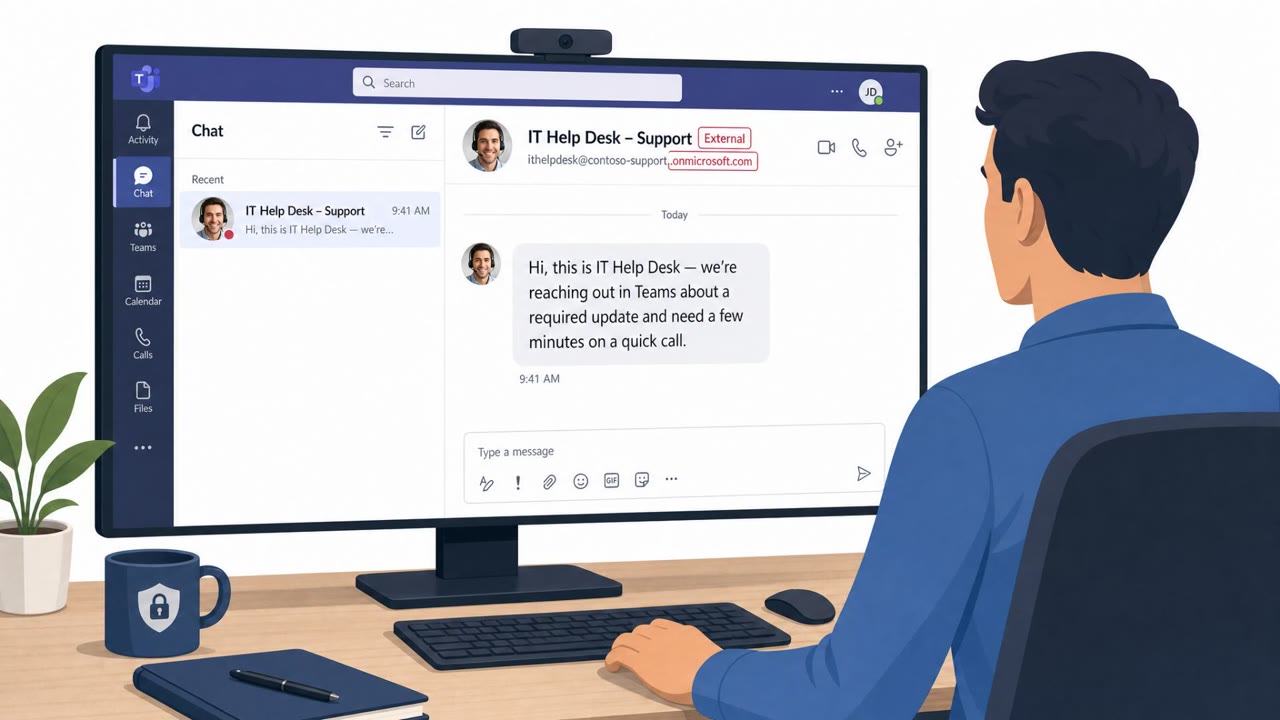
Attackers are posing as internal IT support staff in Microsoft Teams, often after flooding an employee’s inbox with subscription emails to create urgency. They persuade victims to grant remote access through legitimate support tools, then install malware, steal information, and in some cases deploy ransomware.
Key findings
- Attackers use newly created or acquired Microsoft 365 tenants to initiate external Microsoft Teams chats while impersonating IT support.
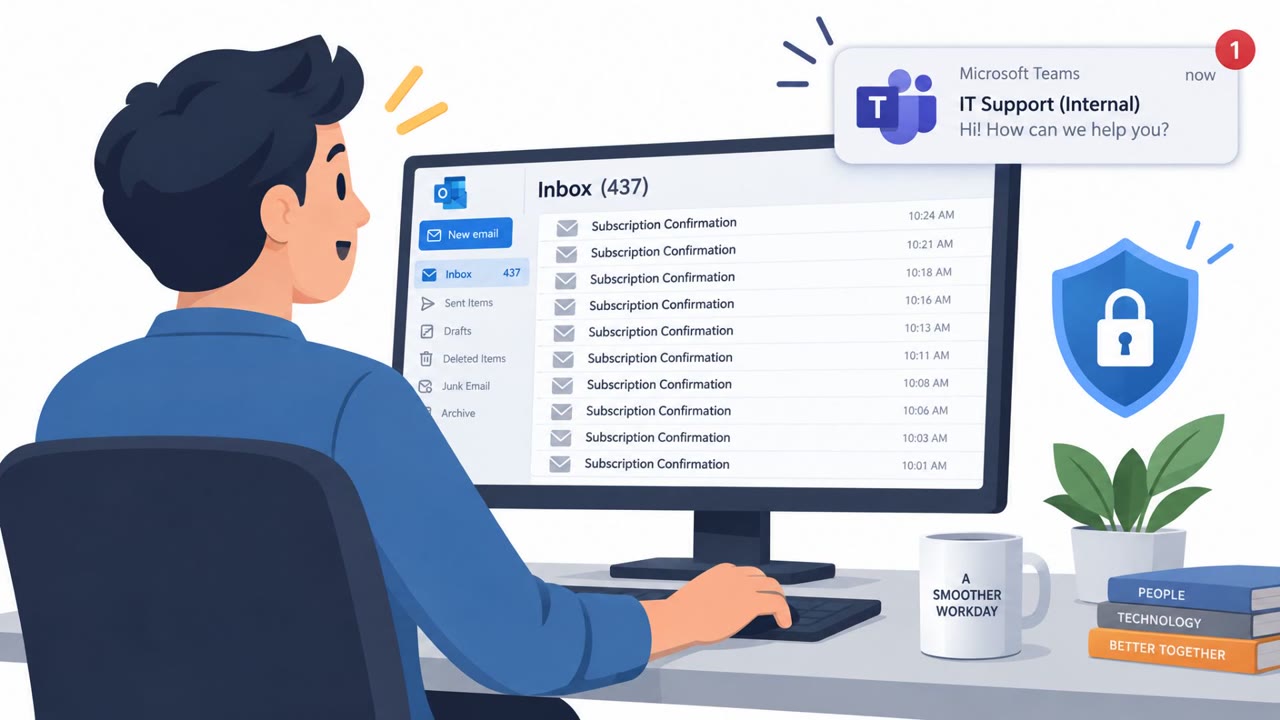
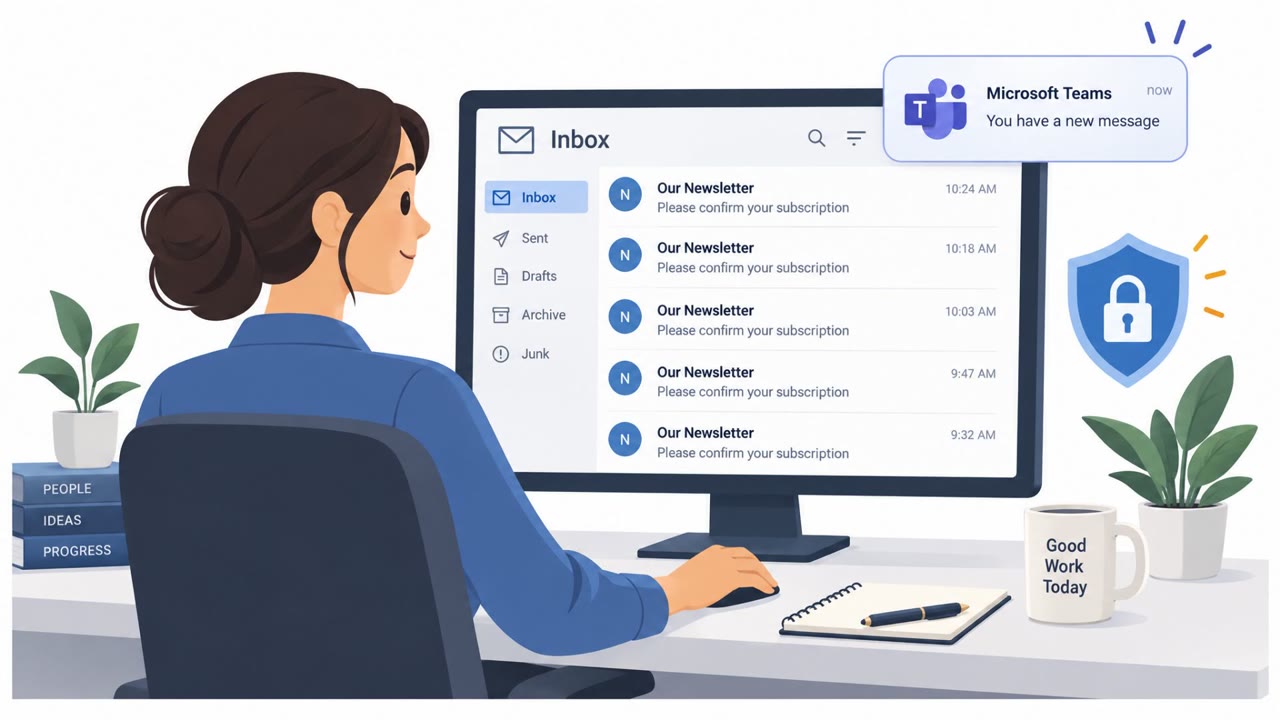
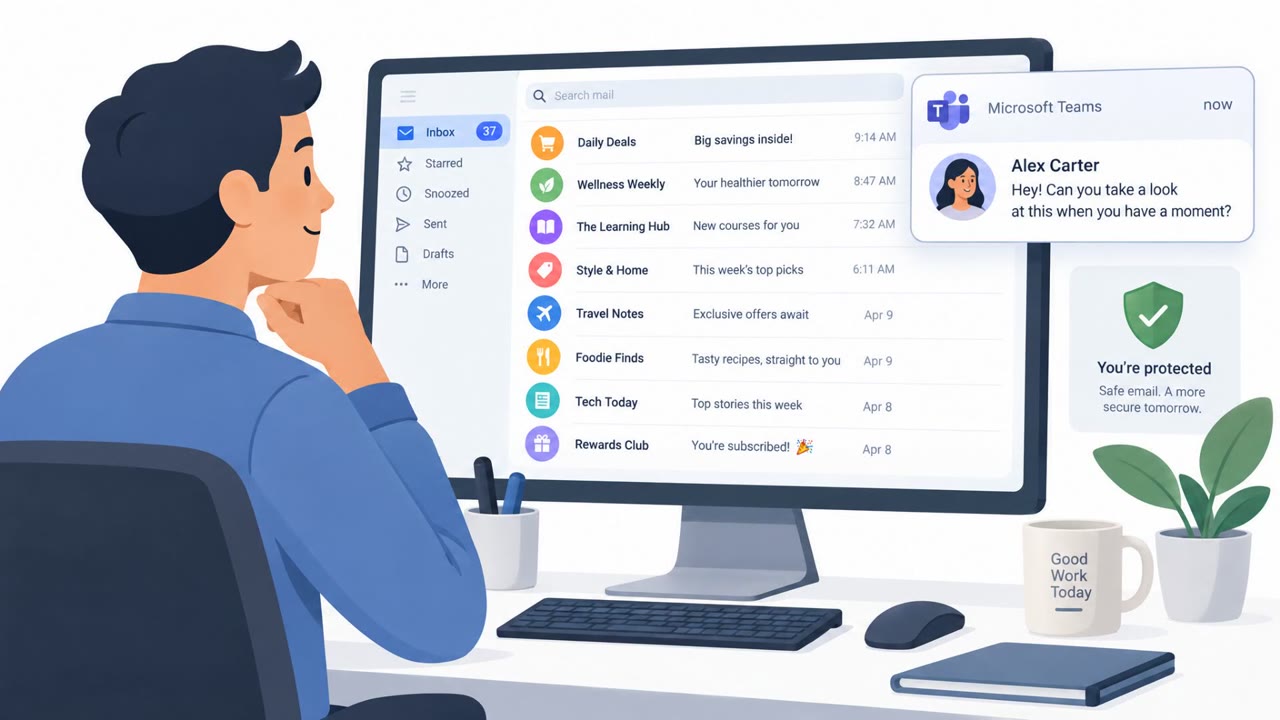
- Many attacks begin with email bombing: hundreds of newsletter or subscription confirmations sent to the victim to create confusion and urgency.
- Fake Teams identities use names such as “IT Support (Internal),” “Help Desk,” and “Enterprise IT & Security (Internal),” sometimes adding the target company name or domain.
- Attackers persuade victims to grant access through legitimate remote-management tools, then conduct discovery, install malware, move through the network, steal data, and sometimes deploy Chaos ransomware.
- In one case, a victim was instructed to run a PowerShell command that downloaded an MSI installer from Azure Blob Storage; the installer executed an embedded Python backdoor.
Who’s being targeted
- Commonly targeted roles: All employees, Microsoft Teams users, Remote workers, IT service desk personnel, IT administrators, Security operations teams, Executives and executive assistants.
- Affected industries: Organizations using Microsoft Teams with external chat access enabled.
- Attack channels: email, teams, vishing.
- Impersonated: Internal IT Support / Help Desk, IT Service Desk / Enterprise IT & Security, IT Support.
Awareness takeaways
- Treat unexpected Teams messages from IT support as untrusted, especially if the sender is external. Verify the request through the official IT service portal, directory, or a known phone number before responding.
- Do not grant remote control of your computer to someone who contacts you unexpectedly, even if they claim to be internal IT or use a familiar remote-support product.
- An email flood followed by an urgent support message is a scam pattern. Report both the inbox flood and the Teams contact rather than accepting help from the unexpected sender.
- Never run PowerShell commands or install software because an unsolicited chat contact tells you to do so. Escalate the request to your security or IT team.
Red flags to watch for
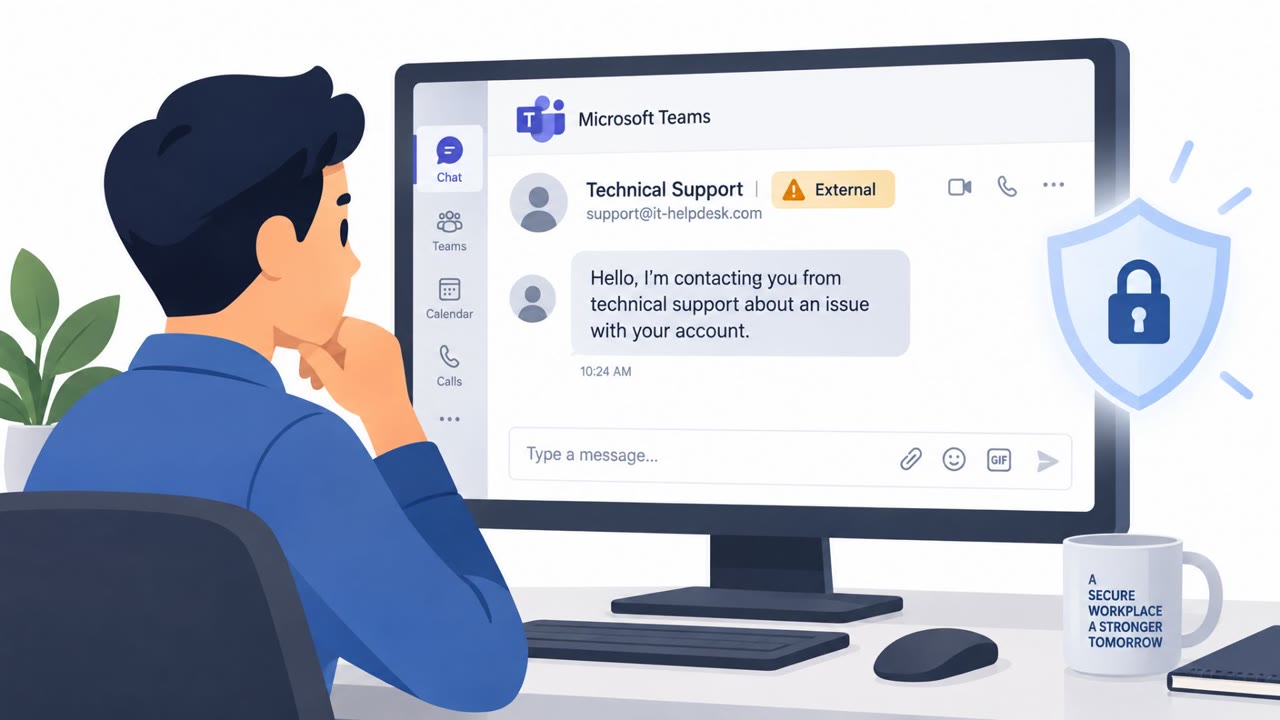
- The Teams chat comes from an external or newly created account rather than a known internal IT contact.
- The sender uses a generic support-themed display name or a tenant/domain that does not match the organization.
- The support request follows an unexpected flood of newsletter or subscription emails and pressures the employee to act quickly.
- An unsolicited Teams support contact asks for remote control of a device.
- The display name says “Internal,” but the account is marked external or comes from an unfamiliar tenant.
- The sender asks the employee to act before independently confirming the request with IT through a known channel.
- IT support asks an employee to run command-line instructions received in an unsolicited chat.
- The requested fix requires downloading and running an MSI installer from an unfamiliar location.
- The sender avoids sharing links in Teams and instead guides the employee through steps during a support session.
Read the video transcript
Hundreds of subscription emails hit your inbox. Then Teams pings: “IT Support (Internal).” They offer to fix your email, then ask for a call and remote control through Quick Assist or TeamViewer. That’s the trap: real support tools can give a stranger control. Here’s the giveaway: the name says “Internal,” but Teams marks the account “External.” After access, they can install malware, steal files, even deploy Chaos ransomware. If surprise IT contacts you on Teams, don’t grant access. Call IT using the number in your company directory.