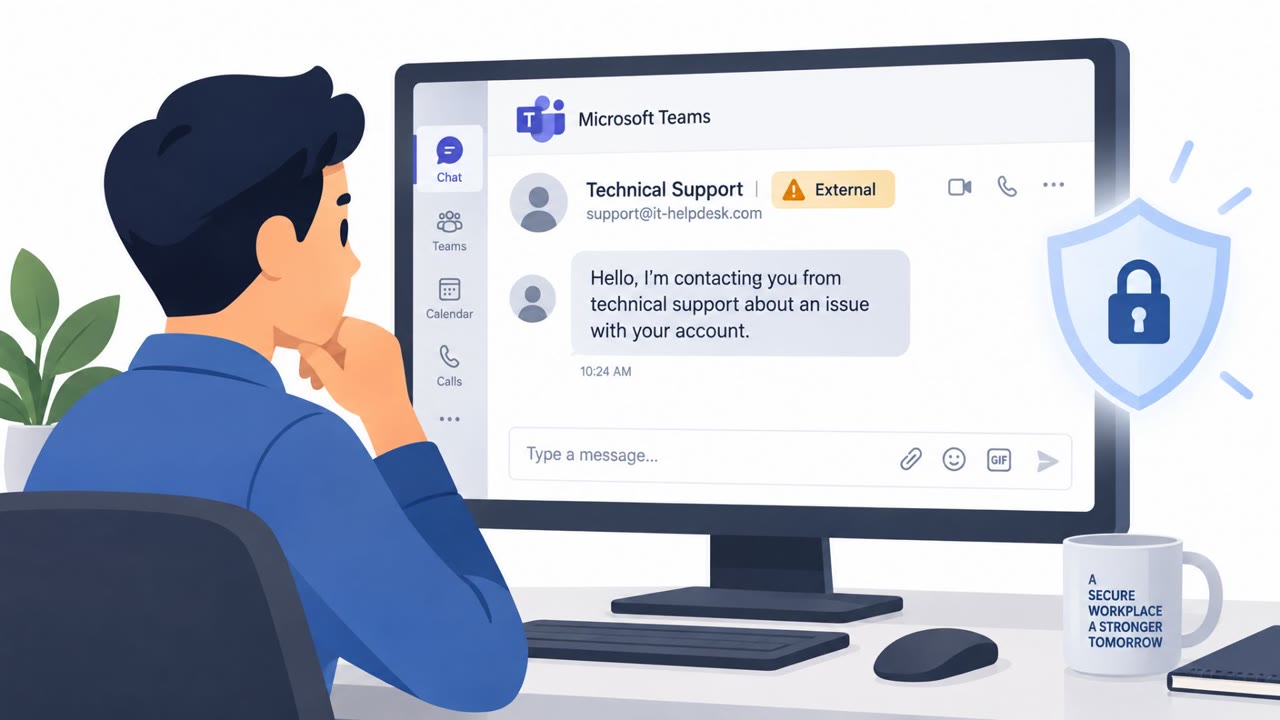
Attackers are using Microsoft Teams external chat to pose as internal IT support staff, often after overwhelming employees with email subscription messages. They persuade victims to join a voice call, approve remote-control tools, or run commands, with some incidents ending in malware infections and ransomware encryption.
Key findings
- More than 400 incidents involved attackers abusing Microsoft Teams external chats to impersonate IT support personnel.
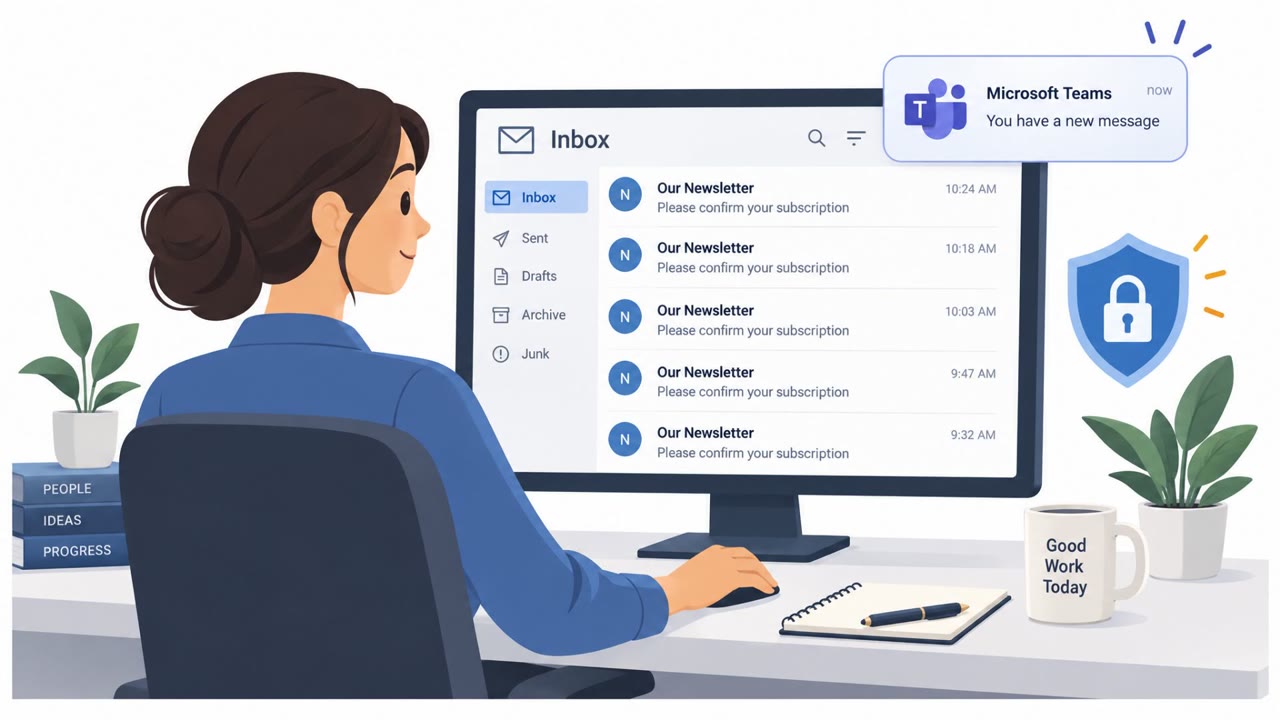
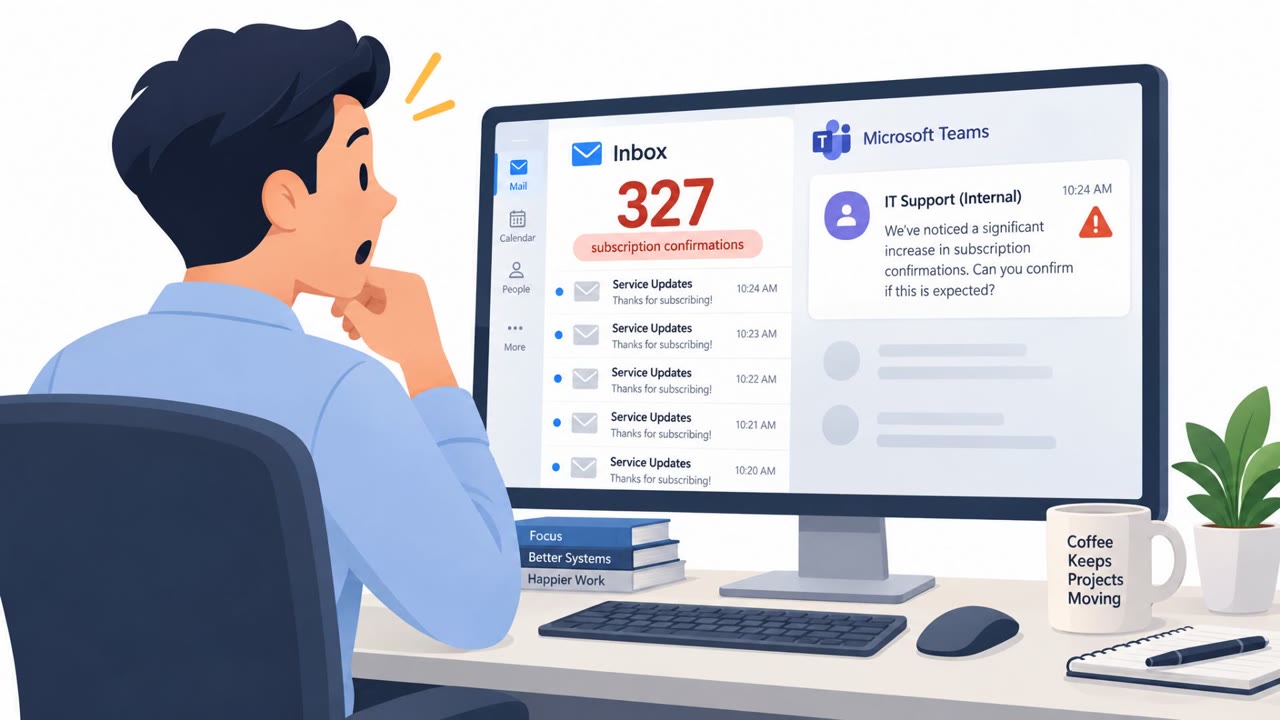
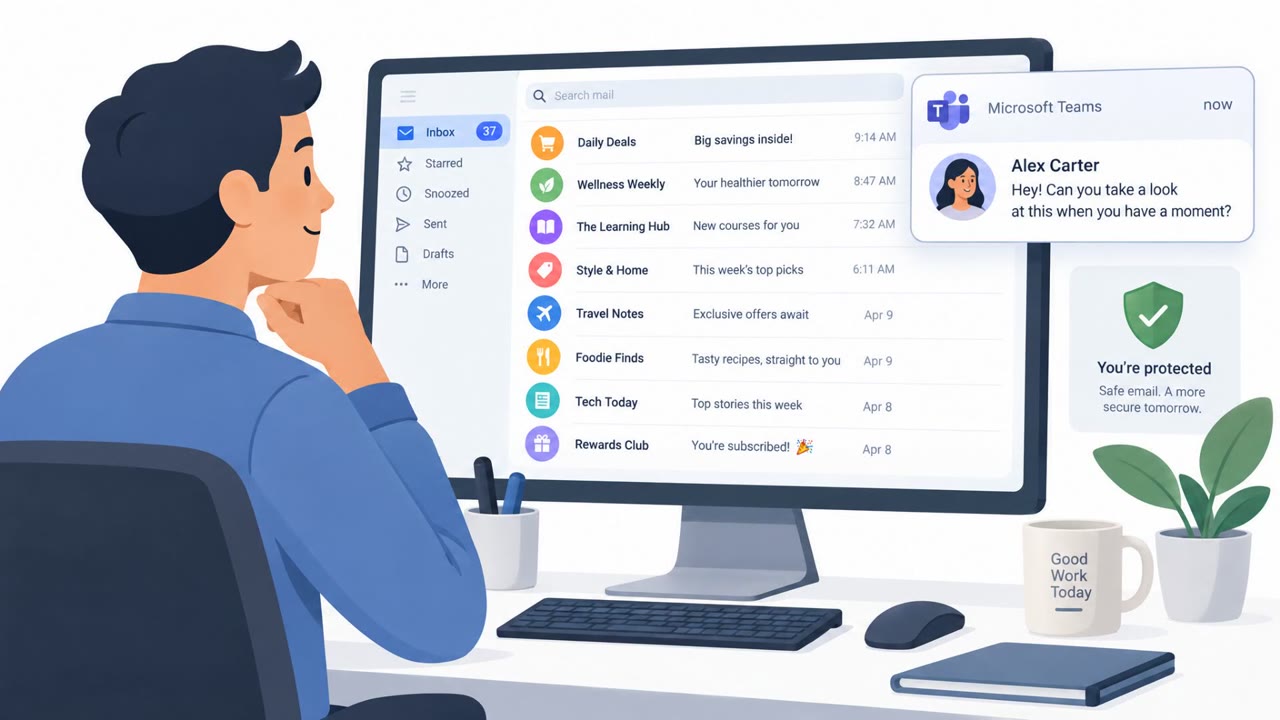
- Many attacks start with email bombing, followed by a Teams message or call offering supposed technical assistance.
- Attackers used deceptive names such as “IT Support (Internal),” friendly first names, corporate branding, and target-company names or domains.
- Victims were commonly persuaded to approve remote access through Quick Assist or other commercial remote-management tools.
- Customer-reported attack chains reached payload execution in under 15 minutes, and at least three investigated compromises ended in encryption.
- One investigation involved a victim being persuaded to execute PowerShell and launch an MSI installer downloaded from Azure Blob Storage.
Who’s being targeted
- Commonly targeted roles: All employees, Remote and hybrid workers, Microsoft Teams users, IT helpdesk staff, Executives and executive assistants, Employees with administrative or privileged access.
- Affected industries: Cross-industry organizations using Microsoft Teams, Information technology and business services.
- Attack channels: email, teams, vishing.
- Impersonated: Internal IT Support / Helpdesk, Helpdesk worker.
Awareness takeaways
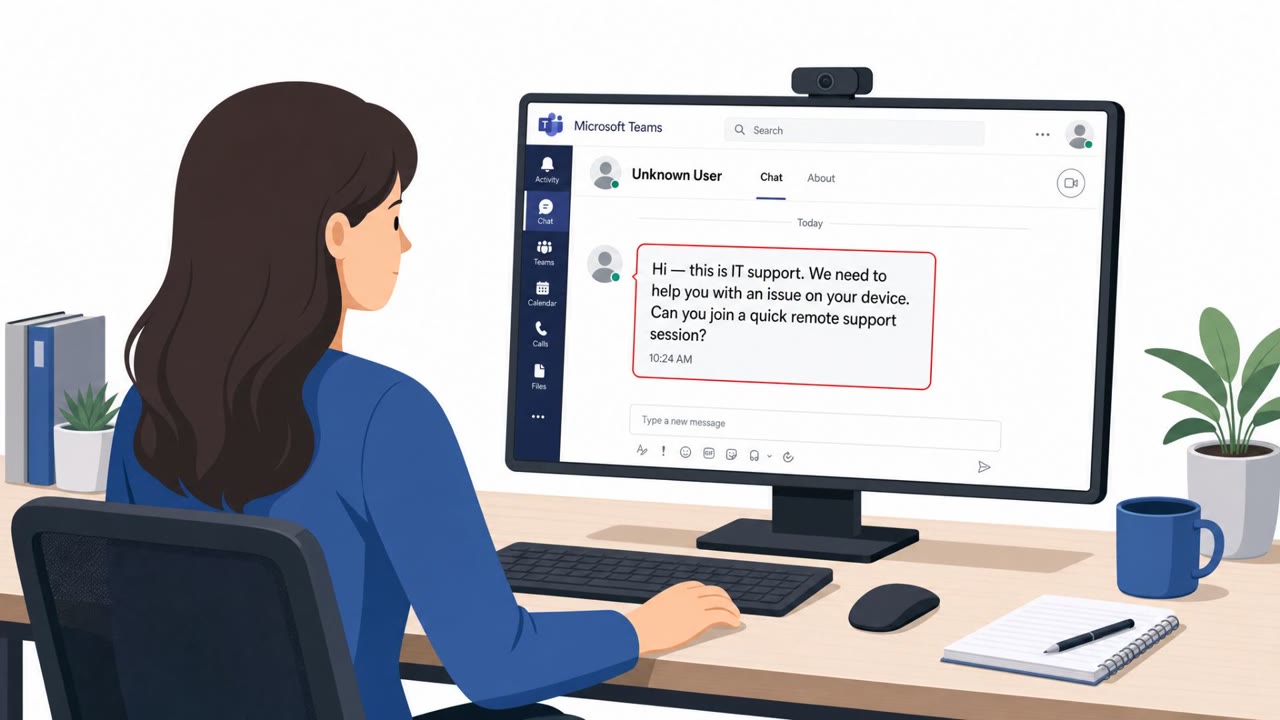
- Treat an unexpected Teams message from “IT support” as suspicious when the sender is identified as external, even if the name says “Internal” or includes company branding.
- Verify unexpected helpdesk outreach using a known internal phone number, service portal, or established support channel before responding, joining a call, or sharing your screen.
- Never approve remote control or install remote-support software solely because an unsolicited caller or Teams contact requests it.
- Do not run PowerShell commands or downloaded installers at the direction of an unverified support contact.
Red flags to watch for
- The Teams contact is marked as an external user despite claiming to be internal IT.
- The contact uses “(Internal)” in its name to counteract the external-user warning.
- The request follows an unusual flood of subscription-confirmation emails and asks the employee to grant remote control.
- An unsolicited external Teams contact asks the employee to run PowerShell.
- The “support” worker asks the employee to install software from a cloud-storage location.
- Legitimate helpdesk requests should be verified through an established internal channel before executing commands.
Read the video transcript
Your inbox floods with subscription emails. Then Teams pings: “IT Support (Internal).” They say, “We noticed the email issue. We can help.” Next comes a Teams call and a request to approve Quick Assist remote control. Here’s the giveaway: “Internal” is just part of their name. Teams still labels them external. Some fake helpdesks even push PowerShell and Azure Blob Storage installers. That “fix” can become ransomware in minutes. Before engaging, call IT using the number in your company directory.