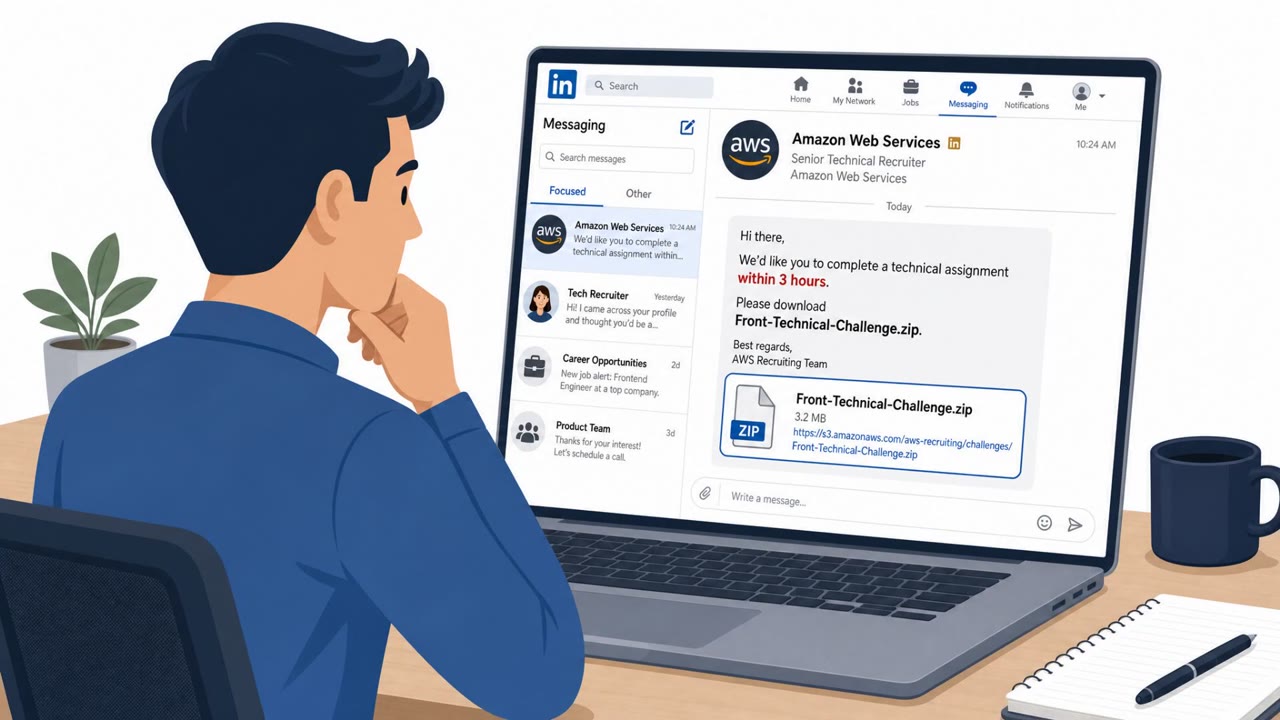
Microsoft is adding AI-based phishing detection to Teams after attackers repeatedly used external chats to impersonate support staff, send malicious files, and deliver fake billing notices. The reported attacks exploit Teams' default external-access feature rather than a software flaw, making employees the key line of defense.
How the attack worked
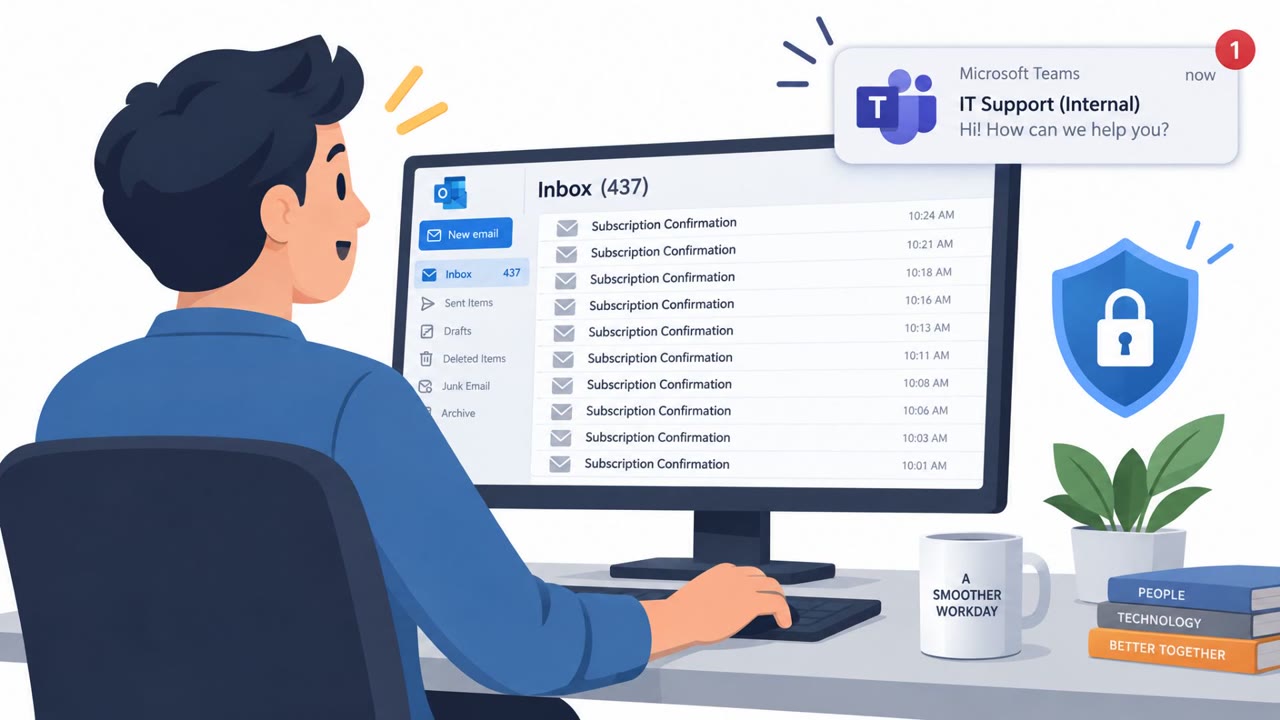
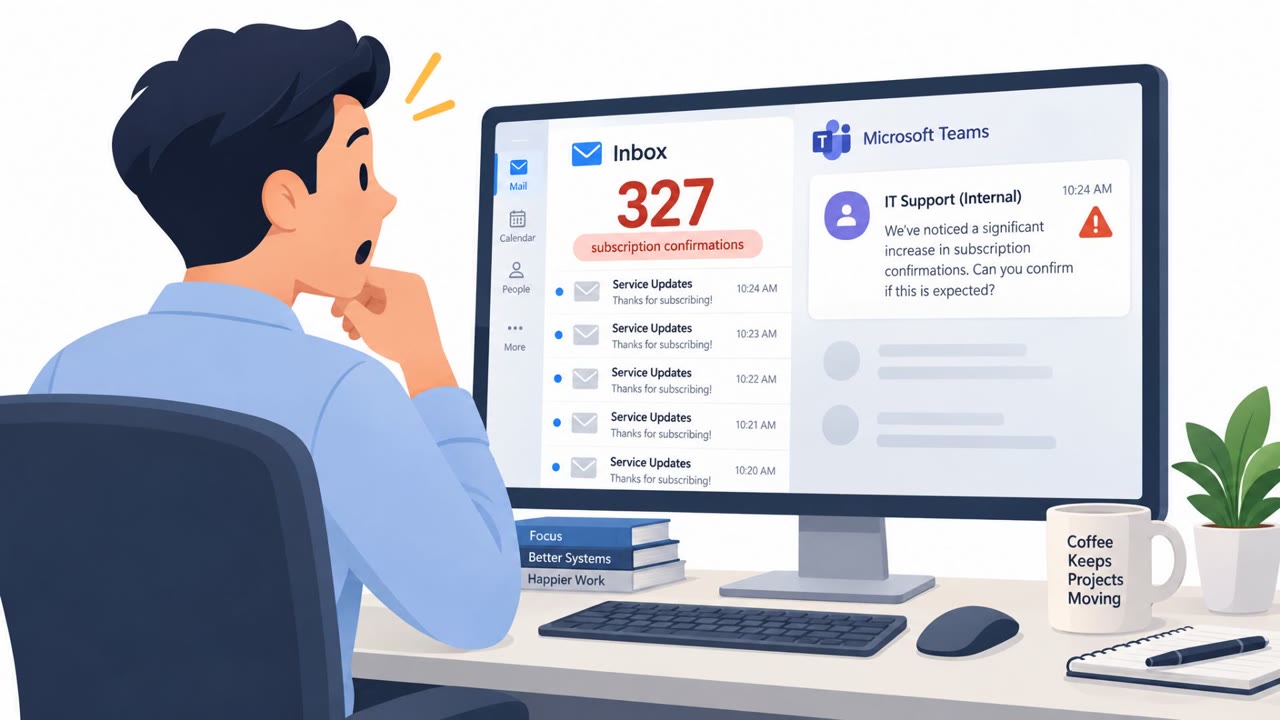
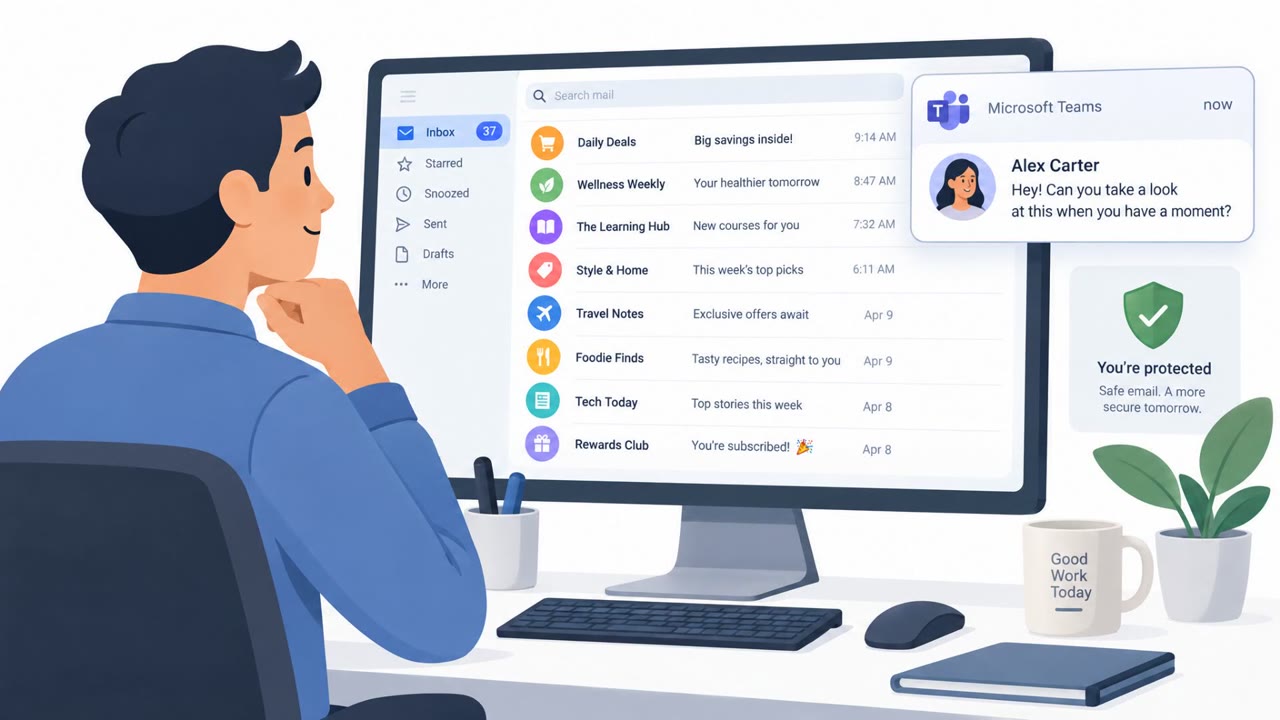
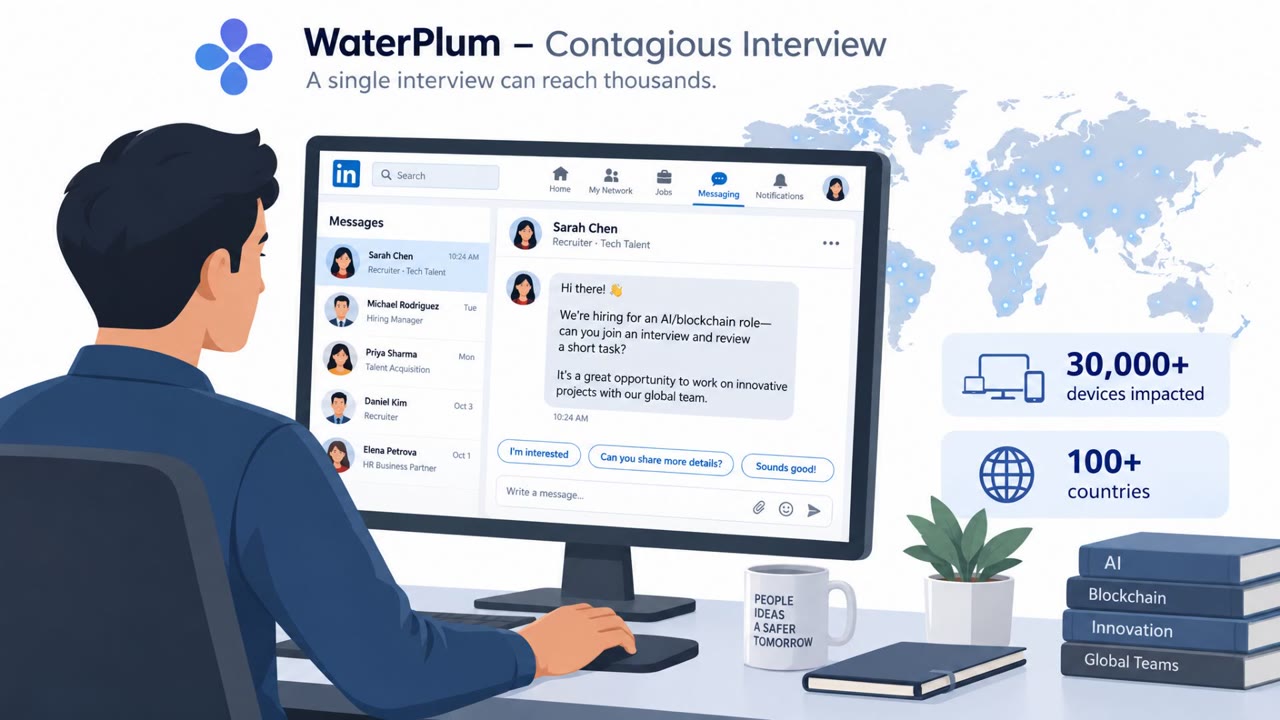
Attackers have repeatedly used Microsoft Teams' external chat feature to make first contact with employees. In some cases, they posed as technical-support workers offering to help with an account issue, prompting the target to engage with an unsolicited support chat. In other cases, researchers observed scam guest invitations containing false billing and subscription notifications designed to look as though they came from a genuine Microsoft user. A third pattern involved external users sending suspicious files through newly created chats after establishing a thin veneer of trust.
Researchers at Arctic Wolf studied more than 400 incidents involving this kind of external-chat creation, used either for impersonation scams or to deliver suspicious files. Sophos and Check Point reported similar activity, including fake tech-support contacts and billing-themed guest invitations.
Why it succeeded
These attacks do not rely on a software flaw. They abuse a legitimate, default-on collaboration capability: Teams' external federation, which allows outside users to initiate chats with employees. Because the feature is enabled by default and widely used for legitimate cross-organization collaboration, an external first-contact message can appear routine rather than suspicious, especially when it imitates a familiar role like IT support or references a plausible billing issue.
What to watch for
- Unsolicited messages from unknown external users, particularly those claiming to be technical support
- Guest invitations referencing billing or subscription problems that appear to come from a genuine Microsoft account
- Files sent through a newly opened external chat before any prior relationship has been established
- Requests to act quickly on an account or billing issue without going through a verified internal channel
How to build resistance
Organizations and employees can reduce exposure by treating unexpected external Teams chats as untrusted by default, especially when the sender claims to represent support staff or a trusted vendor. Billing or subscription alerts delivered through guest invitations should be verified through a known company or Microsoft channel rather than acted on directly. Files and links from unverified external senders should not be opened without independent confirmation of the sender's identity. Finally, employees should report suspicious Teams messages, files, or invitations even when they appear to originate from a real organization, since attackers are exploiting legitimate platform features rather than a technical weakness.
Key findings
- Microsoft plans to roll out AI-powered phishing detection for Teams, focused primarily on external first-contact chats.
- Attackers have posed as technical-support workers in Teams and used the platform to spread ransomware or gain access to company networks.
- Researchers reported scam guest invitations containing false billing and subscription notifications that appeared to originate from a genuine Microsoft user.
- Arctic Wolf observed more than 400 incidents involving Teams external-chat creation for impersonation scams or delivery of suspicious files.
- The activity abuses Teams' legitimate, default-on external federation capability rather than a known Teams vulnerability.
Who’s being targeted
- Commonly targeted roles: All employees, Microsoft Teams users, Finance and procurement staff, Microsoft 365 administrators, IT help desk, Staff who work with external partners.
- Affected industries: Information and Communications, Technology, Professional Services, Finance and Insurance, Healthcare, Government, Education.
- Attack channels: teams.
- Impersonated: Technical support worker, A genuine Microsoft user, A trusted external contact or organization.
Red flags to watch for
- The contact is unsolicited and comes through an external first-contact chat.
- The supposed support worker is an unknown external user.
- The request is delivered through Teams rather than a verified internal support channel.
- The invitation is unsolicited.
- The billing or subscription notification is false.
- The message only appears to come from a genuine Microsoft user.
- The file comes from an unexpected external first-contact chat.
- The sender is outside the organization and has not been independently verified.
- The chat uses Teams' external access to establish trust before sending a file.
Frequently asked questions
How are attackers abusing Microsoft Teams external chats?
Attackers use Teams' default-on external federation feature to start first-contact chats, posing as technical support workers or genuine Microsoft users to send malicious files or false billing notifications.
Is this attack caused by a Microsoft Teams vulnerability?
No. The activity does not exploit any known Teams vulnerability; it abuses a legitimate, default-on collaboration capability that allows external users to initiate chats.
What are the warning signs of a Teams impersonation scam?
Warning signs include unsolicited messages from unknown external senders, requests from supposed support staff who contact you out of the blue, and billing or subscription alerts delivered through guest invitations rather than verified channels.
How can employees protect themselves from these Teams scams?
Treat unexpected external Teams chats as untrusted, verify billing or support claims through known channels, avoid opening files from unverified senders, and report suspicious messages.
Read the video transcript
“Hi, I’m from technical support.” In Teams? Hold on. Teams lets outside users start chats by default. Someone posing as support can ask you to open a file. Or a guest invite can claim, “Your billing or subscription requires attention.” Here’s the catch: it’s a real Teams feature, not a Teams bug. A familiar-looking name doesn’t make an unknown external sender your IT team. Before you reply, open any file, or act on that bill, check with your company’s known support channel.