Microsoft says attackers hijacked captive portals on hotel and conference Wi‑Fi to redirect travelers through attacker infrastructure. Victims were shown fake browser/OS update prompts (and sometimes “paste-and-run” instructions) to install malware, and later were pushed into Microsoft device-code sign-in flows to steal corporate account access.
How the attack worked
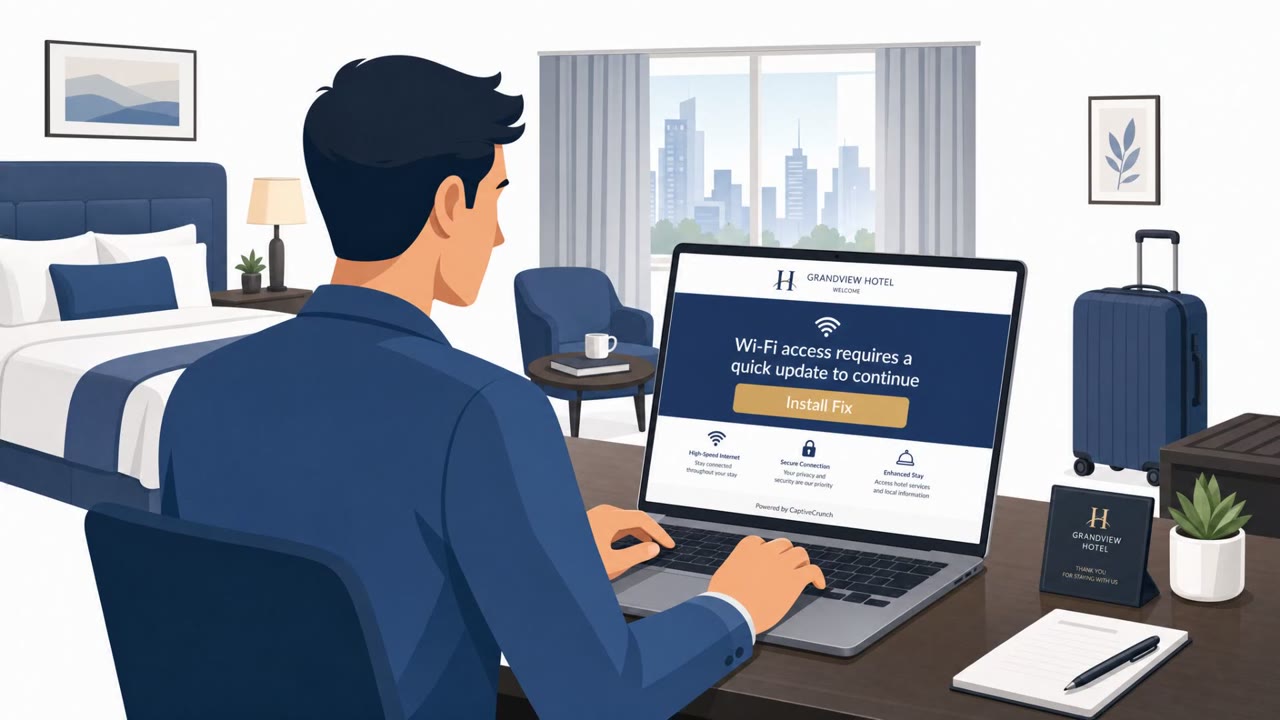
This campaign hijacked captive portals, the login pages that appear when a device joins a new Wi-Fi network, at hotels and conference venues. Instead of waiting for a traveler to open a browser and visit a site, the attackers answered the automated connectivity checks that operating systems and browsers send the moment a device joins a network. Those checks returned pages offering fake browser or system updates, making the lure appear at the earliest possible moment, before the victim had a chance to browse anywhere on their own.
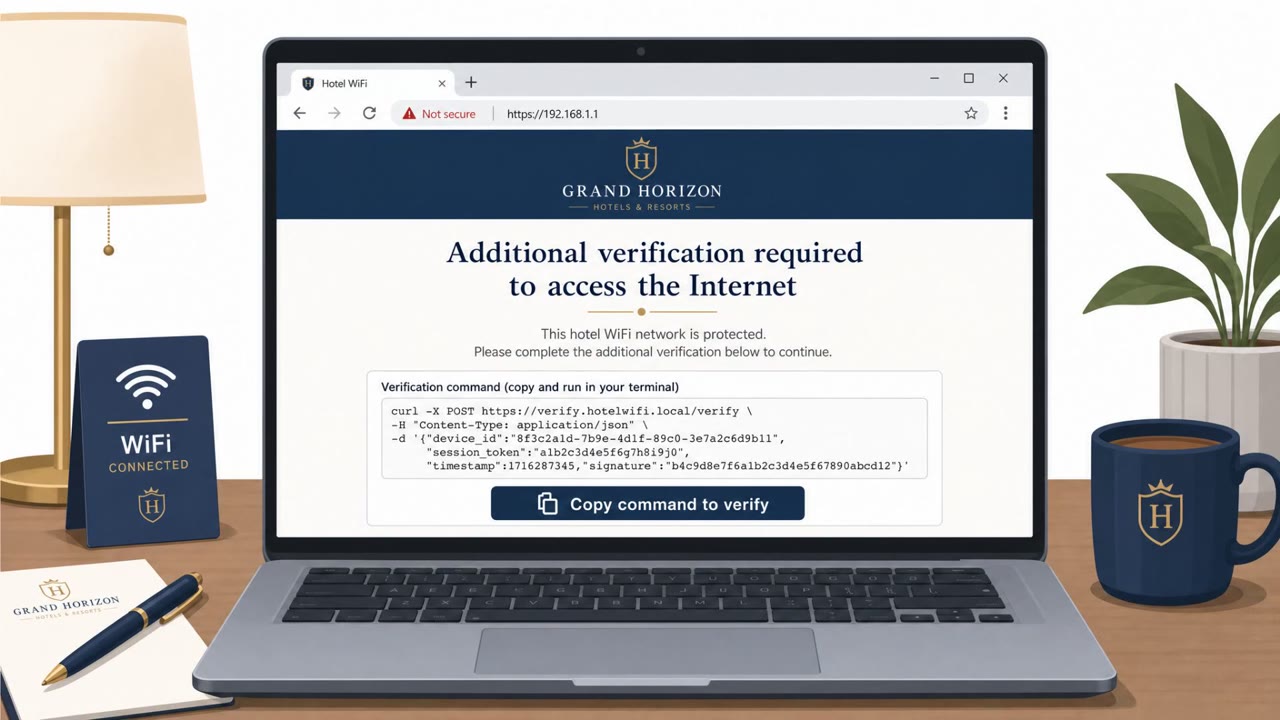
Some of these hijacked landing pages went further, using ClickFix-style tactics: a fake "verification failed" message paired with paste-and-run instructions that asked the victim to manually copy and execute commands to "fix" their connection. Others served an Android APK directly. Later in the campaign, from July 16 onward, some pages redirected victims into Microsoft's device code authentication flow, instructing them to type an attacker-supplied code into a genuine Microsoft sign-in page to complete the corporate account takeover.
Why it succeeded
The attack exploited the routine, largely invisible moment of joining Wi-Fi. Because the fake update prompts arrived through the automatic connectivity check rather than a webpage the user chose to visit, the request felt like a normal part of getting online rather than a suspicious pop-up. The device code technique is not new, but embedding it inside a captive portal made the request feel like a legitimate step in accessing the network rather than an unusual account sign-in request.
What to watch for
- A Wi-Fi login page that asks you to install a browser or system update before you can get online
- An update or verification prompt that appears immediately upon joining the network, before you have browsed anywhere
- Any request to copy and paste commands to "fix" or "verify" your connection
- Being asked to enter a device code on a Microsoft sign-in page that you did not request yourself
Building resistance
Travelers, executives, sales staff, consultants, and anyone using hotel, conference, or airport Wi-Fi should treat these networks as untrustworthy by default. Never install software offered through a captive portal, and never enter a device code on a sign-in page unless you initiated that authentication request yourself. If a Wi-Fi login page asks for troubleshooting steps involving pasted commands, stop and report it to IT or security rather than following the instructions.
Key findings
- Hotel and conference captive portals were hijacked to route guests through attacker infrastructure and present fake updates that install espionage malware.
- Instead of waiting for the user to browse, attackers responded to automatic OS/browser “connectivity checks” performed when joining Wi‑Fi, making the lure appear more legitimate.
- Some landing pages used ClickFix-style “fake verification failure” prompts with paste-and-run instructions; some also served an Android APK.
- From July 16, some victims were redirected into Microsoft device code authentication flows and told to enter an attacker-provided code on a real Microsoft sign-in page.
- The campaign (CaptiveCrunch) is attributed to Storm-2945, a sub-cluster of Midnight Blizzard (APT29/Cozy Bear).
Who’s being targeted
- Commonly targeted roles: All employees who travel, Executives, Sales, Consulting / client-facing staff, IT and Security teams (travel guidance and controls), Finance (high-value targets while traveling).
- Affected industries: Hospitality (hotels, conference centers), Business travelers / corporate accounts (cross-industry).
- Attack channels: website.
- Impersonated: Hotel or conference Wi‑Fi captive portal / system update service, Wi‑Fi captive portal ‘verification’ page, Microsoft sign-in (device code flow) presented as part of Wi‑Fi access.
Red flags to watch for
- Wi‑Fi login page unexpectedly asks you to install software/updates
- Update prompt appears immediately upon joining Wi‑Fi (before you browse anywhere)
- Captive portal content feels like an OS/browser update rather than a network login/terms page
- Any Wi‑Fi login page asking you to paste/run commands is suspicious
- “Verification failed” messages that push manual steps instead of normal login
- Prompts that resemble troubleshooting steps rather than a standard Wi‑Fi sign-in flow
- Wi‑Fi access should not require entering a Microsoft device code
- Being asked to type a code you did not request/generate yourself
- Authentication step appears after joining public Wi‑Fi rather than from a known corporate app
Frequently asked questions
How did attackers hijack hotel Wi-Fi to install malware?
Attackers compromised captive portals on hotel and conference Wi-Fi networks and answered the automatic connectivity checks that devices send when joining a new network, returning pages that offered fake browser or operating system updates instead of a normal login page.
What is the device code sign-in trick used in this campaign?
From July 16, some captive portal pages redirected victims into Microsoft's device code authentication flow and told them to enter an attacker-supplied code on a genuine Microsoft sign-in page, which let attackers gain access to the account.
What are ClickFix-style paste-and-run prompts?
Some hijacked landing pages showed a fake verification failure message and instructed victims to copy and paste commands to fix their connection, a technique known as ClickFix that tricks users into running malicious commands themselves.
How can travelers protect themselves on hotel or conference Wi-Fi?
Treat hotel, conference, and airport wireless networks as untrustworthy, never install software offered through a captive portal, and never enter a device code on a Microsoft sign-in page that you did not initiate yourself.
Read the video transcript
You join hotel Wi‑Fi, and before you even browse, a page pops up: “Browser update required to get online.” That’s CaptiveCrunch. Storm‑2945 hijacks hotel and conference captive portals and answers your laptop’s automatic connectivity check with a fake browser or OS update that installs espionage malware. Some pages even show a fake verification failure with “paste these commands to fix Wi‑Fi,” or push you into a real Microsoft device‑code sign‑in and tell you which code to enter to grab your corporate account. If hotel or conference Wi‑Fi ever tells you to install an update or paste commands to get online, stop, don’t do it, and report it to IT immediately.