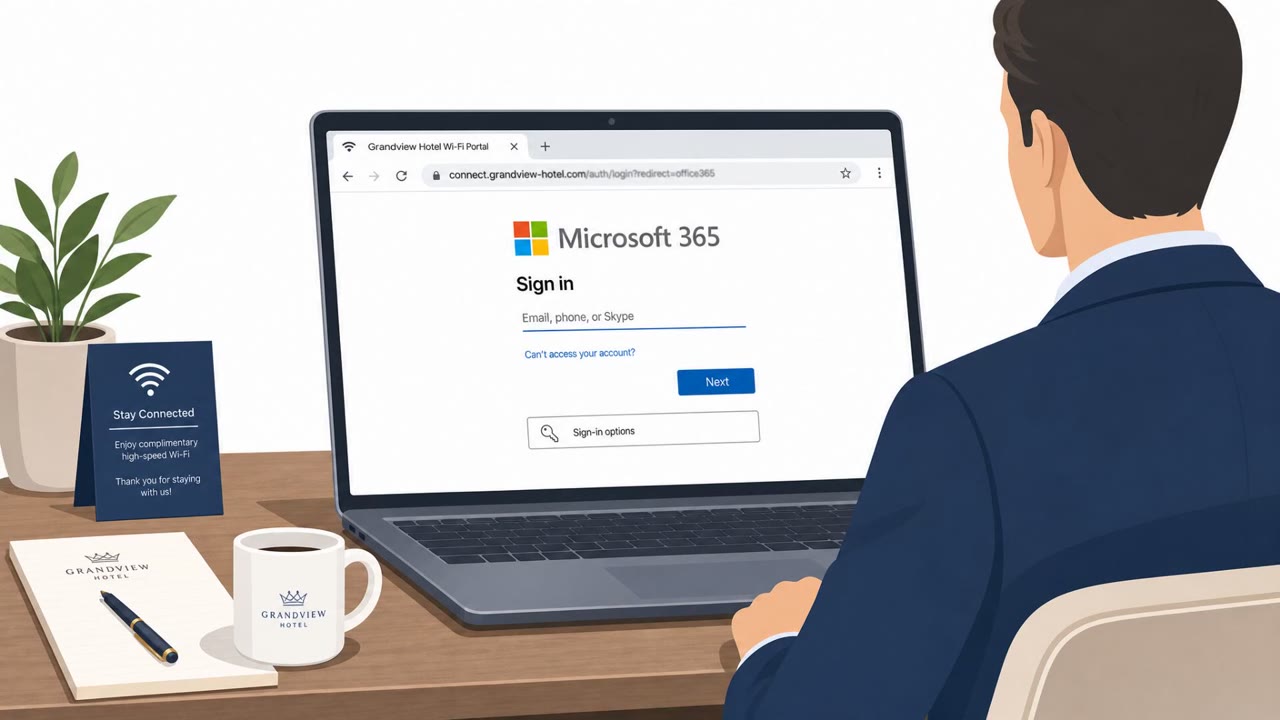
Attackers hijacked hotel/captive-portal Wi‑Fi infrastructure to redirect travelers to fake browser or operating system update pages and trick them into installing spyware. The operation (tracked as CaptiveCrunch) used DNS manipulation and user prompts (including “ClickFix” instructions) to get victims to run commands or install a malware implant. Some pages also pushed victims into Microsoft’s legitimate “device code” login flow to capture MFA-approved access.
How the attack worked
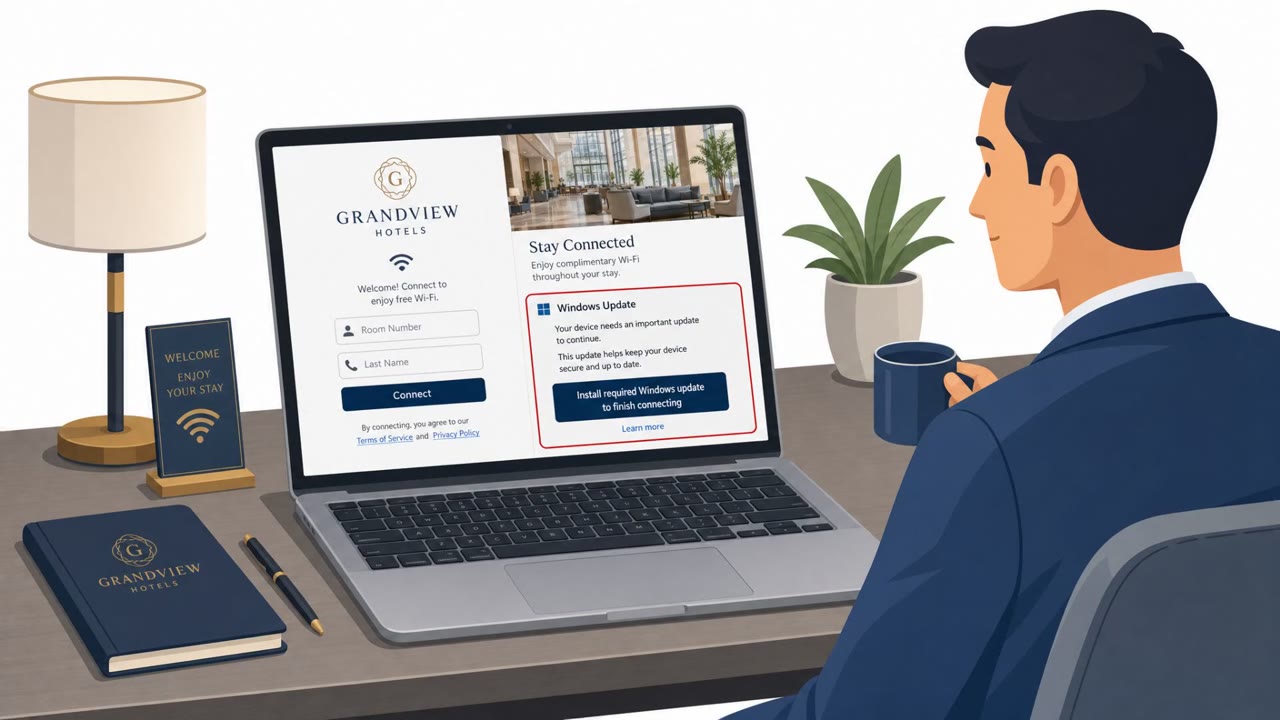
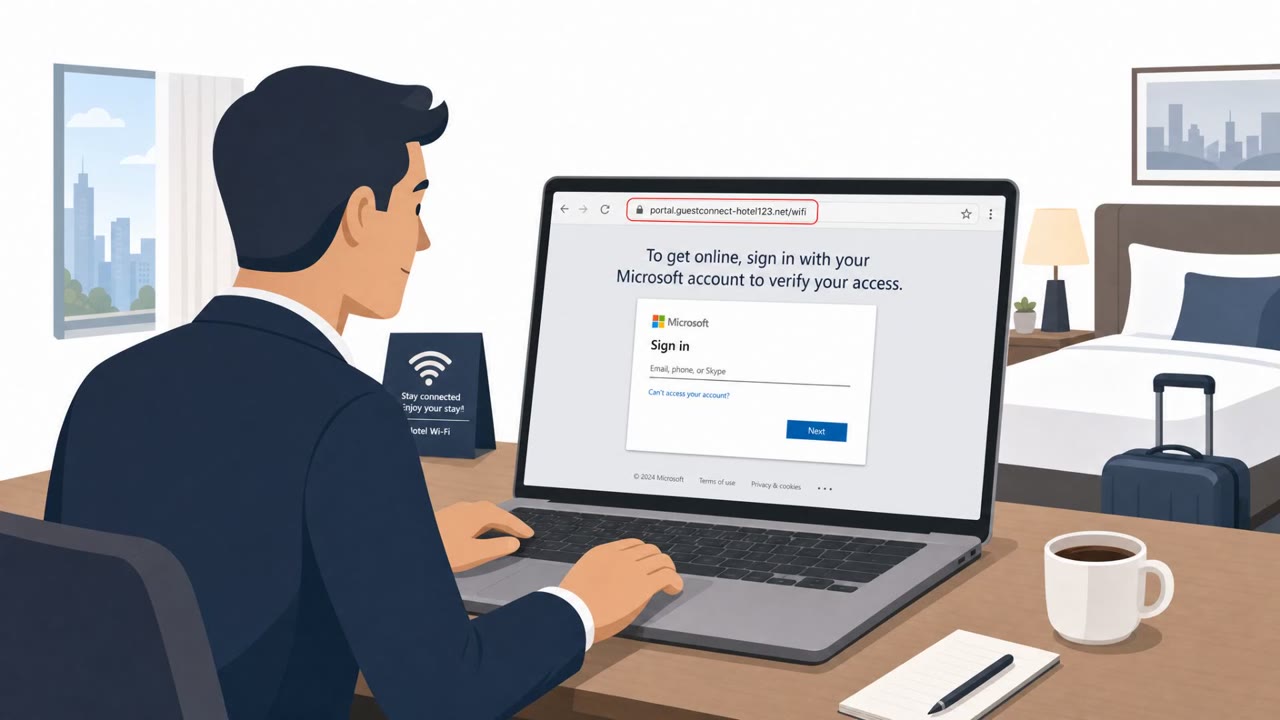
Attackers gained administrative control over hotel and venue captive-portal gateways and used that access to forge DNS answers. When a traveler's laptop performed its normal automatic connectivity check after joining hotel Wi-Fi, the forged DNS response redirected the device to a fake browser or operating system update page instead of the real internet. From there, the campaign, tracked as CaptiveCrunch, used several follow-on tactics: prompting victims to download and run a fake update installer, presenting ClickFix-style instructions that told users to open a terminal or Windows utility and run an attacker-supplied command, and in some cases redirecting guests into Microsoft's legitimate device code authentication flow.
Why it succeeded
The attack did not rely on silent exploitation. The gateway controlled where the user was sent, but the victim still had to download or execute the payload themselves. This worked because travelers expect to see update prompts, login screens, or troubleshooting steps when joining unfamiliar hotel networks, and they are primed to comply quickly to get online. The device code abuse was especially effective because the login page shown to the victim was Microsoft's real sign-in page, entering the attacker-supplied code there granted an attacker-controlled session that was already MFA-satisfied.
What to watch for
- An unexpected update prompt appearing immediately after joining hotel Wi-Fi, especially one served by the captive portal itself rather than the operating system or browser vendor
- Instructions asking you to open Terminal, PowerShell, or another Windows utility and paste in a command just to "fix" connectivity or install an update
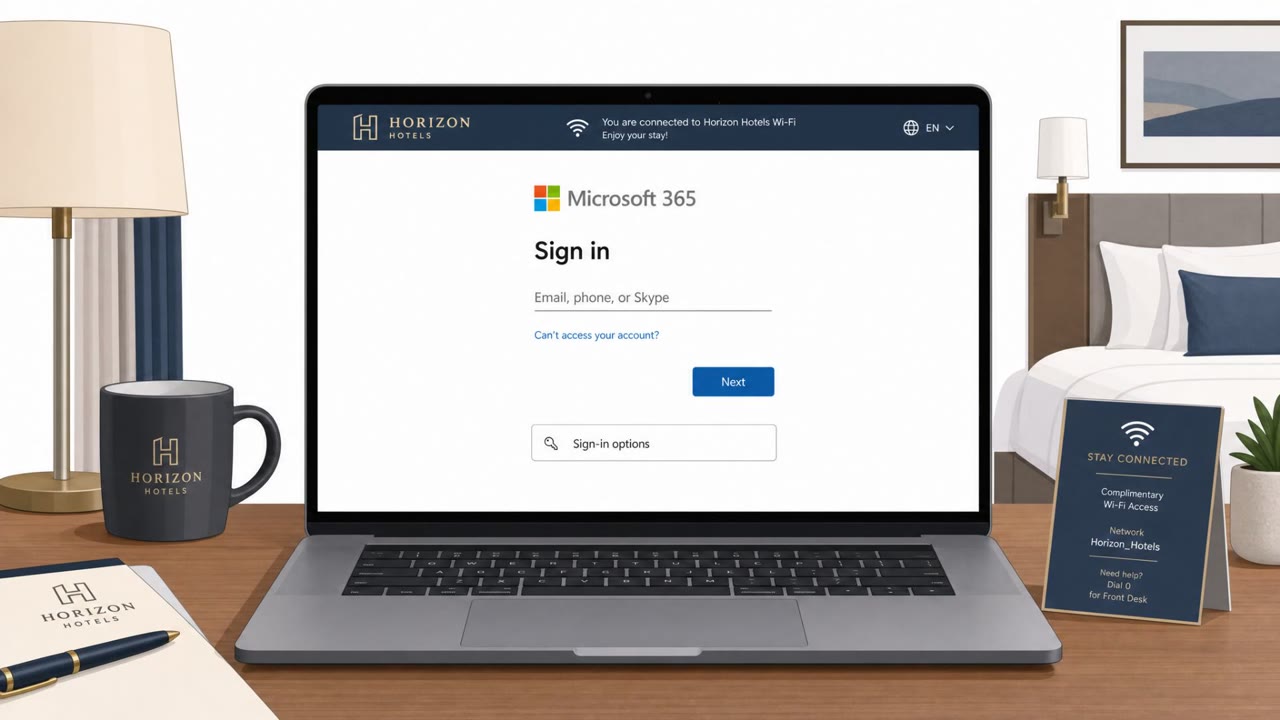
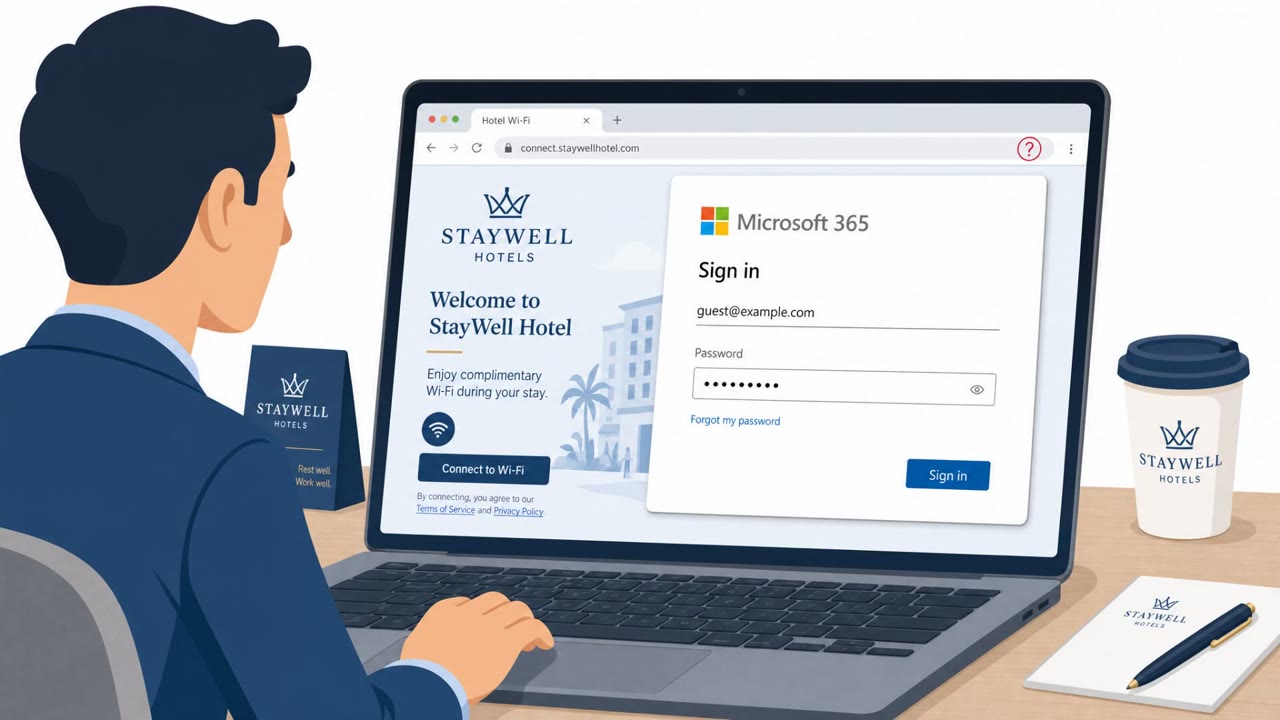
- Being asked to enter a device code to get internet access, particularly if the request comes from a Wi-Fi login page rather than your own corporate device or app
- Any troubleshooting tool, certificate, or security utility offered through a public Wi-Fi login screen
How to build resistance
Organizations should train traveling employees, executives, sales staff, and other Microsoft 365 users to treat captive-portal prompts for updates, certificates, or troubleshooting tools as suspicious and to never install software just to get online. Staff should also be taught to pause and verify with IT before entering any device code or approving an authentication flow triggered by a public Wi-Fi login page. On the technical side, using an always-on, full-tunnel corporate VPN sends DNS queries through corporate resolvers before a venue's gateway can respond, reducing the window for this kind of redirection. Conditional Access policies that restrict device code flows where they are not needed can also limit the impact of this technique. Because this campaign targets hospitality networks and business travelers across multiple countries, awareness training focused specifically on public Wi-Fi behavior is a practical way to reduce exposure.
Key findings
- Attackers with admin control of captive-portal gateways forged DNS answers to redirect victims to fake update pages.
- Victims were tricked into manual execution (ClickFix-style) rather than being silently exploited: the user had to download or run the payload.
- Campaign targeted hospitality networks in multiple countries and focused on travelers.
- Some landing pages redirected victims into Microsoft’s device code authentication flow, where entering an attacker-provided code could grant MFA-satisfied access.
- Malware referenced includes CornFlake (RAT capabilities like webcam/mic/keystroke capture) and ChocoShell (token-stealing via PowerShell).
Who’s being targeted
- Commonly targeted roles: All employees who travel, Executives, Sales and field teams, Microsoft 365 users, IT/Helpdesk (for traveler guidance).
- Affected industries: Hospitality (hotels, venues with captive portals), Travel (business travelers), Any corporate users connecting from public Wi‑Fi.
- Attack channels: website.
- Impersonated: Browser/Operating System update prompt (served via hotel captive portal), Captive portal “support” / update instructions, Microsoft sign-in / device code authentication (abused).
Red flags to watch for
- Unexpected update prompt appears immediately after joining hotel Wi‑Fi/captive portal
- Update is offered by the Wi‑Fi login page instead of the official vendor update mechanism
- User is asked to install software just to get internet access
- Portal asks you to open Terminal/PowerShell/Windows utilities for a “browser update”
- Copy/paste command execution is requested from a web page
- Fix/update steps are presented by the Wi‑Fi login system rather than IT or the software vendor
- Being asked to enter a device code from a Wi‑Fi portal to access the internet
- Login flow initiated unexpectedly right after joining public Wi‑Fi
- A code is provided by a third-party page (captive portal) rather than your corporate app/device
Frequently asked questions
What is the CaptiveCrunch attack?
CaptiveCrunch is a campaign where attackers with admin control of hotel captive-portal gateways forged DNS answers to redirect travelers to fake browser or OS update pages, tricking them into installing malware.
How does the fake update trick actually infect a device?
The gateway only controls where a user is redirected, it does not silently infect the endpoint. The victim still has to download or manually execute the payload, sometimes through ClickFix-style instructions to run a command in a terminal or Windows utility.
Why is the Microsoft device code redirect dangerous?
Some captive portal pages push guests into Microsoft's legitimate device code authentication flow. Entering the attacker-supplied code on Microsoft's real sign-in page can grant the attacker an MFA-satisfied session.
How can travelers protect themselves on hotel Wi-Fi?
Reject any software updates, certificates, or troubleshooting tools offered through a captive portal, and use an always-on full-tunnel VPN so DNS queries route through corporate resolvers before the hotel gateway can respond.
Read the video transcript
You connect to hotel Wi‑Fi and boom, before the internet loads, a page says: “Browser update required to go online.” In the CaptiveCrunch campaign, hijacked hotel gateways redirected laptops’ connectivity checks to fake browser or OS update pages, pushing spyware like CornFlake and ChocoShell, only if you downloaded or ran their installer. Some pages even used ClickFix-style steps: 'Open PowerShell and paste this command,' or pushed you into a Microsoft device code sign-in where entering their code quietly gave them MFA-approved access. Aha moment: hotel Wi‑Fi should never make you install software or run commands. If a captive portal offers an update or fix, stop, and get online through your full‑tunnel corporate VPN instead.