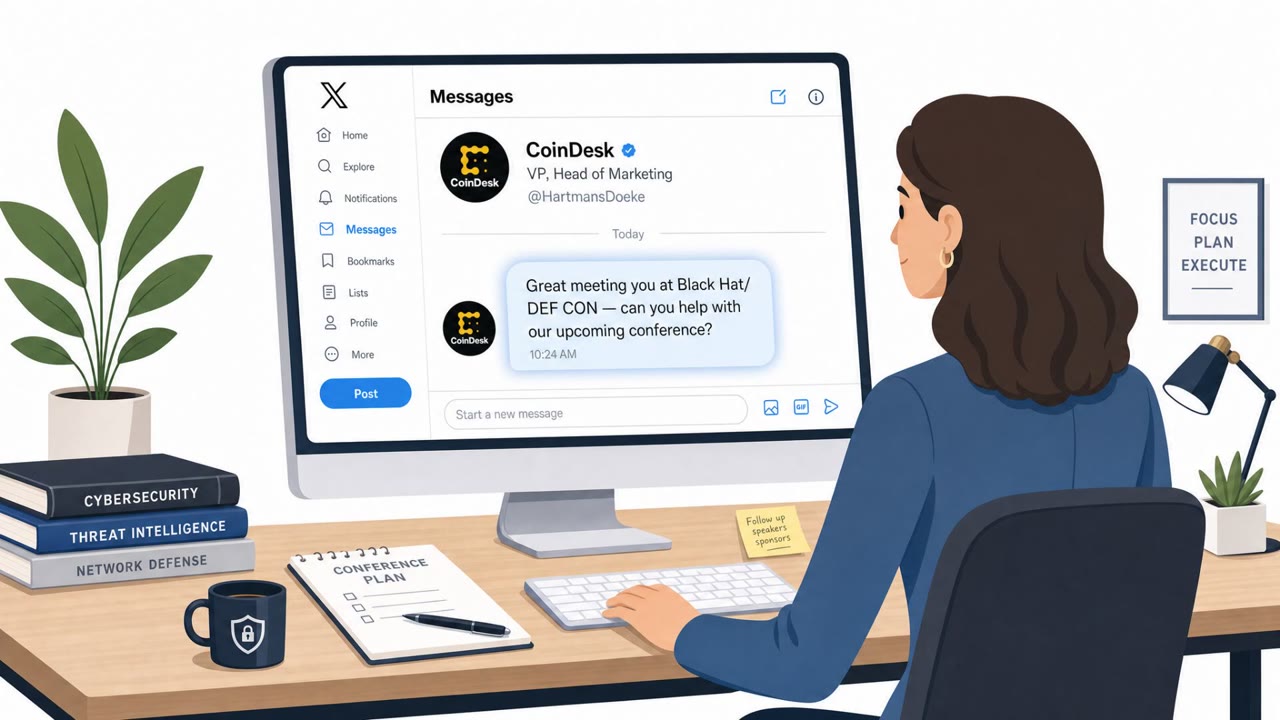
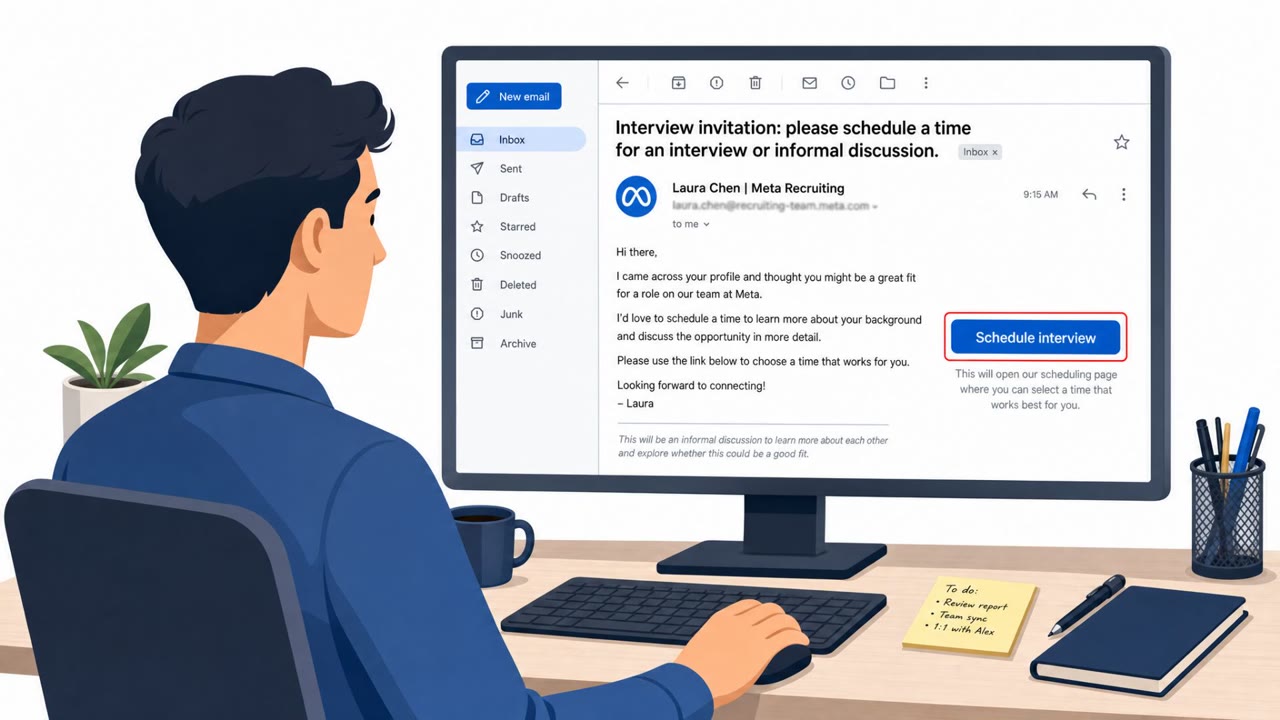
The article describes multiple real-world suspected social engineering attempts that begin with friendly LinkedIn messages and quickly move to an off-platform meeting invite (often via Calendly). On the video call, the attacker refuses to turn on camera, uses a personal email address, asks the target to share their screen, and ultimately appears to aim at sending fraudulent links that push the victim to install software or run code.
How the Attack Worked
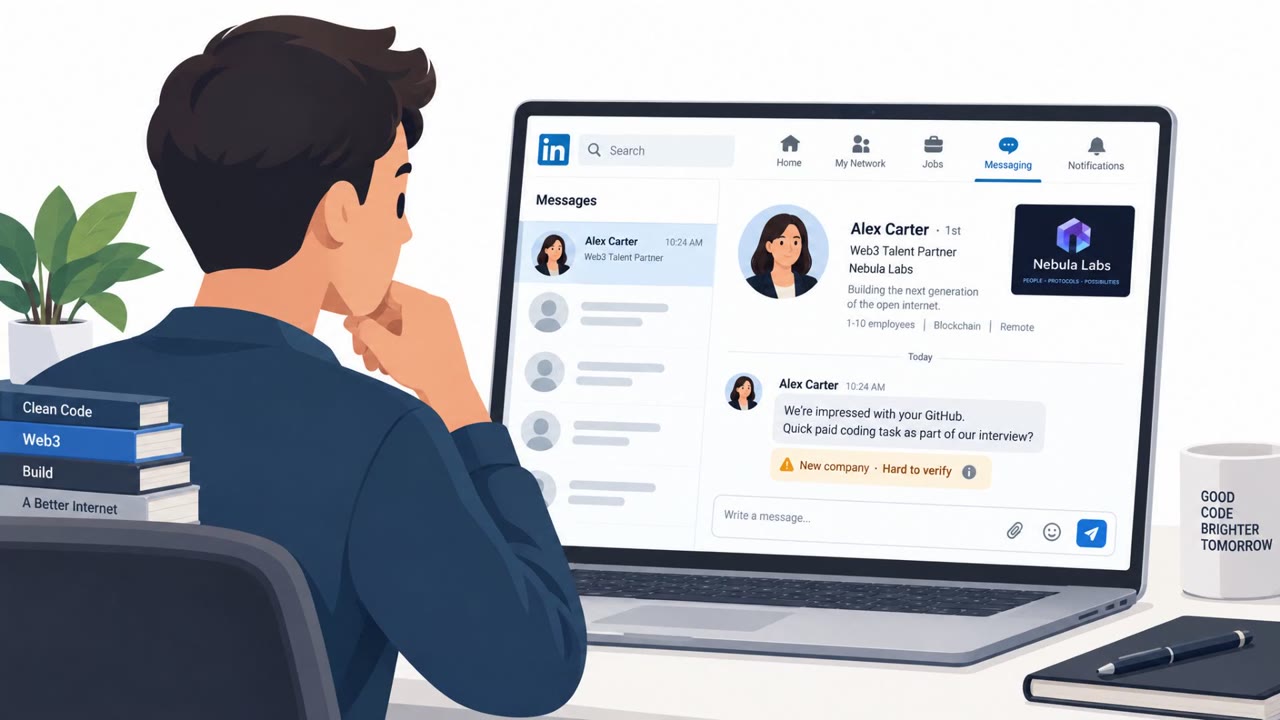
This attack breakdown describes a pattern observed across four suspected social engineering attempts, all starting with a friendly LinkedIn message. The conversation feels professional and legitimate at first, which lowers the target's guard. From there, the attacker moves quickly to schedule a meeting, often using a scheduling platform such as Calendly, shifting the interaction off LinkedIn and into a video call.
Once on the call, several suspicious behaviors emerge. The caller frequently refuses to turn on their camera, claiming unspecified technical issues. Communication often comes from a personal email address, such as Gmail, rather than a corporate domain. The attacker then asks the target to share their screen, but when asked to reciprocate, they decline, again citing technical problems. The suspected end goal is to direct the victim to fraudulent websites and encourage them to install code or software.
Why It Succeeded
The approach works because it exploits trust built through a familiar platform. LinkedIn is widely used for legitimate professional networking, so an incoming message does not immediately trigger suspicion. Excessive praise and flattery during the conversation can further disarm the target before the request to move off-platform is made. By the time screen sharing or a link is requested, the target has already invested time in what feels like a normal business interaction.
What to Watch For
- A new LinkedIn contact who quickly pushes for an off-platform meeting
- Meeting invitations sent through scheduling tools like Calendly from unfamiliar contacts
- A caller who refuses to enable their camera and cites technical issues
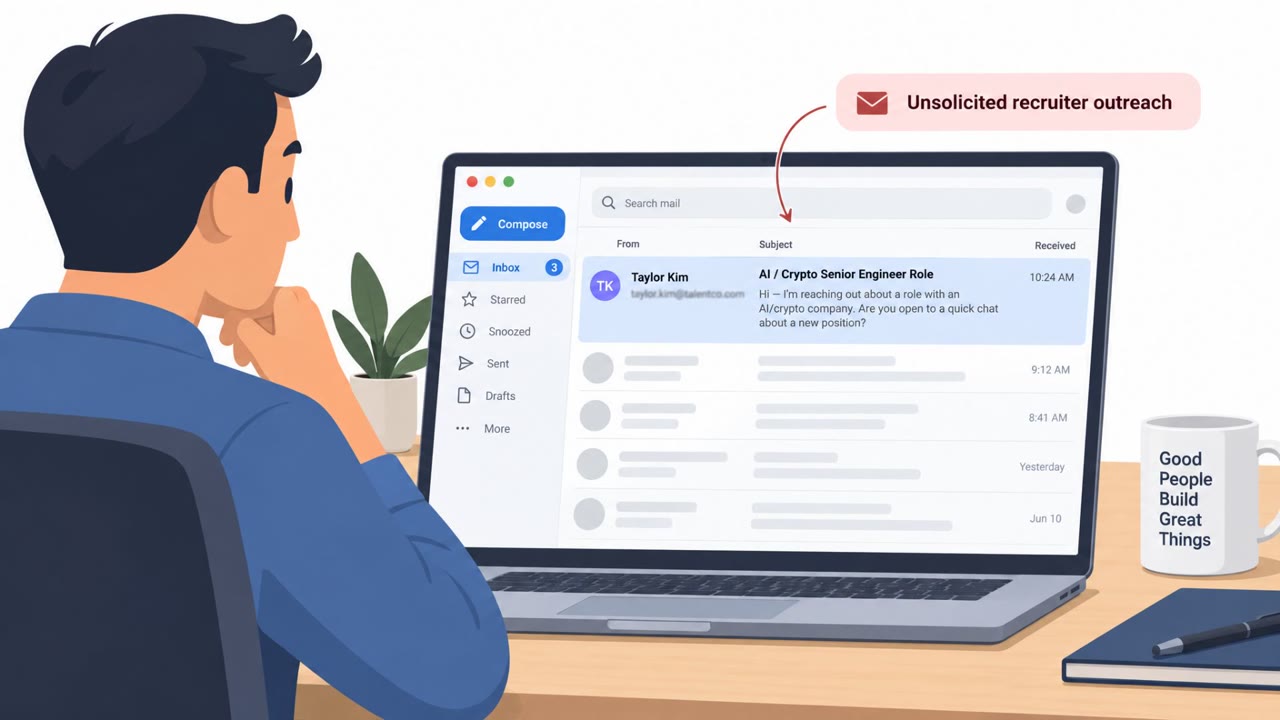
- Communication coming from a personal email address instead of a corporate domain
- A request to share your screen while the caller avoids sharing theirs
- Links that lead to installing software or running code
When one target confronted the caller about a suspicious website, the caller ended the meeting immediately, a behavior worth noting as a possible confirmation signal.
Building Resistance
- Treat unsolicited LinkedIn contacts who push for off-platform meetings with extra caution and verify their identity first
- Avoid screen-sharing with unknown or unverified contacts, especially if they will not reciprocate
- Insist on corporate communication channels for any business-related request rather than personal email
- Never install software or run code from links shared by new or unverified contacts, regardless of how friendly the conversation seems
- Report suspicious LinkedIn outreach that follows this chat, meeting invite, screen-share pattern to your security team
Key findings
- The author observed 'four cases' of suspected social engineering initiated through LinkedIn messaging.
- The attacker workflow described is: LinkedIn chat → meeting invite (often Calendly) → video call.
- On calls, attackers may refuse camera, use personal email (e.g., Gmail), and request screen sharing.
- The suspected end goal is to send victims to fraudulent websites and push them to install software or code.
- When confronted about the websites being fraudulent, the caller ended the meeting immediately.
Who’s being targeted
- Commonly targeted roles: All employees active on LinkedIn, Executives, Engineering, IT, Security, Recruiting, Sales.
- Affected industries: Technology, Professional services, Any LinkedIn-active business functions (recruiting, sales, engineering, security).
- Attack channels: linkedin, website, email, vishing.
- Impersonated: Unspecified LinkedIn professional contact (appearing legitimate), Unspecified contact using a personal email account.
Red flags to watch for
- Moves the conversation off-platform quickly (meeting/link sharing)
- Pushes a link to a website that is fraudulent
- Attempts to get you to install software or run code
- Uses a personal email address instead of a corporate domain
- Refuses to turn on camera and claims technical issues
- Requests screen sharing but won’t share their own screen
Frequently asked questions
How does the LinkedIn to screen-share scam start?
It begins with a seemingly legitimate professional conversation on LinkedIn that transitions off-platform, often through a Calendly meeting invitation.
What happens during the video call in this attack?
The attacker typically refuses to turn on their camera citing technical issues, communicates from a personal email like Gmail instead of a corporate domain, and asks the target to share their screen.
What is the attacker's end goal?
The suspected end goal is to send the victim fraudulent website links and encourage them to install code or software.
How many cases were observed?
The author reported being made aware of four cases of suspected social engineering attempts initiated through LinkedIn messaging.
Read the video transcript
Over just two weeks, four people here got the same sketchy pattern from LinkedIn “leads.” It starts as a normal LinkedIn chat, then they rush you to a Calendly link, and suddenly you’re on a video call with a blank screen and a Gmail address asking you to share your screen. The playbook: get your screen, drop a link to a fake website, then pressure you to install software or run code. One target called out the site as fraudulent, the caller hung up instantly. Your move: if a new LinkedIn contact pushes you to a call and asks you to share your screen, stop and end the meeting, then report it to security.