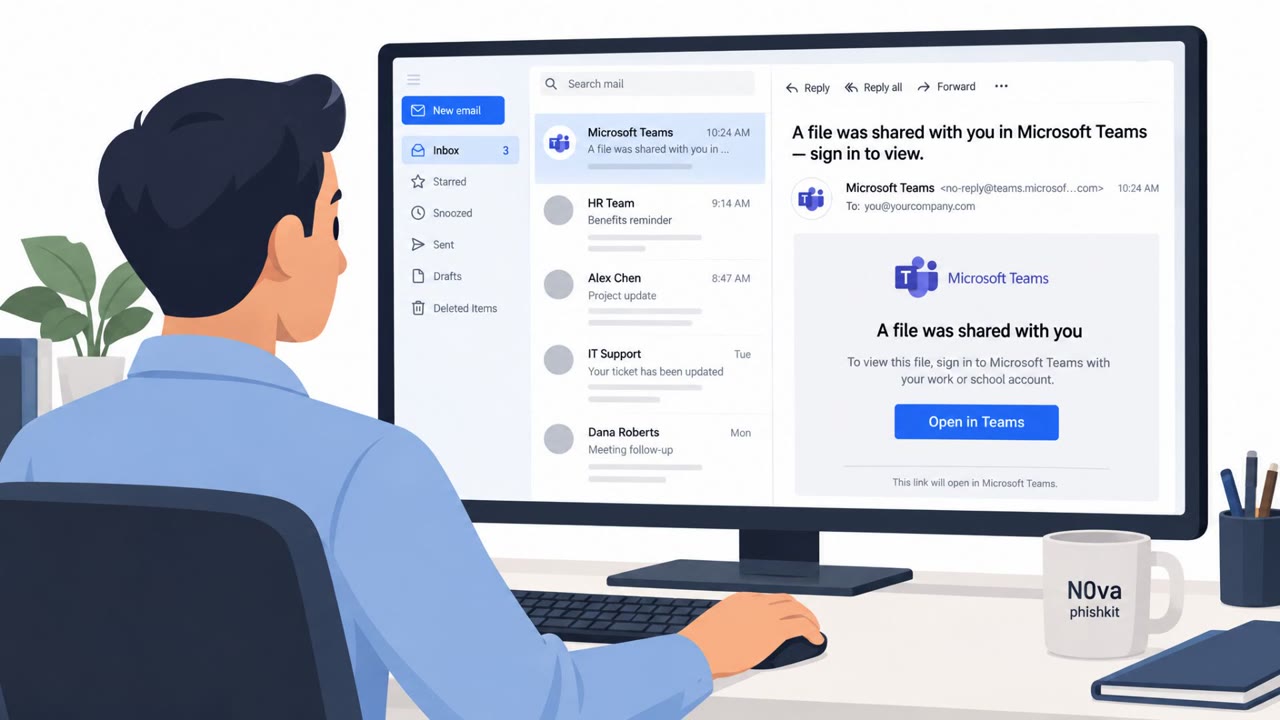
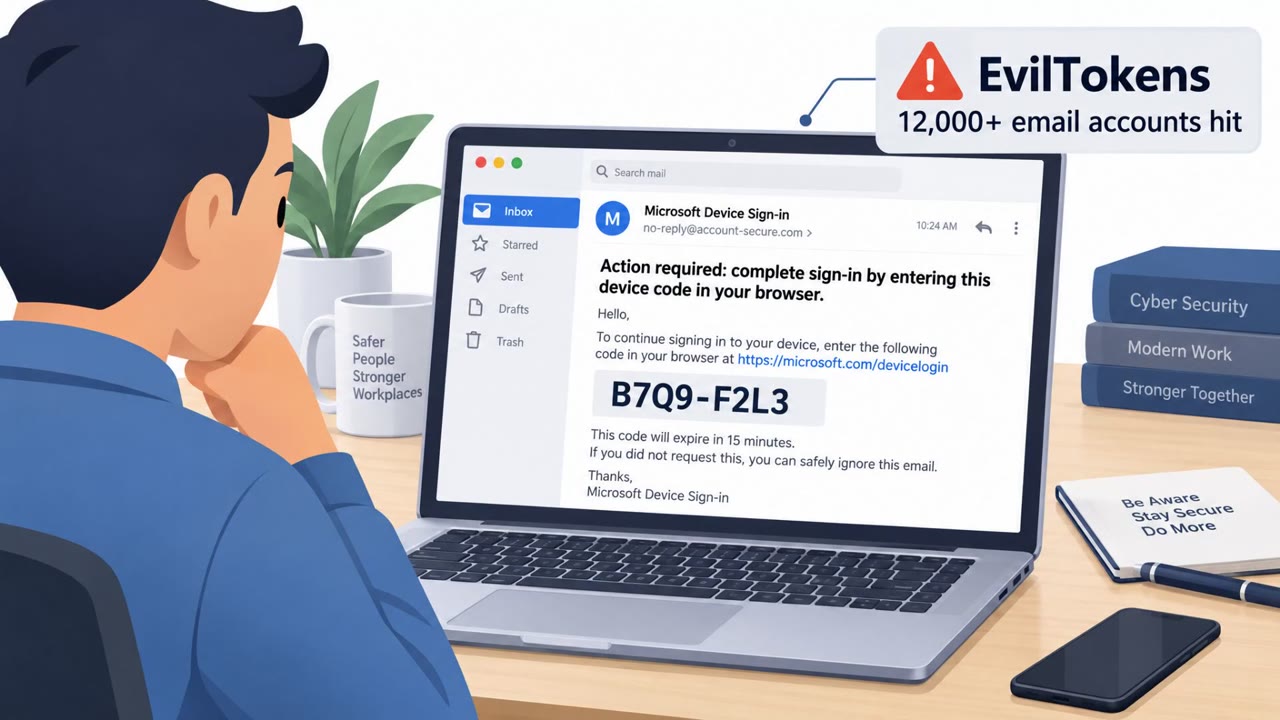
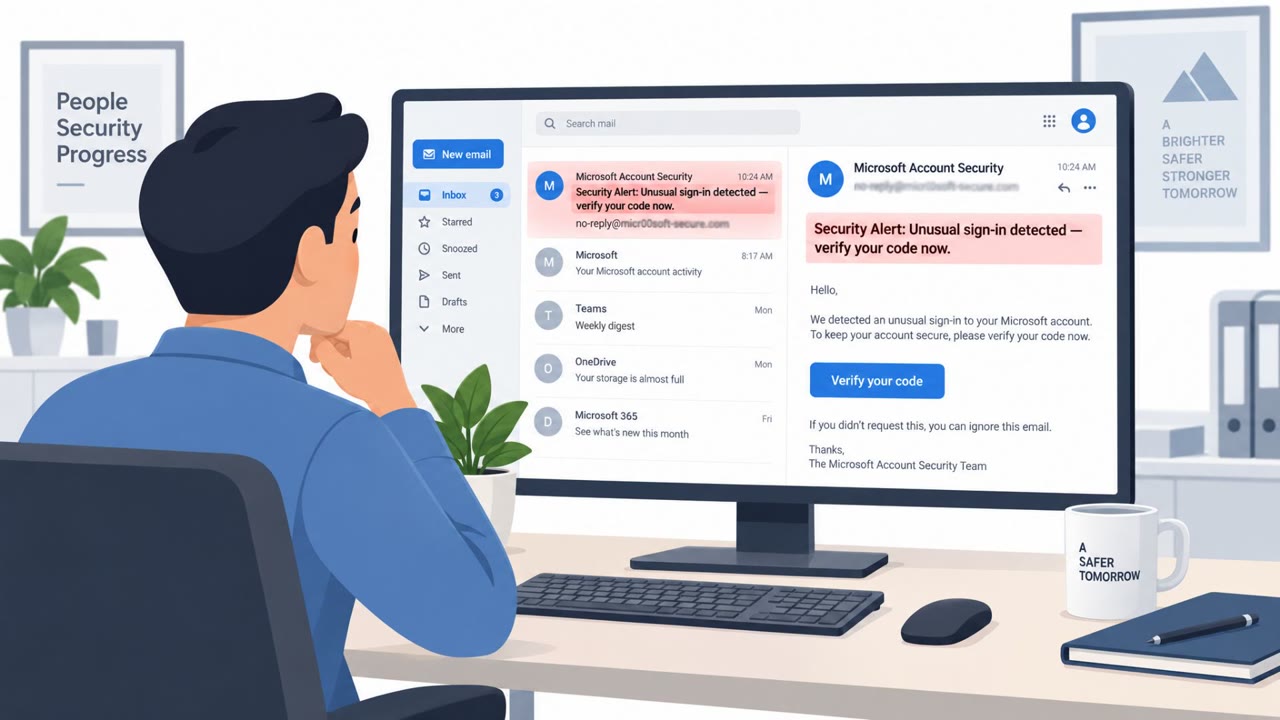
Researchers reported a real phishing operation (“N0va” phishkit) that tricks people into signing into Microsoft through a legitimate Microsoft page, but for an attacker-started session. Victims can complete MFA and still grant the attacker access and refresh tokens, letting the attacker operate as the user and potentially blend in with normal sign-ins.
Key findings
- N0va abuses Microsoft device-code authentication so a user can complete MFA on a legitimate Microsoft sign-in page while authorizing an attacker-initiated session.
- ANY.RUN observed targeting across North America and Europe, including government, technology, consulting, and healthcare organizations.
- Lures impersonated common enterprise services (e.g., Microsoft Security/Teams/SharePoint/OneDrive, DocuSign, Google Drive, Dropbox, Zoom, Adobe Sign).
- Infrastructure was hosted via compromised legitimate websites and services like Cloudflare Workers and Linode Object Storage.
- Microsoft guidance emphasizes restricting or blocking device-code flow and monitoring suspicious authentication and token activity.
Who’s being targeted
- Commonly targeted roles: All employees, Executives, IT / IAM teams, Security Operations (SOC), Helpdesk / Service Desk, Privileged administrators.
- Affected industries: Government, Technology, Consulting / Professional Services, Healthcare.
- Attack channels: email, website.
- Impersonated: Microsoft Security (or Microsoft 365 service such as Teams/SharePoint/OneDrive), Microsoft Security.
Awareness takeaways
- Teach users: a real Microsoft login page is not proof the request is safe, only approve sign-ins you personally initiated.
- Train staff to treat unexpected device-code sign-ins and unfamiliar app consent prompts as suspicious and to report them immediately.
- Reinforce that MFA success is not the end of the story, security teams must monitor token activity and post-login behavior.
- For incident response drills, include steps beyond password reset: revoke refresh tokens, force reauthentication, and review account/device changes.
Red flags to watch for
- You are asked to approve a sign-in/session you did not initiate.
- The message uses a generic “shared document/signature” urgency without context.
- Unexpected device-code style sign-in prompts or unusual authentication activity during the process.
- Security alert arrives unexpectedly and pressures immediate action.
- The sign-in is legitimate-looking, but the user didn’t start the session/request.
- Post-login behavior looks “normal” because tokens are valid (harder to spot).
Read the video transcript
You open an email: “Action required: Sign in to view the shared file.” You click, and a real Microsoft login page pops up. Here’s the trick: a N0va device-code phish started this session, not you. You can pass MFA on a genuine Microsoft page and still hand over access and refresh tokens. ANY.RUN saw this used against Microsoft Security, Teams, SharePoint, OneDrive, DocuSign, Google Drive, Dropbox, Zoom, Adobe Sign, always the same move: “Verify sign-in,” but you never started it. If a Microsoft sign-in or device-code prompt appears for a session you didn’t start, stop and report it to security immediately, MFA or not.