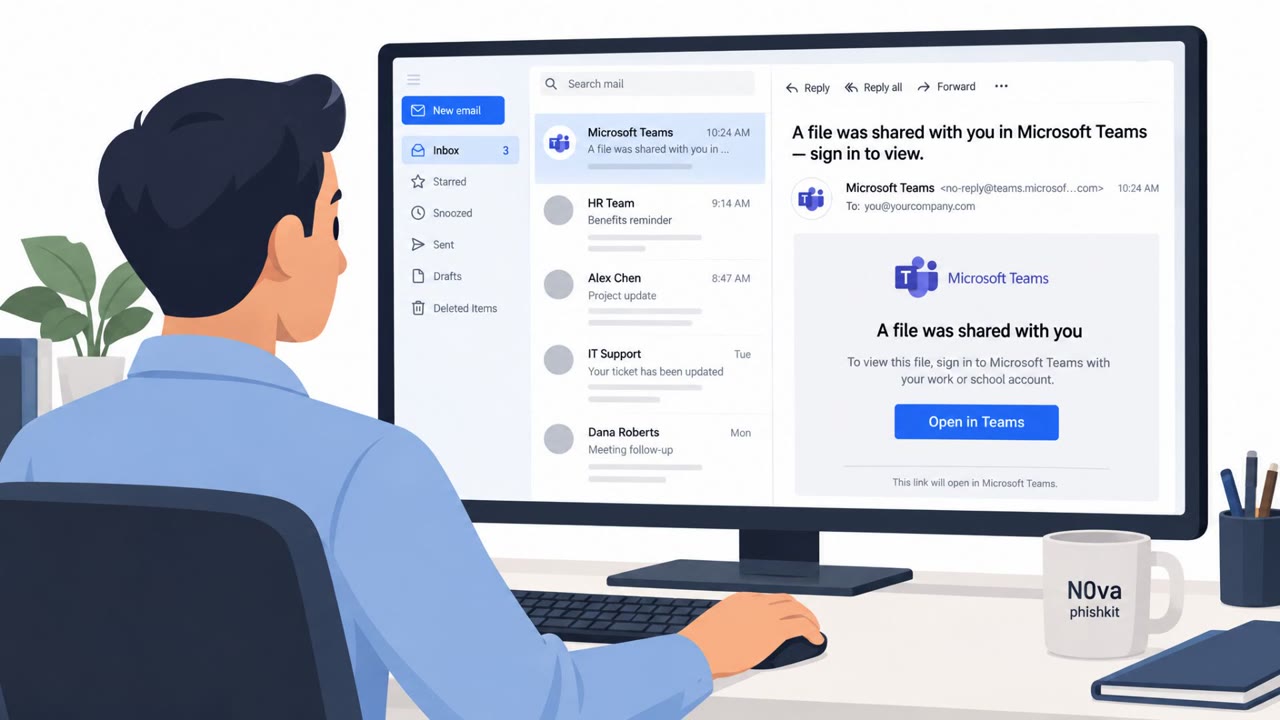
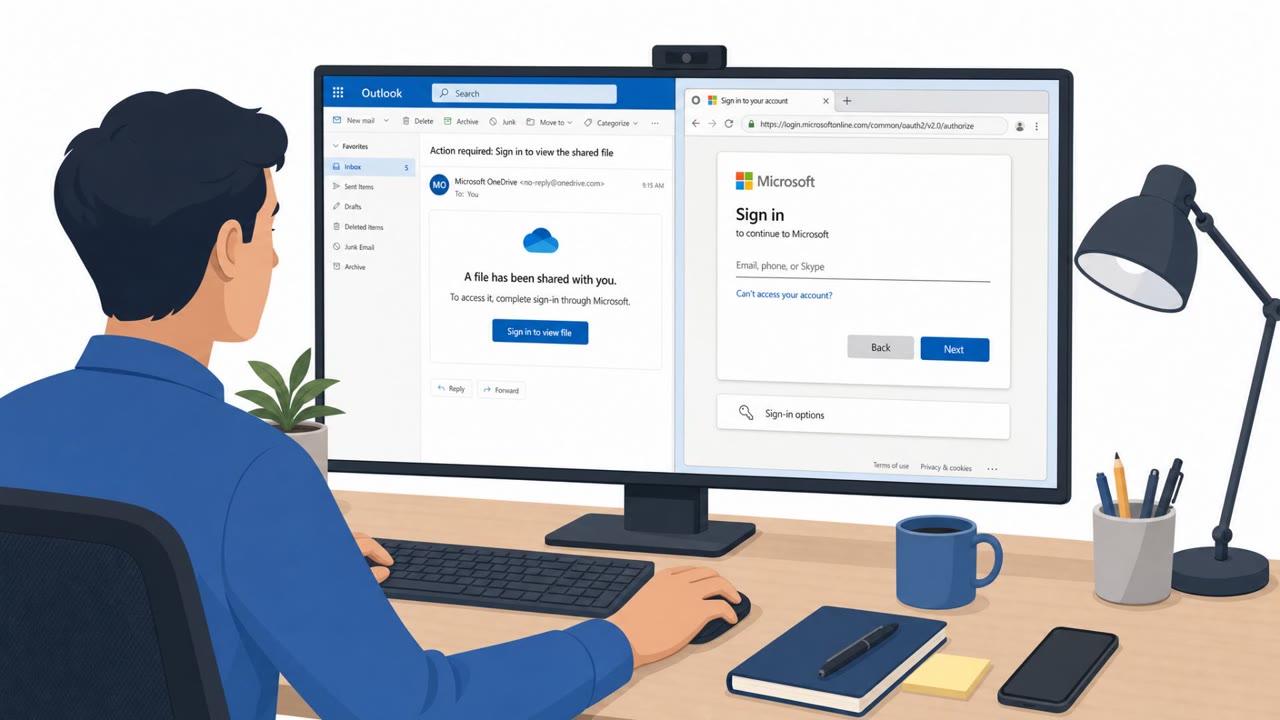
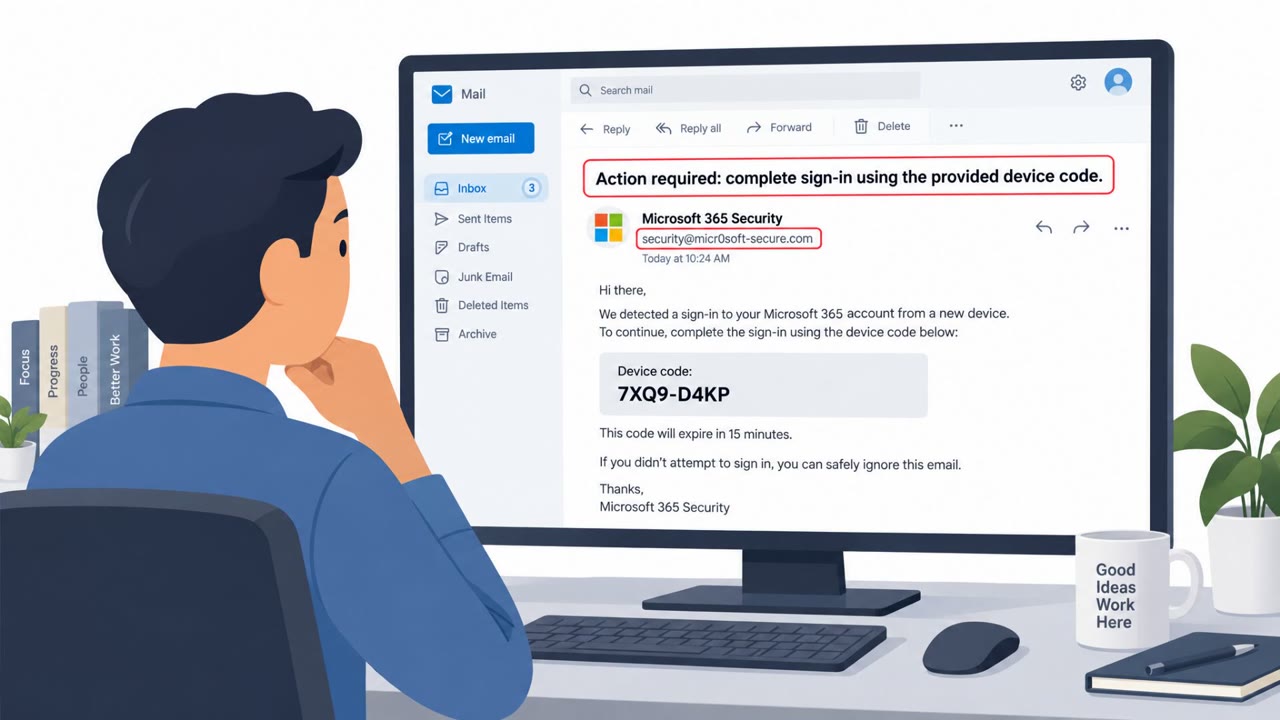
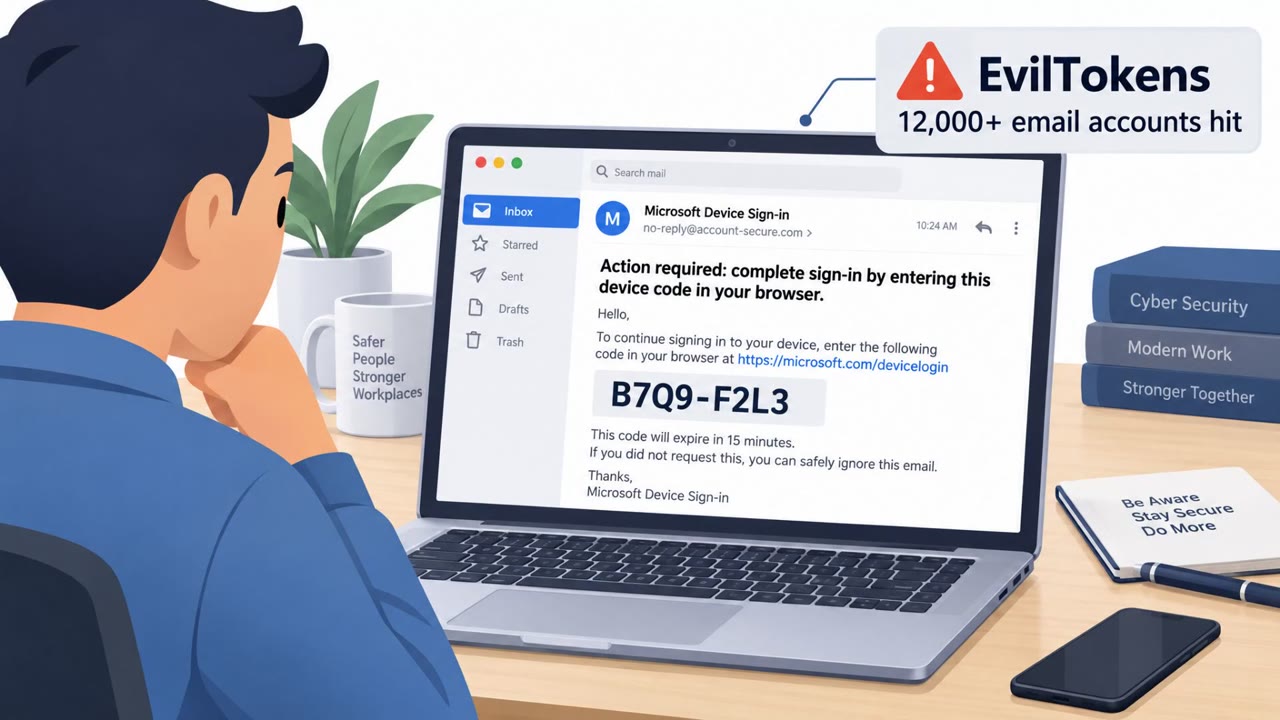
Kali365 is a phishing kit that abuses Microsoft’s real “device code” sign-in flow to trick employees into approving attacker-controlled login codes. Once a victim completes authentication on Microsoft’s legitimate page, attackers can receive access and refresh tokens that may grant ongoing access to Microsoft 365 email, files, and cloud resources.
Key findings
- Kali365 abuses Microsoft’s legitimate device login portal by having victims enter an attacker-provided device code.
- The lure commonly impersonates trusted services like SharePoint, OneDrive, or DocuSign to start the authentication flow.
- After the victim authenticates, attackers may obtain access and refresh tokens that can provide continued access to Microsoft 365 resources.
- Telemetry referenced in the article indicates frequent activity and a strong focus on U.S. organizations.
- The article highlights potential downstream impact including financial fraud (BEC/invoice manipulation), sensitive data exposure, and operational disruption.
Who’s being targeted
- Commonly targeted roles: All employees, Finance, Operations, Executive assistants, IT helpdesk / Service desk, Security operations (Tier 1 analysts).
- Affected industries: Manufacturing, Technology, Healthcare, Government, Consulting, Managed Security Service Providers (MSSPs).
- Attack channels: website.
- Impersonated: SharePoint / OneDrive / DocuSign (trusted business service) and Microsoft device login.
Awareness takeaways
- Train employees that ‘legitimate’ Microsoft login pages can still be part of a scam if they are being asked to approve or enter a code they didn’t initiate.
- Add specific guidance for SharePoint/OneDrive/DocuSign-themed lures: don’t sign in from unexpected document prompts; navigate to the service directly via a known bookmark.
- Coach staff to treat unexpected ‘device code’ requests as a high-risk sign-in and report them immediately to reduce the chance of token-based access persisting.
Red flags to watch for
- You are asked to enter a code you did not request into a login flow
- A ‘trusted’ document brand page redirects you into a device-code authentication step
- The sign-in looks legitimate because it uses Microsoft’s real page, reducing obvious phishing signals
Read the video transcript
Imagine this: you help an attacker log in to Microsoft 365… on Microsoft’s real website. Kali365 does this with a fake SharePoint or DocuSign page that says, “View document,” then sends you to Microsoft’s device login and tells you to enter a code they provide. Here’s the catch: you’re on a real Microsoft page, but it’s not your sign-in. When you enter their code and approve, you hand over access tokens to your email, OneDrive, and SharePoint. If a SharePoint, OneDrive, or DocuSign link ever tells you to enter a device code you didn’t start, stop, close it, and report it to security right away.